65% keyboards
65% keyboards keep the compact 60% footprint but add an arrow cluster and a column of nav keys. Akko 3068, KBDfans Tofu65, Keychron Q2 and more.
50 keyboards · $38–$230
A 65% is a 60% with the arrow keys put back, plus a short column of navigation keys down the right edge — around 68 keys. It costs you roughly two centimetres of desk width over a 60% and returns the key group people miss most.
If you want a compact board and have never owned one, this is the size to start with. It is also, at 12 brands and 61 boards, the most competitive category we track.
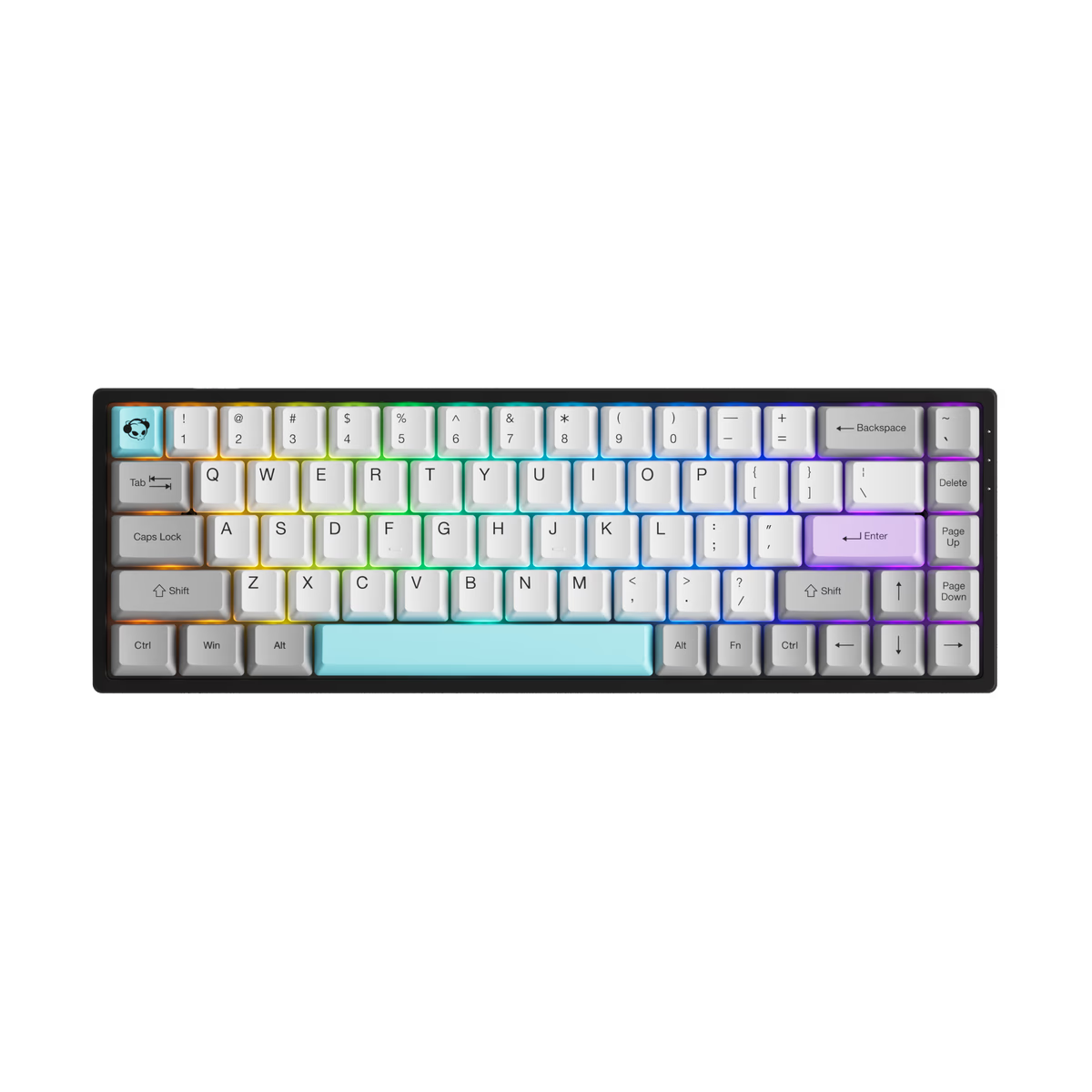
Akko
Akko 3068
from—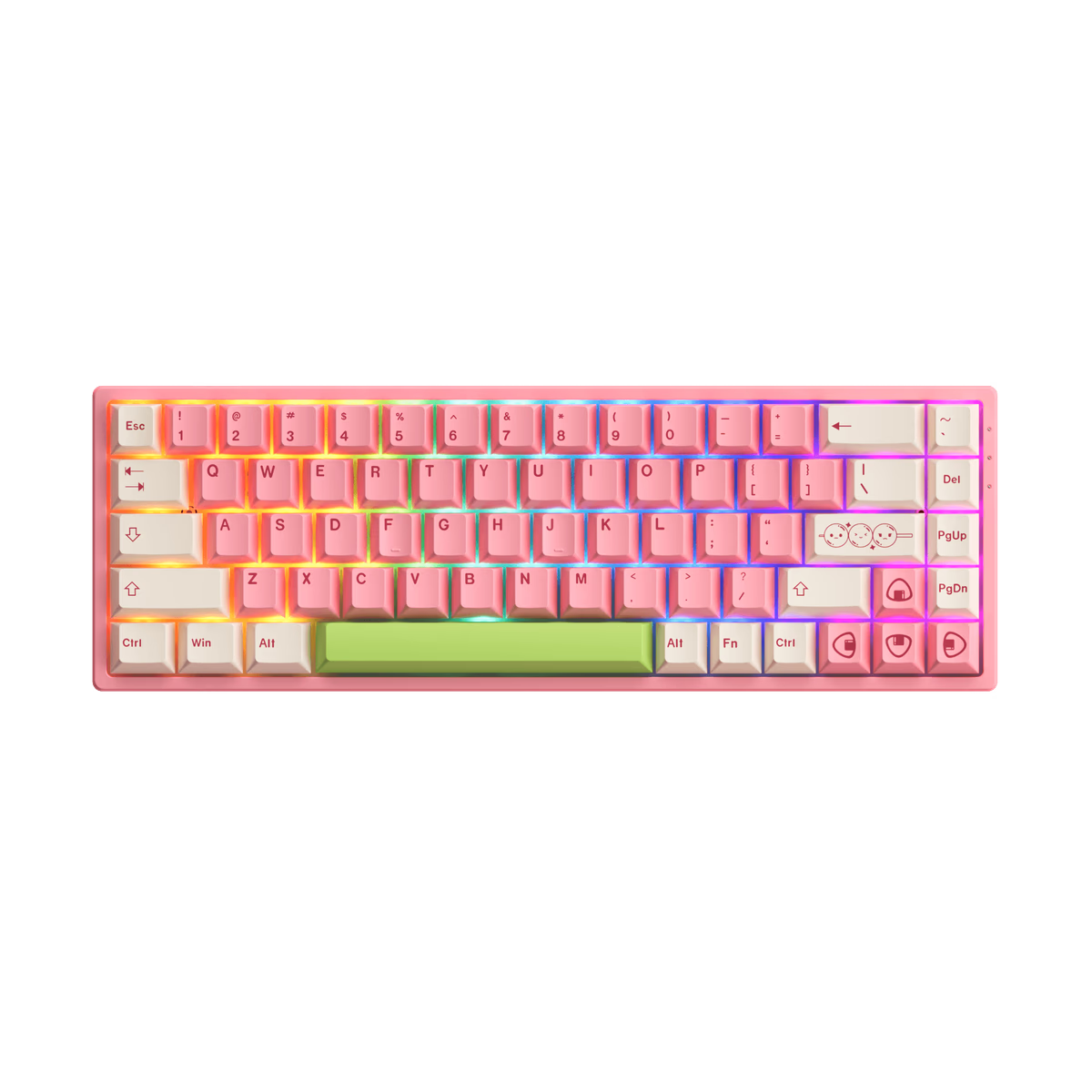
Akko
Akko 3068B
from—Akko
Akko 3068B Plus
from—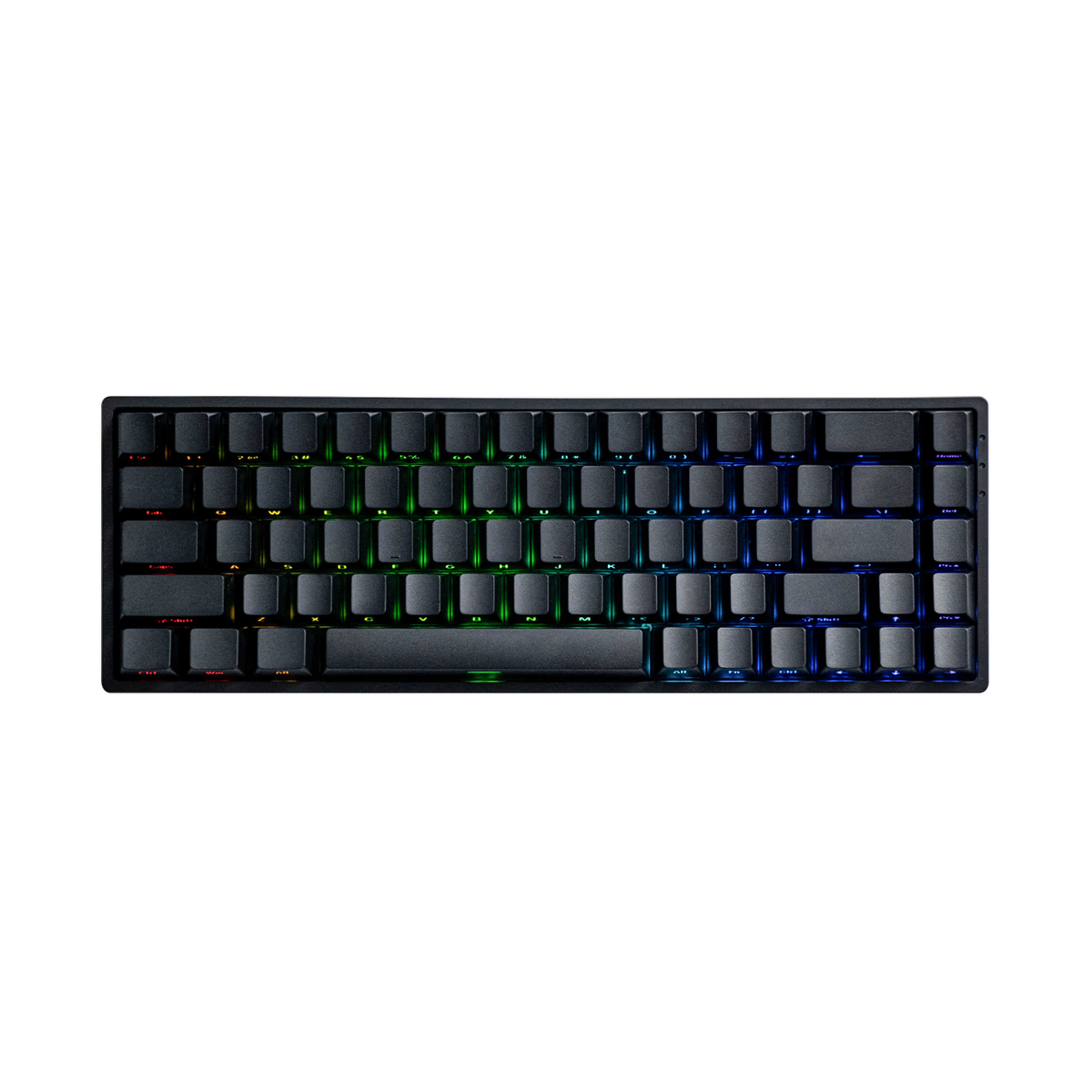
Akko
Akko FUN68 HE
from—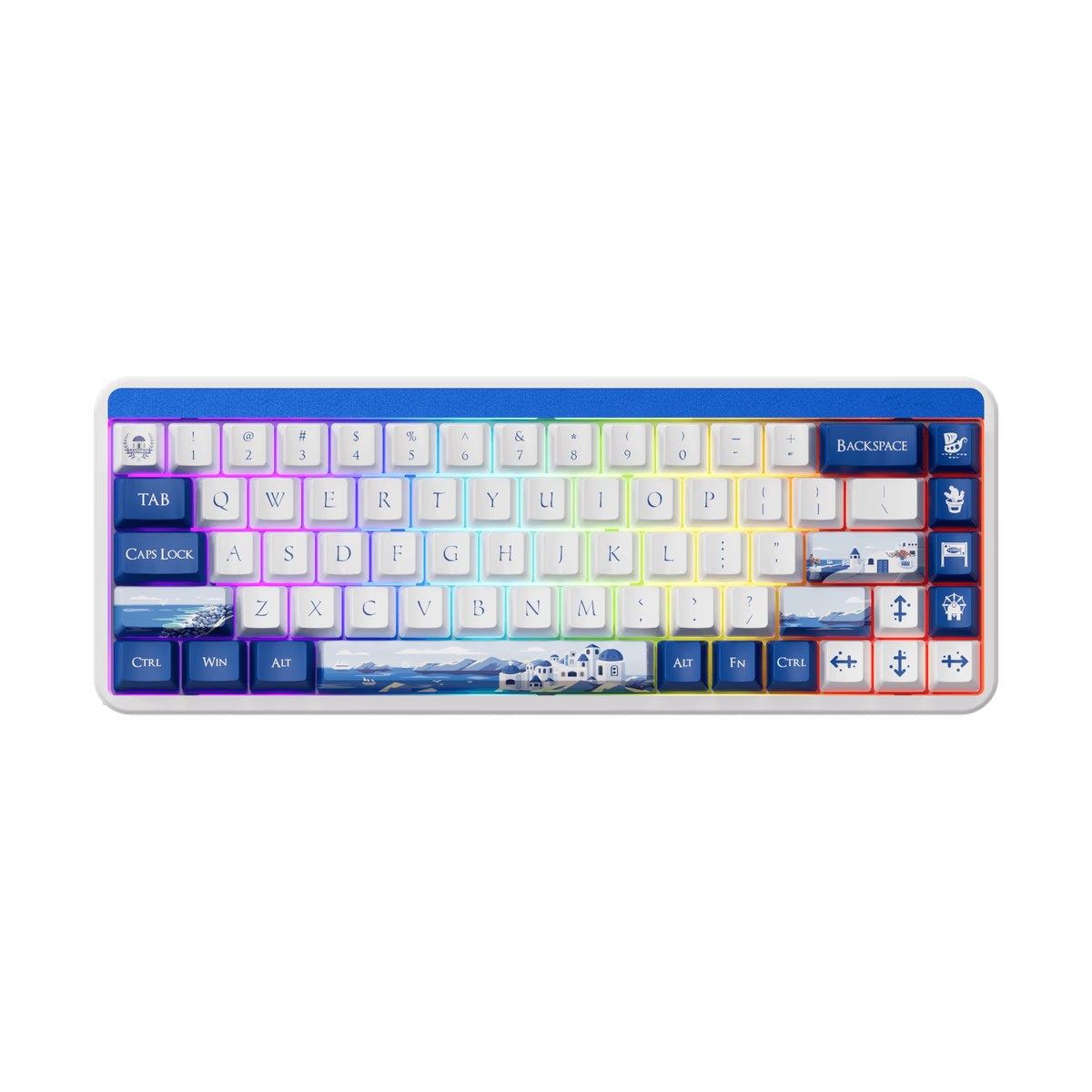
Akko
Akko JIN01
from—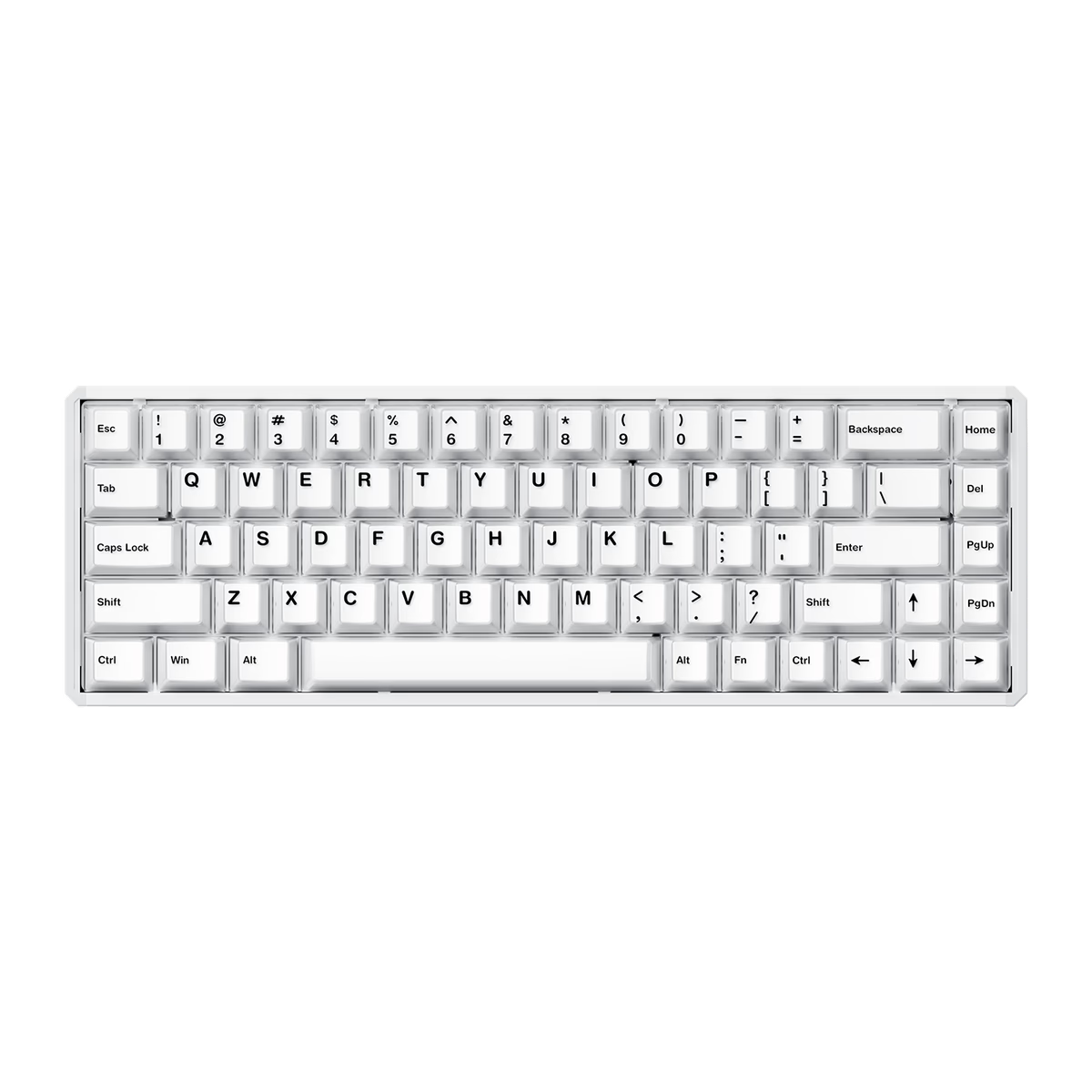
Akko
Akko MOD68 HE
from$71.99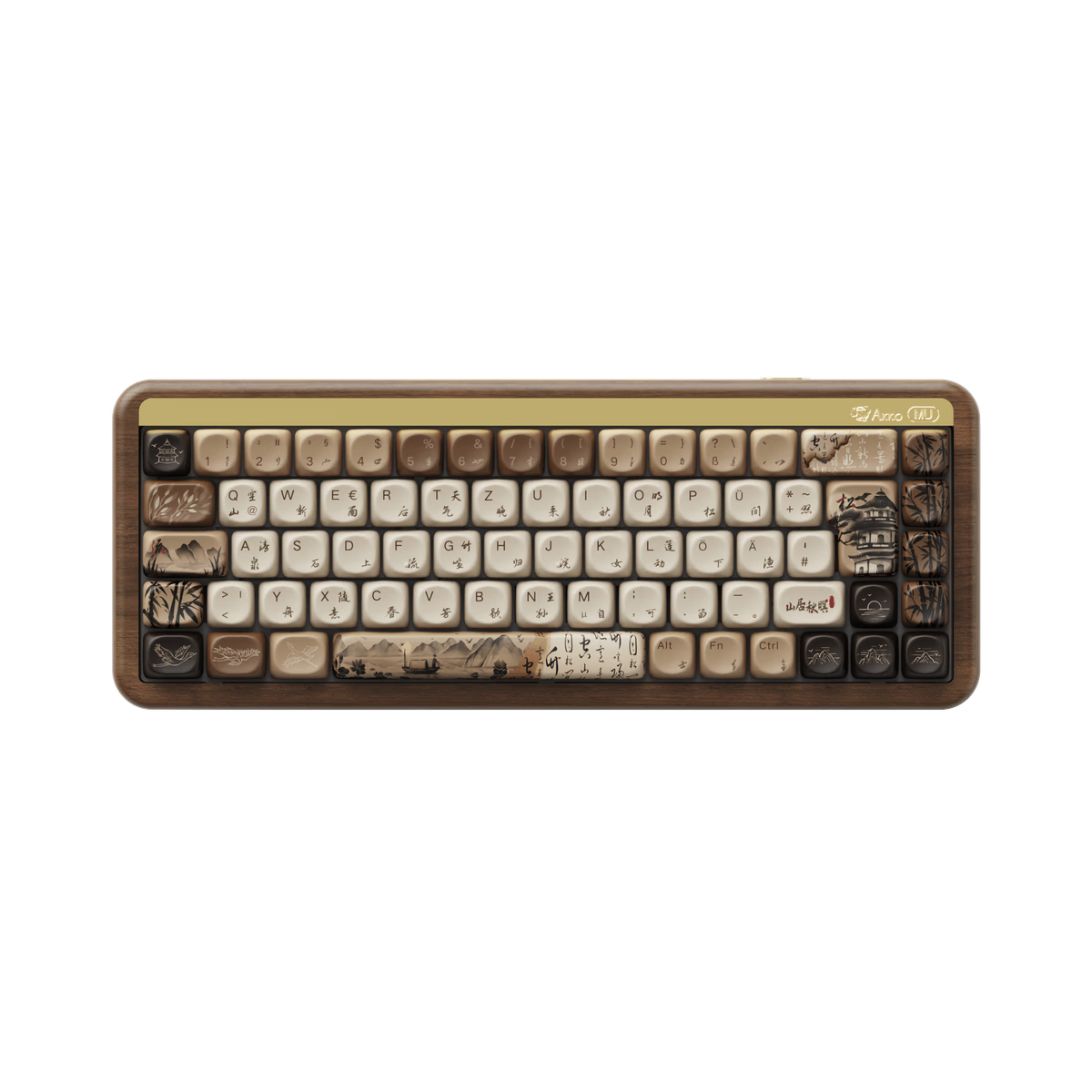
Akko
Akko MU01
from$129.99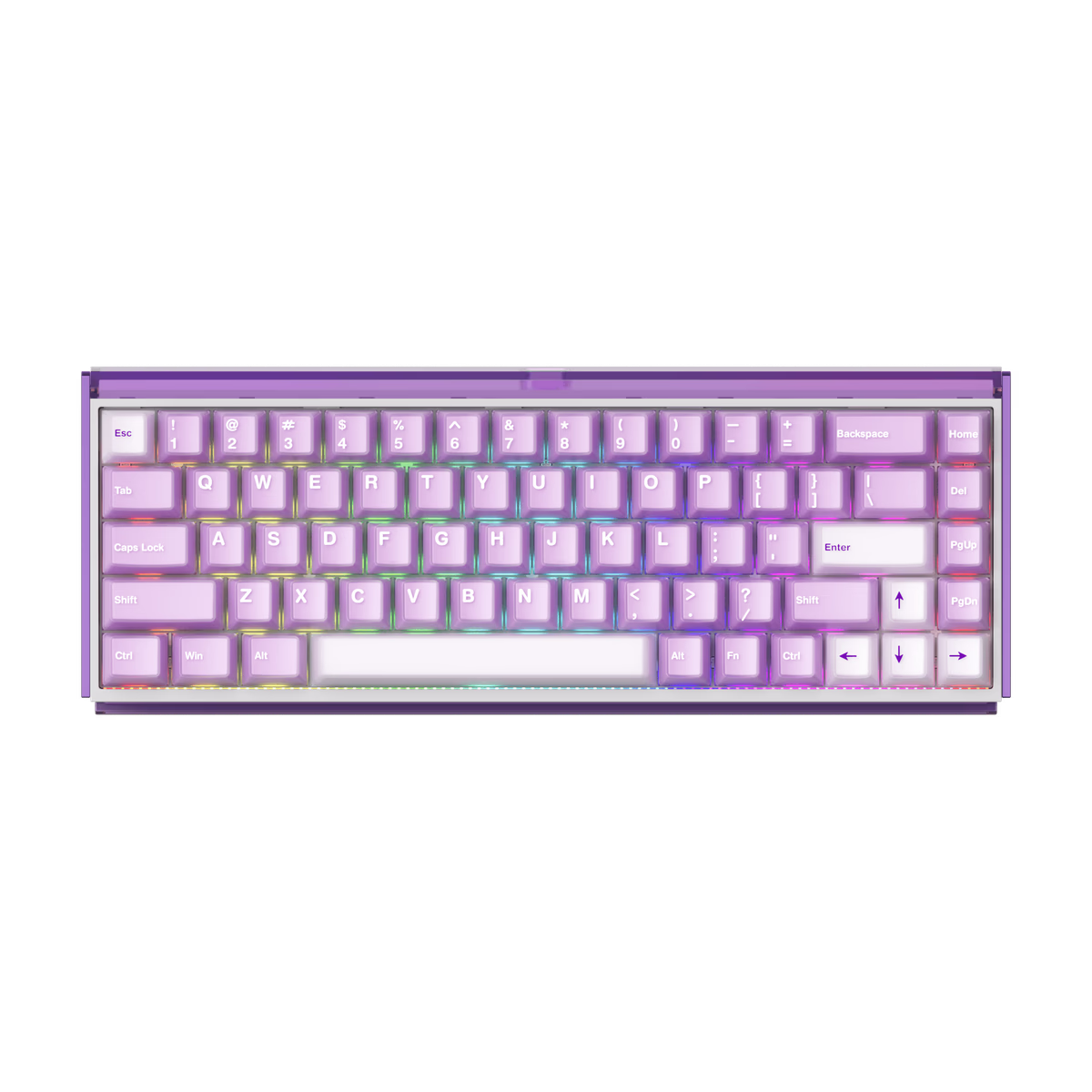
Akko
Akko RAY68 HE
from—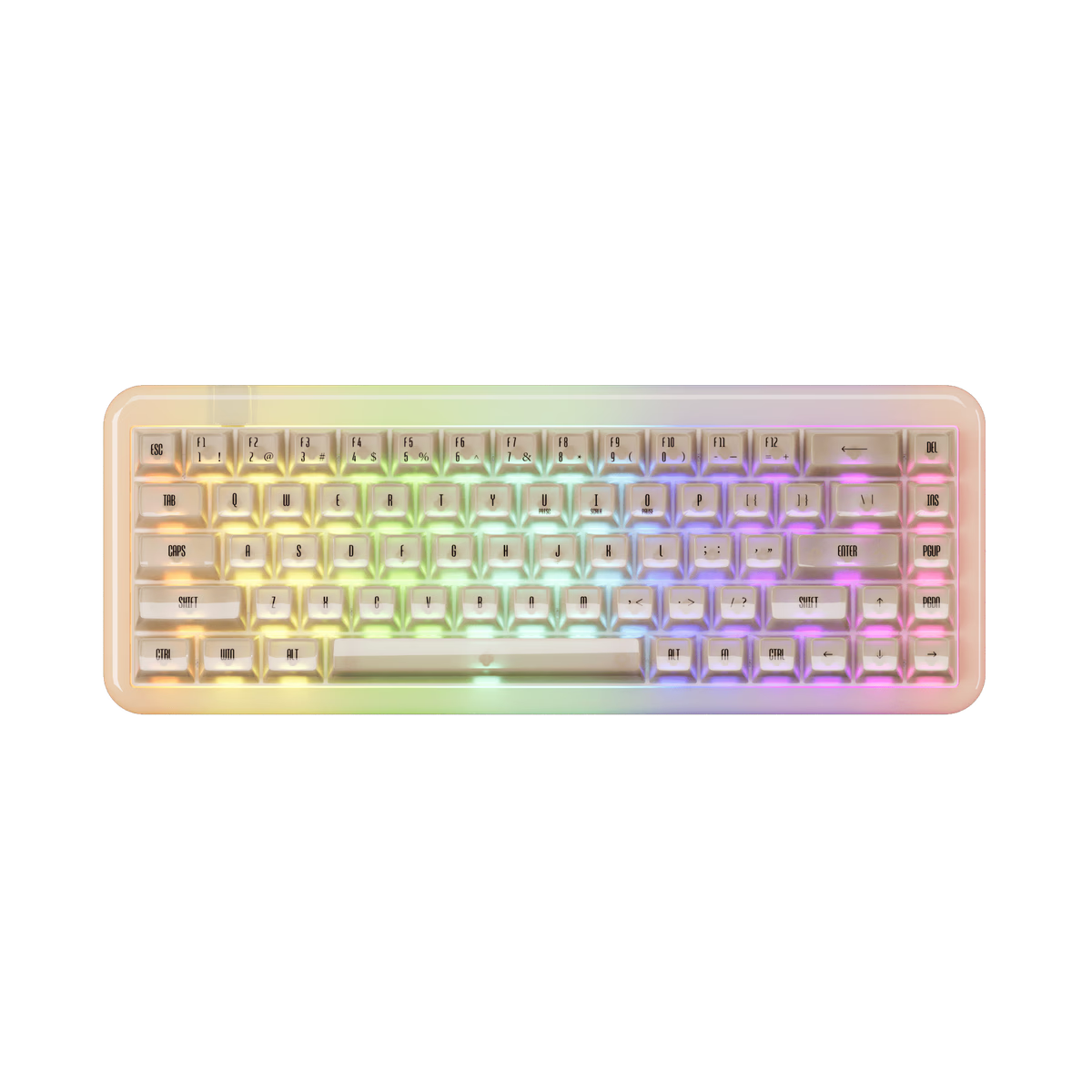
Akko
Akko YU01
from—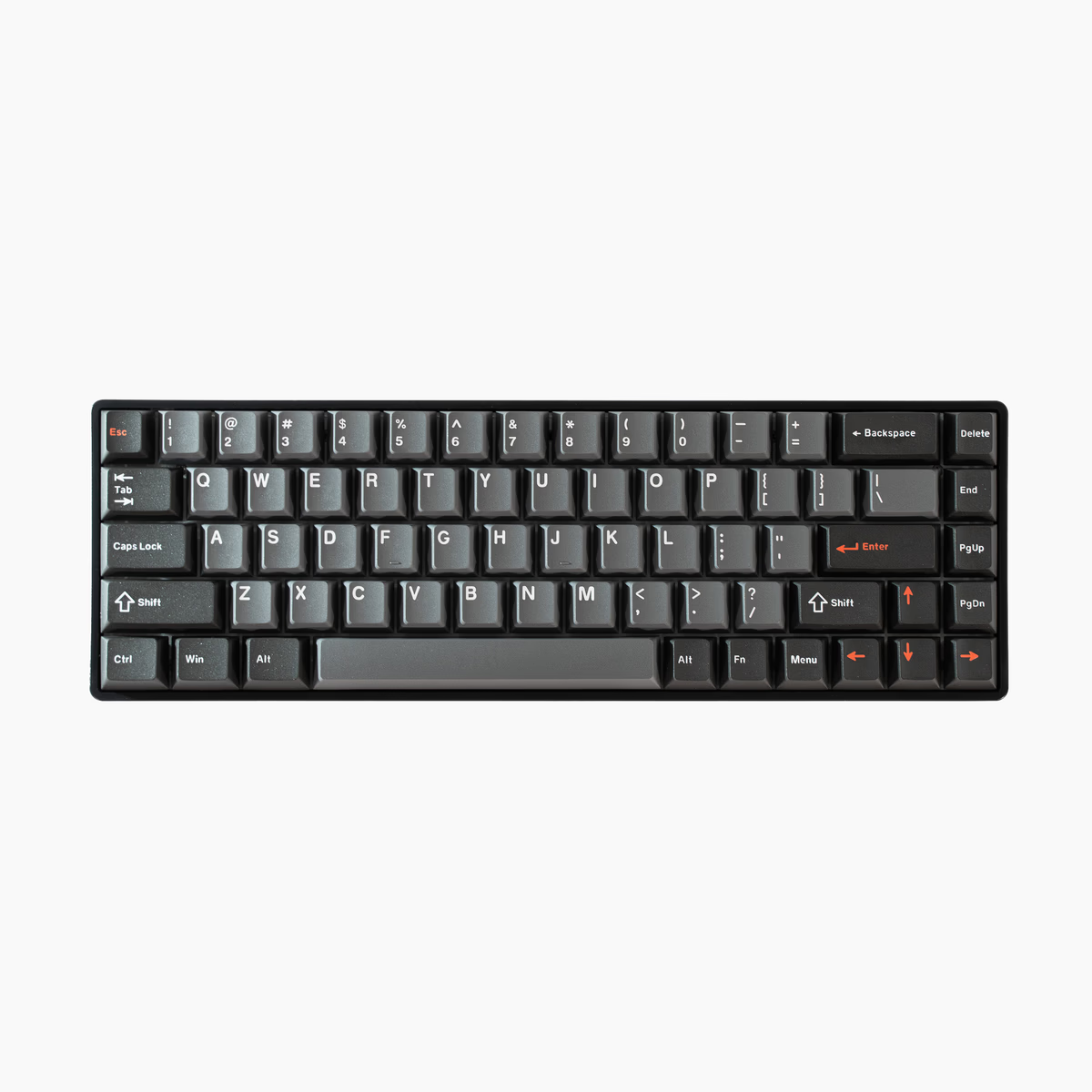
Drunkdeer
DrunkDeer G65
from—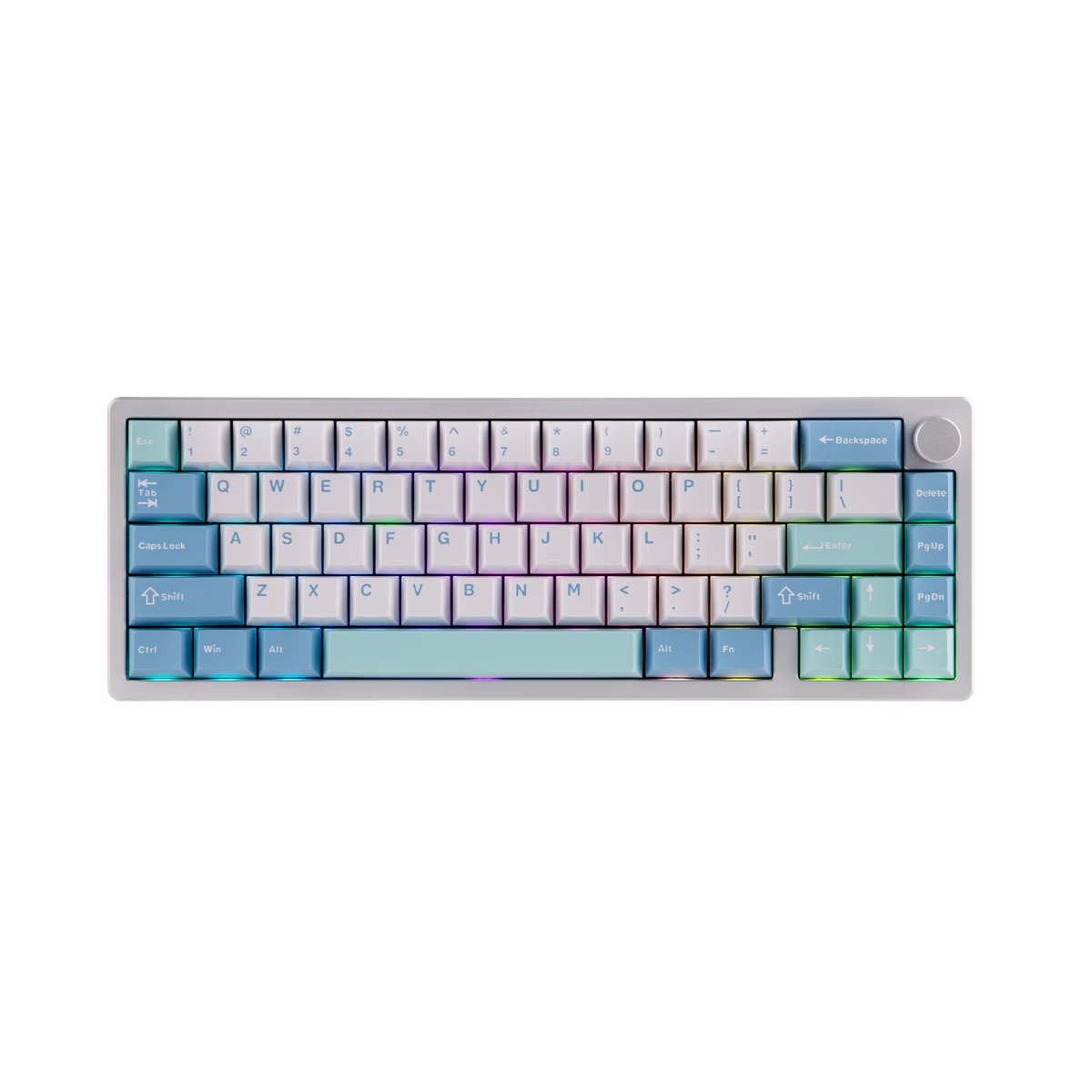
EPOMAKER
Epomaker Galaxy65
from$45.10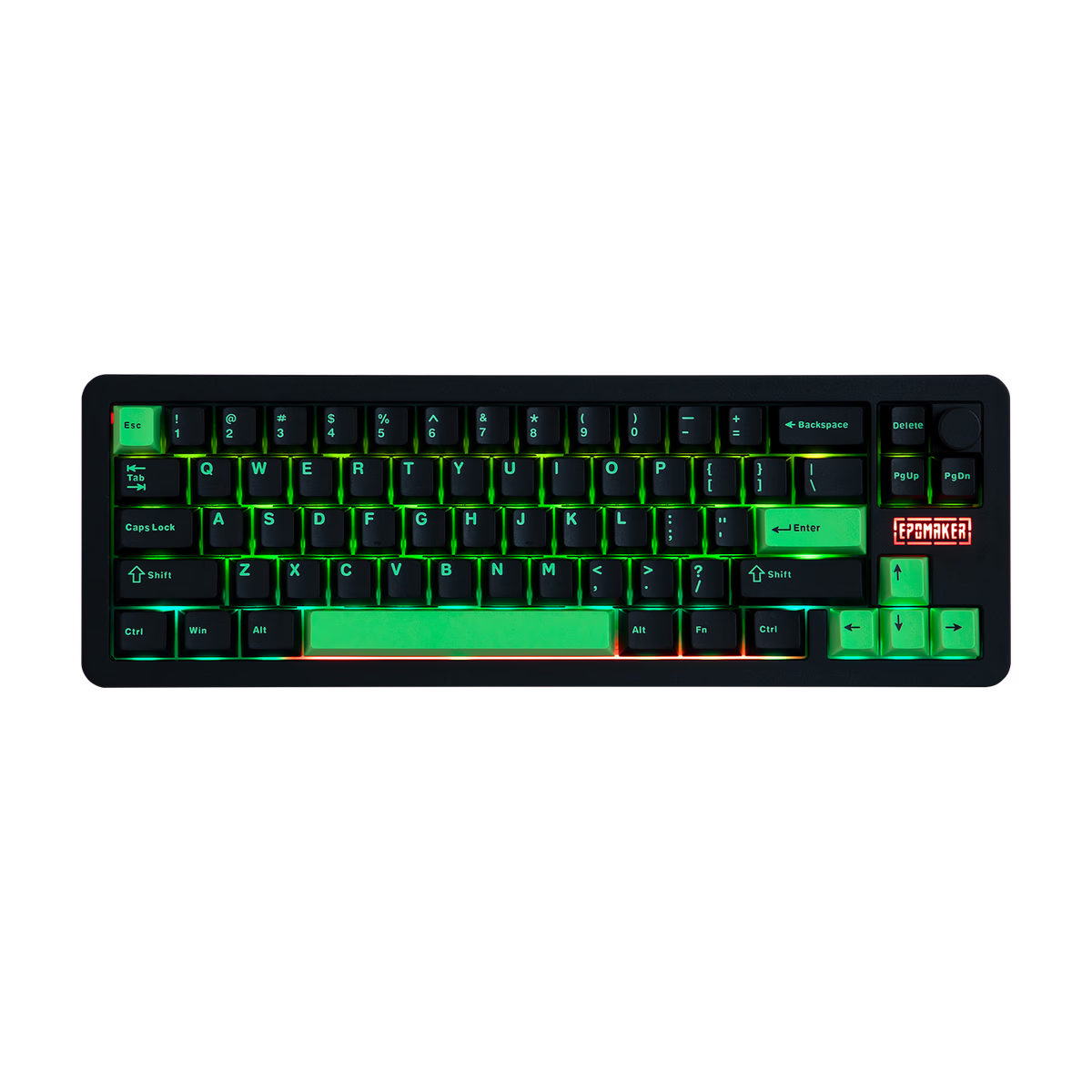
EPOMAKER
Epomaker Galaxy68
from$89.99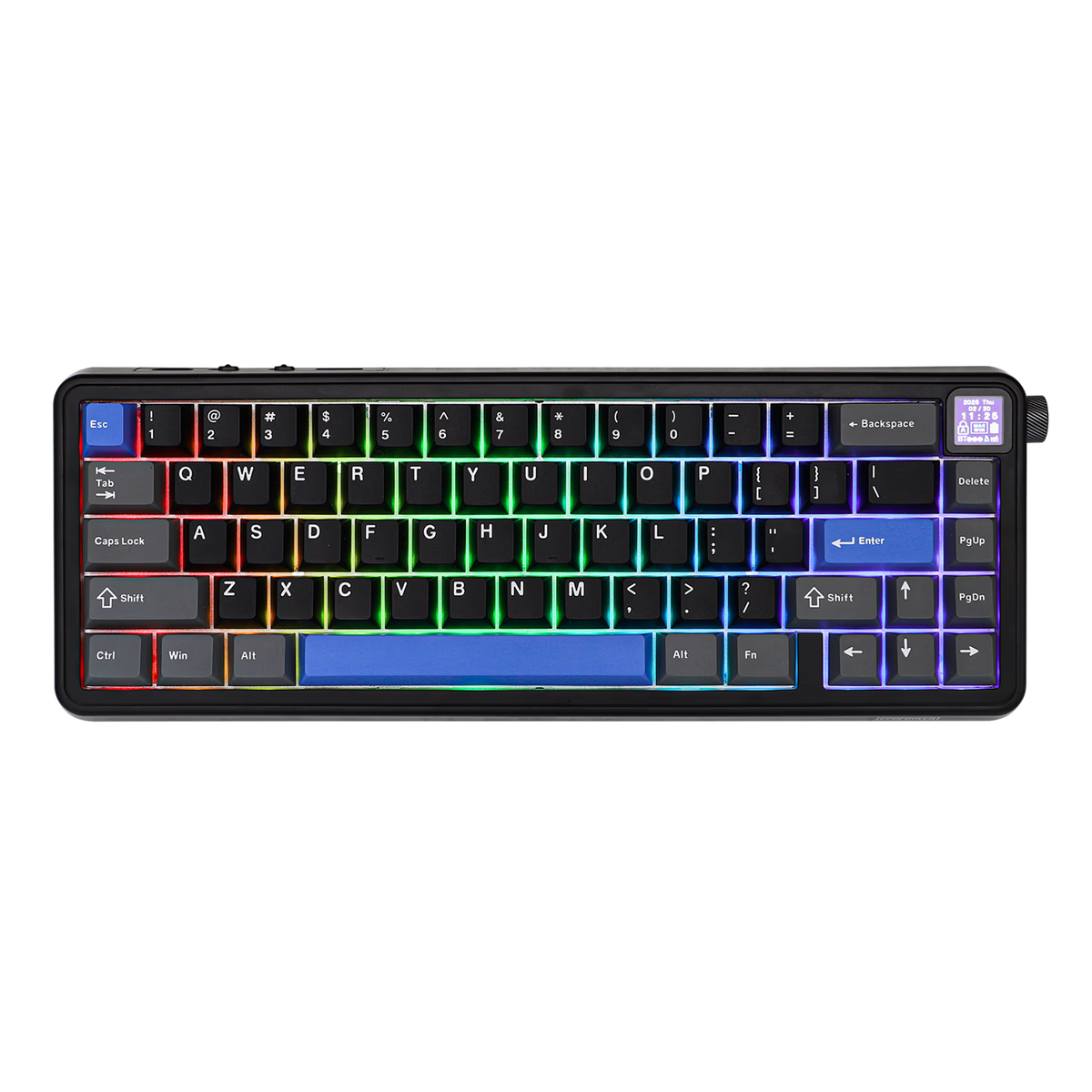
EPOMAKER
Epomaker HE65 Mag
from—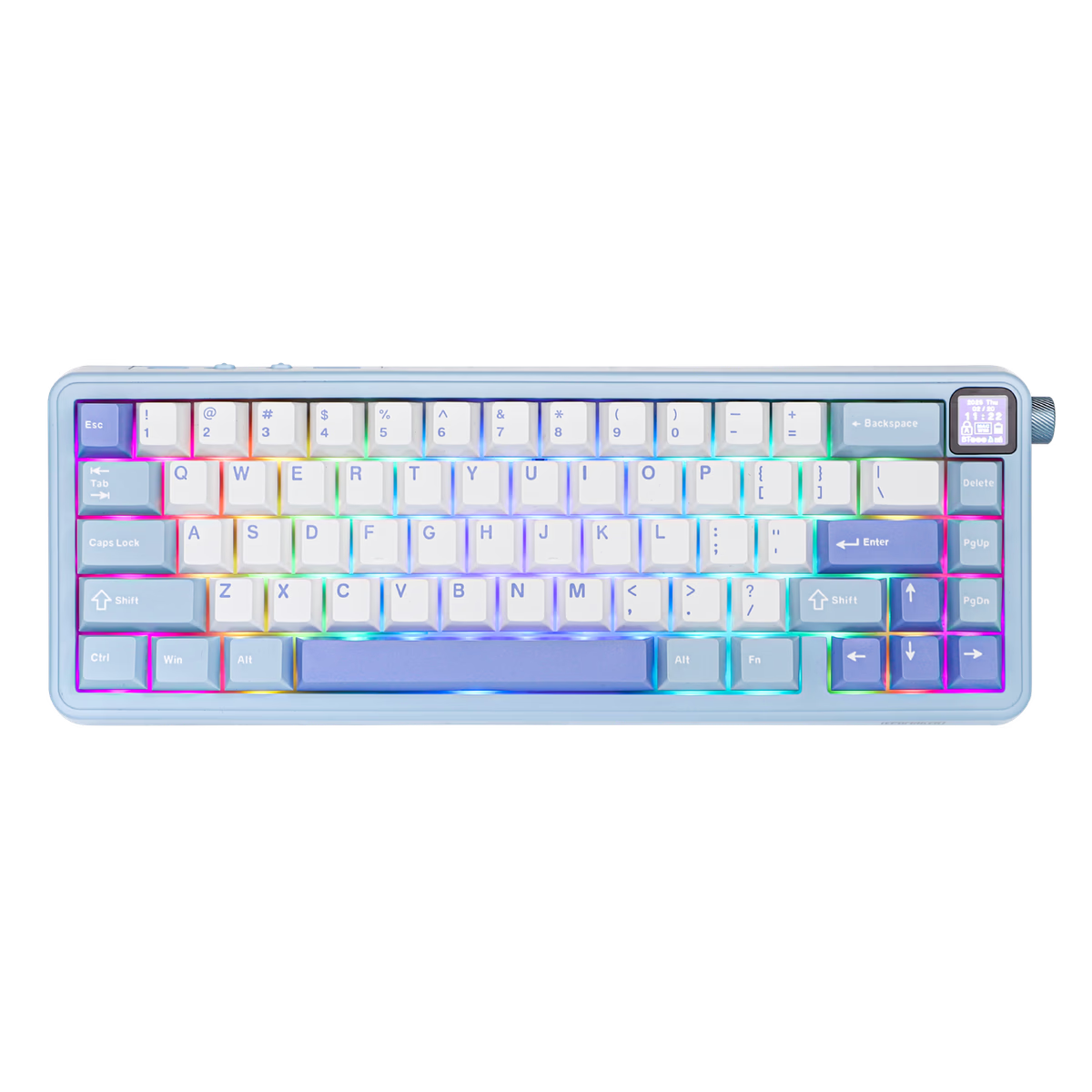
EPOMAKER
Epomaker HE65 Mec
from—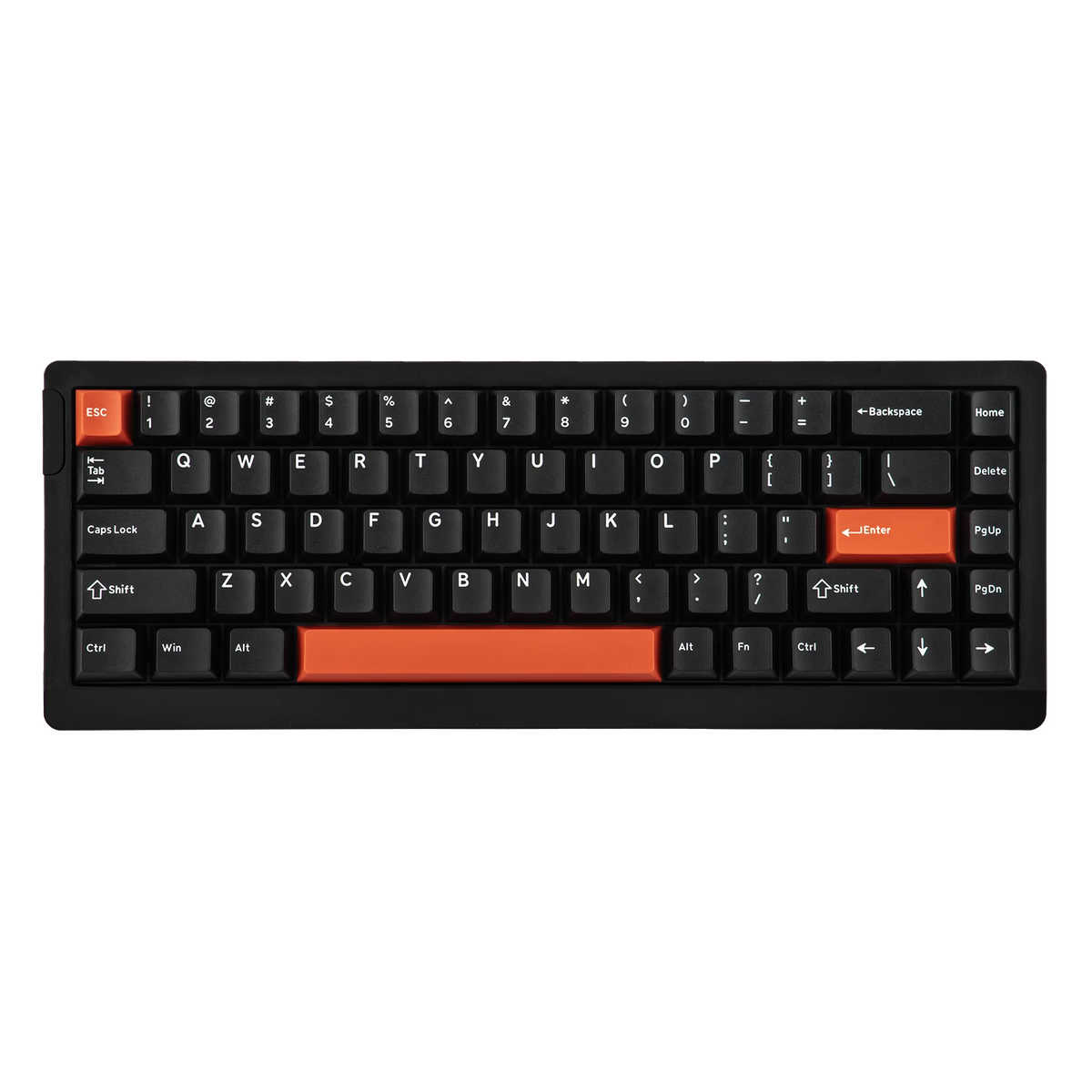
EPOMAKER
Epomaker HE68 Lite
from—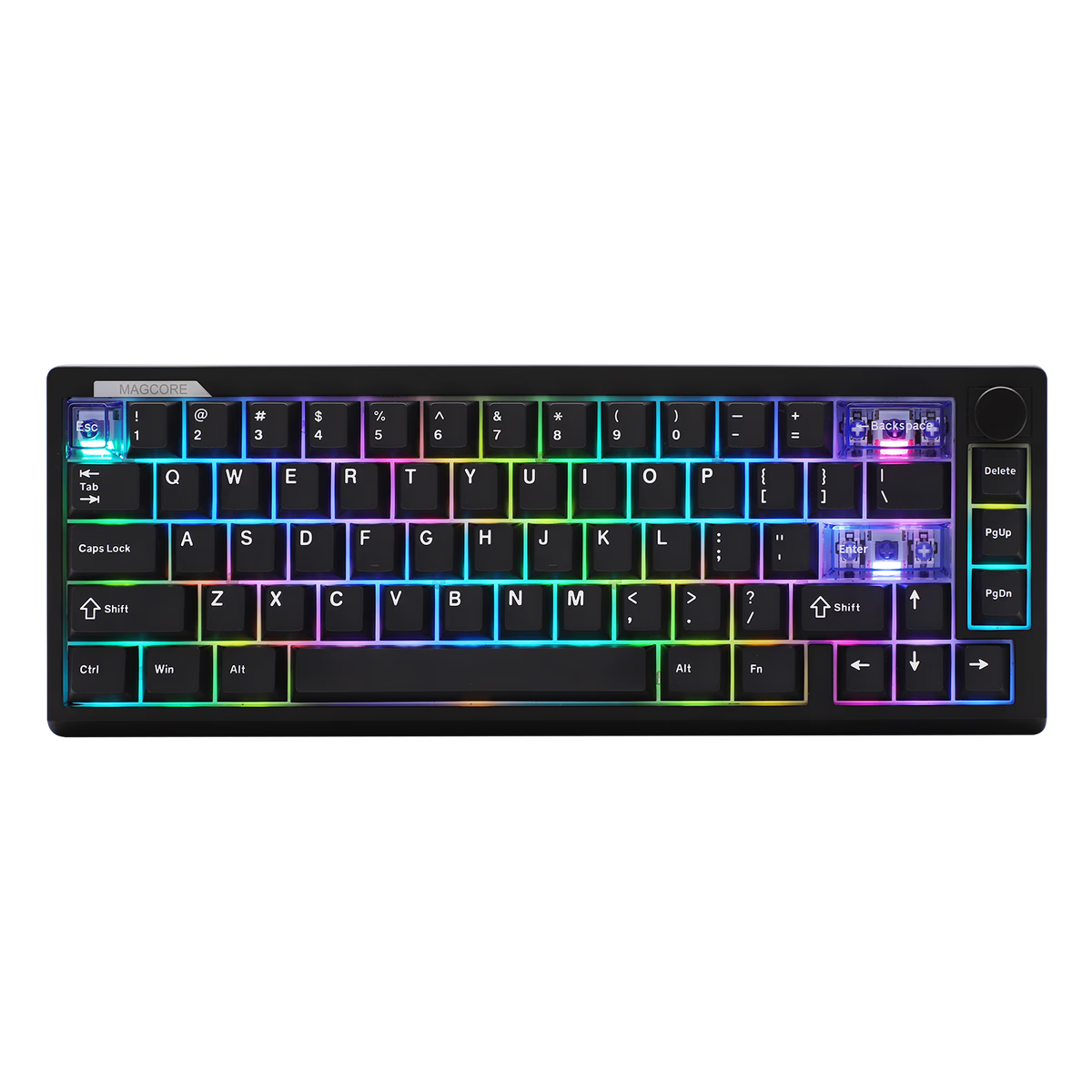
EPOMAKER
Epomaker Magcore65 Lite
from$71.99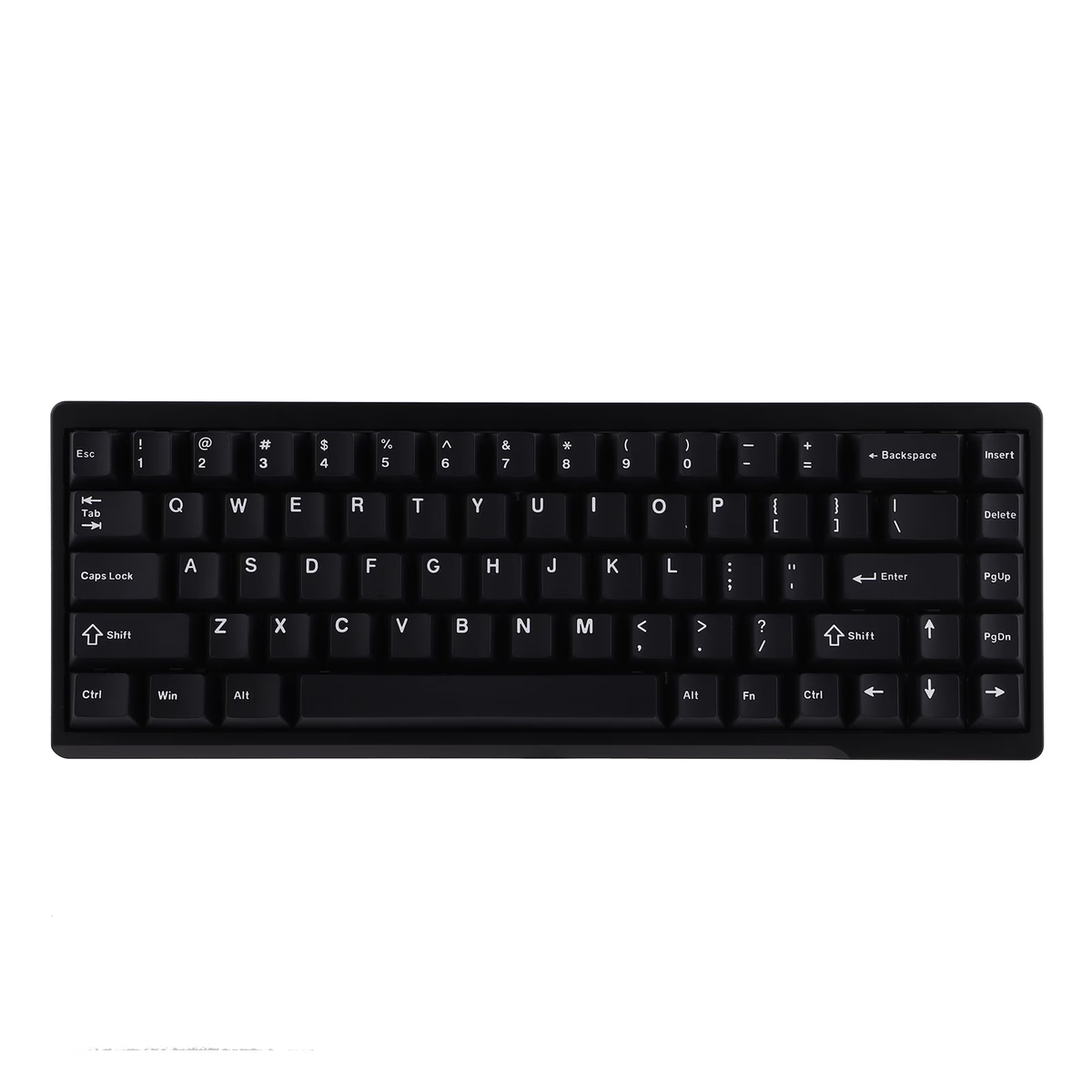
EPOMAKER
Epomaker Magforce 68
from—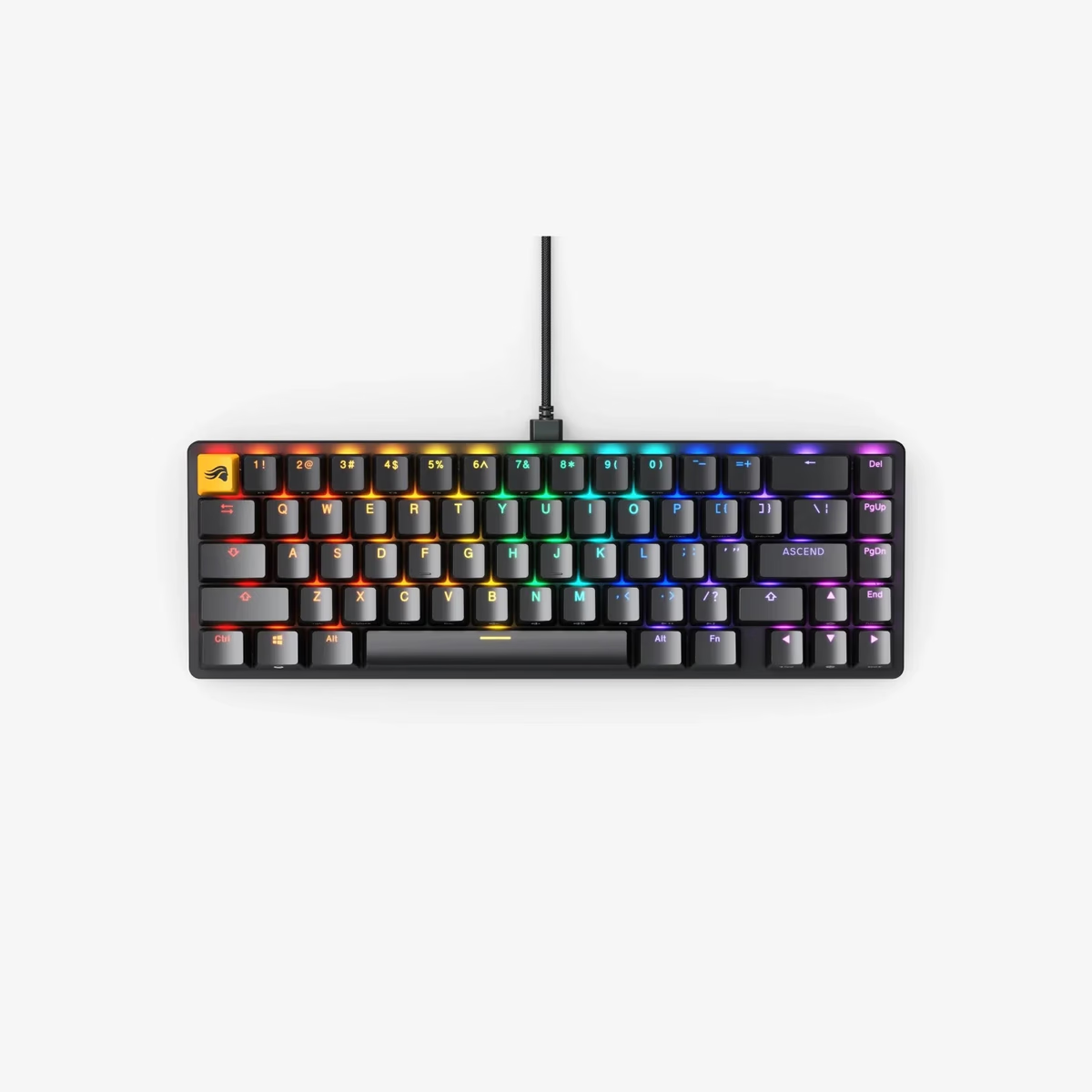
Glorious
Glorious GMMK 2 Barebones 65%
from—Glorious
Glorious GMMK 2 Compact 65%
from$44.99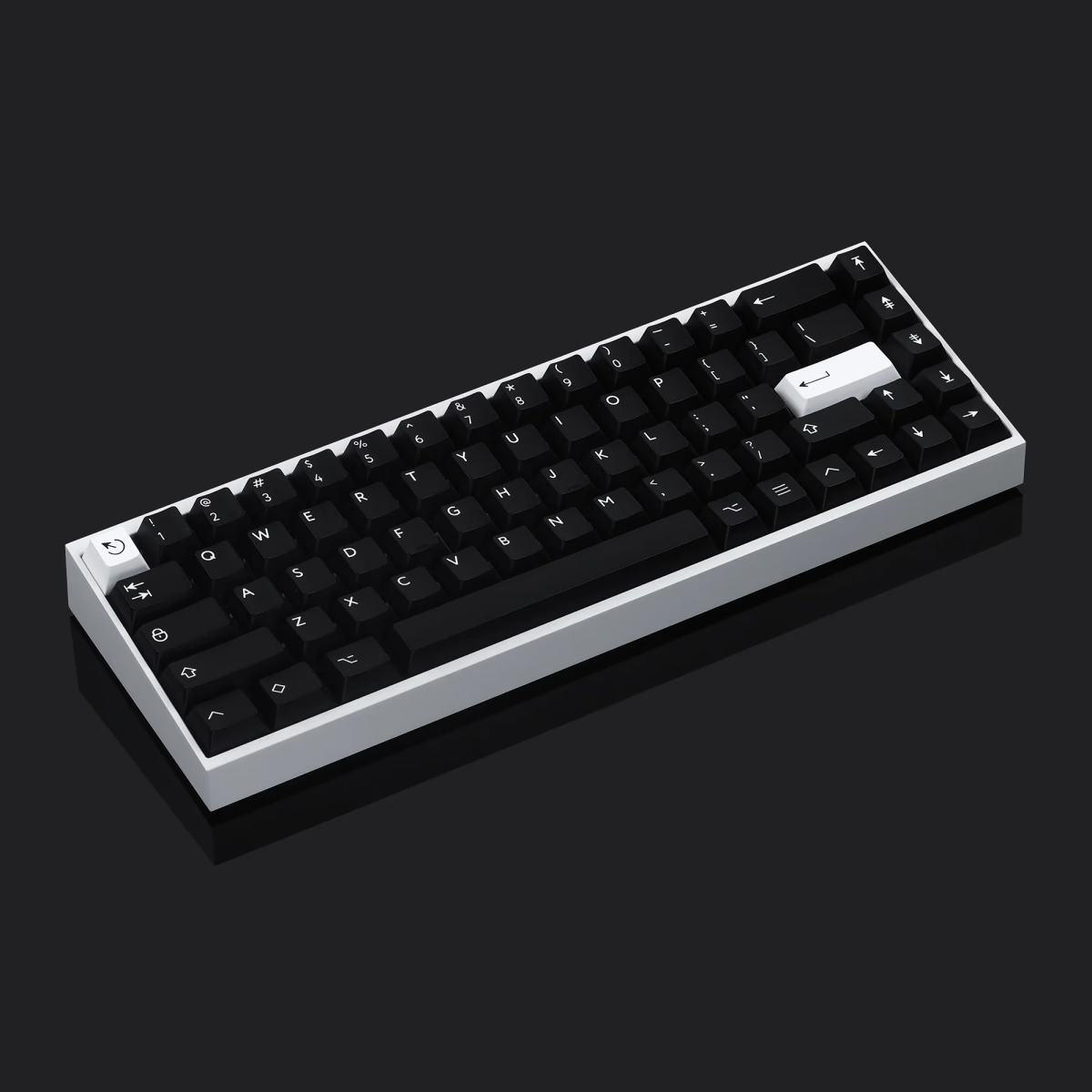
KBDfans
KBDfans Tofu65
from—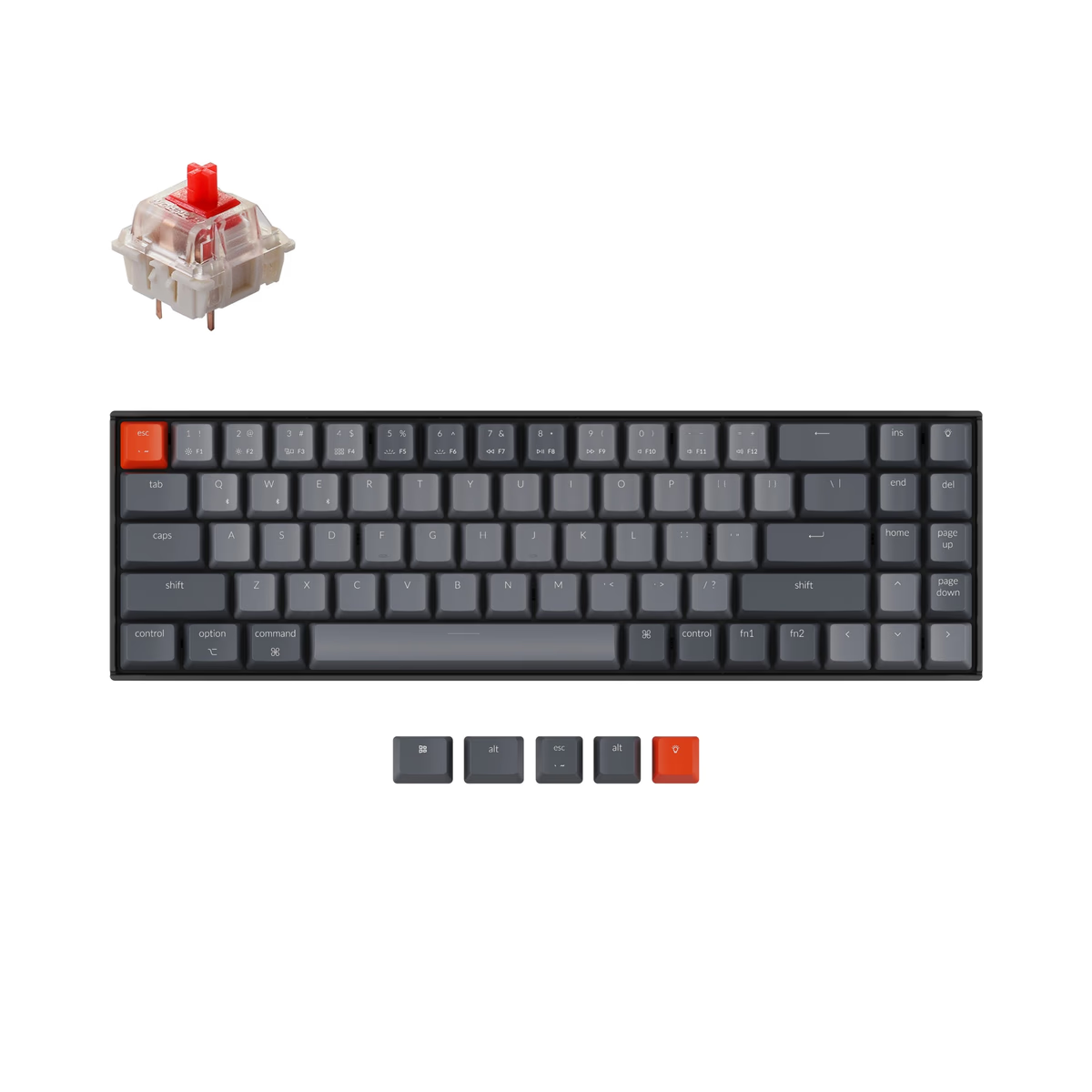
Keychron
Keychron K14
from$67.99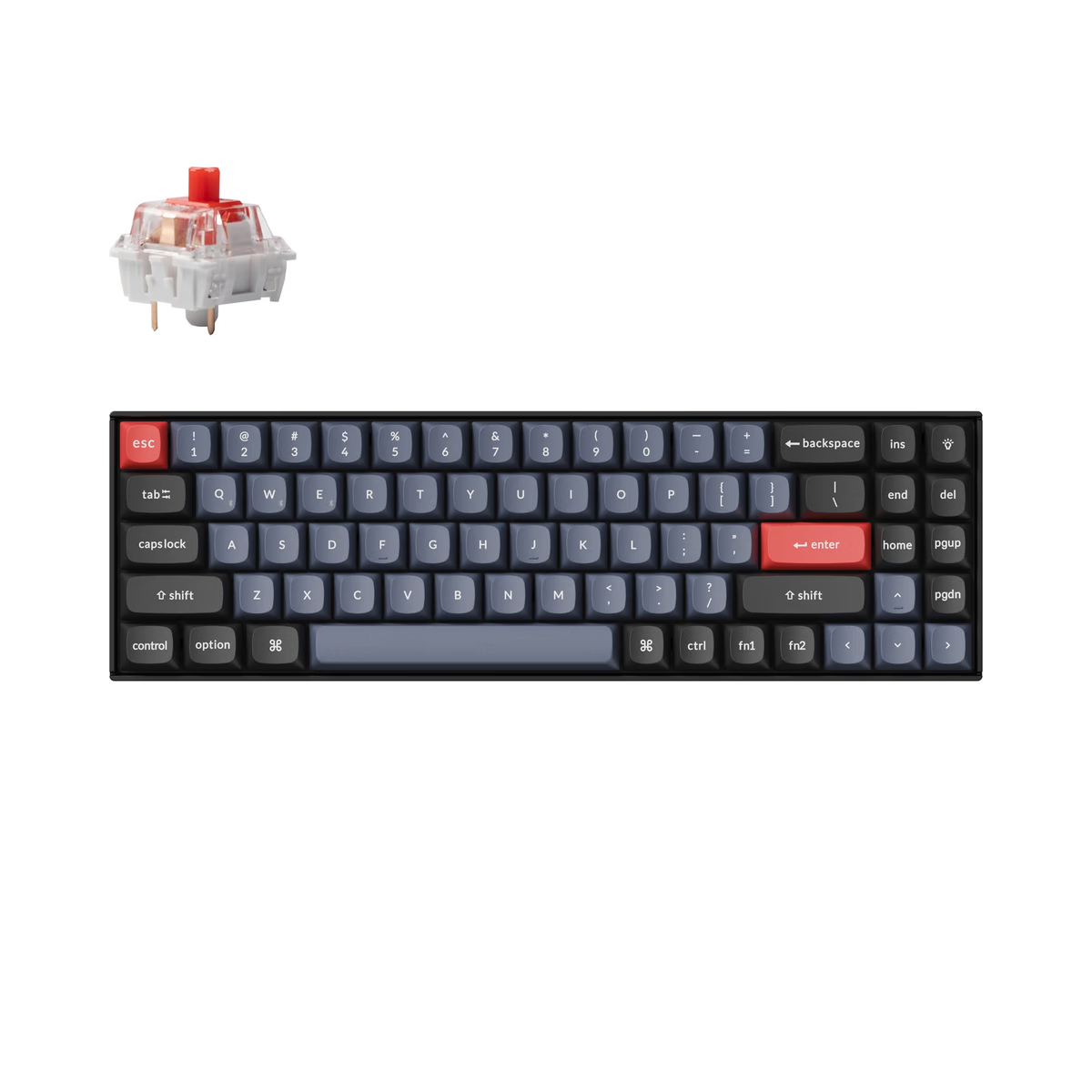
Keychron
Keychron K14 Pro
from$83.99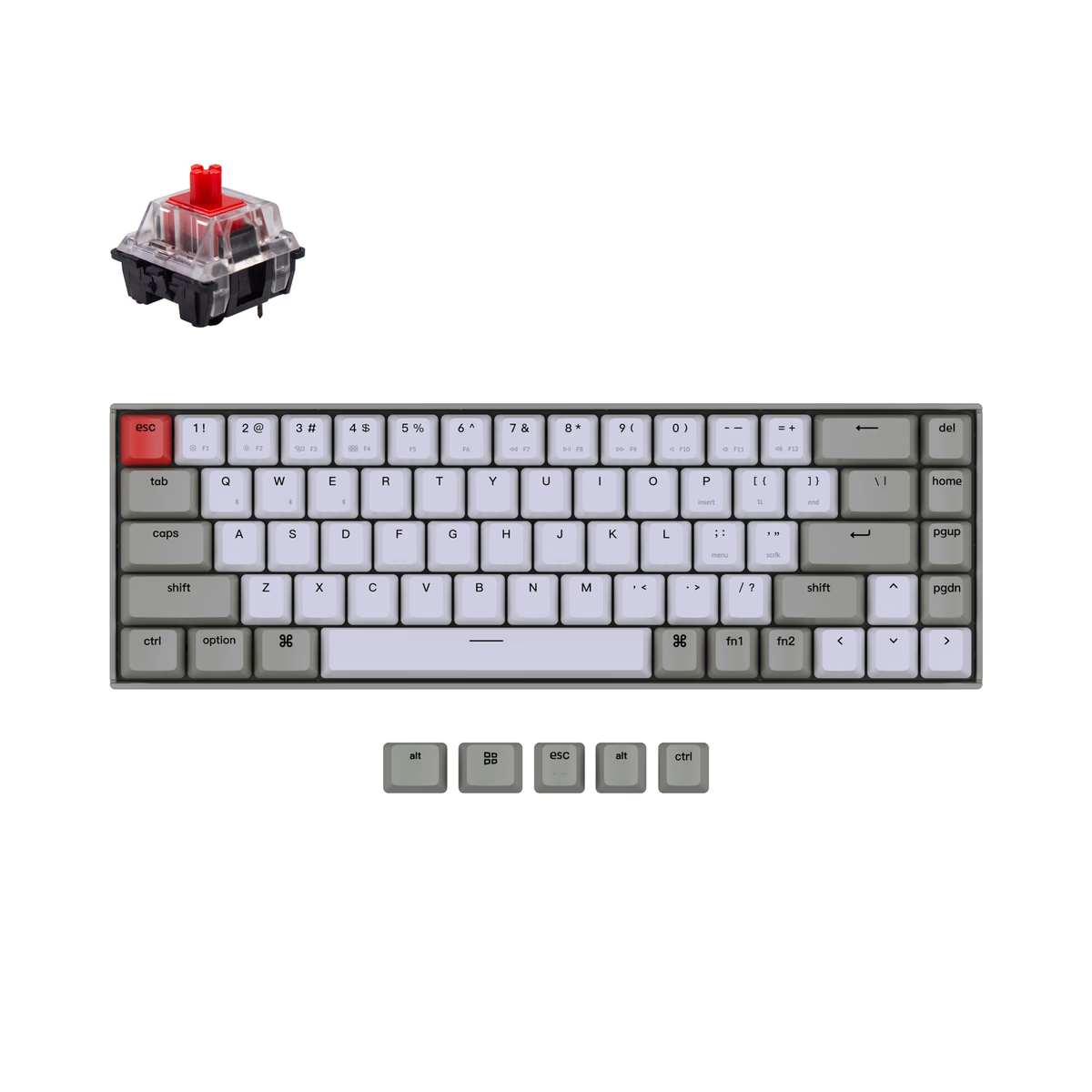
Keychron
Keychron K6
from$37.99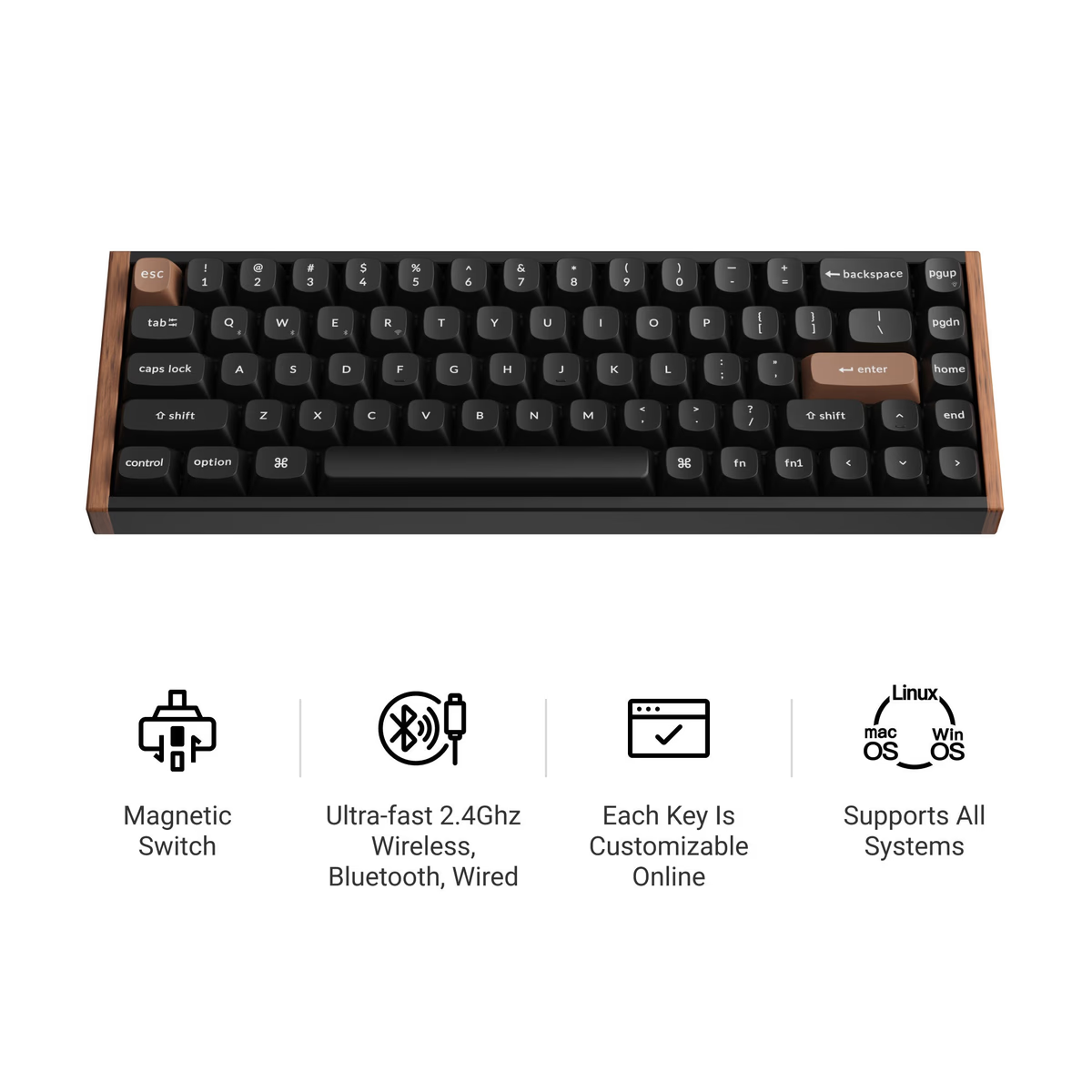
Keychron
Keychron K6 HE
from$129.99
What the 65% catalog actually looks like
Sixty-one boards from 12 brands — more brands than any other layout, which is the practical argument for starting here: whatever you want, someone makes it. 97% are hot-swap, so you can treat switch choice as reversible.
The price spread is the widest of any compact size: $41 at the floor, $239 at the top, $88 median. That median undercuts the 60% boards at $100 despite the 65% being the larger, more practical layout. Compact does not mean expensive; niche means expensive, and 65% has outgrown the niche.
62% offer wireless, sitting between the wired-leaning 60% at 45% and the 75% at 69%.
The one layout quirk to check
Not every 65% is laid out the same way on the right-hand edge. Some keep a full-size right Shift and squeeze the up arrow into the row below it; others shorten Shift to make room for the arrow. It sounds trivial until you have typed on one for a week and reach for Shift and hit Up.
It also decides which keycap sets fit. A board with a shortened right Shift needs a set that includes the smaller size, and plenty of sets do not. If you plan to change the keycaps, check that before you buy the board, not after — see the keycap profiles guide for what else varies between sets.
What you give up
The function row. F1–F12 move to Fn plus the number row, which is fine if you use them occasionally and a genuine daily irritation if you live in an IDE or a video editor with F-key shortcuts. That is the one thing a 75% fixes, for another centimetre or so of width.
You also lose the dedicated navigation block. Most 65% boards keep two or three of Delete, Page Up and Page Down in the right column and put the rest on a layer.
Frequently asked
Does a 65% have arrow keys?
Does a 65% have function keys?
Is 65% good for gaming?
How much smaller is a 65% than a TKL?
Keep exploring
More keyboards categories