75% keyboards
75% mechanical keyboards: arrow keys, F-row and a nav column on a tight chassis. Keychron Q1, GMMK Pro, MonsGeek M1, Lofree Flow and more.
107 keyboards · $34–$280
A 75% is a 65% with the function row added back, packed tight so the board stays compact — about 83 keys. You keep F1–F12 as physical keys, the arrows, and usually two or three navigation keys, in a footprint barely wider than a 65%.
At 114 boards it is by a wide margin the largest category we track: nearly a third of every keyboard in the database. If you have no strong opinion about size, the market has already formed one for you.
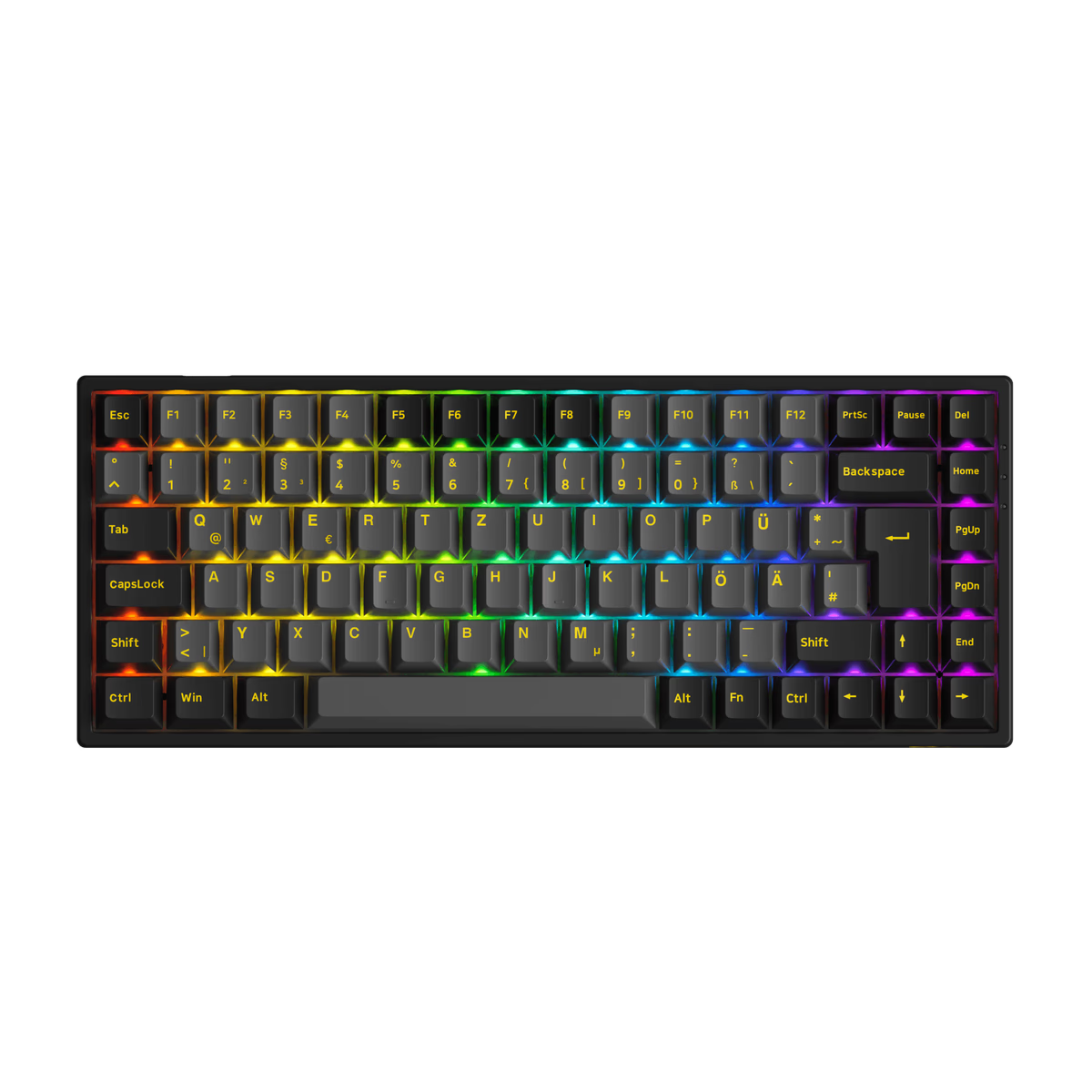
Akko
Akko 3084B Plus
from—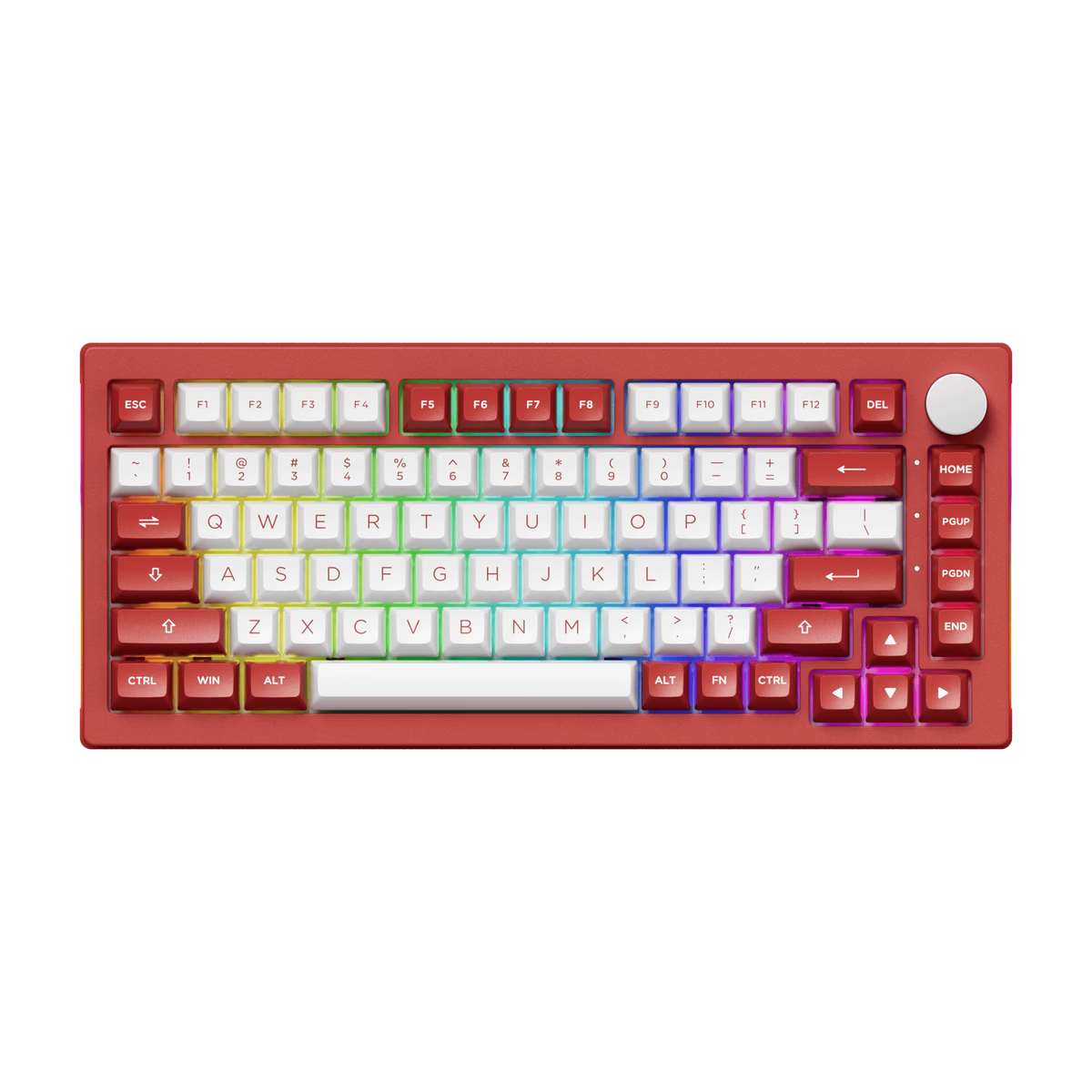
Akko
Akko 5075B Plus
from$62.99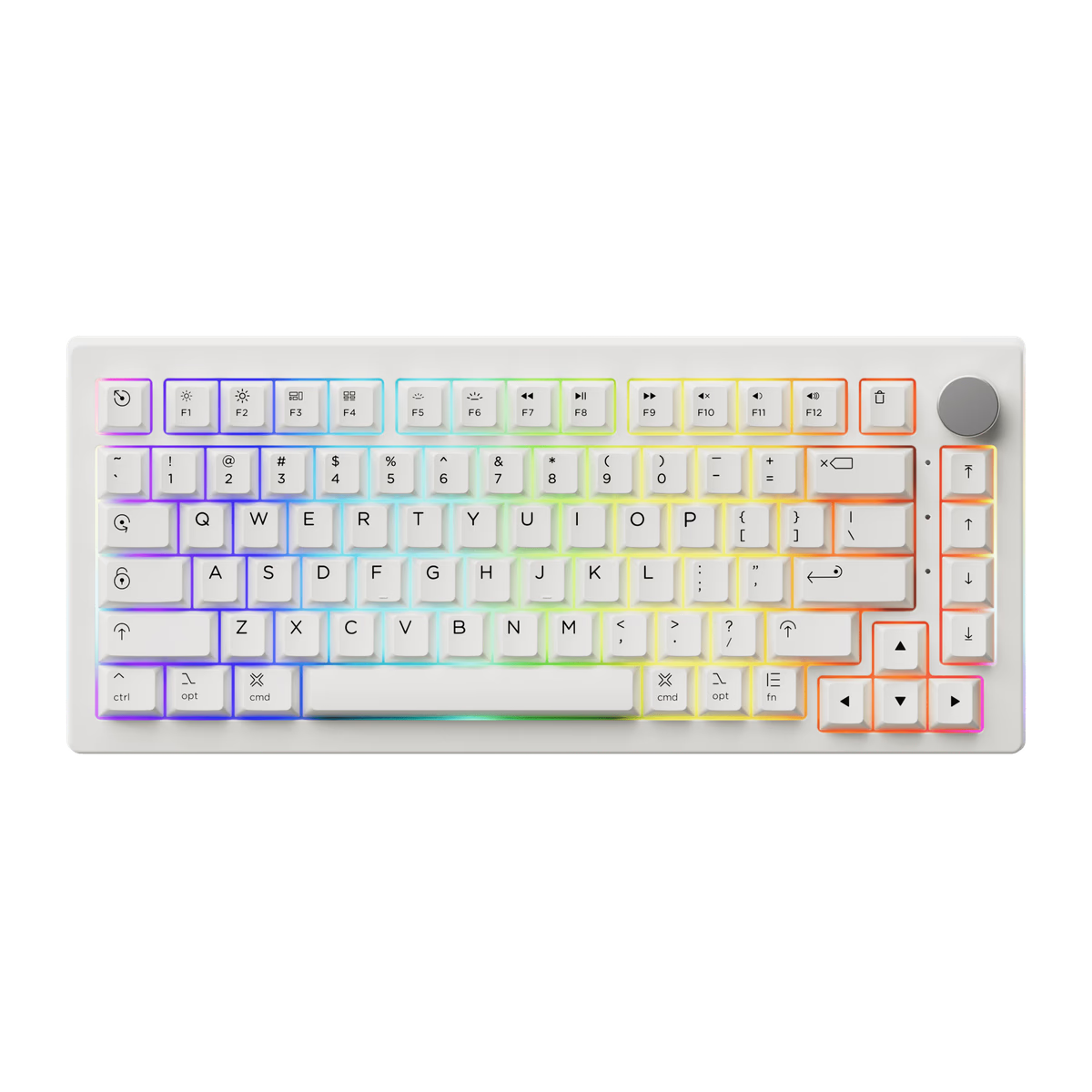
Akko
Akko 5075B Plus Air
from—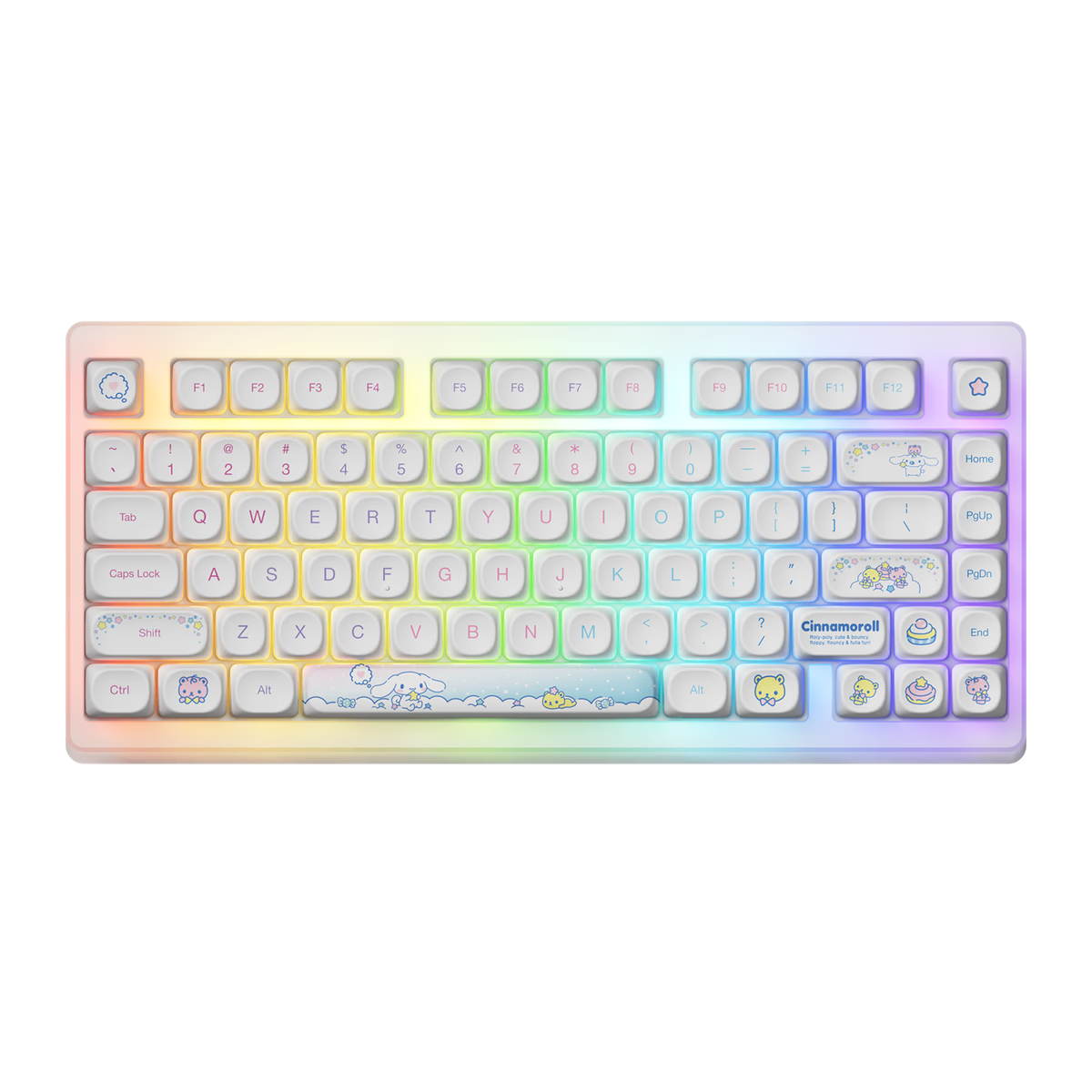
Akko
Akko ACR TOP 75B
from—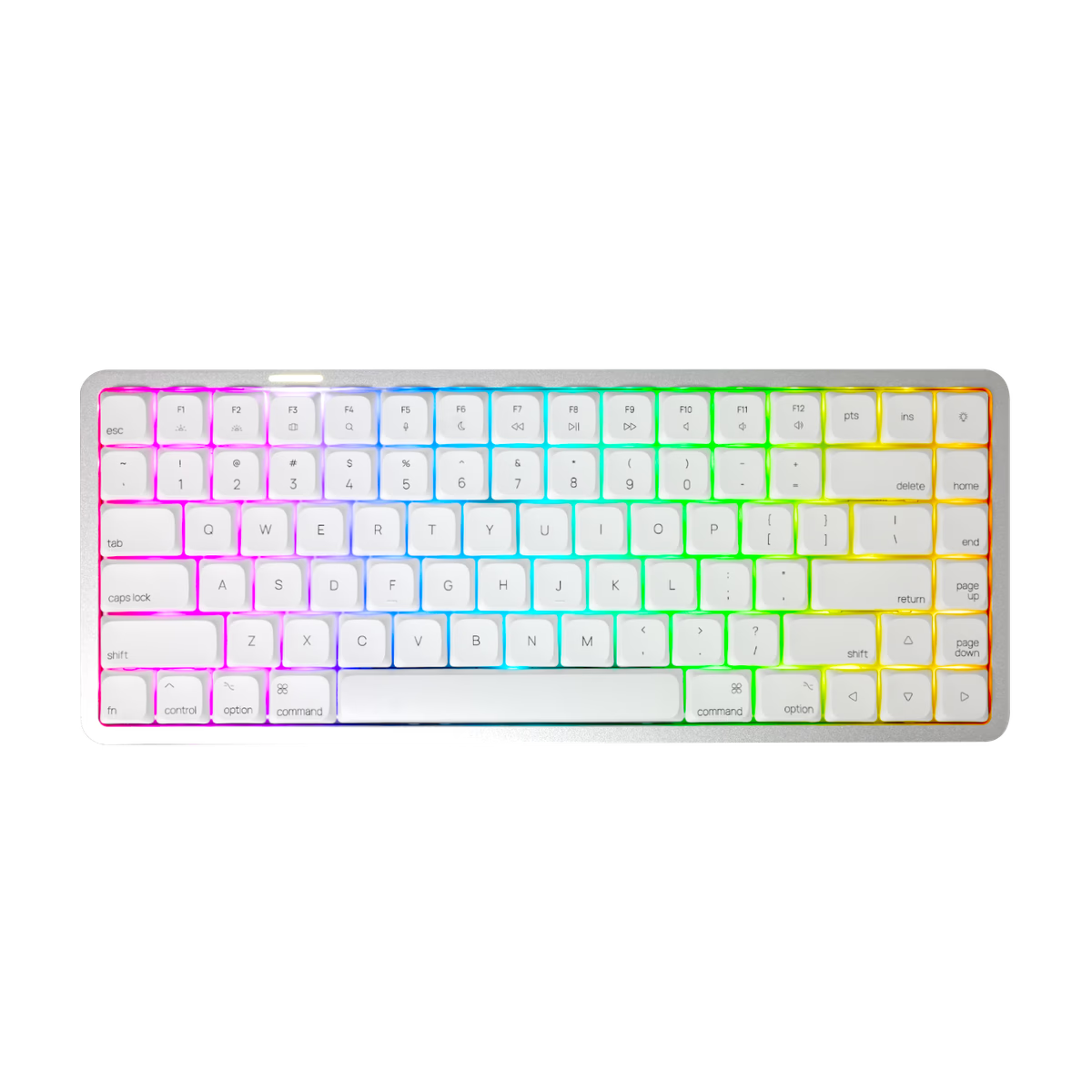
Akko
Akko AIR01
from$99.99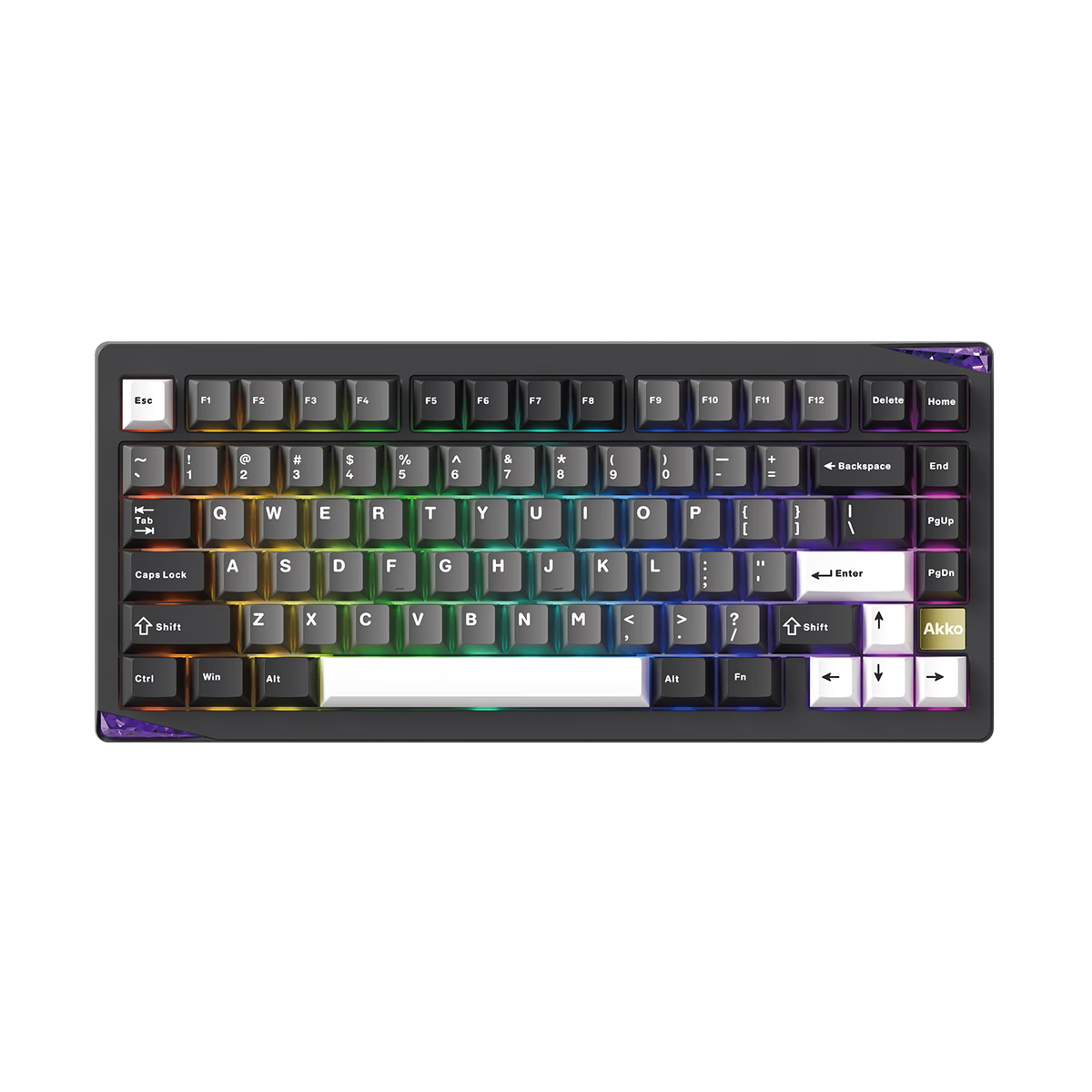
Akko
Akko Gem 01
from$87.99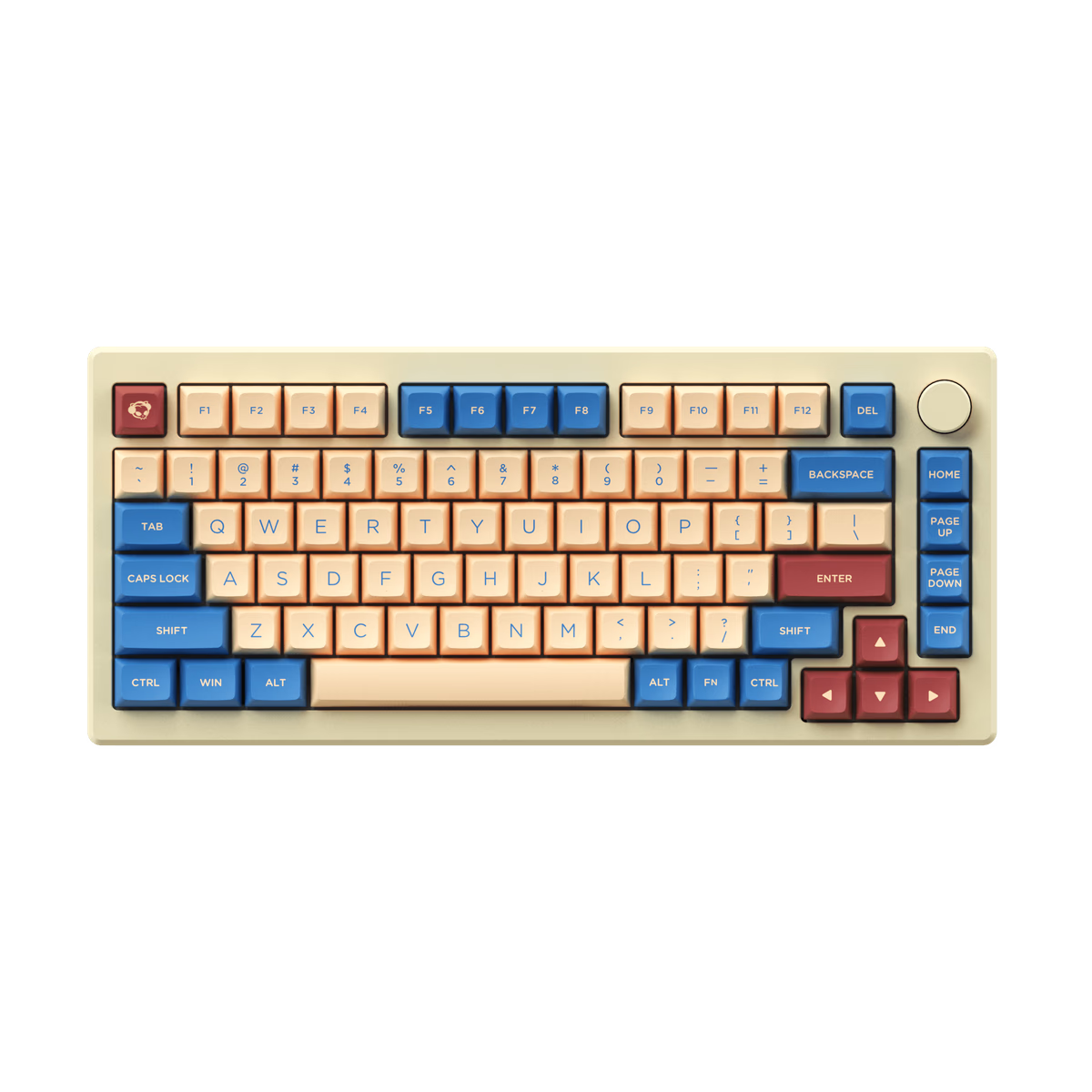
Akko
Akko MOD007B HE
from—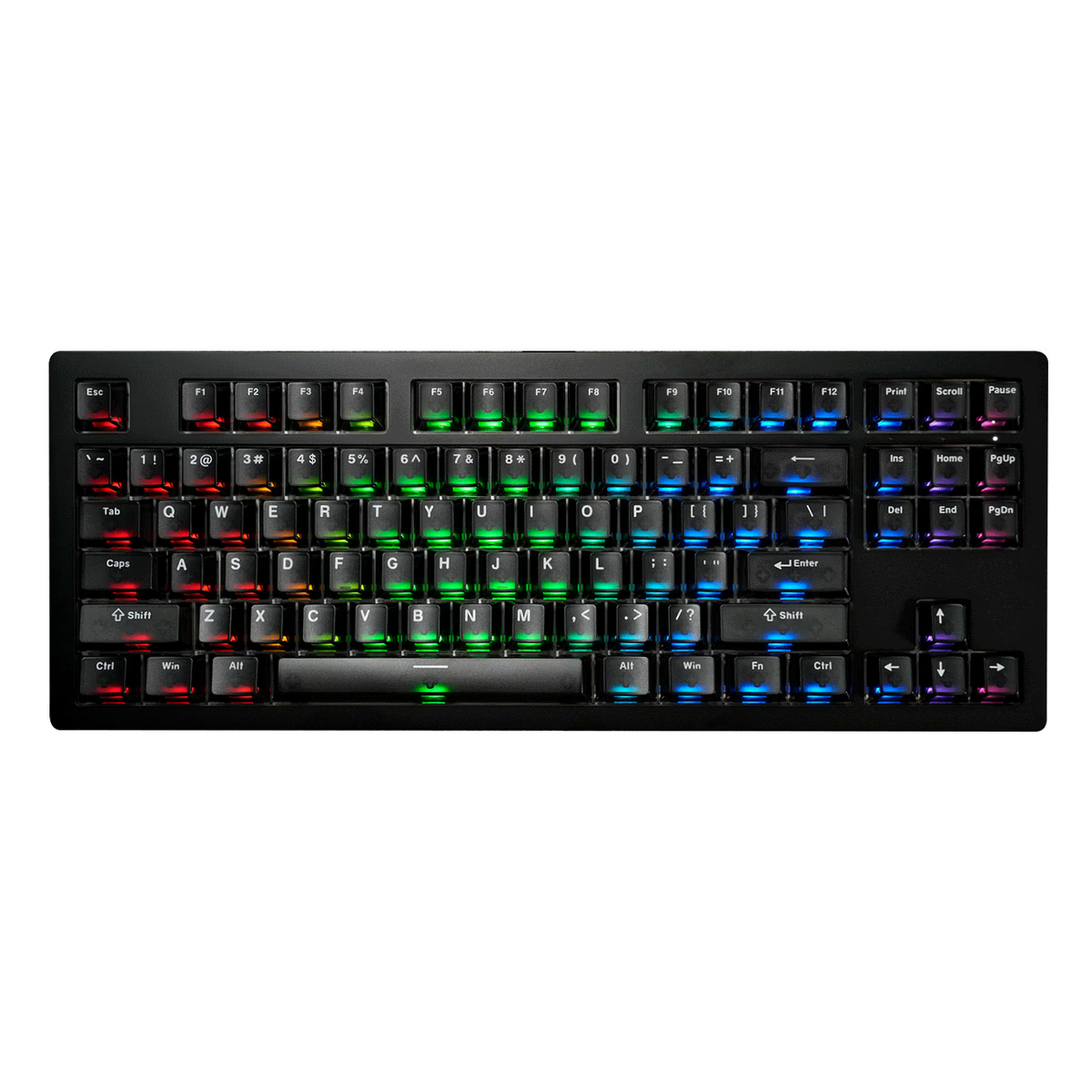
Akko
Akko MOD007B V5 HE
from$135.99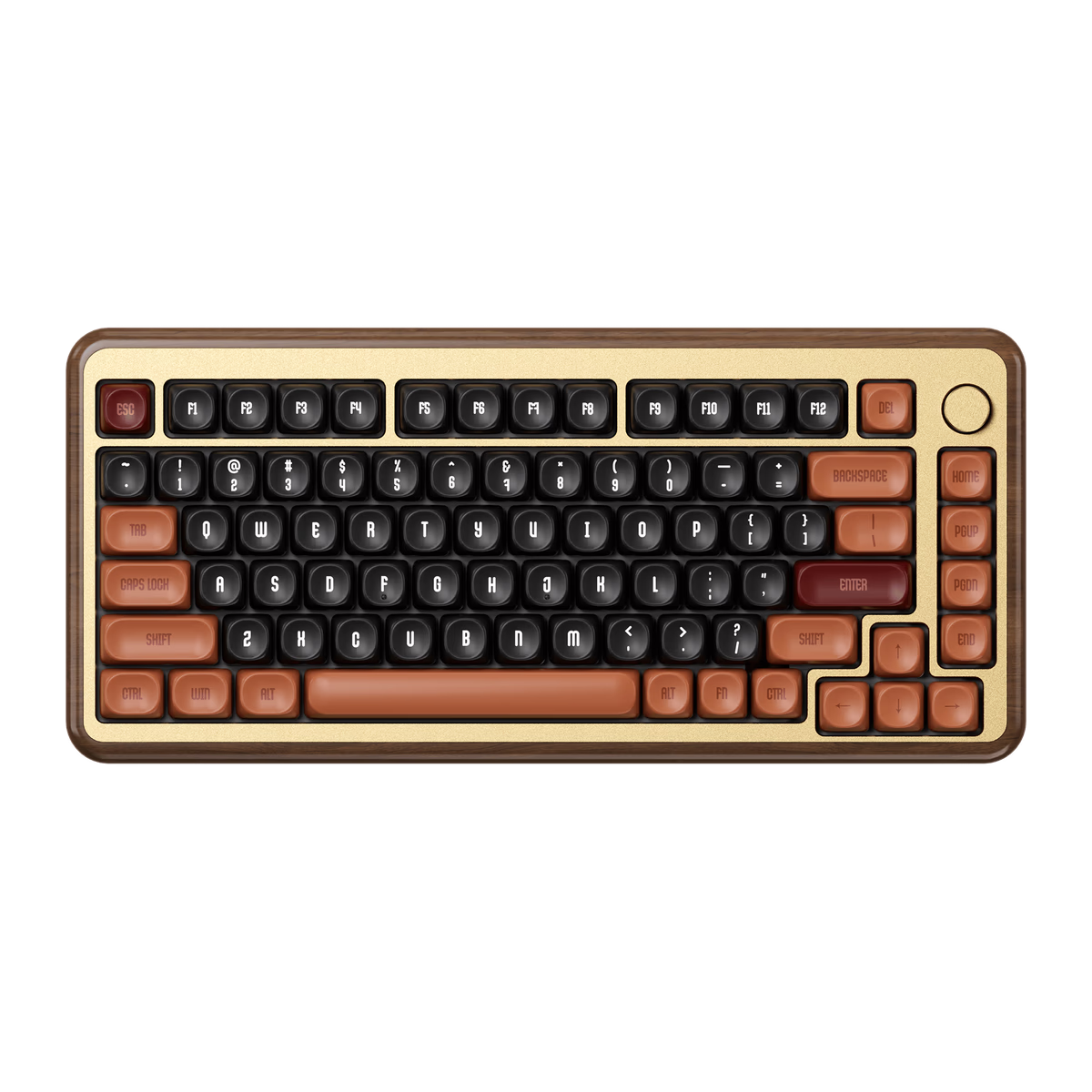
Akko
Akko MU02
from$138.99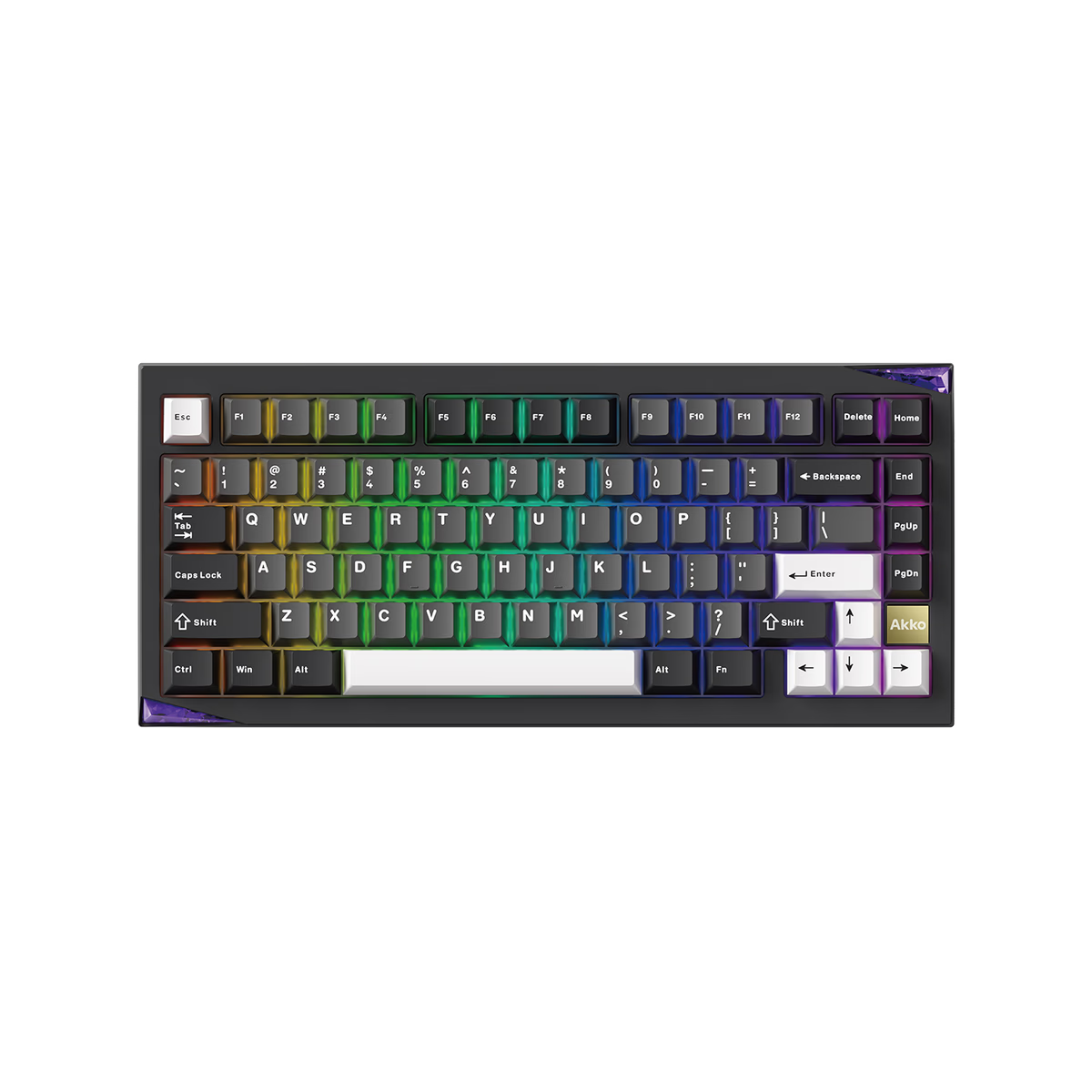
Akko
Akko Mineral 01
from—Akko
Akko PC75B Plus Air
from—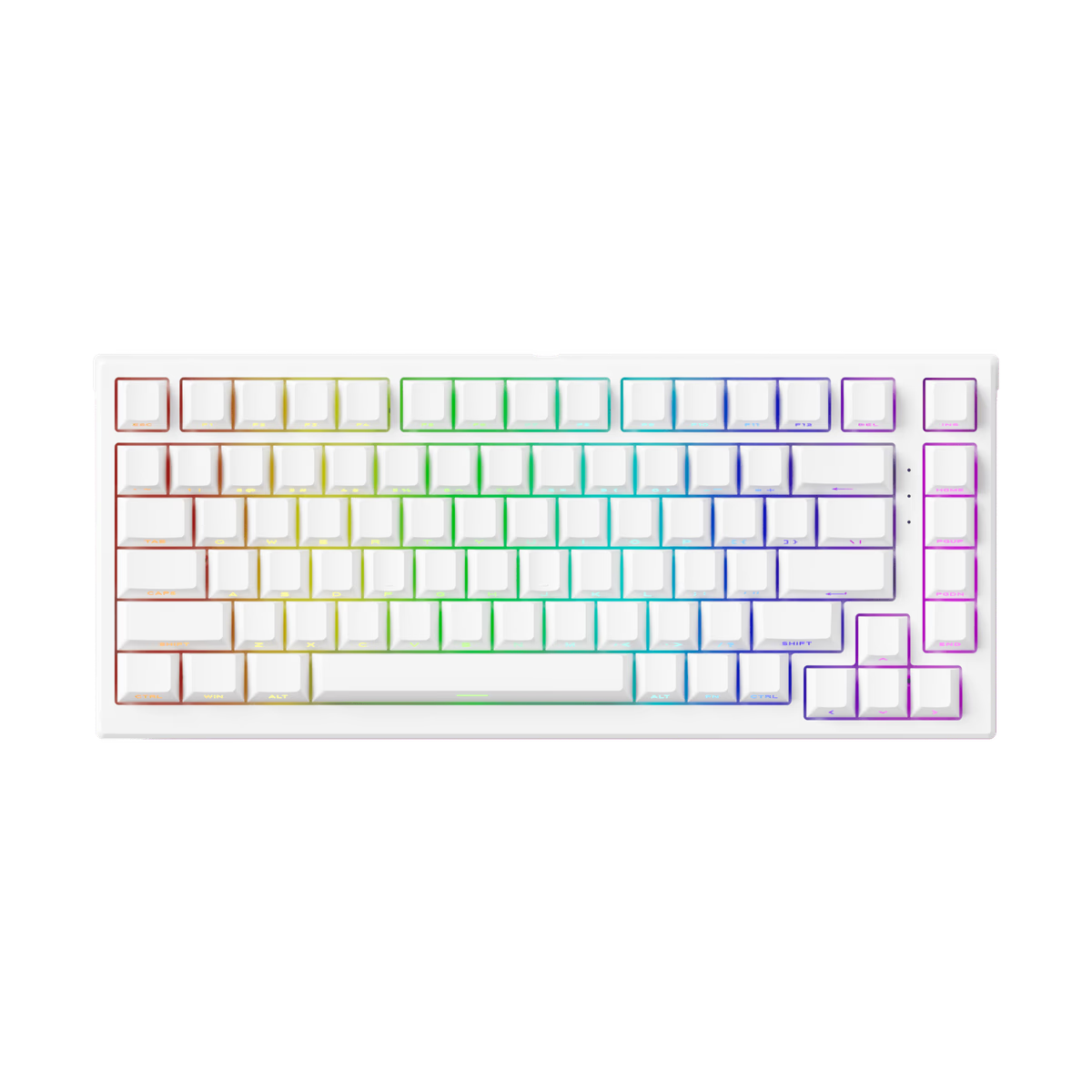
Akko
Akko TAC75 HE
from—Akko
Akko TAC75 HE-S
from—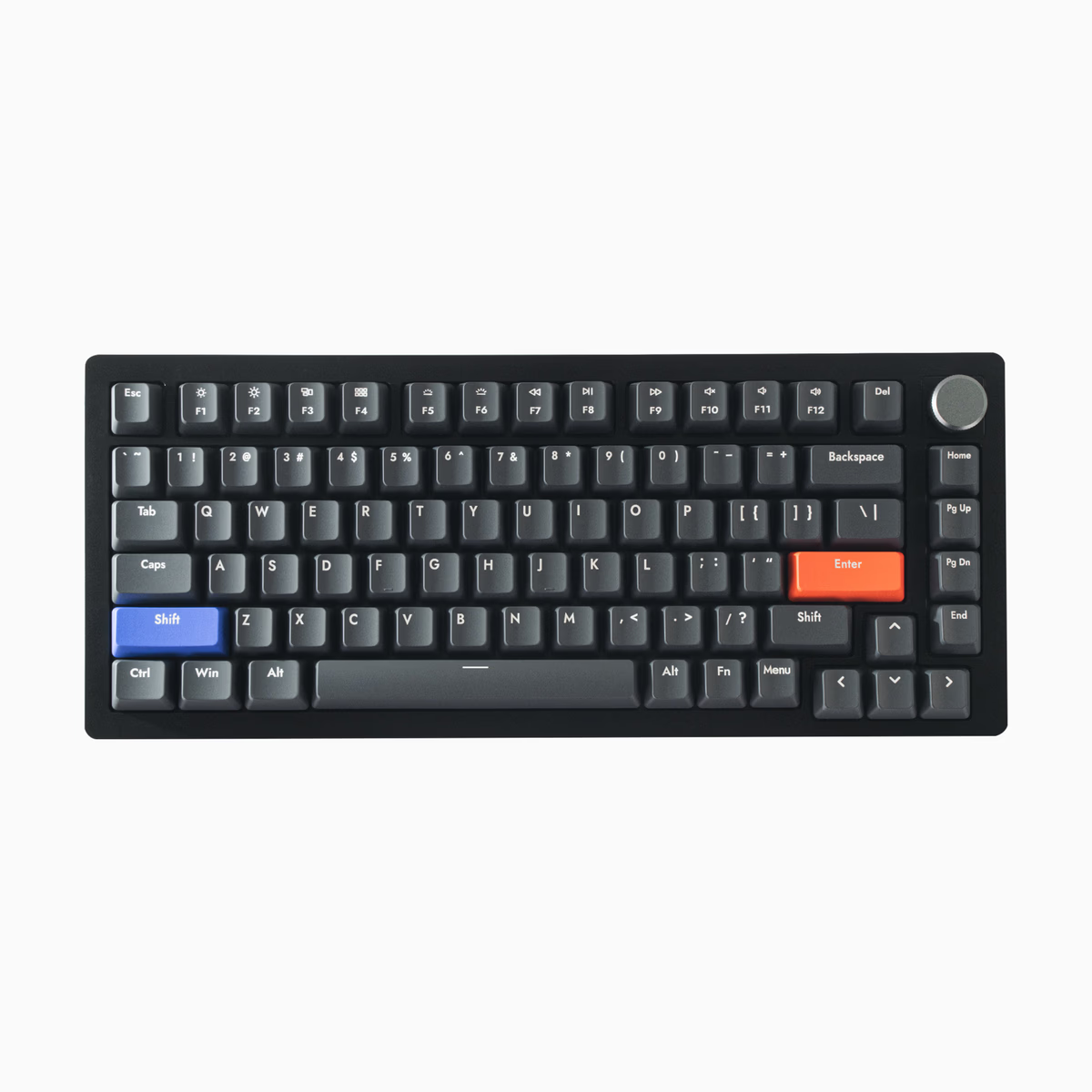
Drunkdeer
DrunkDeer A75
from—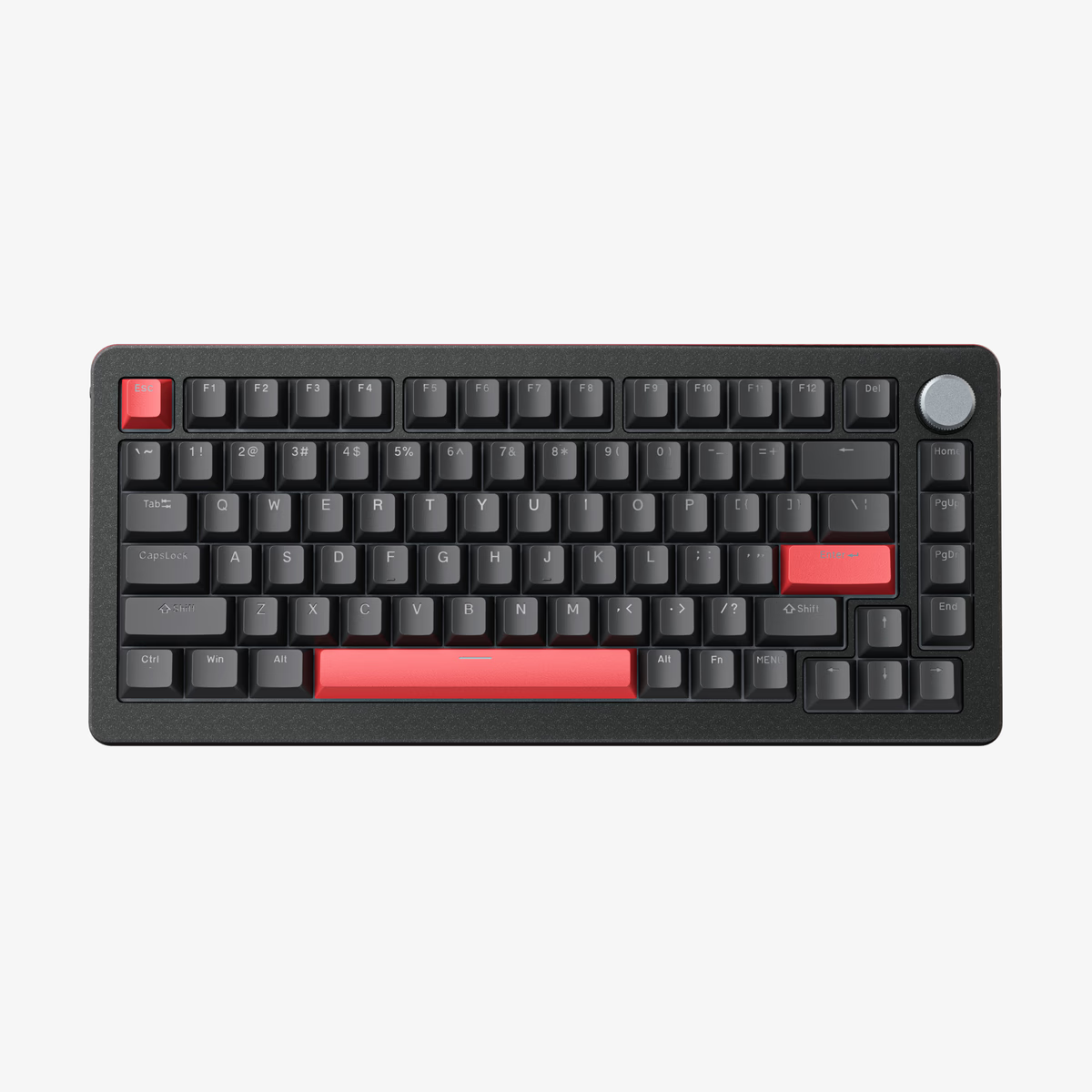
Drunkdeer
DrunkDeer A75 Pro
from$132.04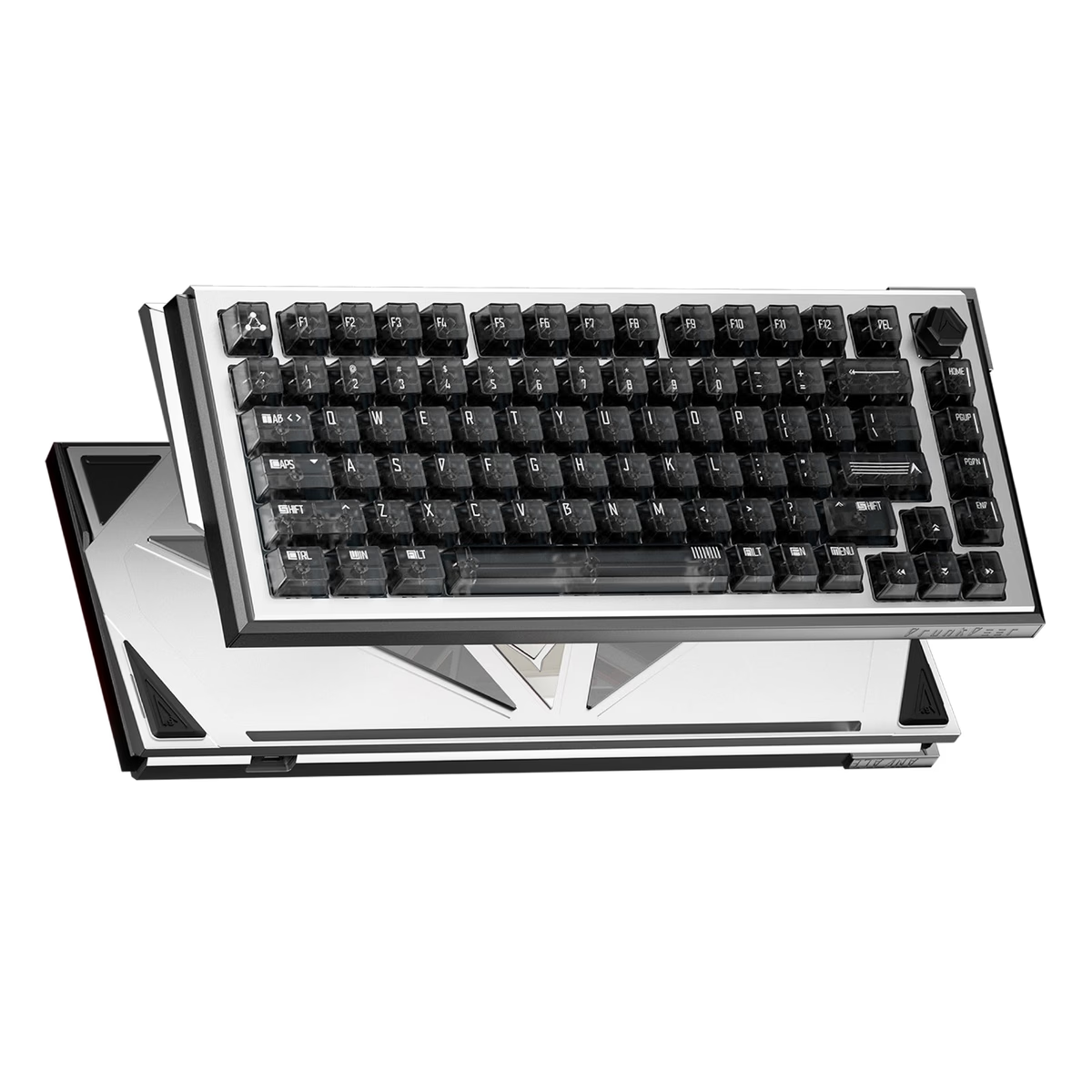
Drunkdeer
DrunkDeer A75 Ultra
from—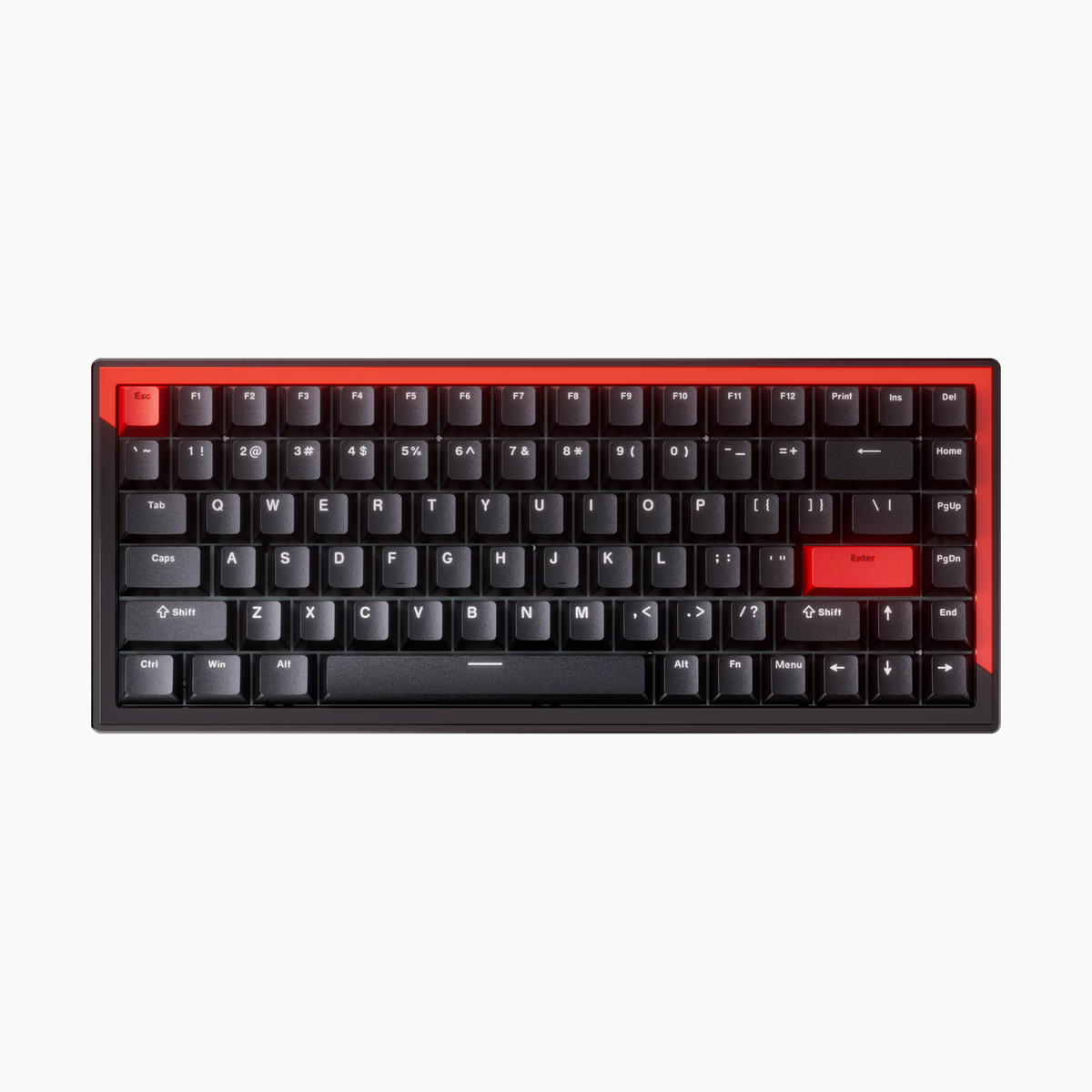
Drunkdeer
DrunkDeer G75
from—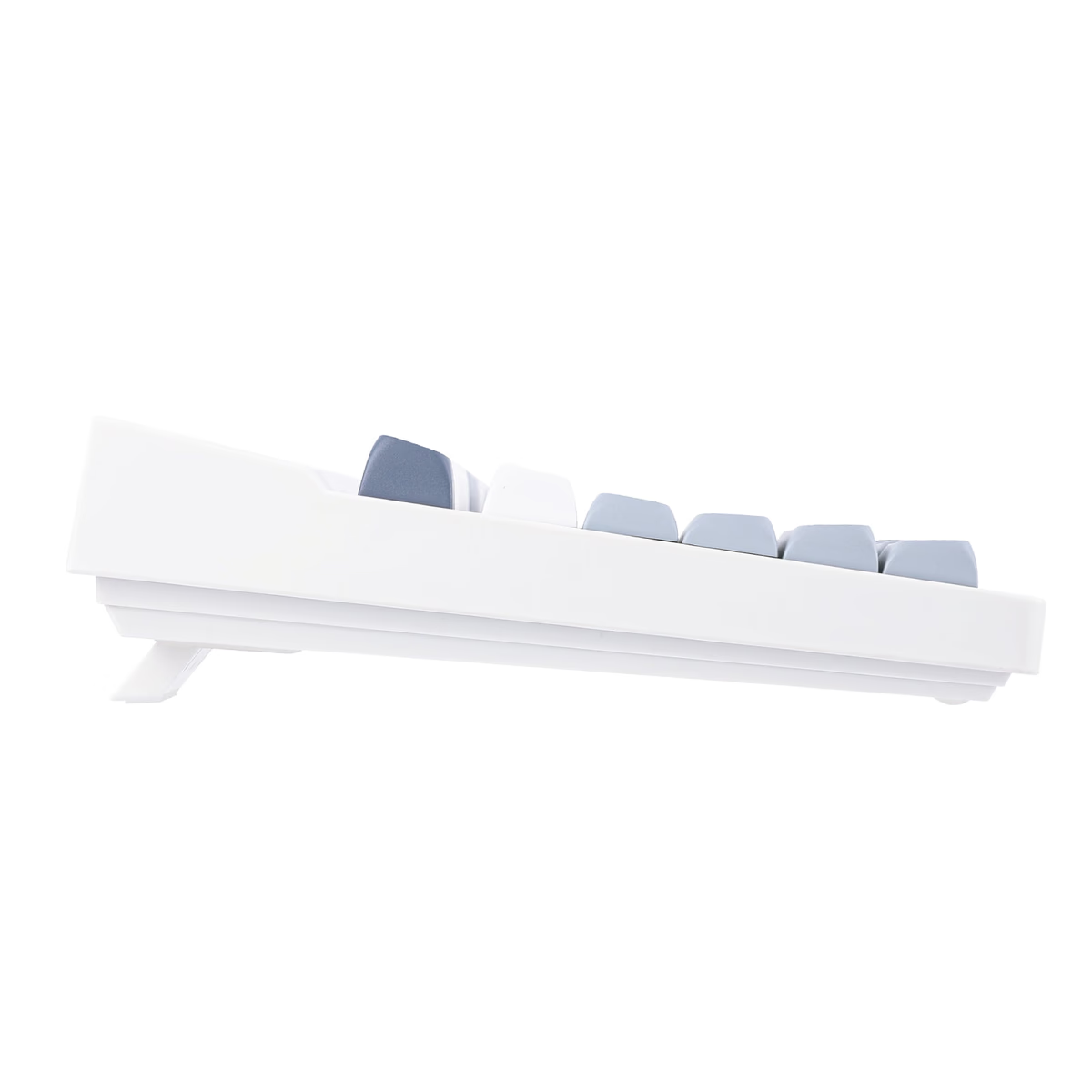
EPOMAKER
Epomaker DynaTab 75
from—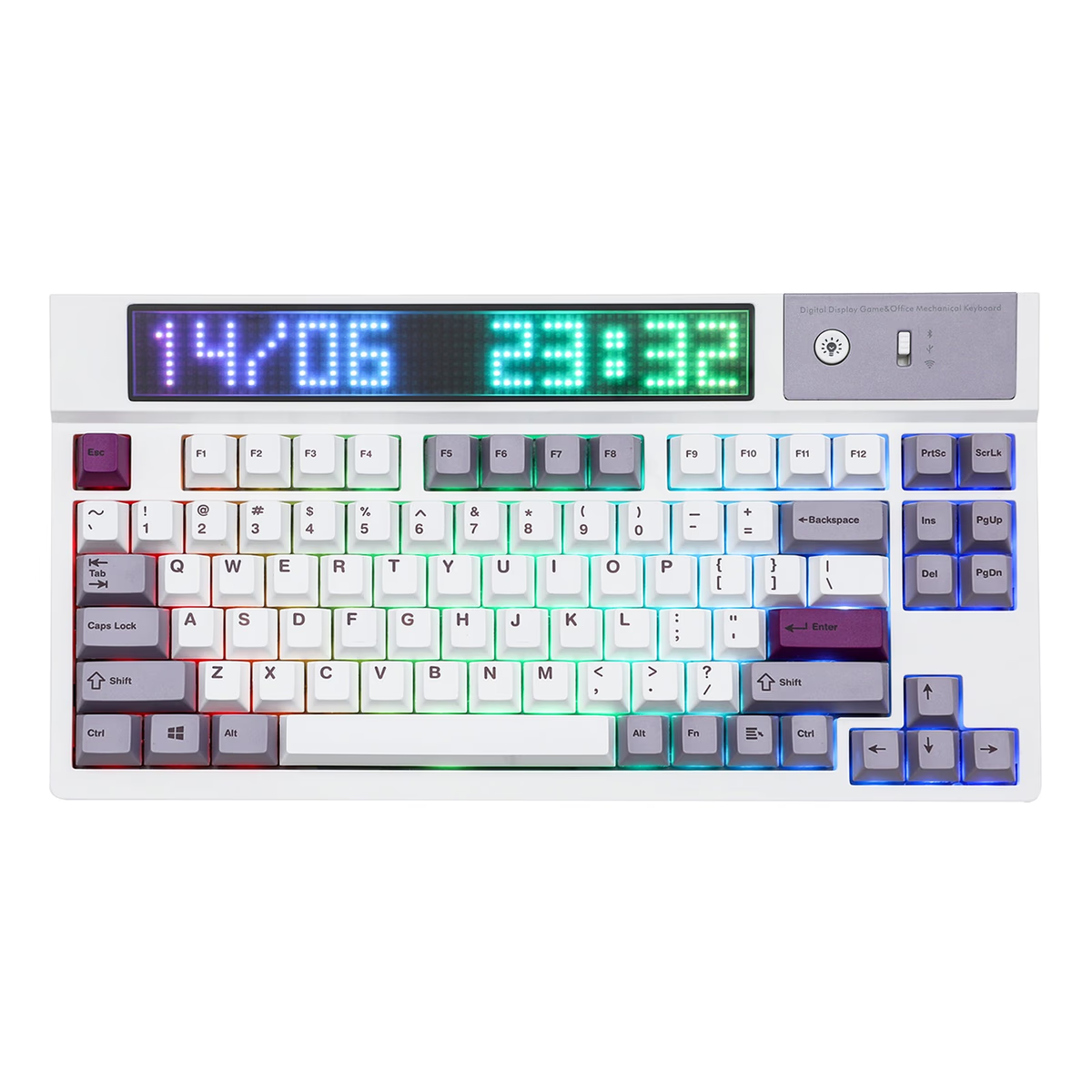
EPOMAKER
Epomaker DynaTab 75X
from—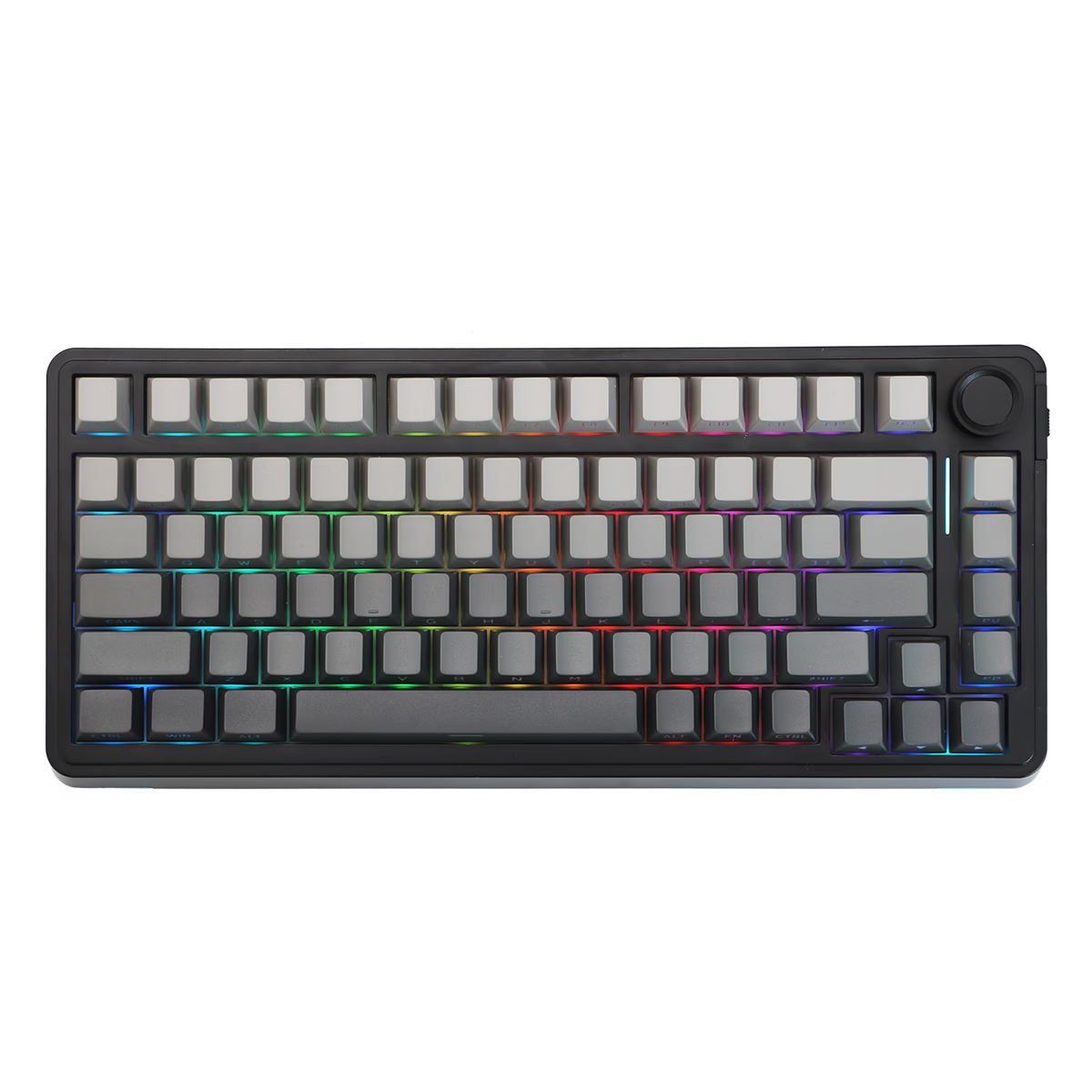
EPOMAKER
Epomaker EA75
from—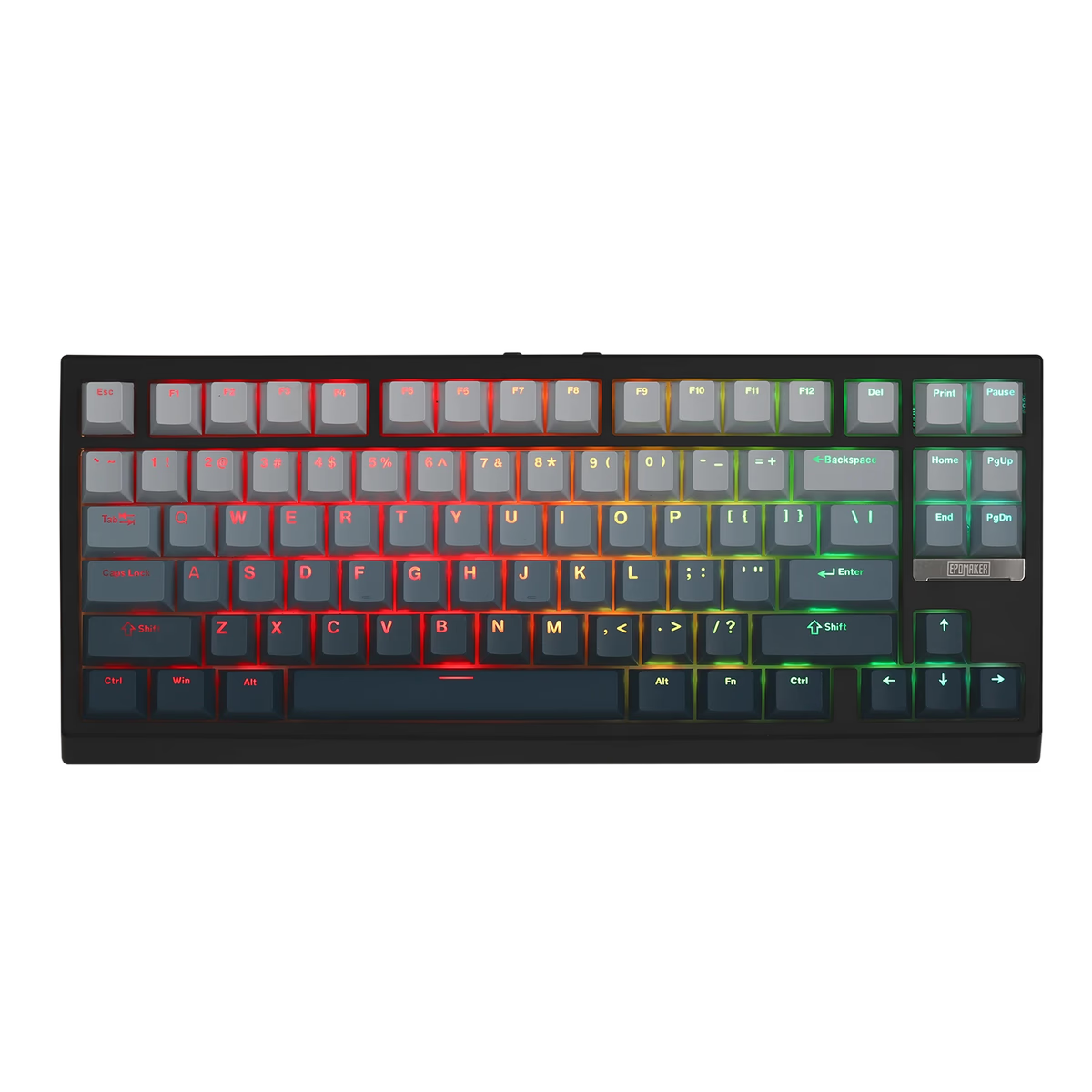
EPOMAKER
Epomaker G84 HE
from$84.99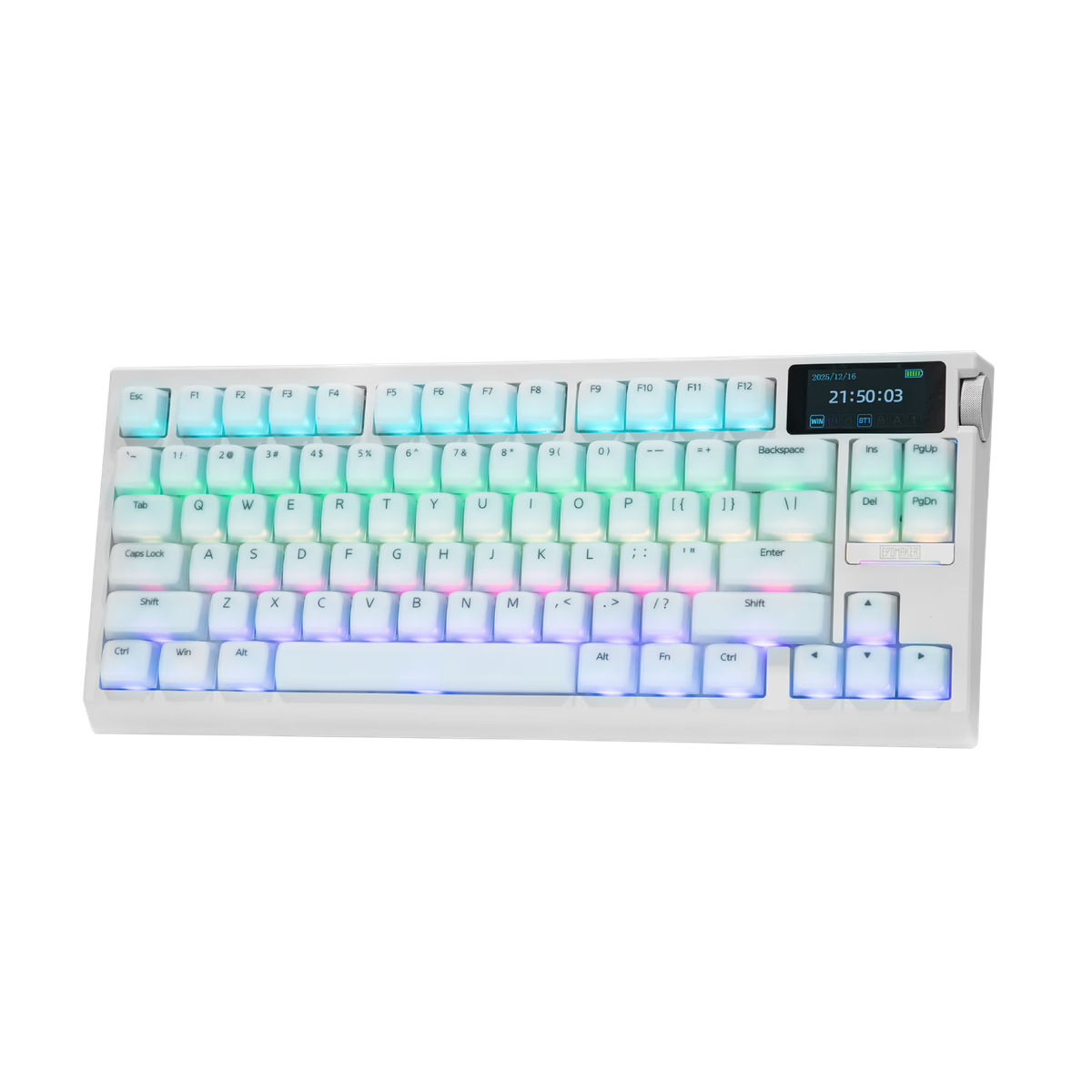
EPOMAKER
Epomaker G84 PRO
from$85.99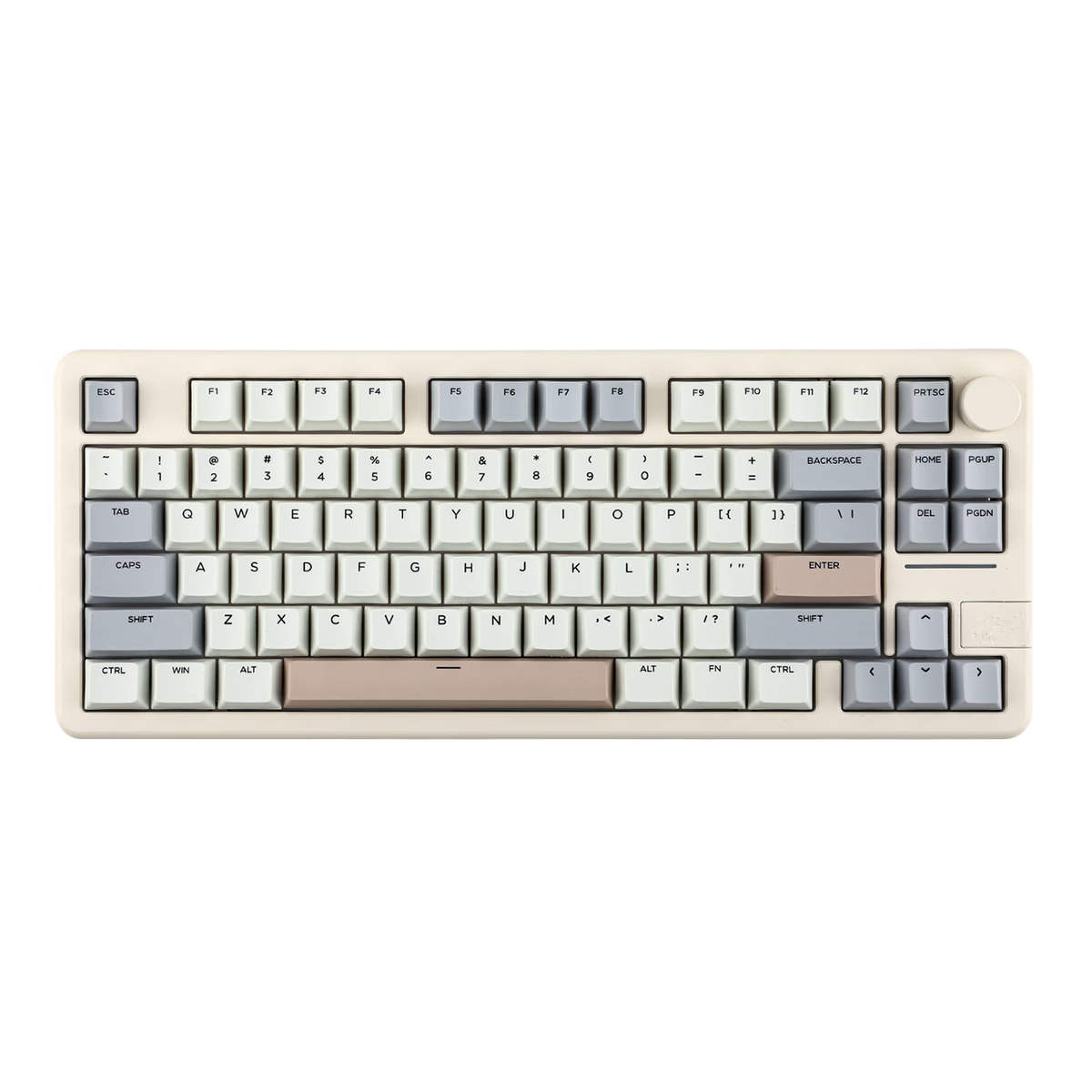
EPOMAKER
Epomaker Galaxy70
from—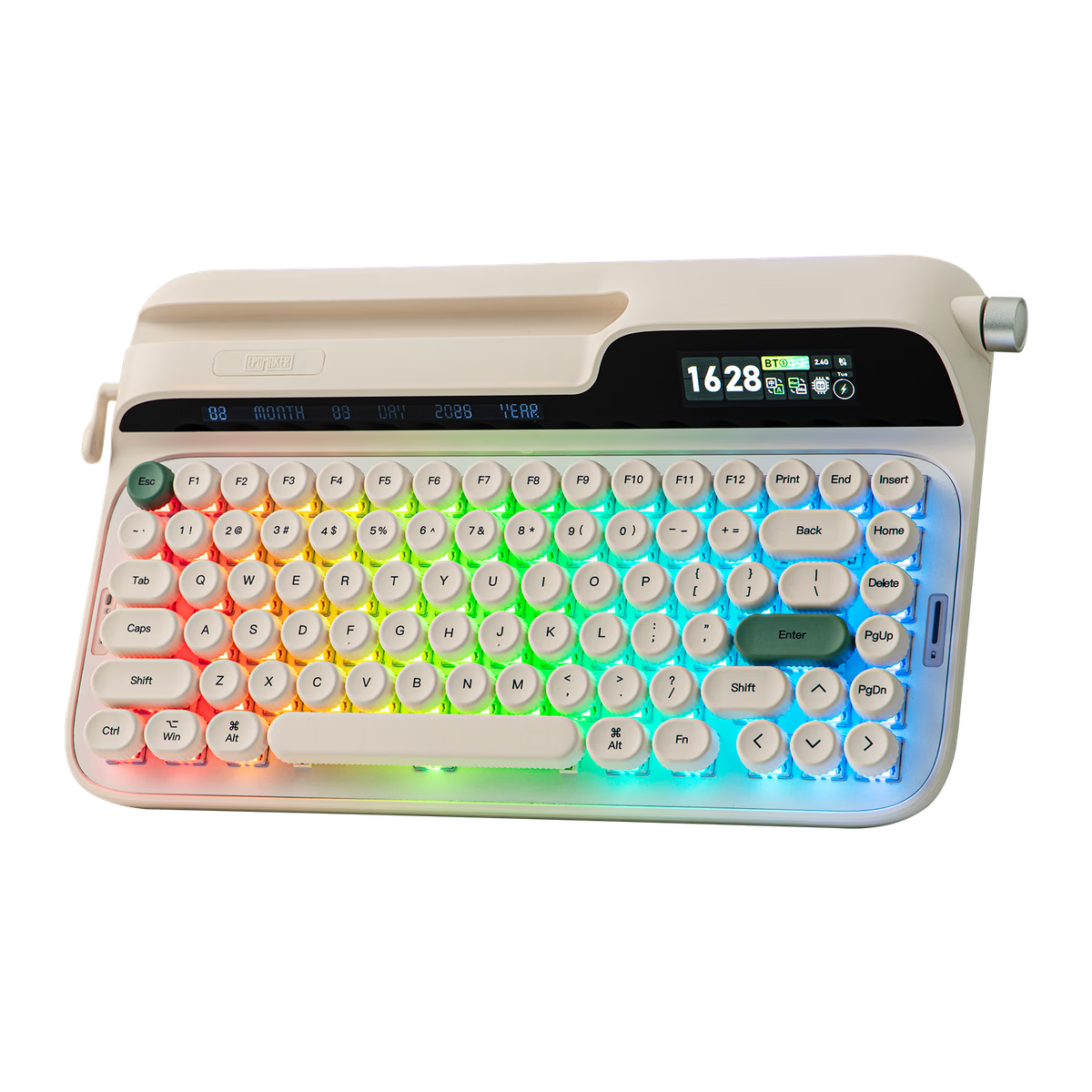
EPOMAKER
Epomaker Glyph
from$139.00
Why this layout took over
One hundred and fourteen boards from 11 brands, against 61 for the next-largest compact layout. That is not a fashion; it is the industry deciding that the function row is worth its width and almost nothing else is.
The price floor is $29 — the lowest of any layout we track, including full-size — with a $99 median and a $279 ceiling. That range is the real point. There is a competent 75% at nearly every budget, which is not true of 60%, where the floor is $69.
97% are hot-swap and 69% offer wireless. Both numbers are near the top of the table, because this is where manufacturers put their effort.
Two things that vary between 75% boards
The gap. Some 75% boards space the function row away from the number row the way a TKL does; others pack everything flush. Flush is a few millimetres narrower and slightly easier to mis-hit. Neither is wrong, but if you touch-type the F keys the gap is worth having.
The knob. A large share of 75% boards ship a rotary encoder in the top-right corner, usually mapped to volume. It is the most-used extra control on any keyboard and the one people miss when they move to a board without it. If a knob matters, filter for it before you narrow anything else down — it eliminates a lot of the 114 boards immediately.
What you actually give up against a TKL
Width, and the dedicated navigation cluster. A TKL keeps Insert, Home, Page Up, Delete, End and Page Down as a separate six-key block with a gap around it. A 75% squeezes two or three of them into a column and puts the rest on a layer.
If you use those keys constantly — heavy spreadsheet work, code navigation without Vim bindings — the gap matters. For most people it does not, and the 6 cm of desk you get back does.
Frequently asked
Is a 75% keyboard good for programming?
75% or TKL?
Do 75% keyboards have a numpad?
Why are there so many 75% keyboards?
Keep exploring
More keyboards categories