On this page
You've found the perfect keyboard. You're about to click buy. But there's a dropdown: ISO or ANSI? If you pick wrong, your muscle memory will quietly suffer for a year, or you'll scramble for replacement keycaps that don't fit. This guide tells you which to pick — and why the choice matters beyond just the Enter key.
The two dominant layouts
ANSI
The North American standard. Rectangular, horizontal Enter key (one unit tall, 2.25 units wide). Left Shift is 2.25 units wide, backslash sits above Enter.
Most keyboards made for the global market default to ANSI. It's also the layout used for almost every aftermarket keycap set that doesn't explicitly say otherwise.
ISO
The European and UK standard. Tall, L-shaped Enter (two units tall, 1.5 wide at the top, 1.25 wide at the bottom). Left Shift is shorter (1.25 units), and there's an extra key between it and Z. Backslash lives to the left of Z.
A standard full-size ISO keyboard has 105 keys to ANSI's 104 — that extra key (between Left Shift and Z) is the visual giveaway. You can usually tell ANSI from ISO at a glance just by counting on the bottom-left corner.
ISO variants further split by country: ISO-UK (£ sign, @ on 2), ISO-DE (Z/Y swap, umlauts), ISO-FR (AZERTY), ISO-IT, ISO-ES, etc. The physical layout is the same across ISO countries; what changes is the legends and the shift-layer symbols.
Why keycap compatibility is the real issue
You'd think you could pick either layout and swap keycaps later if you change your mind. You'd be wrong. Three specific key sizes trip people up:
- Enter. ANSI 2.25u horizontal vs ISO 1.5u × 2u L-shape. These are not interchangeable.
- Left Shift. ANSI 2.25u vs ISO 1.25u. Different sizes.
- The key between Left Shift and Z (ISO only). Most ANSI keycap sets don't include this key at all.
Most major keycap drops — GMK, PBTfans, ePBT — offer an optional "ISO kit" for £$10–30 extra that adds the missing/differently-sized caps. Some budget PBT sets skip ISO support entirely.
How to pick
The decision is almost always made by your muscle memory. If you've been typing on ISO for years, don't switch to ANSI because "it's cheaper" — you'll fight your fingers every day.
That said:
- North Americans, Asians, most gamers globally: ANSI. It's what the keyboard ecosystem is built around.
- UK/Irish users with AltGr muscle memory: ISO-UK. The @ on 2 and " on SHIFT-2 is burned into you.
- Continental European users: ISO with your national variant. The cost of switching to ANSI (re-learning every symbol) is higher than the cost of paying a small ISO premium.
- Programmers who have fully rebound everything: ANSI often wins because ecosystem support is deeper, and any layout can be remapped in software.
Layout variants you'll see in listings
Here's what the dropdown options usually mean:
| Listing label | What you get |
|---|---|
| ANSI / US | Standard US layout |
| ISO-UK | UK English with £ and @ on 2 |
| ISO-DE | German QWERTZ with umlauts |
| ISO-FR | French AZERTY |
| ISO-Nordic | Shared between SE/NO/DK/FI |
| JIS | Japanese; smaller space, extra keys near Enter |
| ISO (no country) | Usually ISO-UK or physical layout only |
A note on software layouts vs hardware layouts
Your operating system has its own keyboard layout setting separate from what's physically on the keys. You can put ANSI hardware in a UK-DE software mode, or vice-versa. This works for pure text input, but:
- The legends on your keycaps won't match what's actually being typed.
- The physical key shapes (big Enter vs small Enter) obviously don't change, which affects your muscle memory.
For occasional use or learning, software remapping is fine. For daily driving, match hardware to software.
Programmer-specific tweaks
If you code, a few layout tips worth knowing:
- ANSI places backslash more accessibly (above Enter) — useful in C, Java, shell.
- ISO has more reachable punctuation on the extra key near Shift — some people love it, some ignore it.
- AZERTY is objectively worse for programming than QWERTY/QWERTZ. Most French devs switch to a software-mapped QWERTY layout or use a programmer AZERTY variant.
- Any layout can be fully remapped with QMK/VIA on a hot-swap keyboard. If you want ANSI physical with Colemak typing, go for it.
What about ortholinear and split layouts?
Ortholinear (straight-grid) and split (two-half ergo) keyboards aren't really "ANSI" or "ISO" — they use different key size conventions entirely. If you're shopping a split ergo board, ANSI/ISO doesn't apply; you'll be buying keycaps specifically labeled "ortho-friendly" or "XDA-all-1u."
Common pitfalls
- Ordering an ANSI keyboard and later trying to use ISO keycaps (or vice-versa). The caps will physically not fit.
- Assuming Amazon listings tell the truth about layout. They often don't. If in doubt, email the seller or check the product page on the manufacturer's site.
- Buying designer keycaps without the ISO kit. Happens to almost every ISO builder once.
- Switching mid-career. If you've typed ANSI for 20 years, don't switch on a whim. Your WPM will halve for a month.
FAQ
Why does ISO have 105 keys and ANSI has 104?
ISO splits the ANSI 2.25u Left Shift into a smaller 1.25u Shift plus one extra
key (typically < and >), and the L-shaped Enter occupies the row above
the bottom of the ANSI Enter. Net: one more key on ISO.
Is ANSI better for gaming? Slightly — most gaming keyboards default to ANSI, more aftermarket keycap sets are sized for ANSI, and the wider Left Shift gives you more thumb-side reach. That said, the difference is small once you're used to your layout. Don't switch from ISO to ANSI just for gaming.
How do I know if my keyboard is ANSI or ISO? Look at the Enter key. Wide and short = ANSI. Tall and L-shaped = ISO. The ISO has one extra key between Left Shift and Z. If the keyboard has neither visible (printed legends), count the keys in the bottom row — ANSI 7 keys, ISO 8.
Can I switch between ANSI and ISO keyboards? Yes, but it costs muscle memory for ~2 weeks per direction. The Enter and Shift positions are different enough that your fingers miss them. If your work depends on sustained WPM, don't switch unless you're committed.
Which is better — ISO or ANSI? Whichever your fingers already know. If you have no preference, ANSI has better keycap-set availability worldwide. If you're in the UK or continental Europe and your symbols are language-specific, ISO with your national variant is correct.
Bottom line
Pick the layout that matches what you type on every day. If you're genuinely layout-agnostic, pick ANSI — the ecosystem is bigger. If you're an ISO native, stay ISO and accept the occasional $15 kit premium on keycap drops.
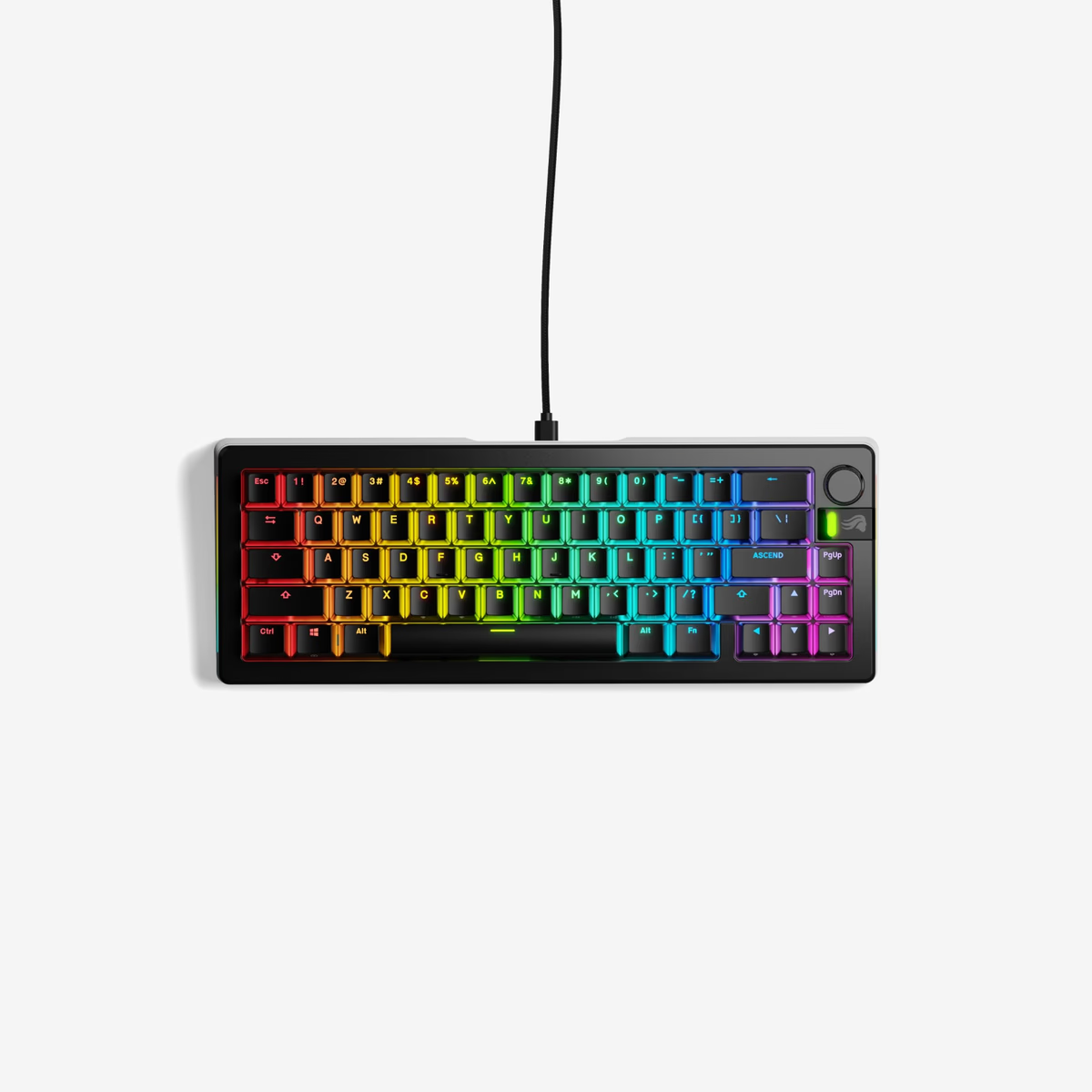
Our 2026 picks
See all 368 keyboards in the database
Compare specs, view history, see stats and vendor prices — the tools back you up past this article.
Keep exploring