TKL (Tenkeyless) keyboards
TKL (tenkeyless) keyboards — full layout minus the numpad. ~87 keys with standard ANSI spacing. Akko 3087, Drop CTRL, Filco Majestouch, MonsGeek M3 and more.
47 keyboards · $55–$250
What is a TKL (tenkeyless) keyboard?
A TKL — short for tenkeyless — is a full-size layout with the number pad removed. You keep everything else: the main alpha block, the F-row, the arrow cluster, and the navigation keys (Insert, Home, Page Up/Down). That works out to around 87 keys with standard ANSI spacing, so if you've ever used an office keyboard, the muscle memory carries over with zero retraining. The numpad is the only thing you give up — and if you don't crunch numbers daily, you won't miss it.
The payoff is desk space. A typical TKL is roughly 360 mm wide versus a full-size board's ~440 mm, recovering about 80 mm on the mouse side. That extra swing room is exactly why TKL is the default competitive-gaming form factor — lower-sensitivity players get more room for wide mouse arcs without the numpad in the way.
TKL vs full-size vs 75% vs 65%
- TKL vs full-size: identical typing experience, minus the numpad and ~80 mm of width. The easiest downsize if you came from a full-size and want zero learning curve.
- TKL vs 75%: a 75% packs the same key count into a tighter block (no gaps between the arrows and nav cluster), saving more space — at the cost of a denser layout that takes a few days to adjust to. Pick TKL for familiarity, 75% for compactness.
- TKL vs 65%: a 65% drops the F-row entirely, moving those functions onto a layer. Far smaller, but you trade away dedicated function keys. TKL keeps everything physical.
What to look for in a TKL
- Hot-swap vs soldered: hot-swap PCBs let you change switches with no soldering iron — worth it if you're still finding your preferred feel. Check it: 81% of the TKLs we track are hot-swap, against 97-100% on the compact layouts, because this category still carries older soldered office boards. It is the one modern size where you cannot assume it. The Drop CTRL and MonsGeek M3 are the hot-swap references here.
- Connectivity: wired, 2.4 GHz wireless, and Bluetooth all exist in TKL. Modern wireless boards have latency parity with wired for typing; competitive gamers still favour wired or 2.4 GHz.
- Mounting & build: budget TKLs use tray mount; enthusiast boards (MonsGeek M3 and similar) add gasket mounting for a softer, more isolated typing feel.
Budget pick: the Royal Kludge N80, the cheapest TKL we carry — but soldered, so buy the switch you want first time. Best all-rounder: the Epomaker P87, gasket-mounted and hot-swap in the mid-$60s. Hot-swap references: Drop CTRL and MonsGeek M3. For named picks by use case, see Best TKL keyboards in 2026; to narrow the list yourself, use the filters on the left.
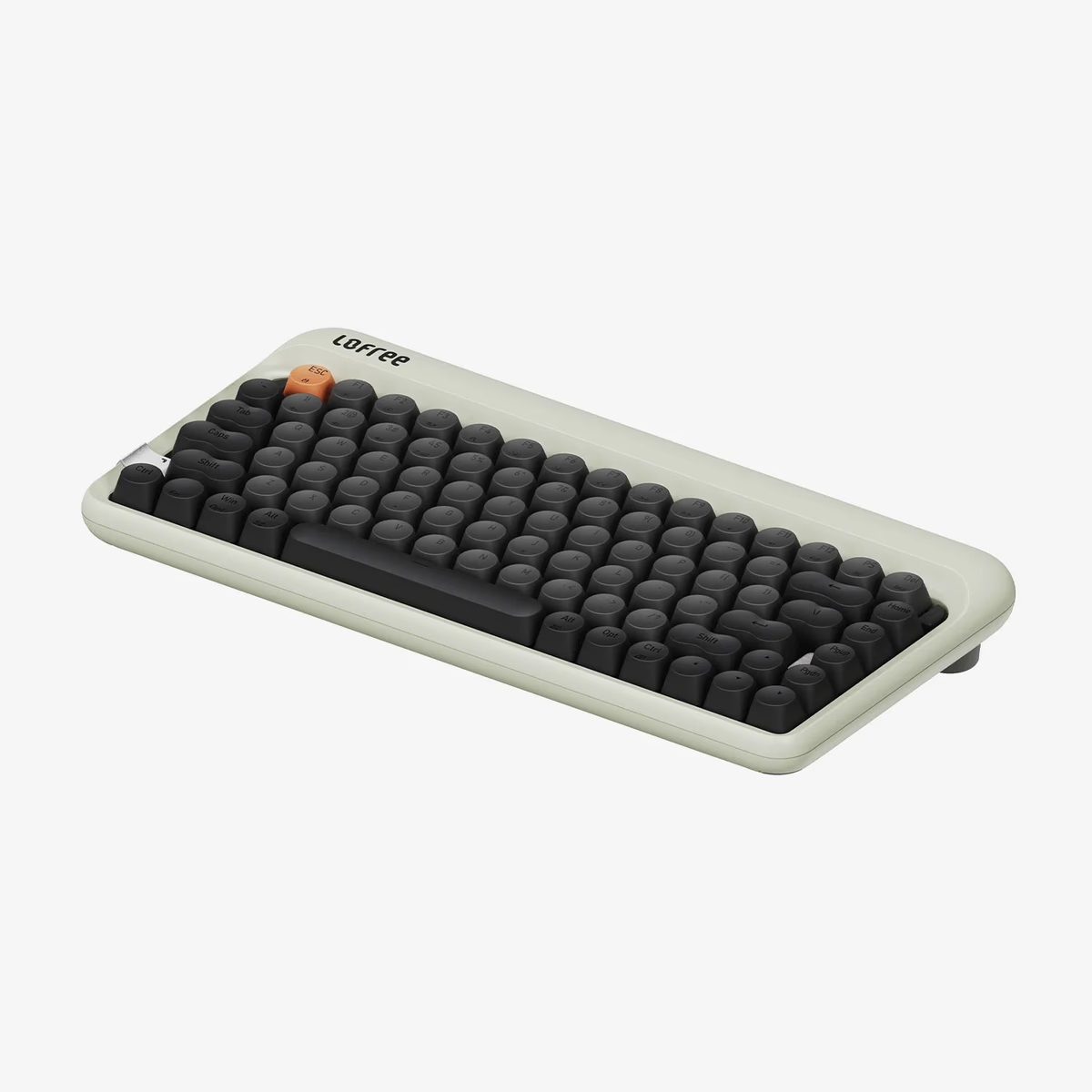
Lofree
1970s Mechanical Keyboard
from$99.00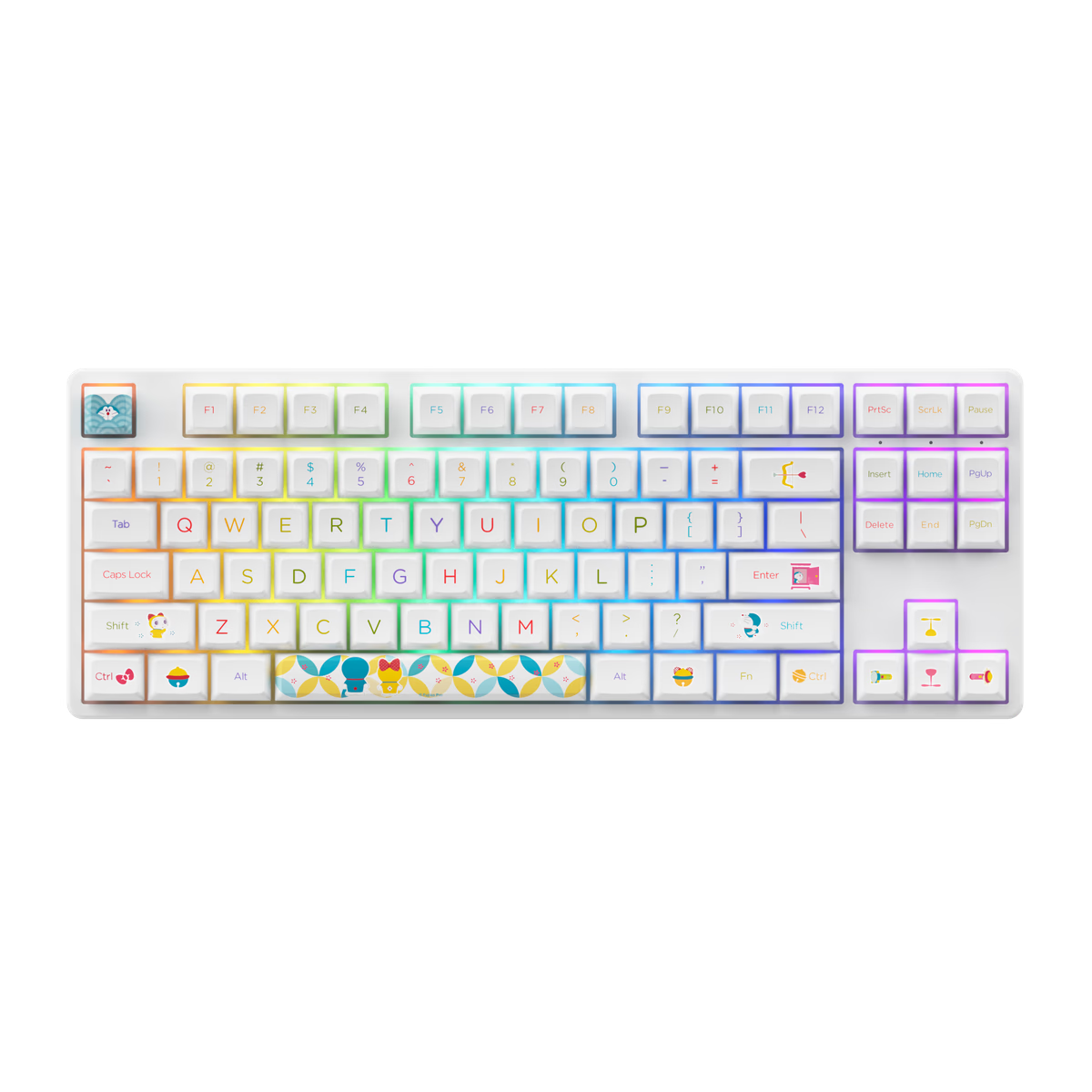
Akko
Akko 5087S
from—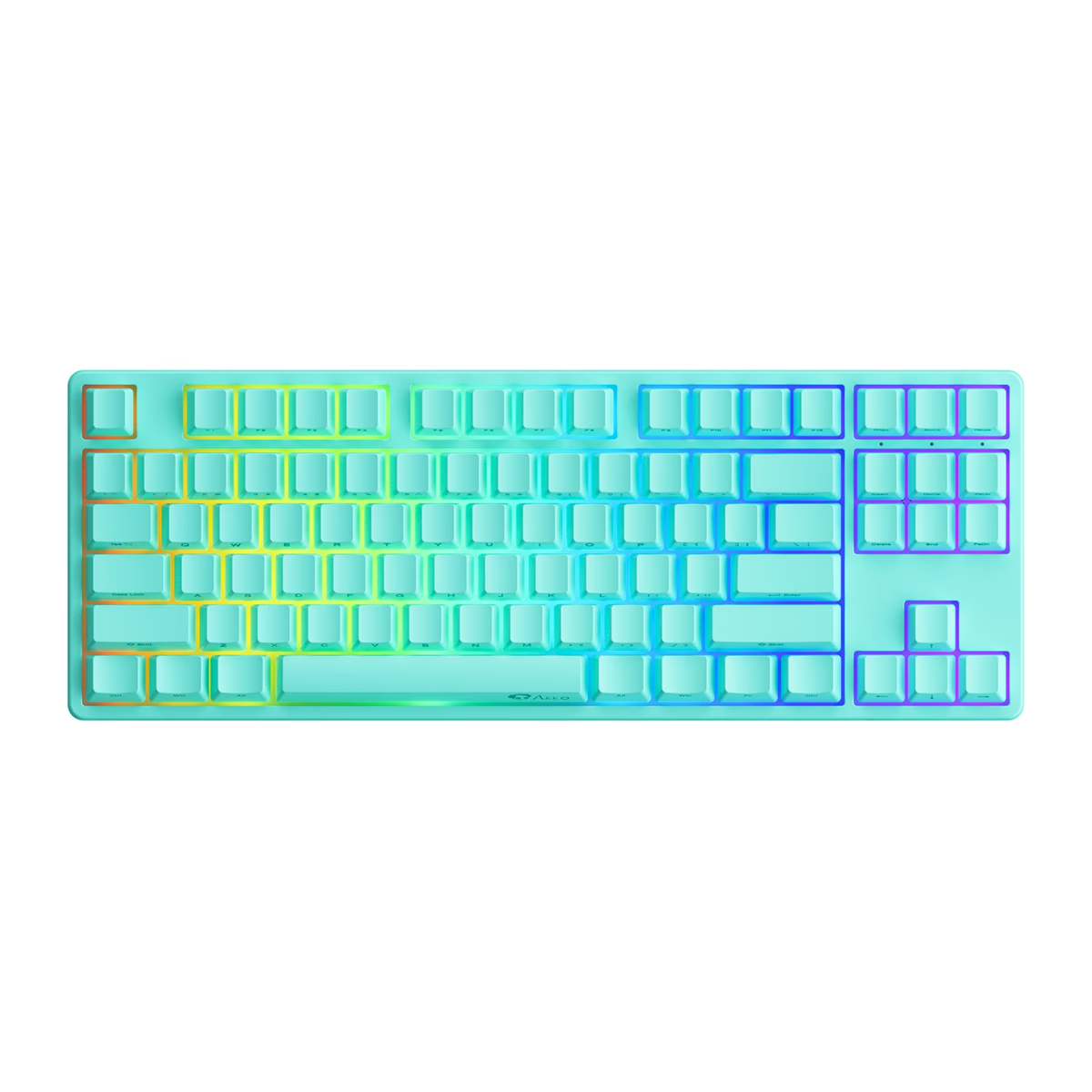
Akko
Akko 5087S QMK
from—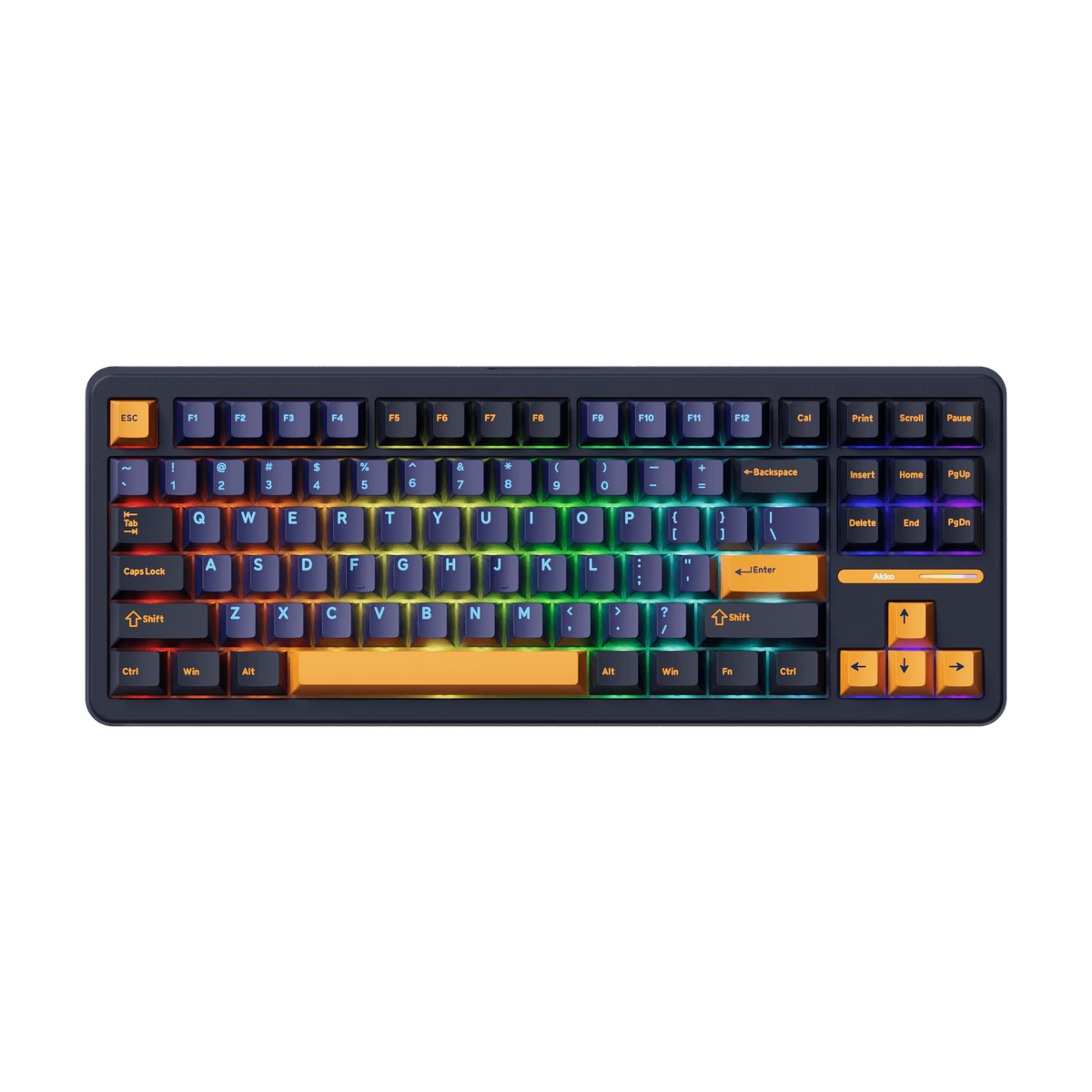
Akko
Akko TAC87
from—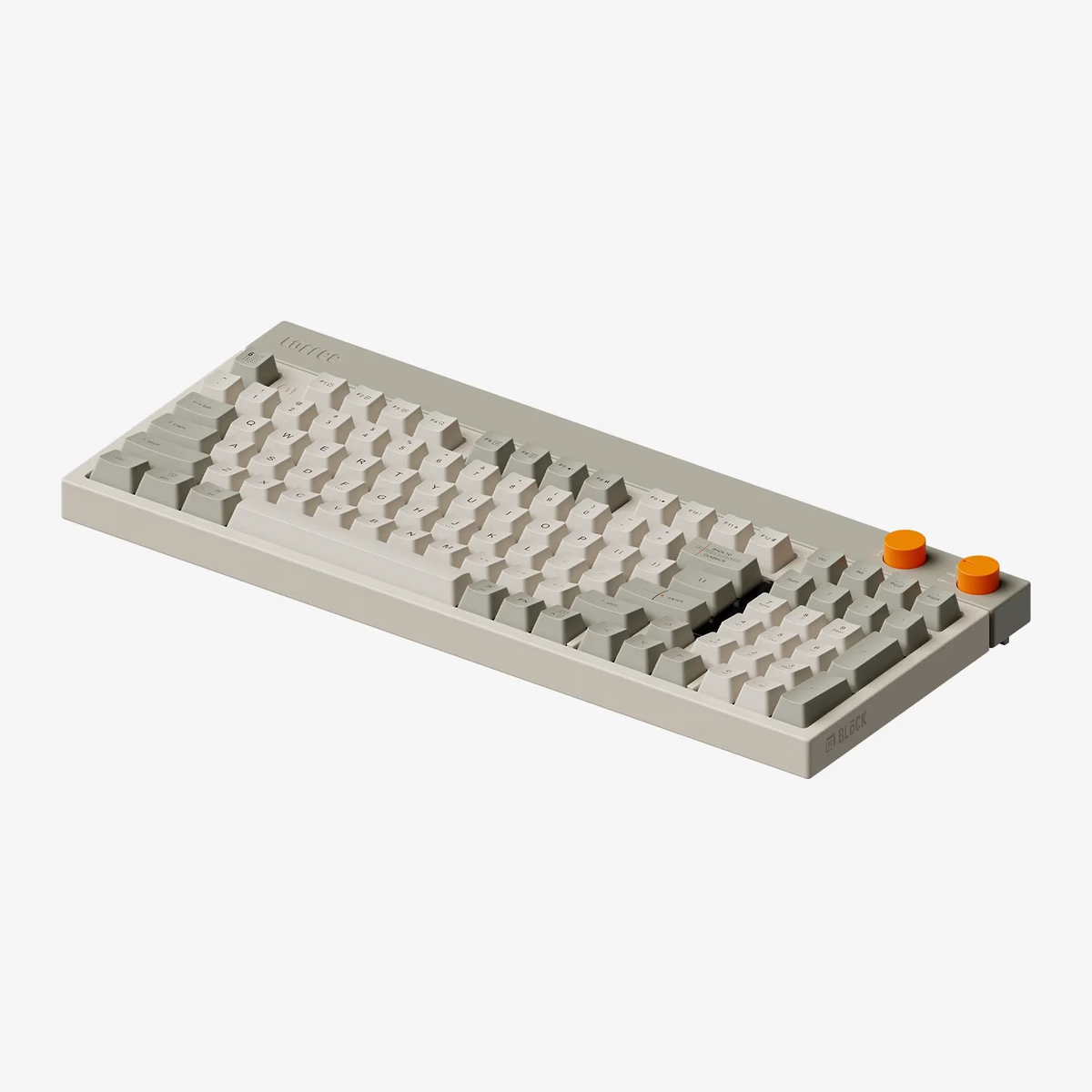
Lofree
Block Mechanical Keyboard
from$170.00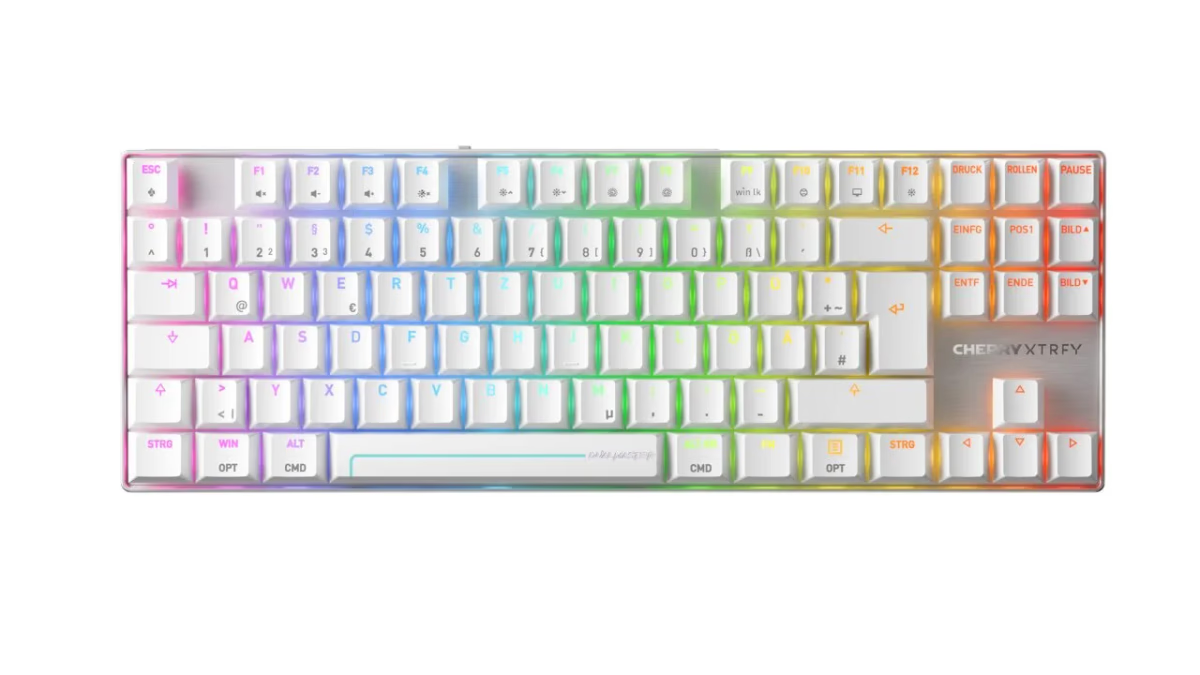
Cherry
Cherry MX 8.2 Pro TMR Wireless
from$249.99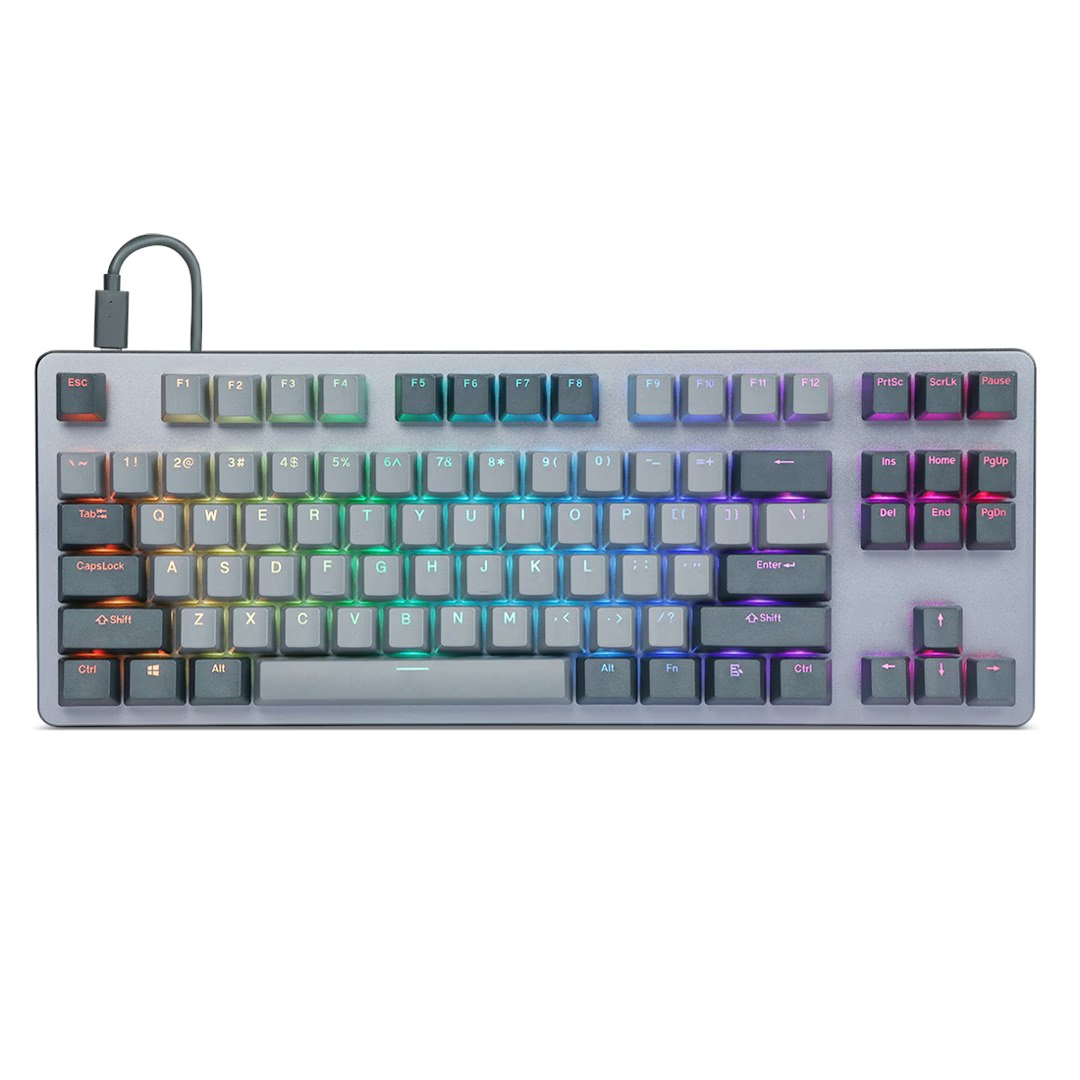
Drop
Drop CTRL
from—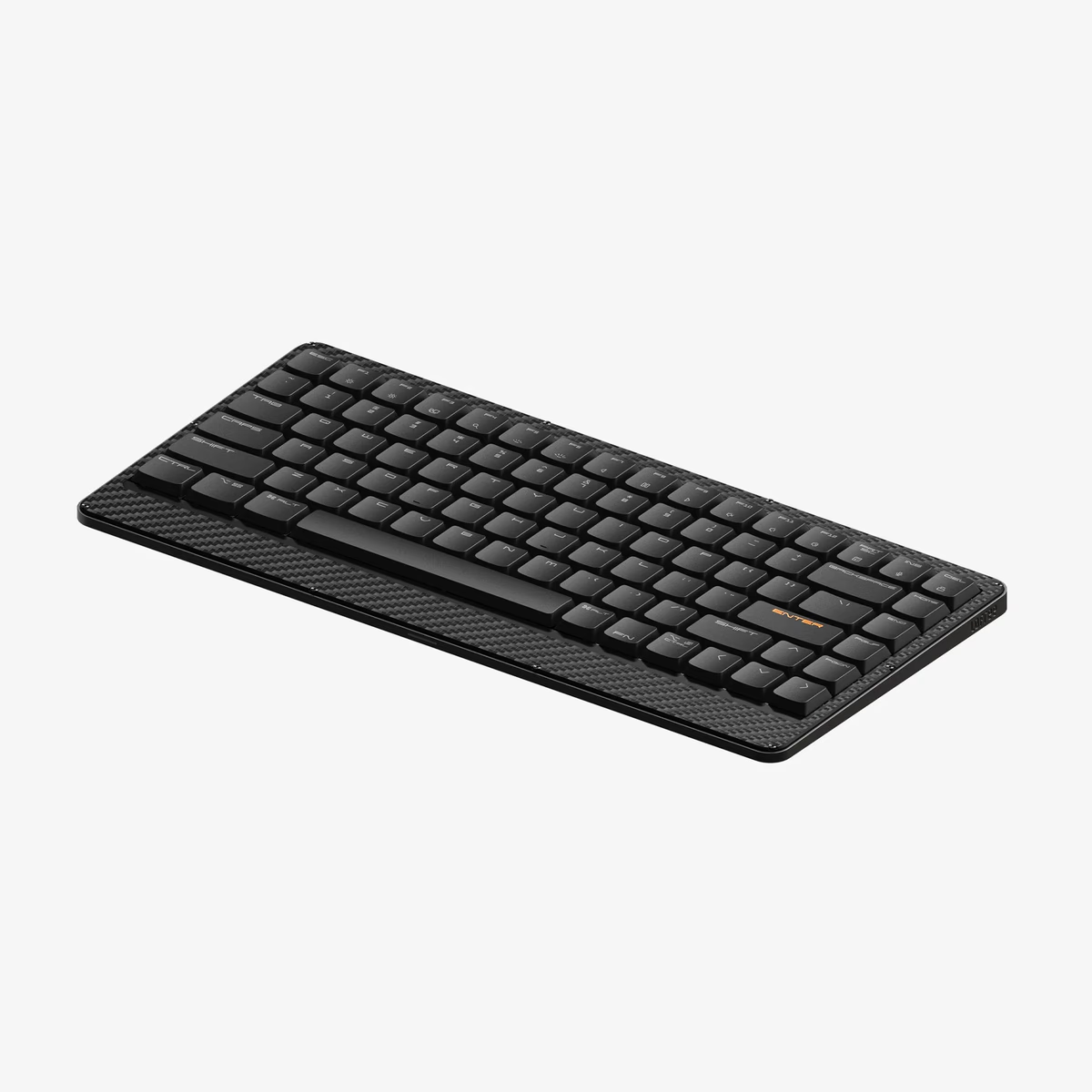
Lofree
Edge Low-profile Mechanical Keyboard
from$143.99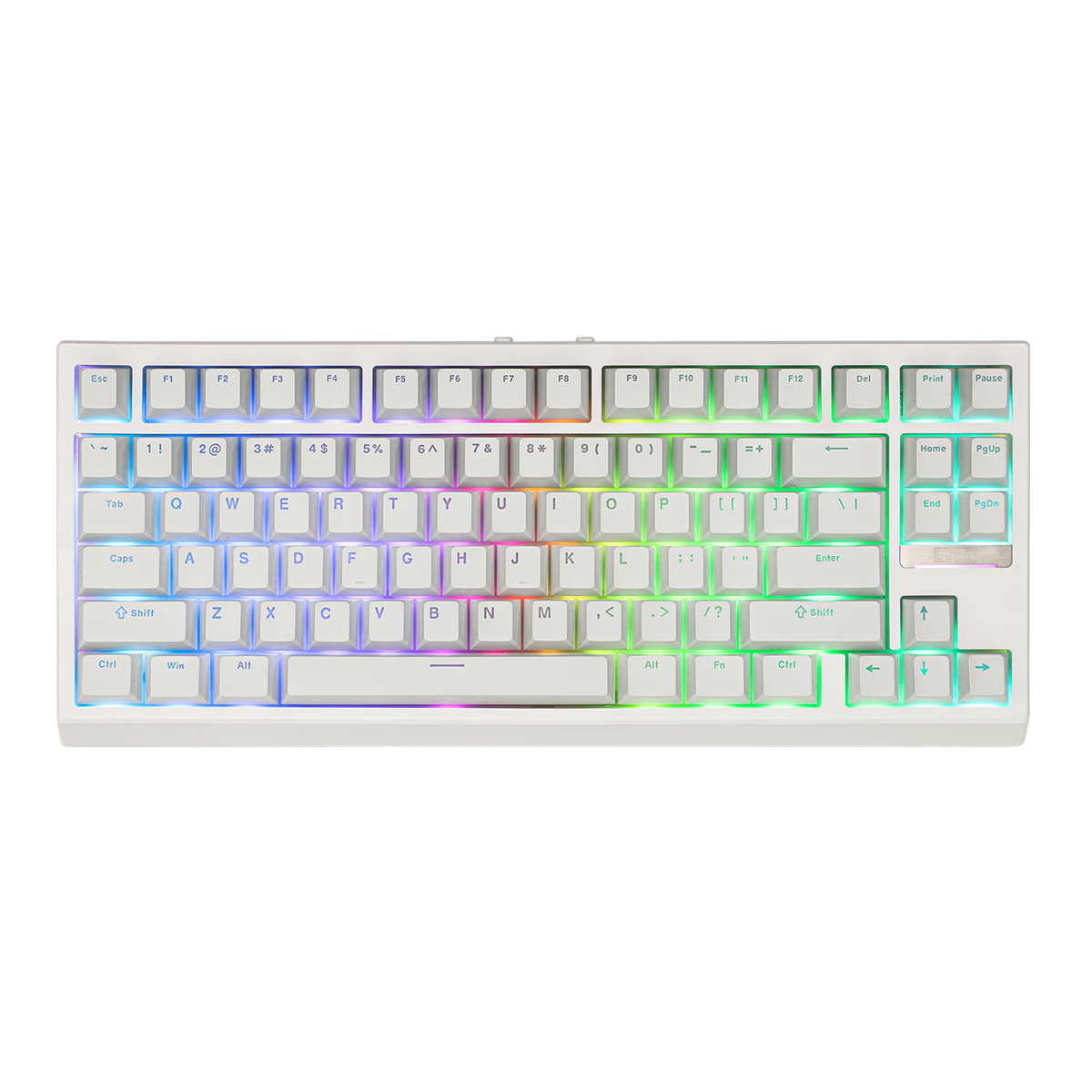
EPOMAKER
Epomaker G84
from$69.99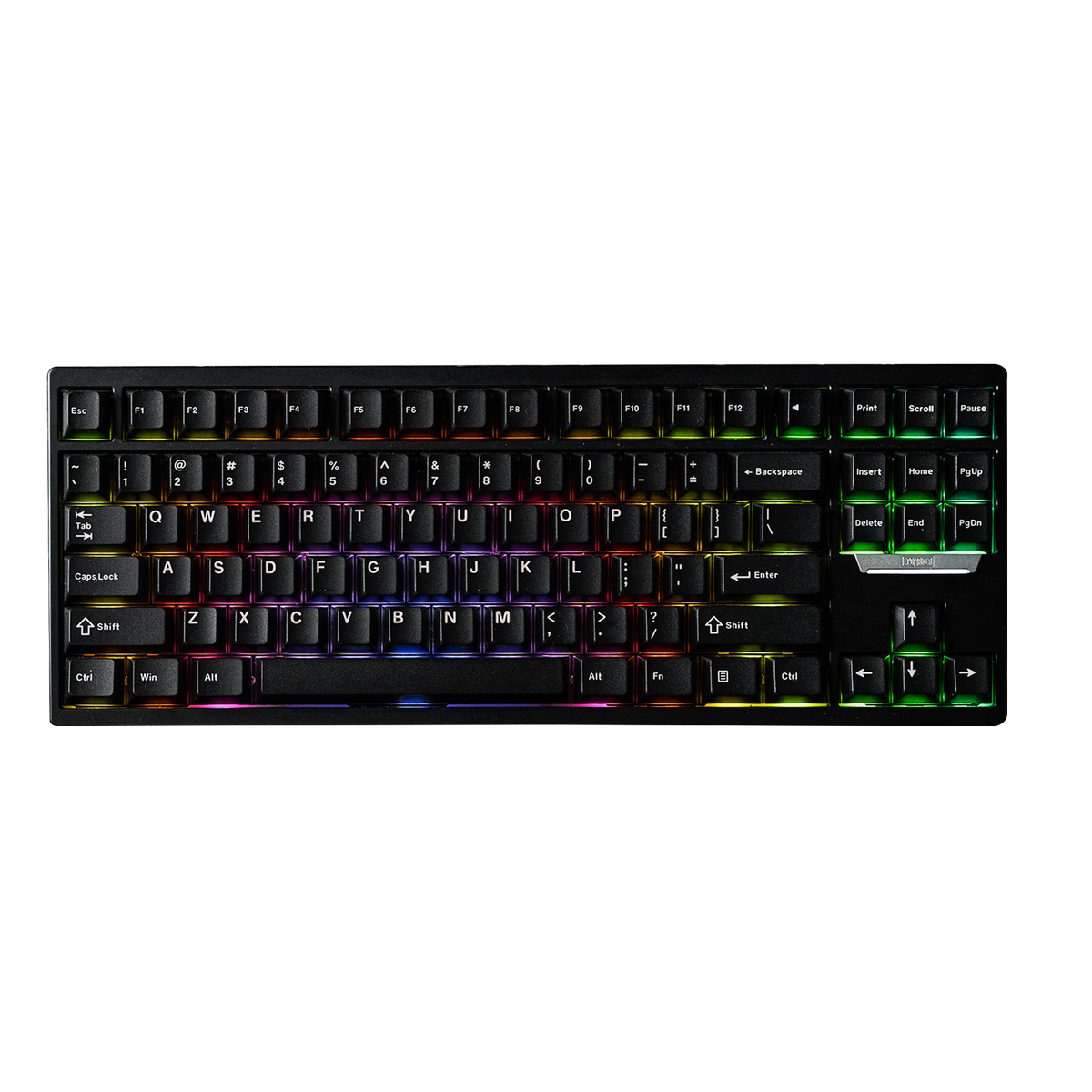
EPOMAKER
Epomaker Magcore 87
from$199.99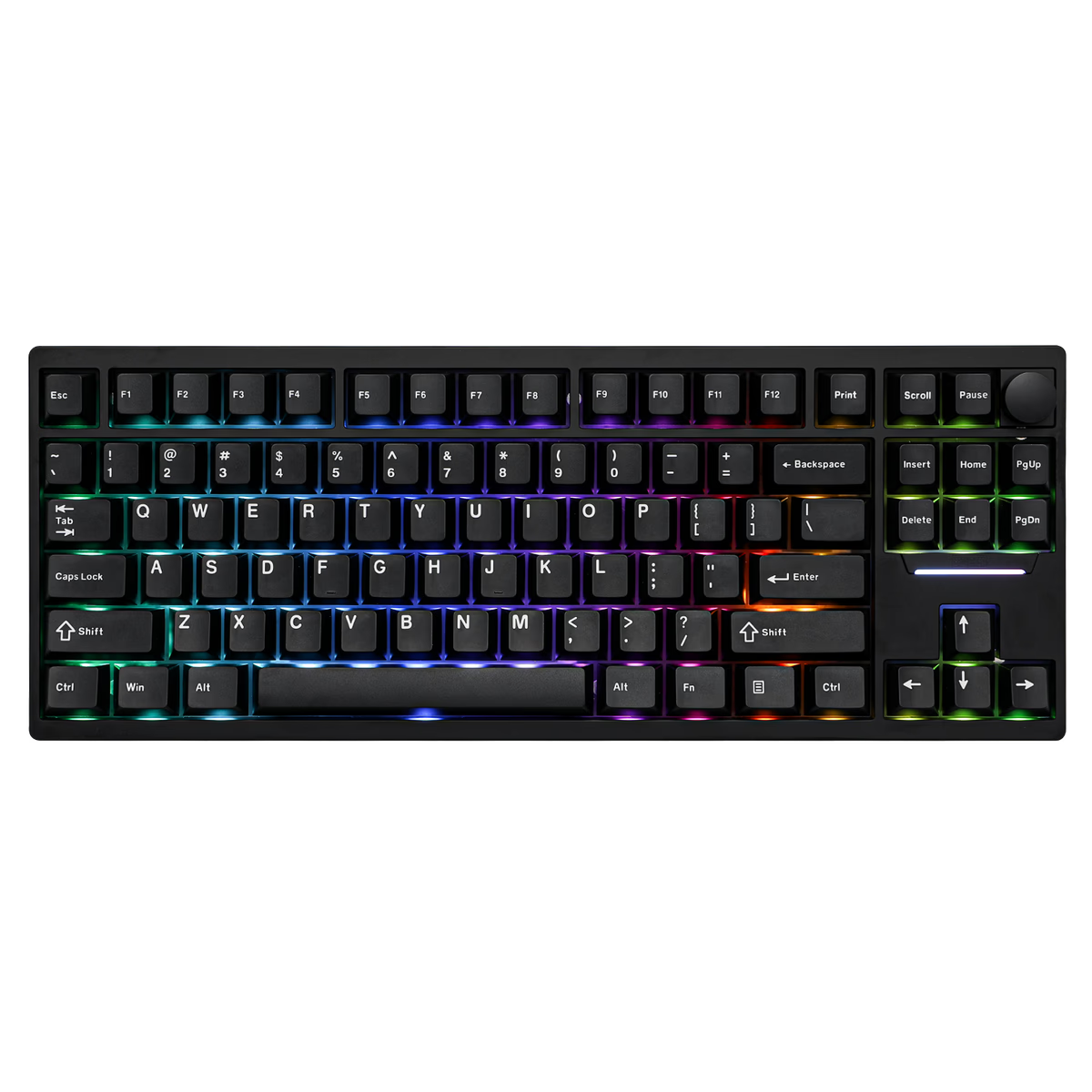
EPOMAKER
Epomaker P87
from—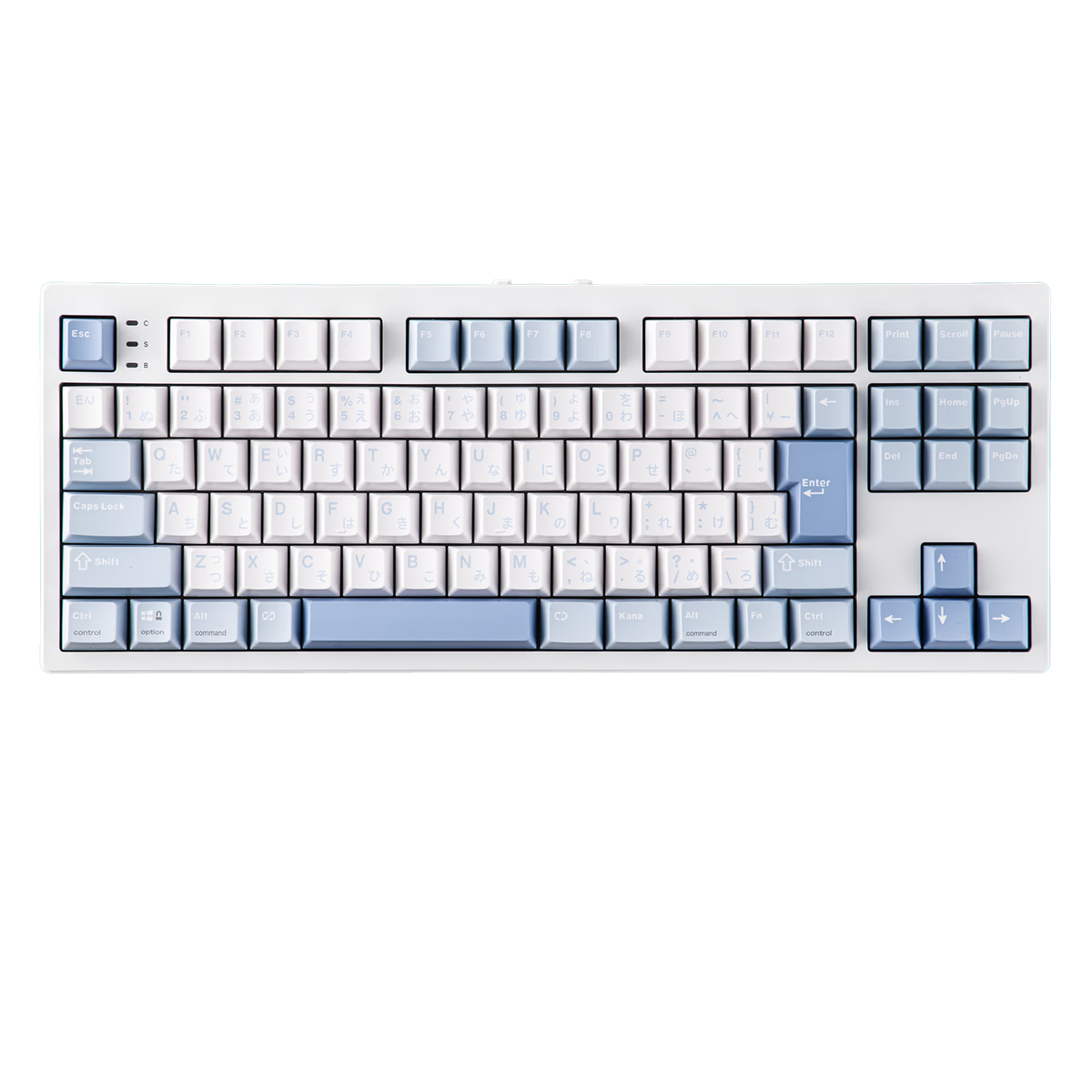
EPOMAKER
Epomaker TH87
from—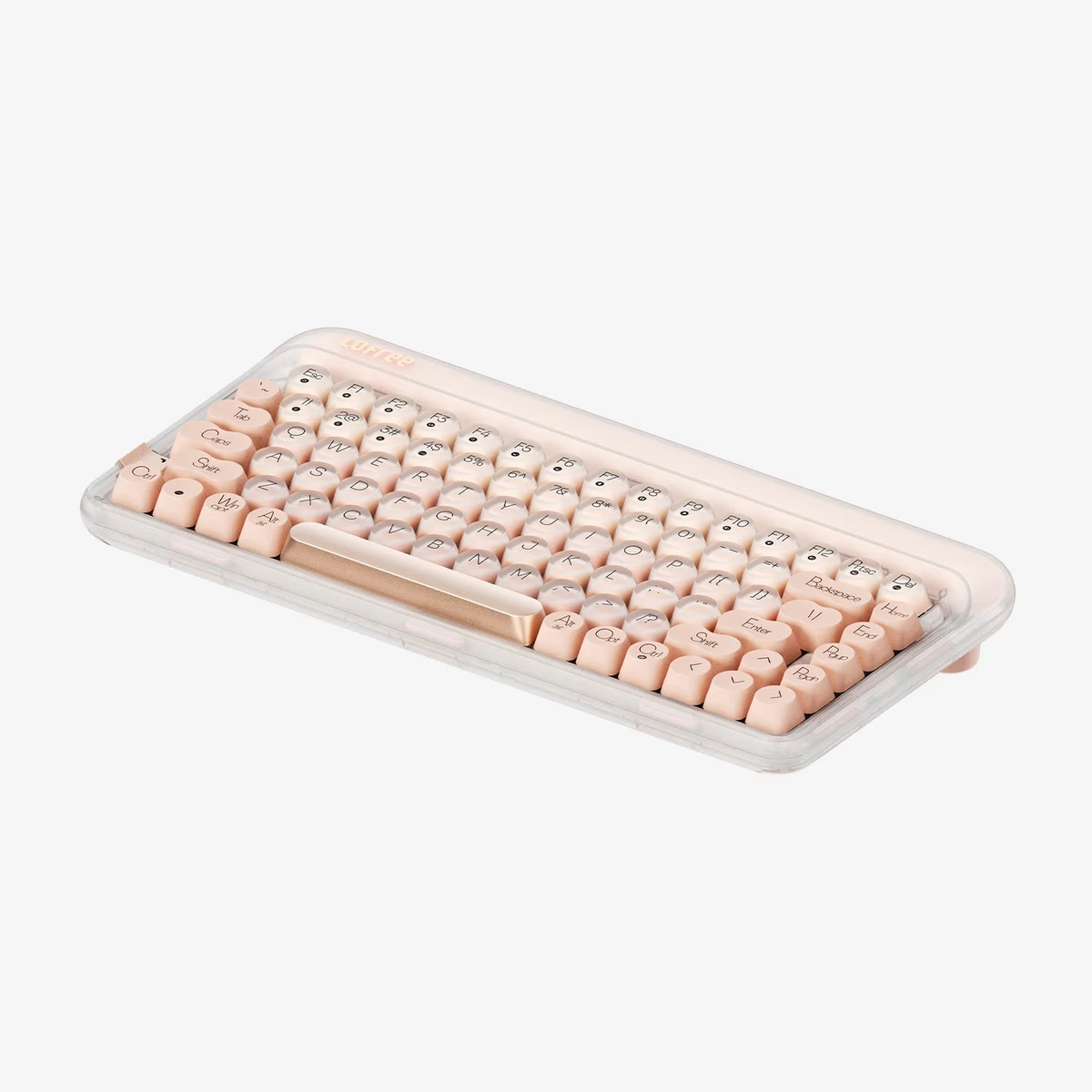
Lofree
Foundation Mechanical Keyboard
from$179.99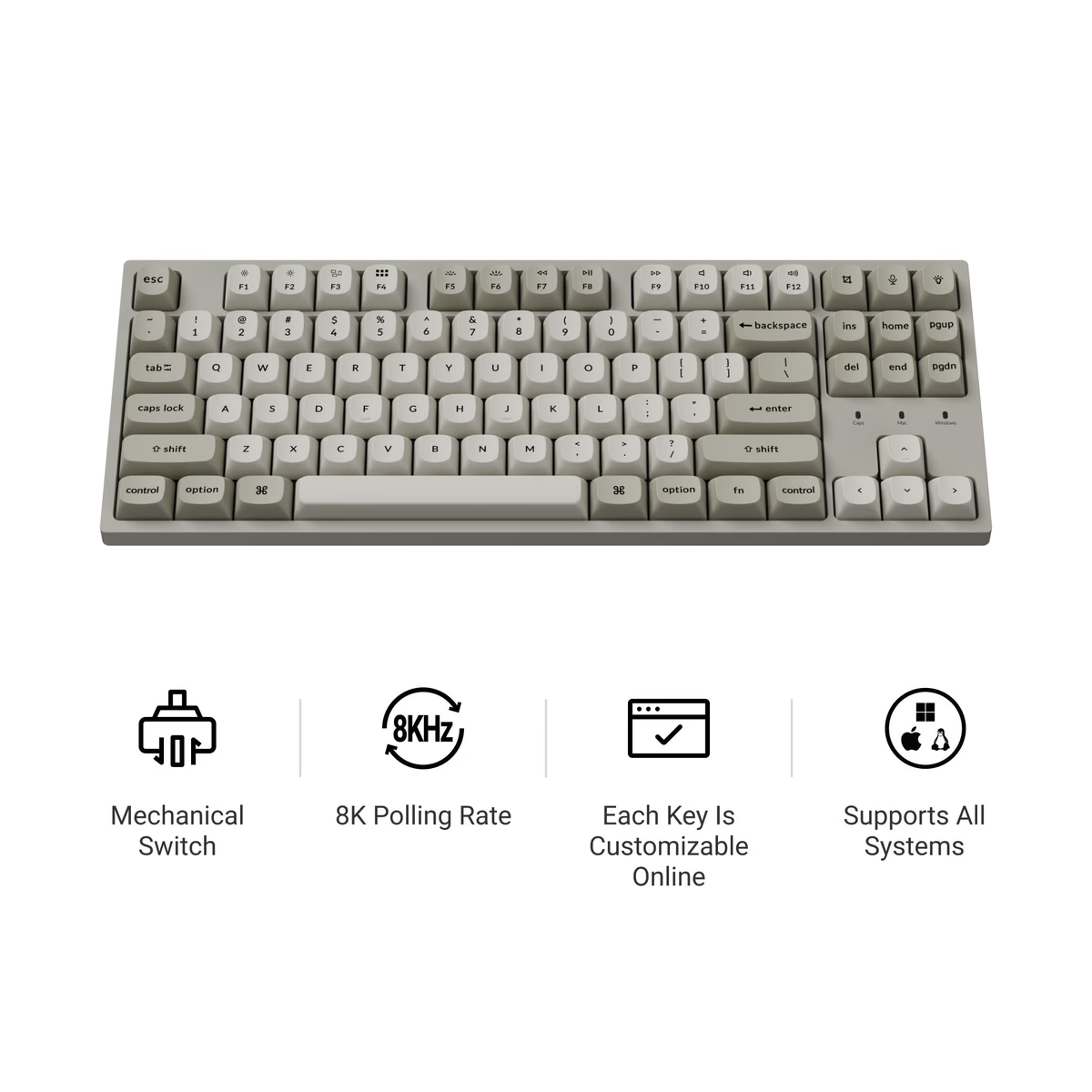
Keychron
Keychron C1 Pro 8K
from$54.99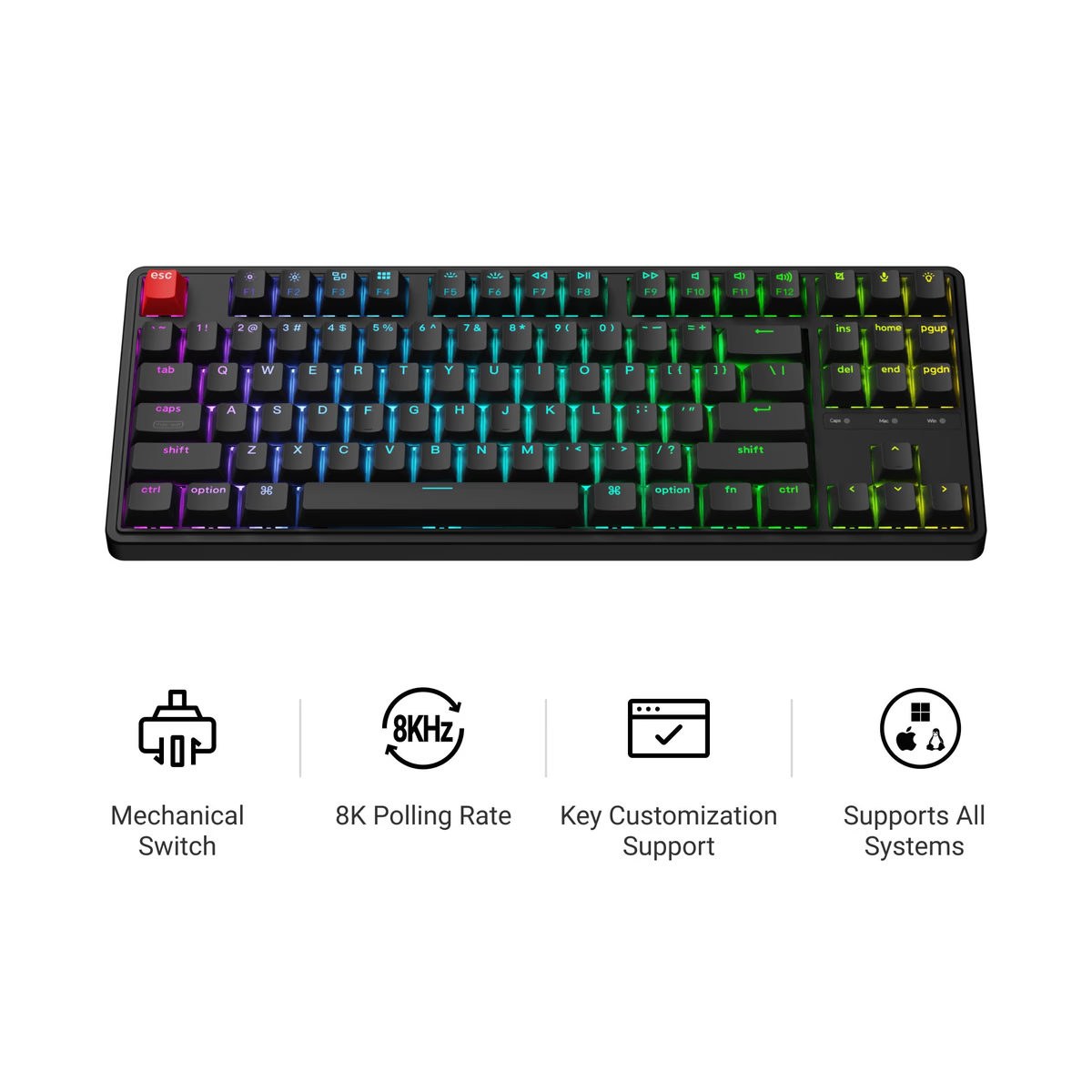
Keychron
Keychron C3 Pro 8K
from$54.99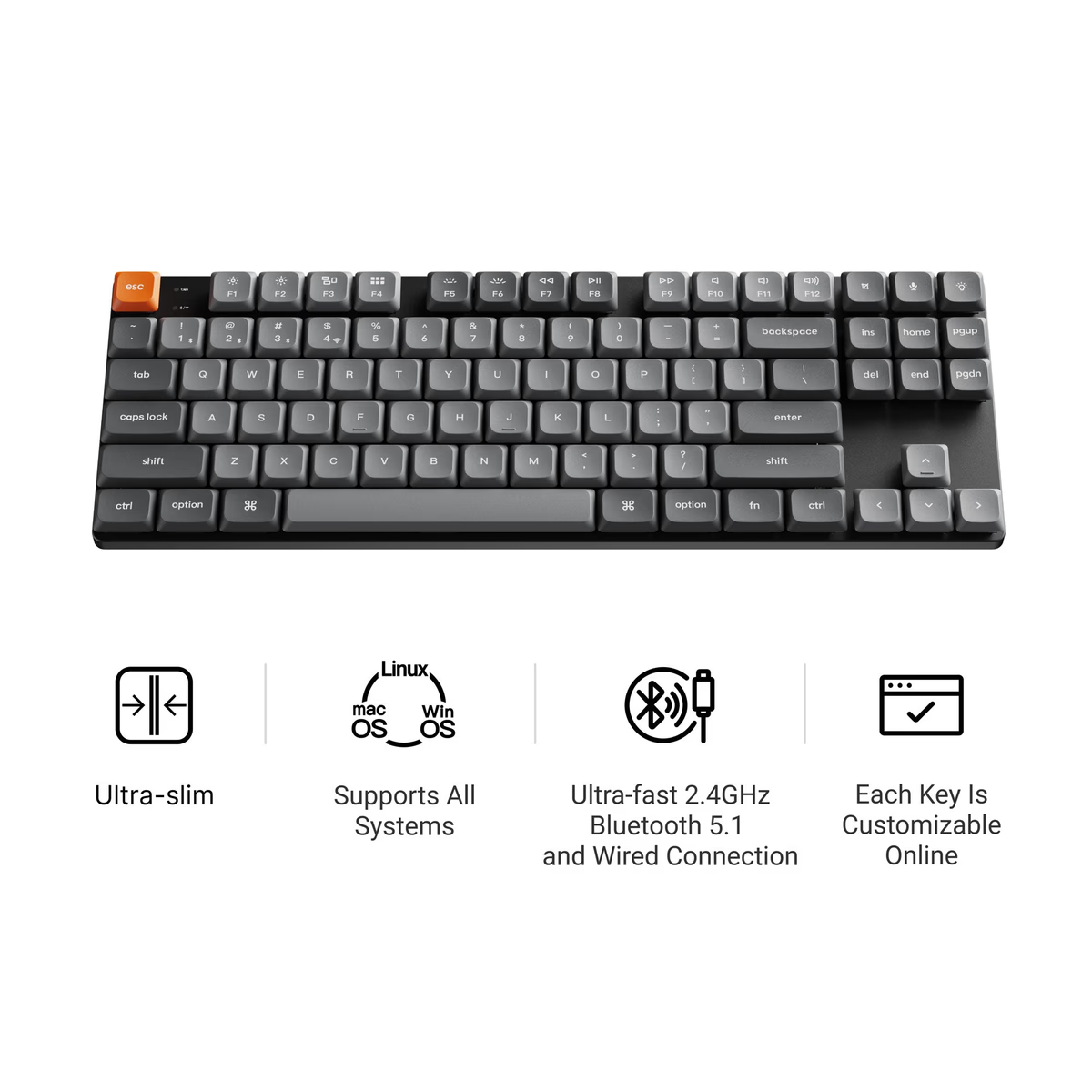
Keychron
Keychron K1 Max
from$109.99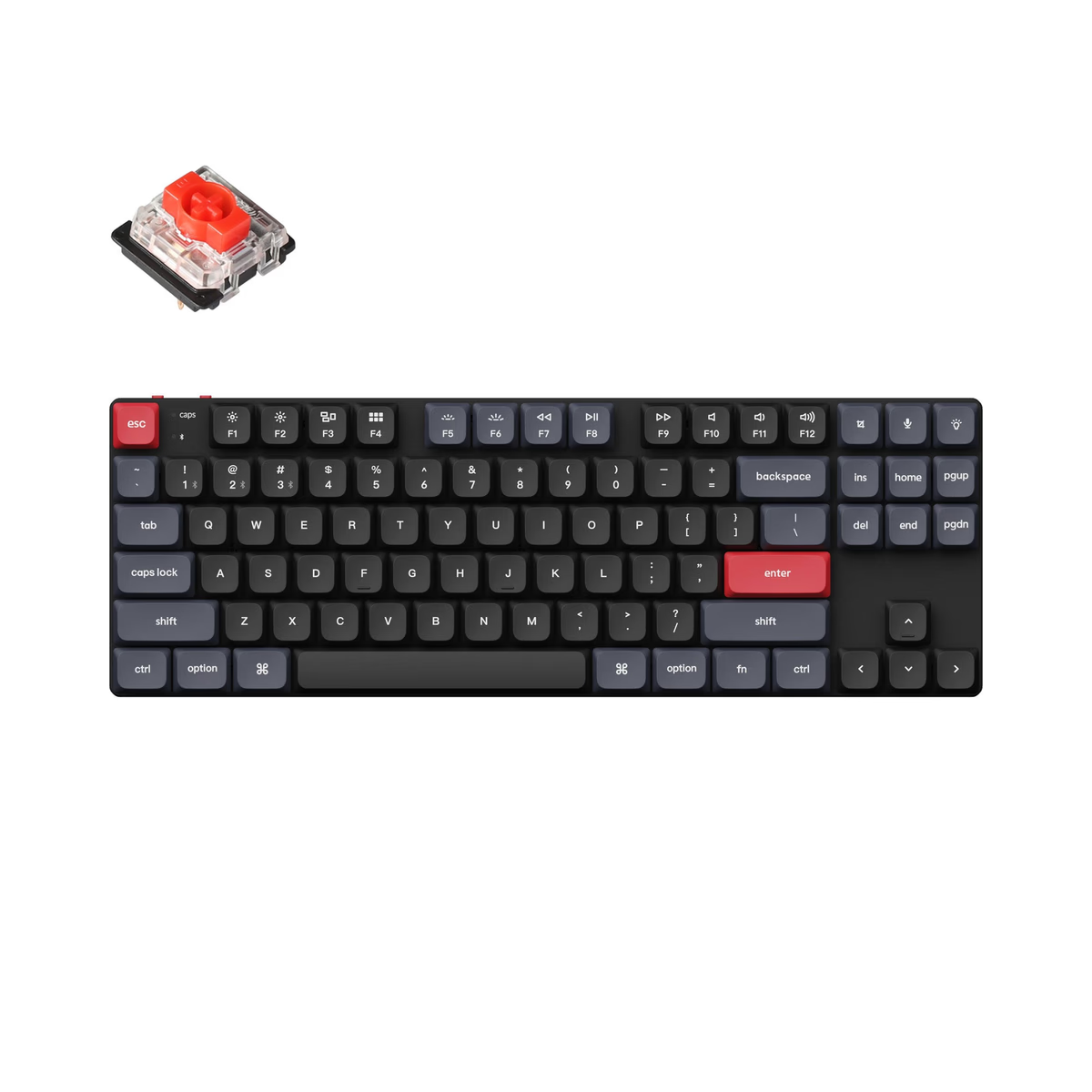
Keychron
Keychron K1 Pro
from$74.99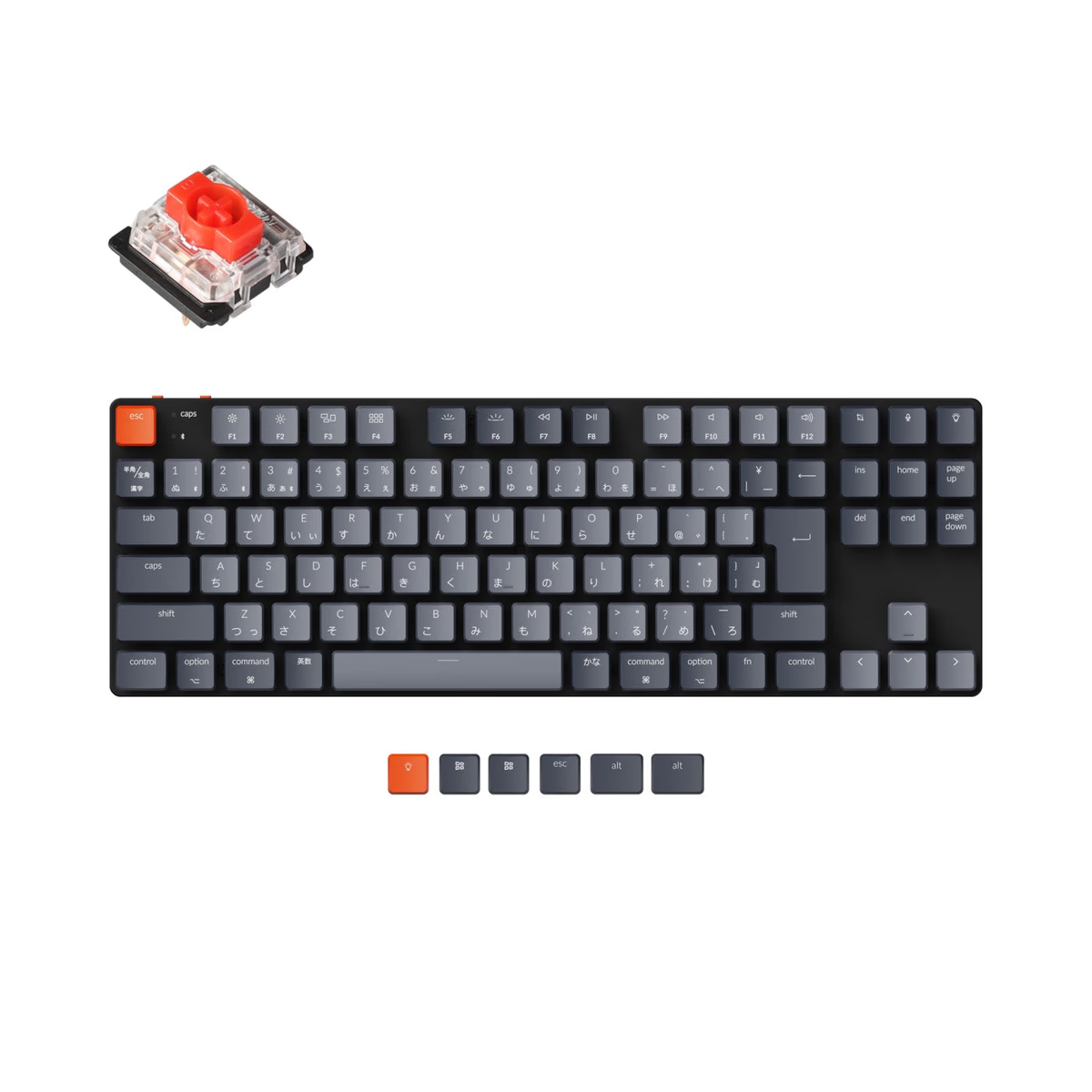
Keychron
Keychron K1 SE
from$67.59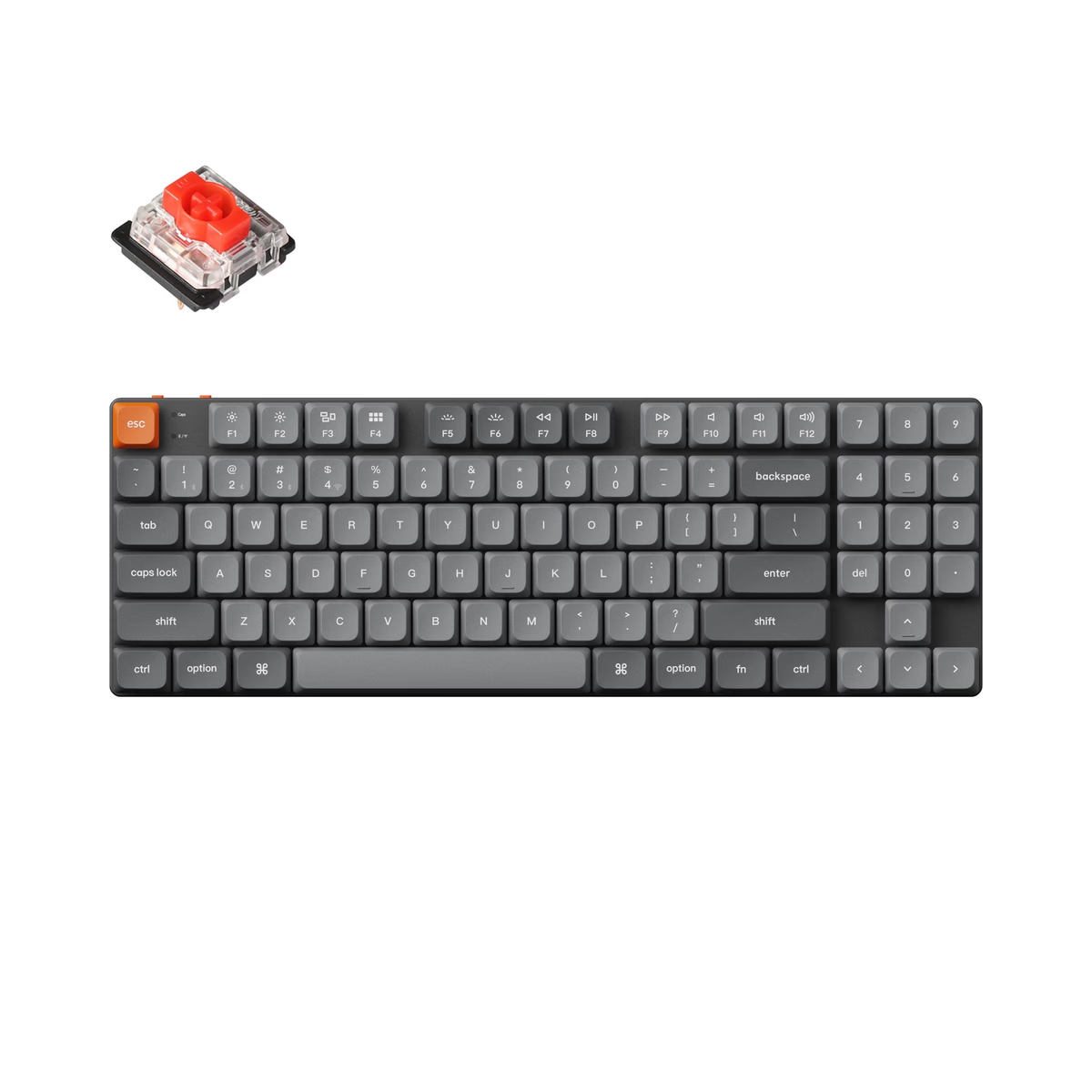
Keychron
Keychron K13 Max
from—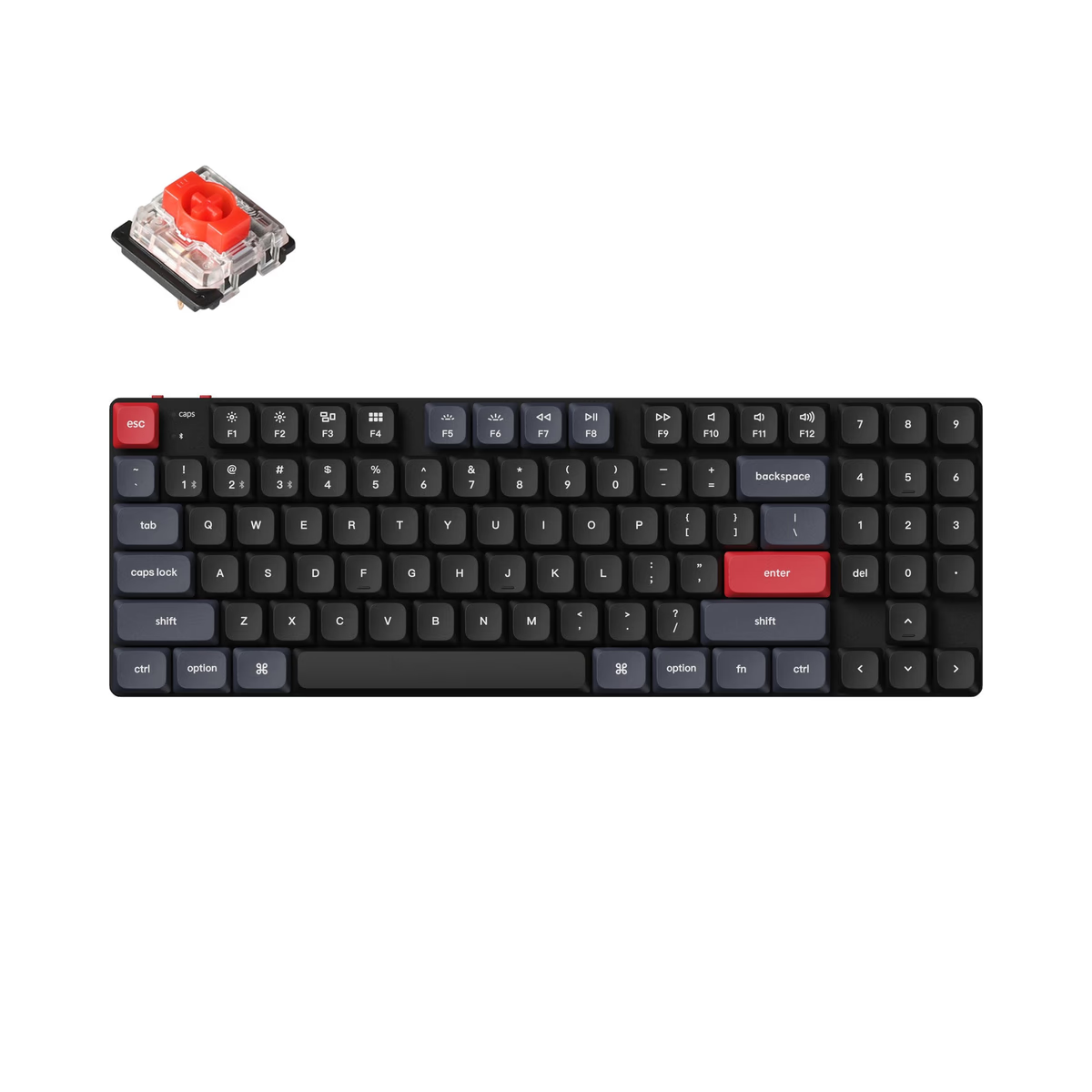
Keychron
Keychron K13 Pro
from—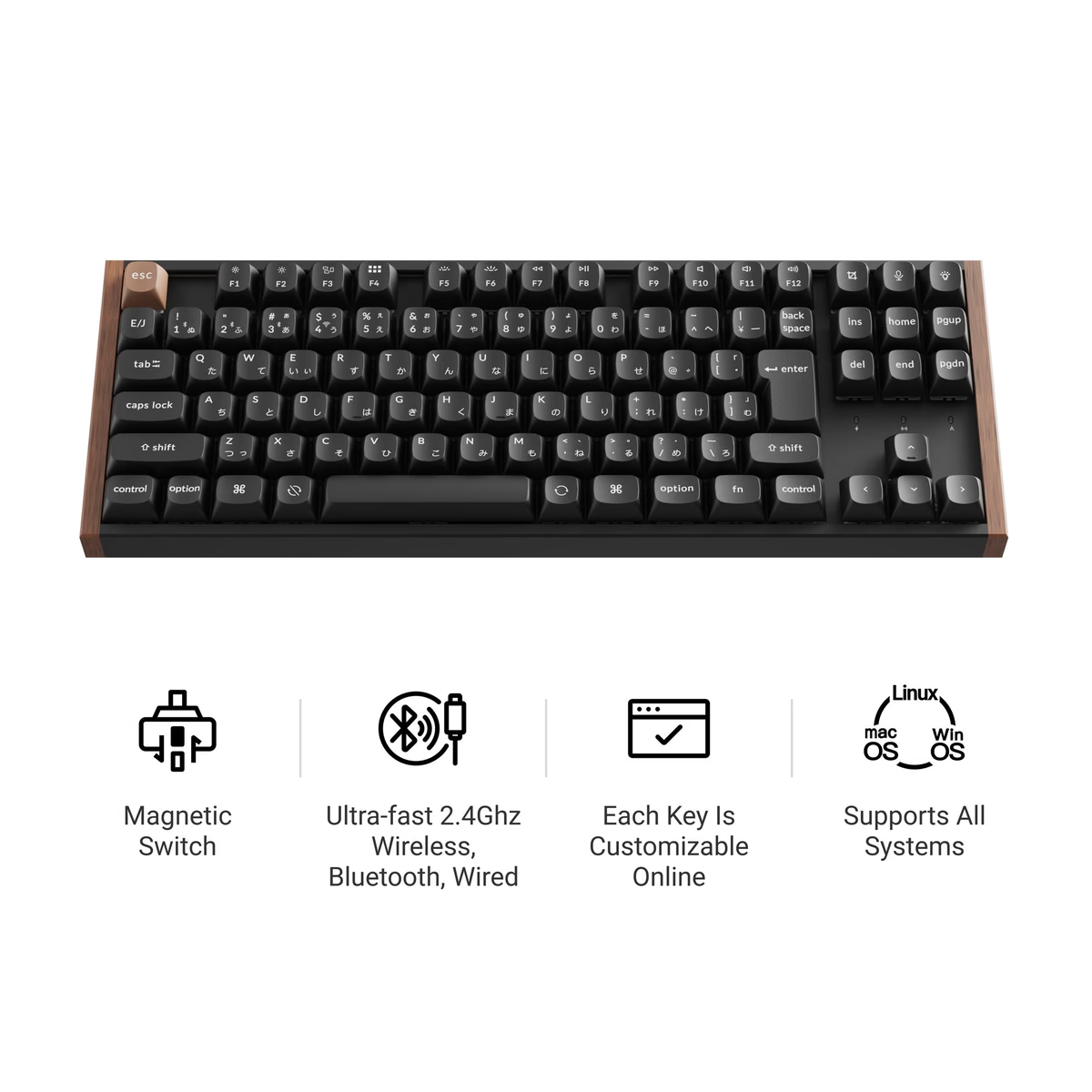
Keychron
Keychron K8 HE
from$129.99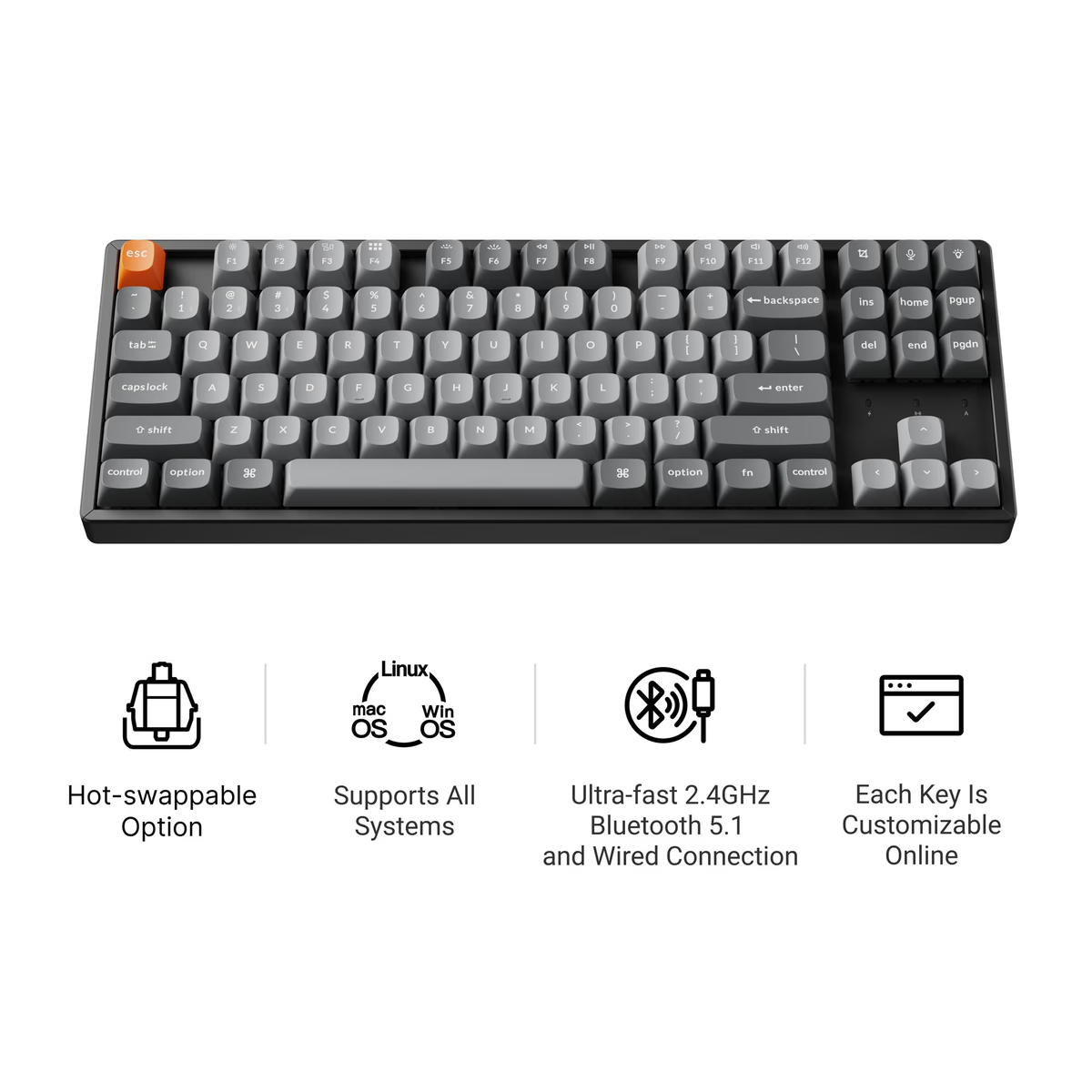
Keychron
Keychron K8 Max
from$104.99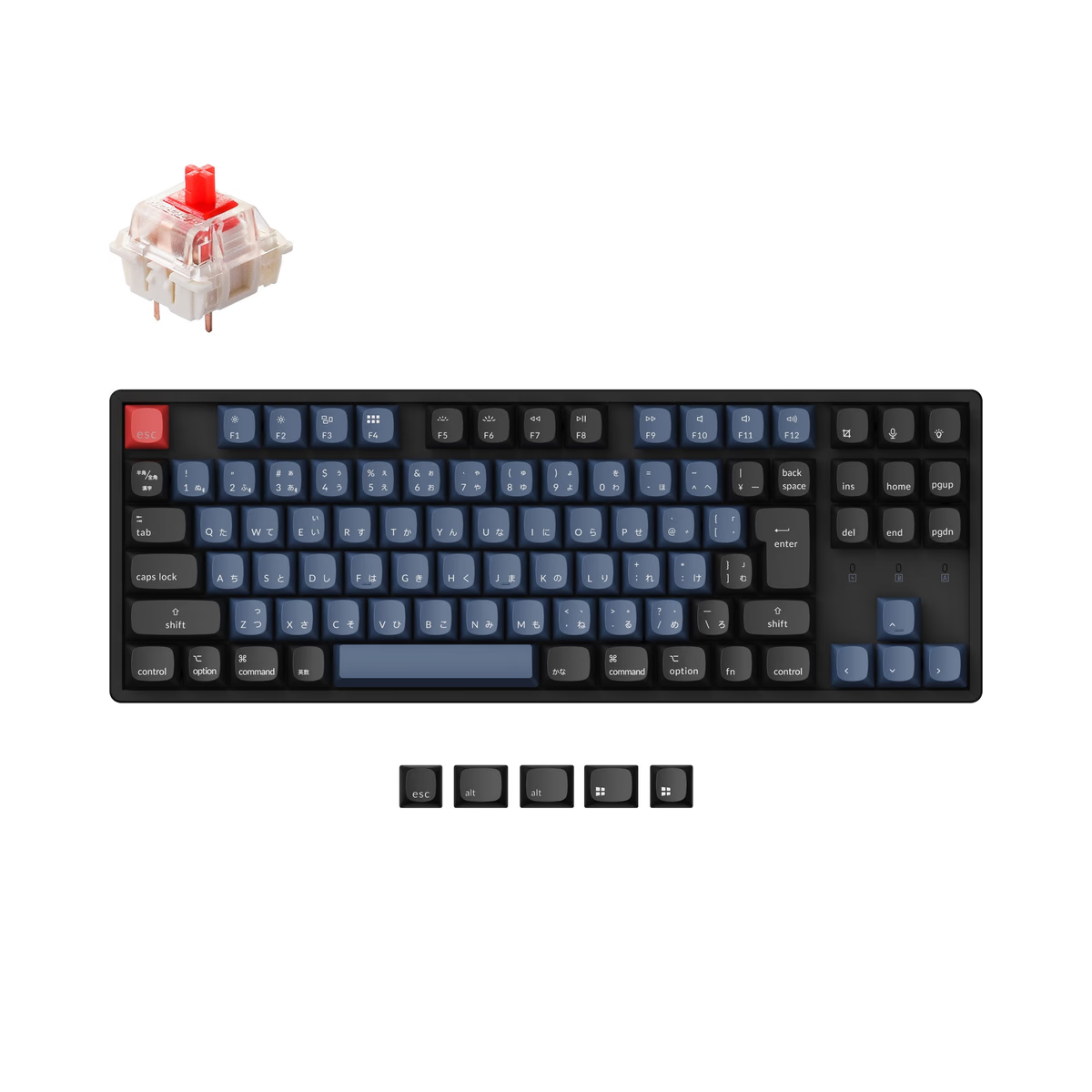
Keychron
Keychron K8 Pro
from$104.99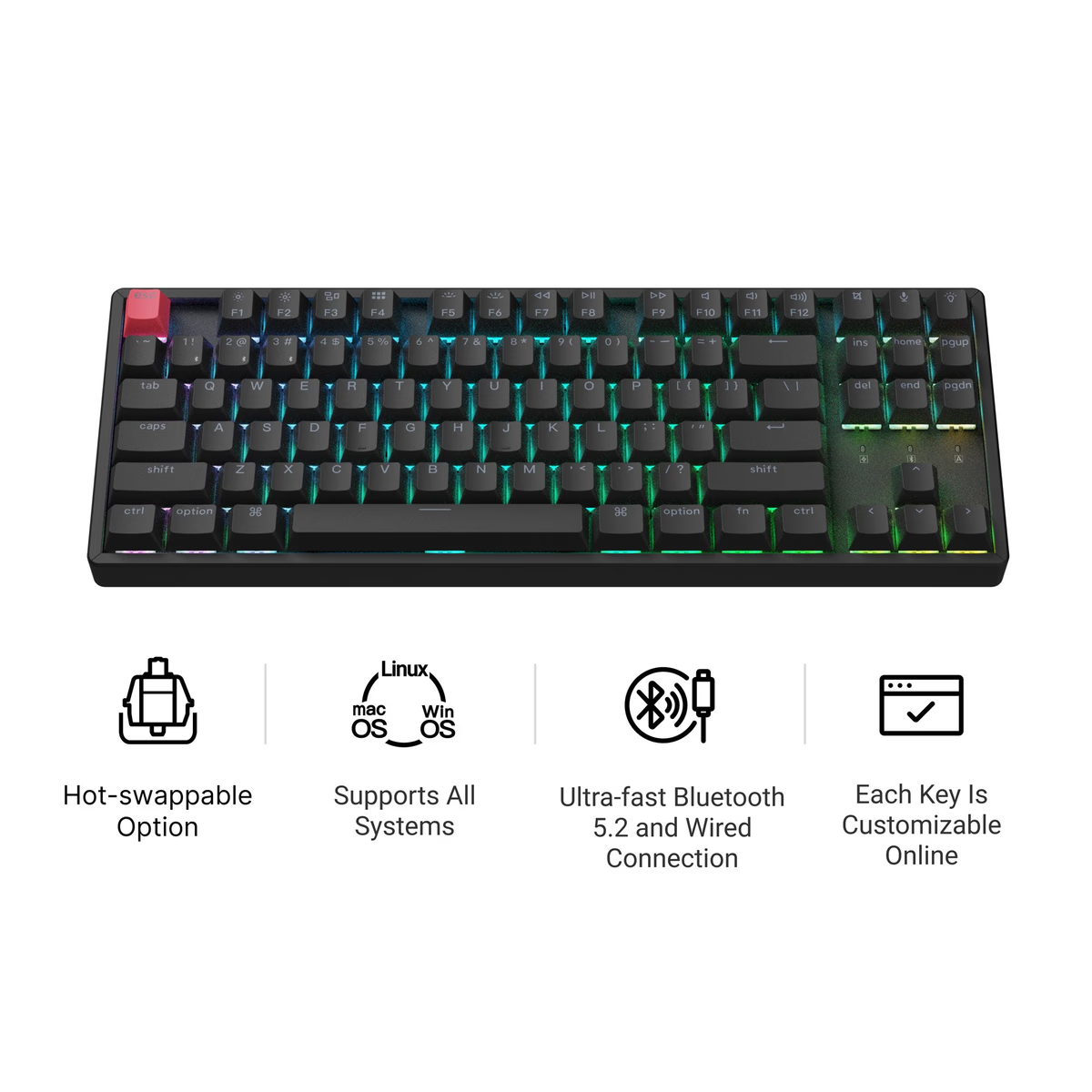
Keychron
Keychron K8 Version 2
from$89.99
Frequently asked
Should I get a TKL or 75% keyboard?
Is a TKL keyboard good for gaming?
How many keys does a TKL keyboard have?
Is a TKL good for programming and office work?
Are there wireless TKL keyboards?
How much desk space does a TKL save?
Keep exploring
More keyboards categories