60% keyboards
60% keyboards from Akko, Anne Pro, NovelKeys and more. 61 keys, no arrows, no F-row — minimalist and portable. Compare layouts, hot-swap and wireless options.
28 keyboards · $60–$199
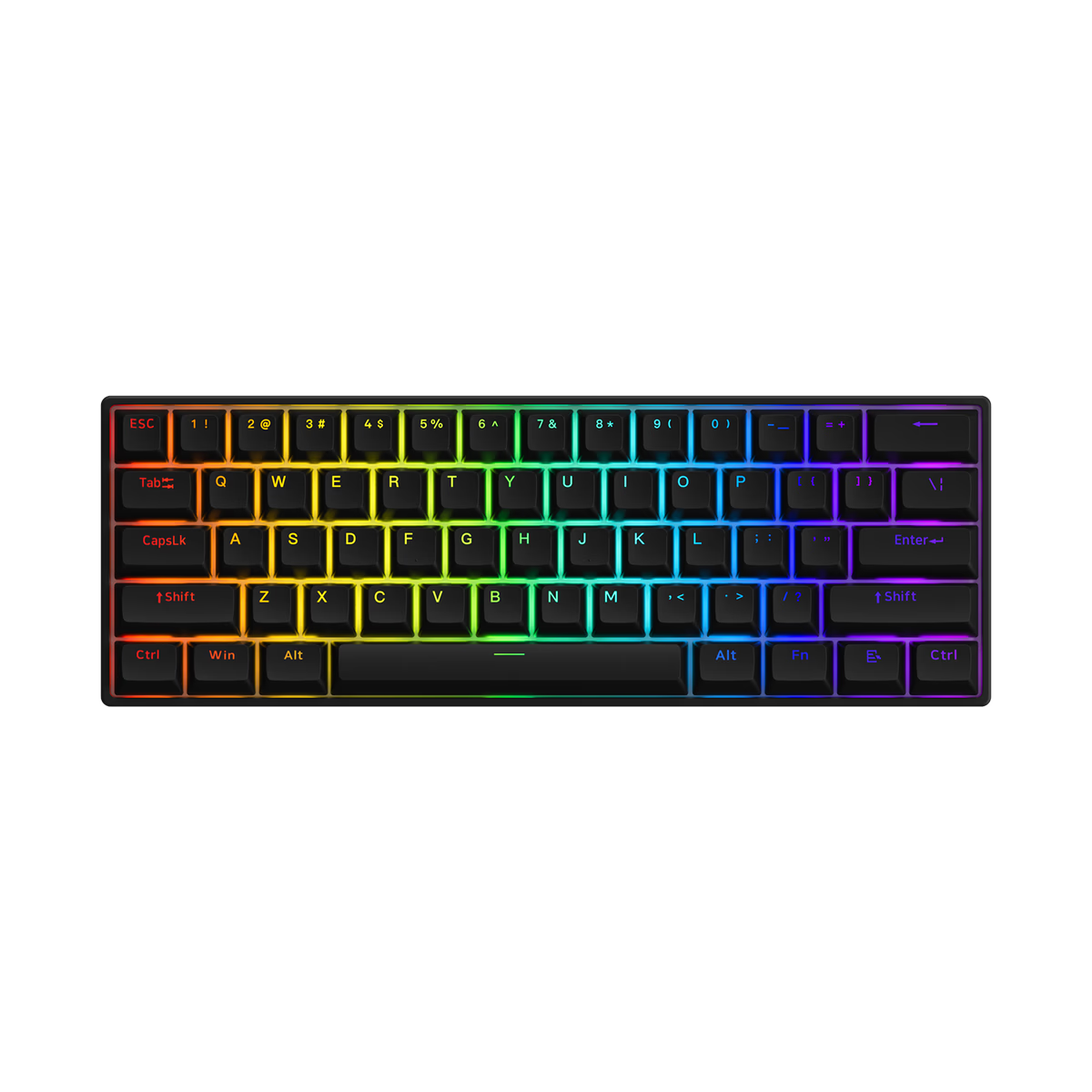
A 60% keeps the letters, the number row and the modifiers, and drops everything else — no function row, no arrow cluster, no navigation keys. Roughly 61 keys against a full-size board's 104. Everything you removed still works; it moves to a layer you reach with Fn.
That is the whole trade, and whether it suits you comes down to one question: how often do you reach for the arrows without thinking? If the answer is "constantly", a 65% gives them back for about two centimetres of desk width.
Akko
Akko 3061S
from—Akko
Akko 3061S HE
from—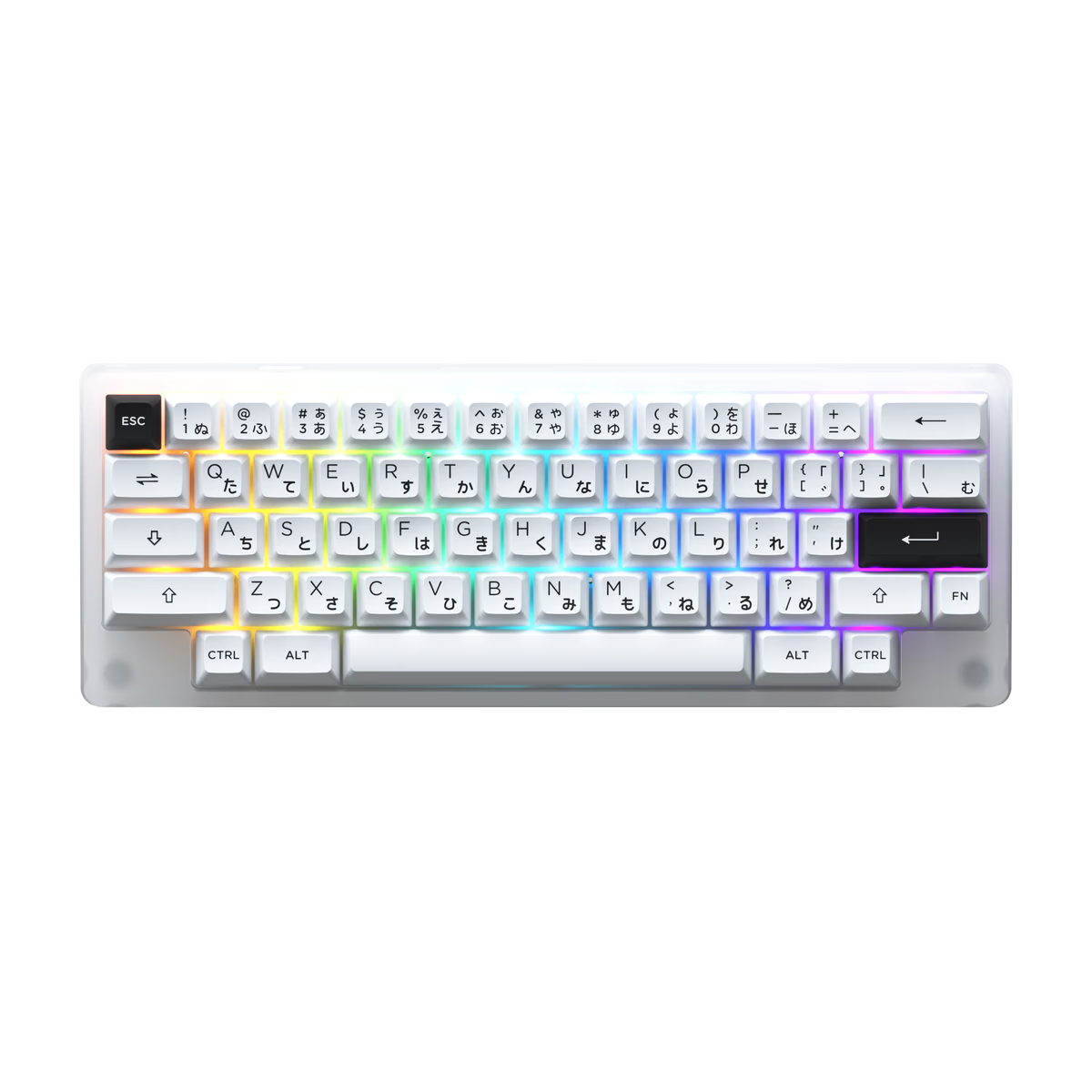
Akko
Akko ACR59
from—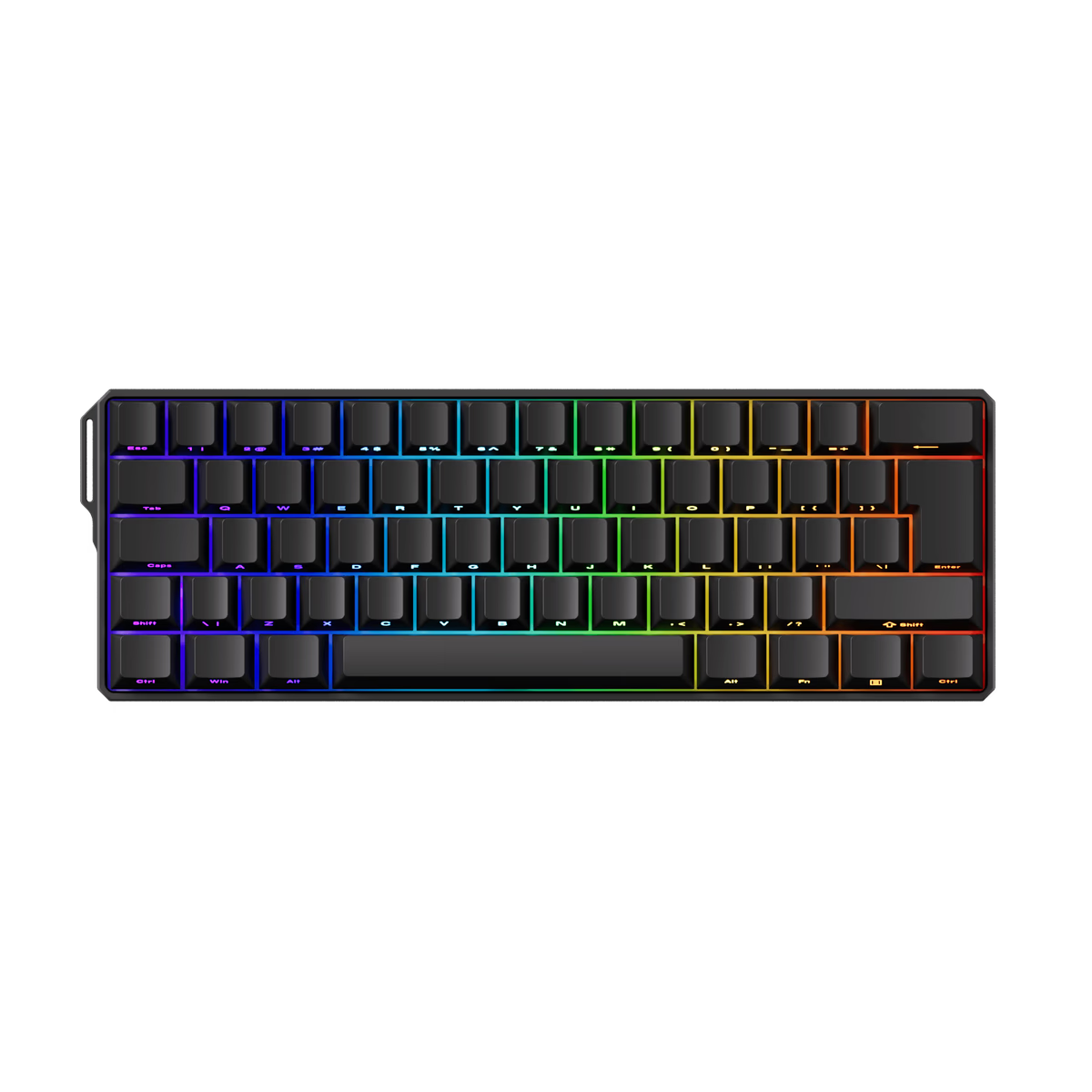
Akko
Akko FUN60 HE
from—Akko
Akko FUN60 Ultra HE
from—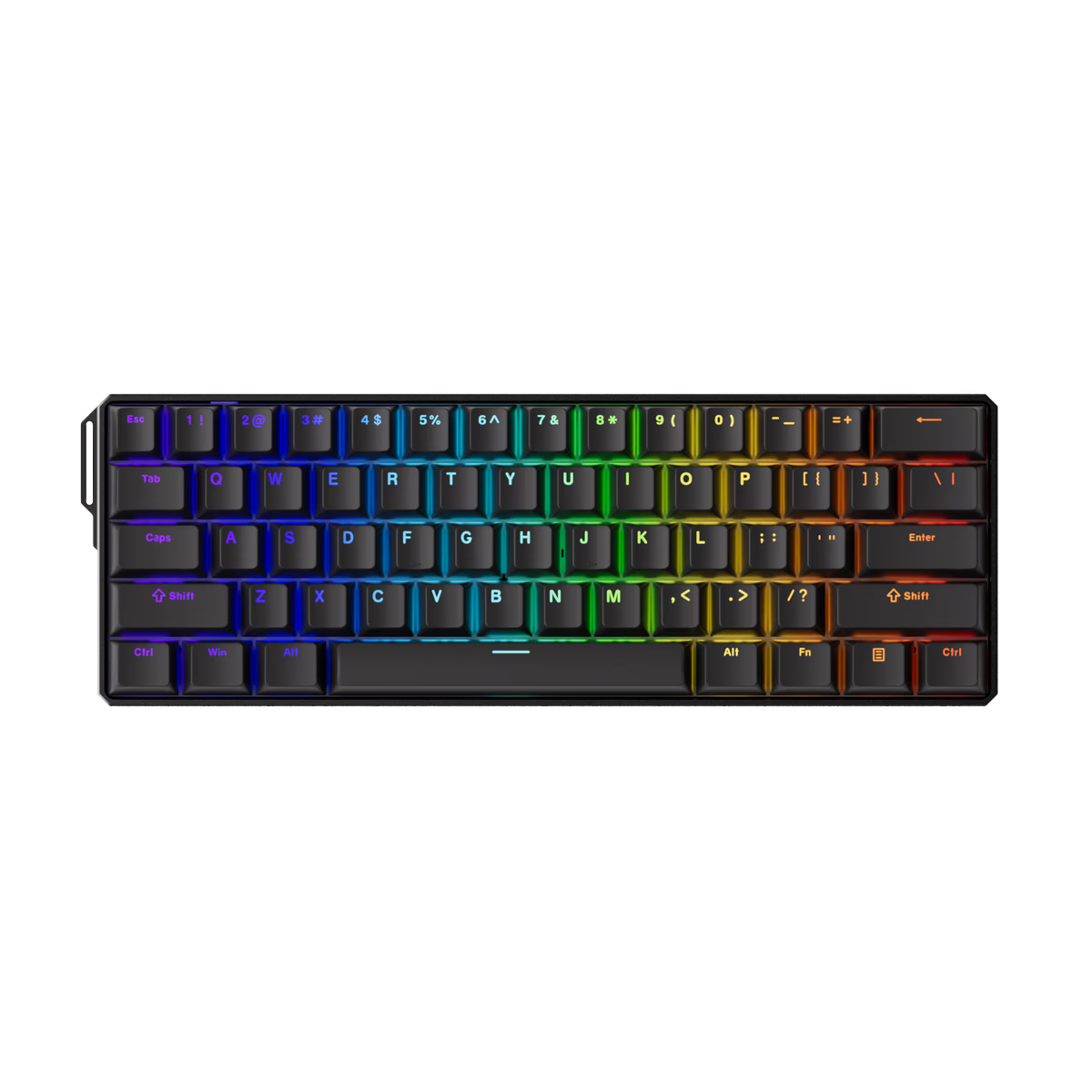
Akko
Akko FUN60 Ultra TMR
from—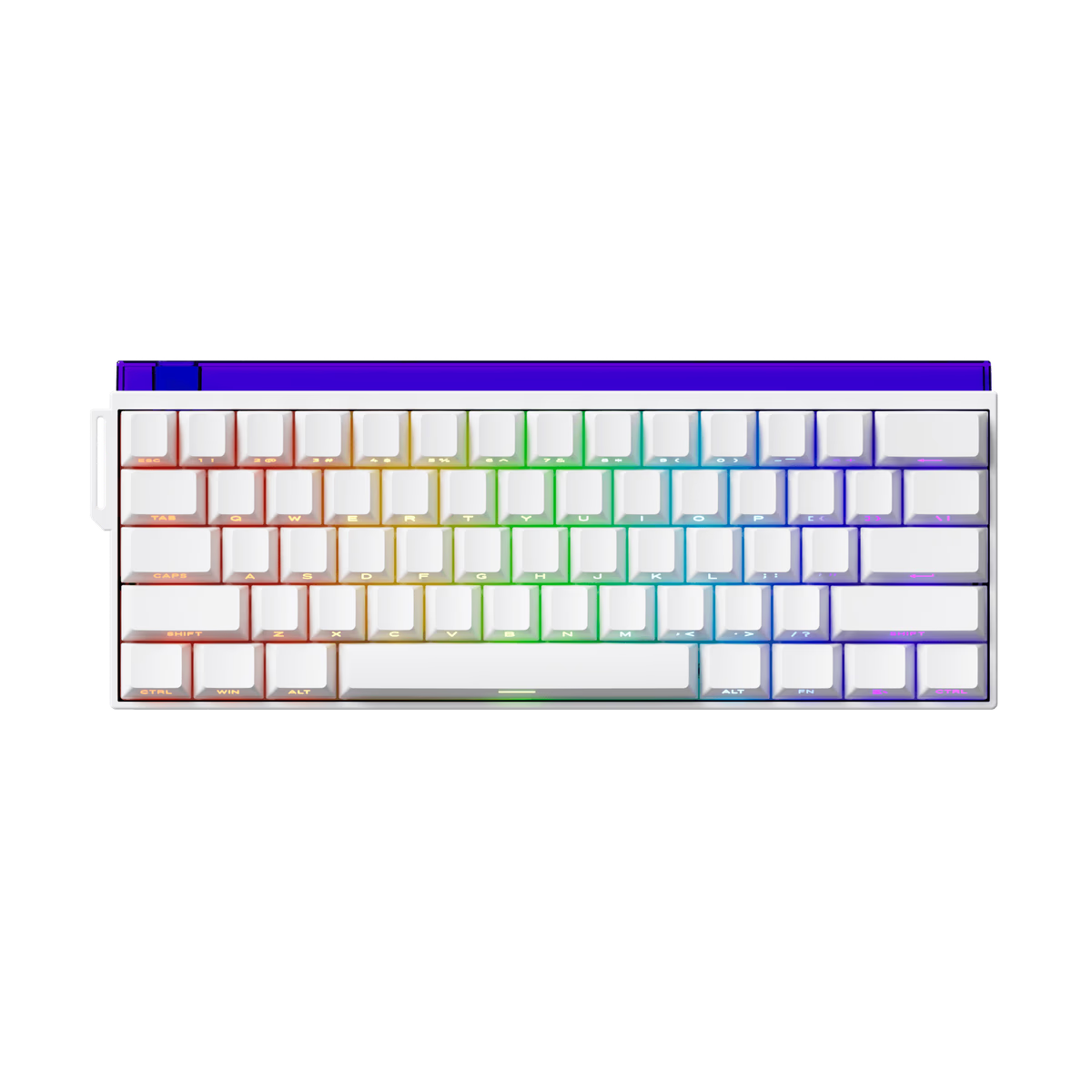
Akko
Akko SHINE60 HE
from—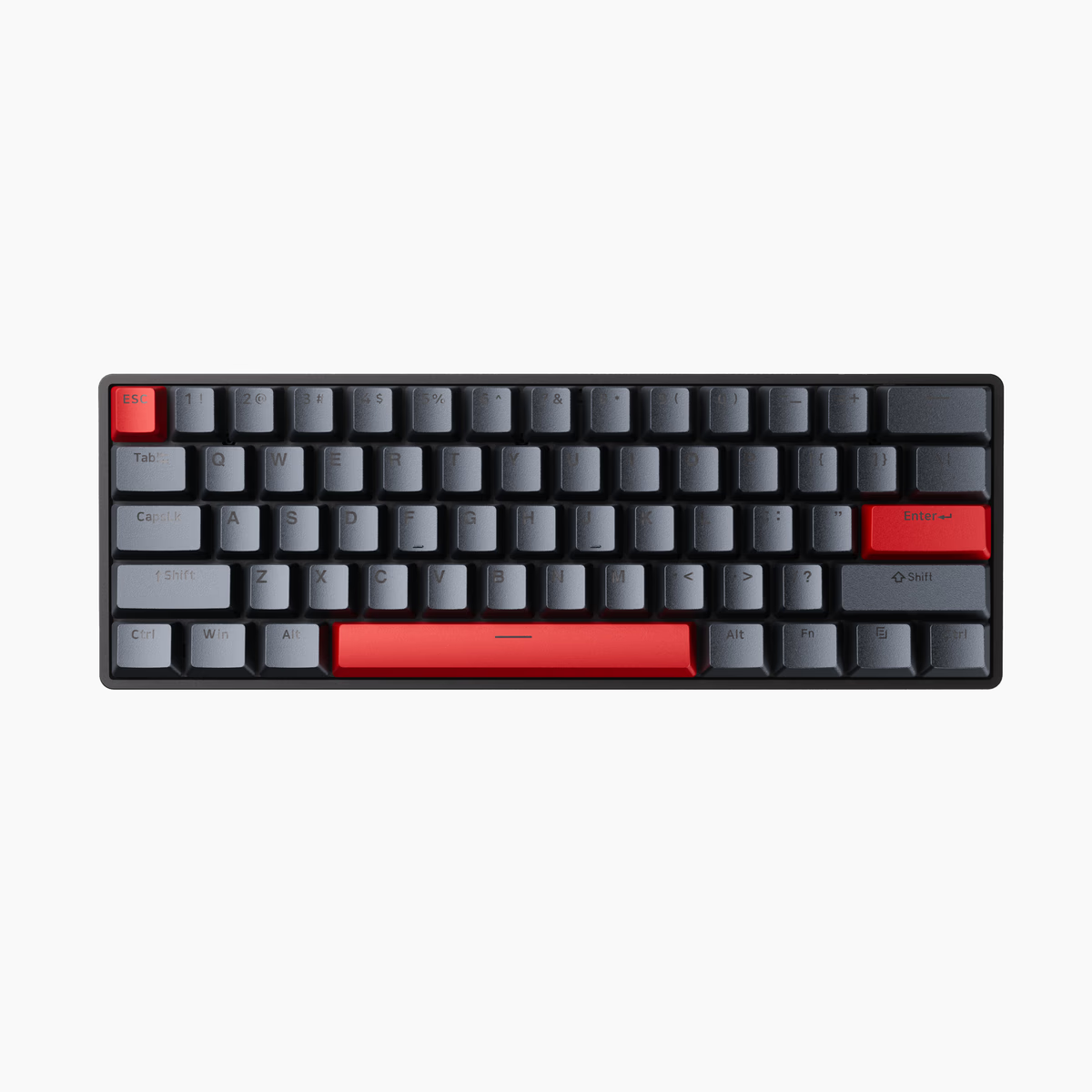
Drunkdeer
DrunkDeer G60
from—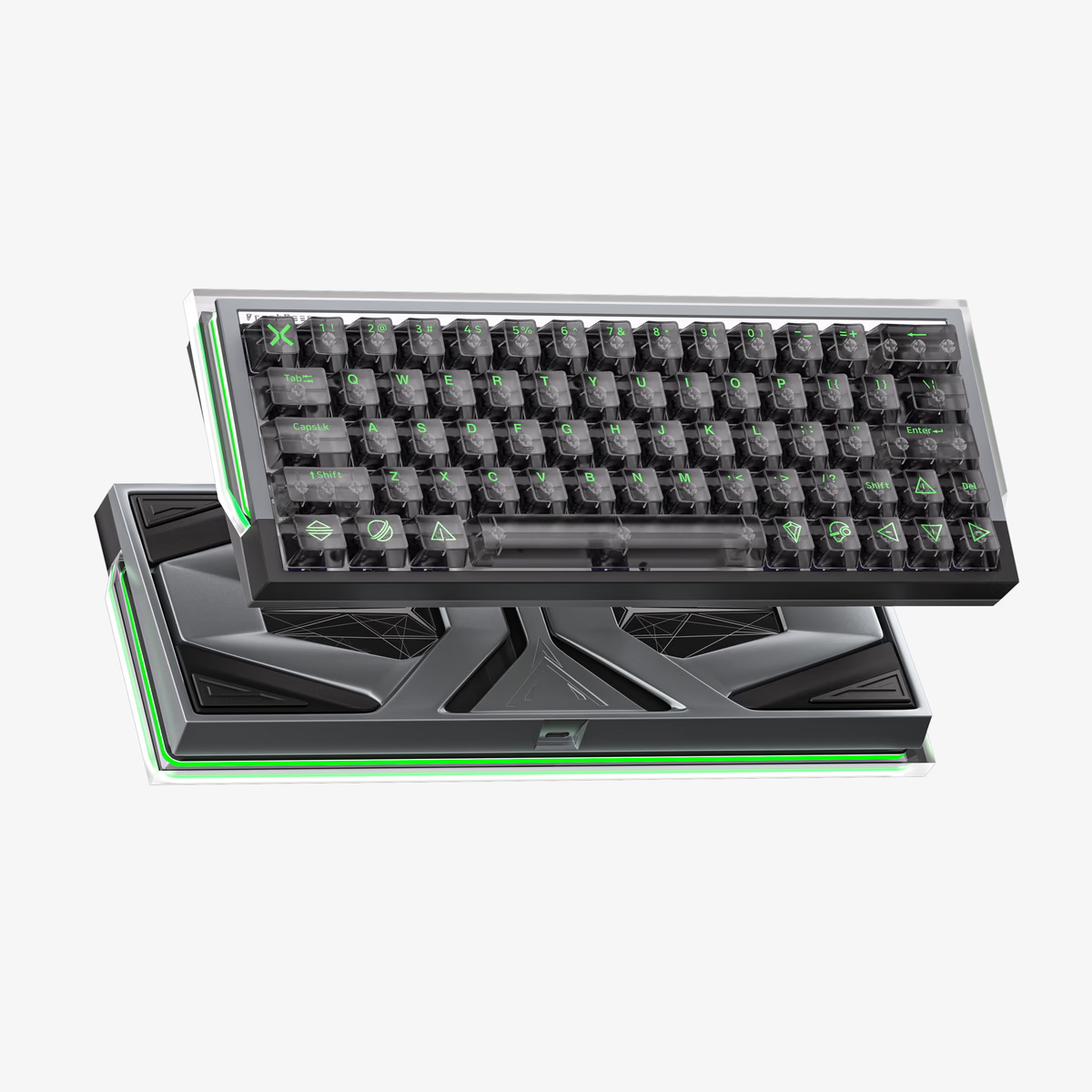
Drunkdeer
DrunkDeer X60 Future
from—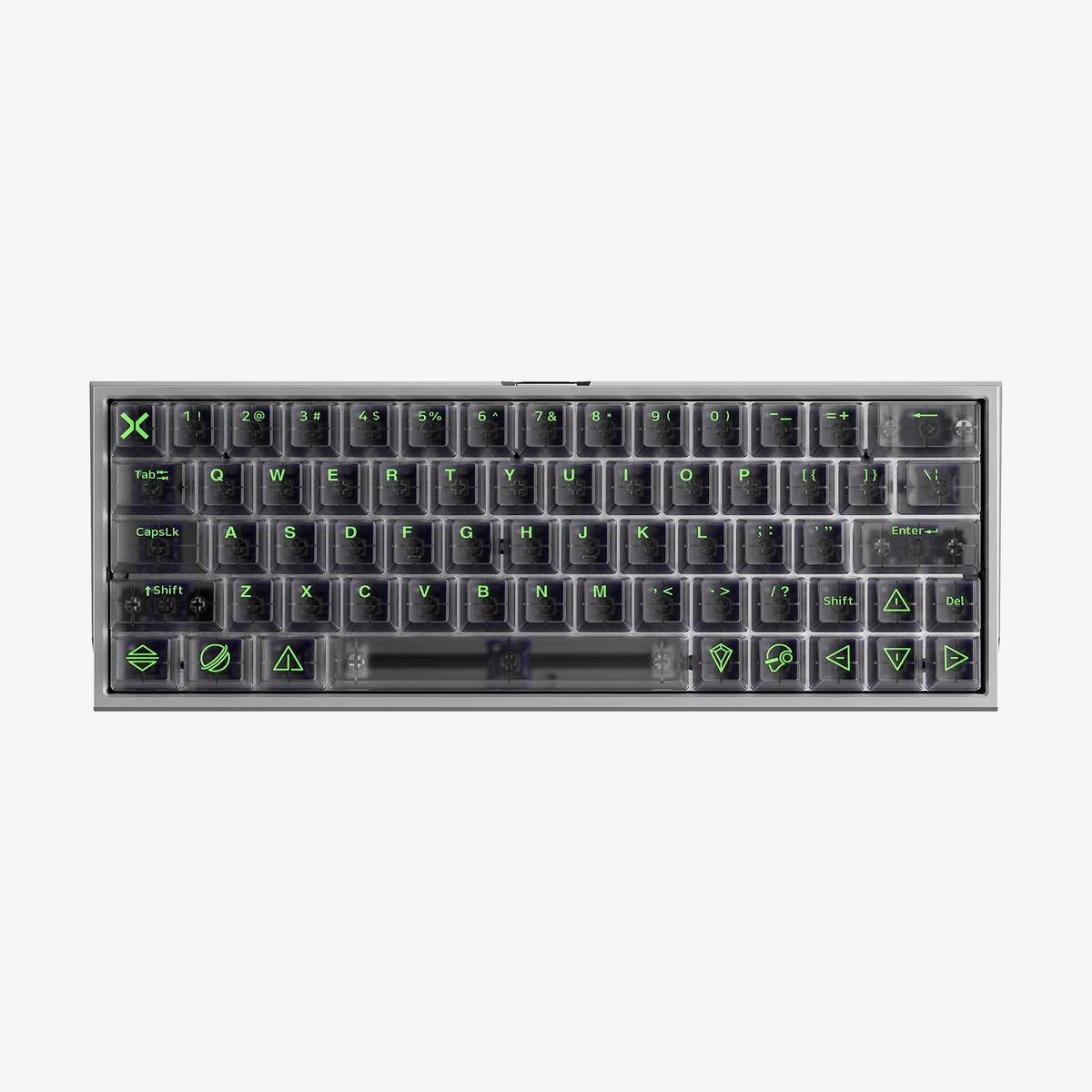
Drunkdeer
Drunkdeer X60HE
from—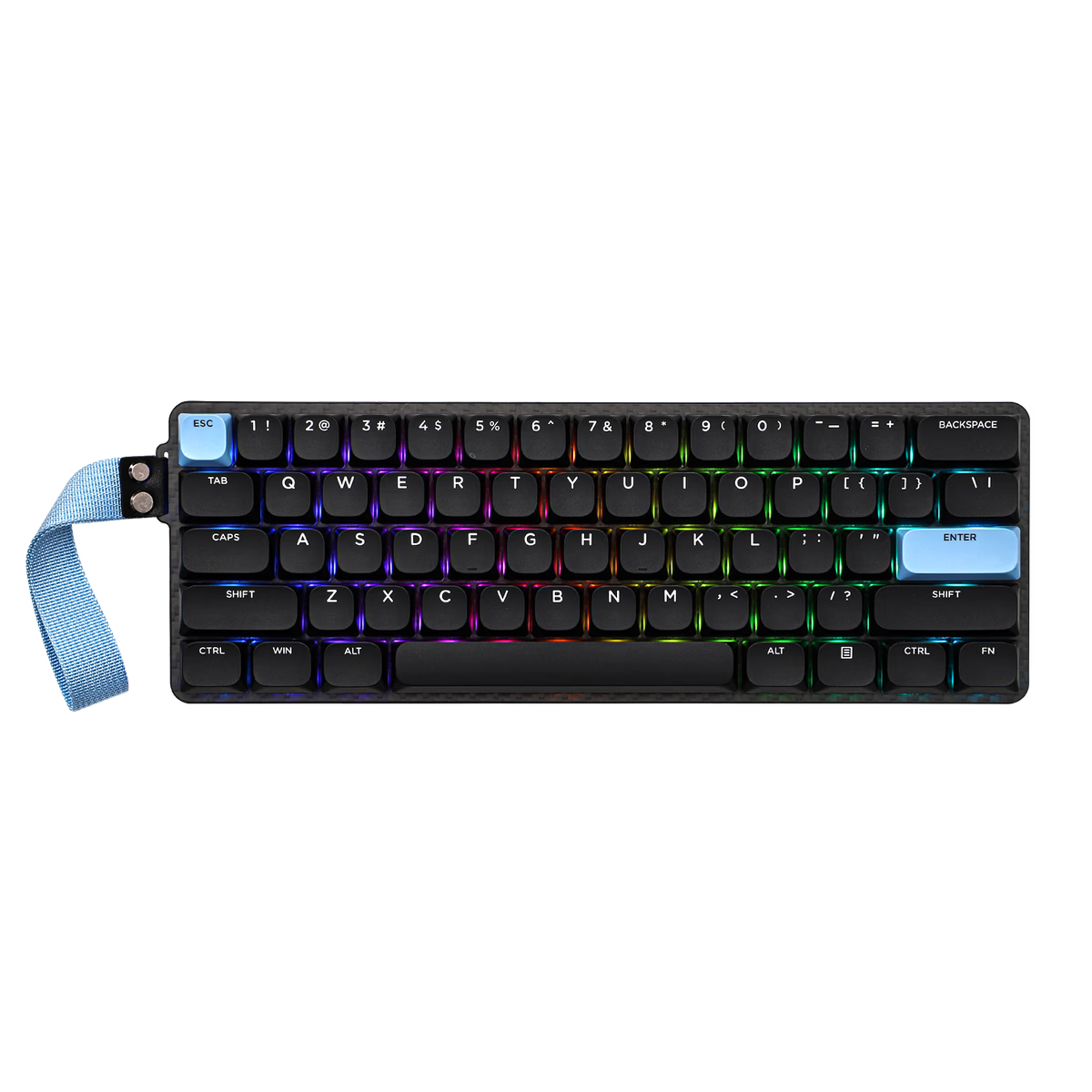
EPOMAKER
Epomaker Carbon60
from$116.99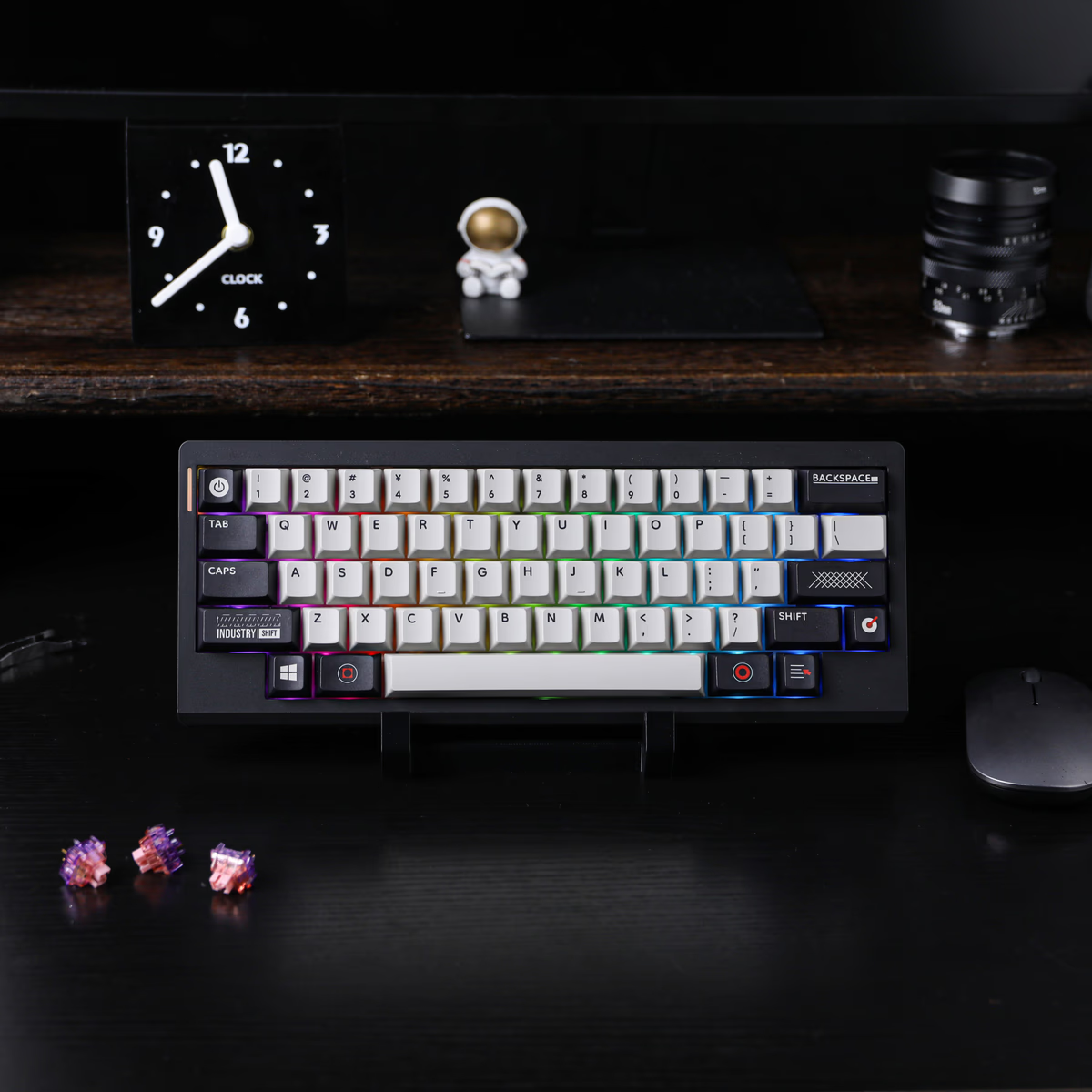
EPOMAKER
Epomaker Hack 59
from—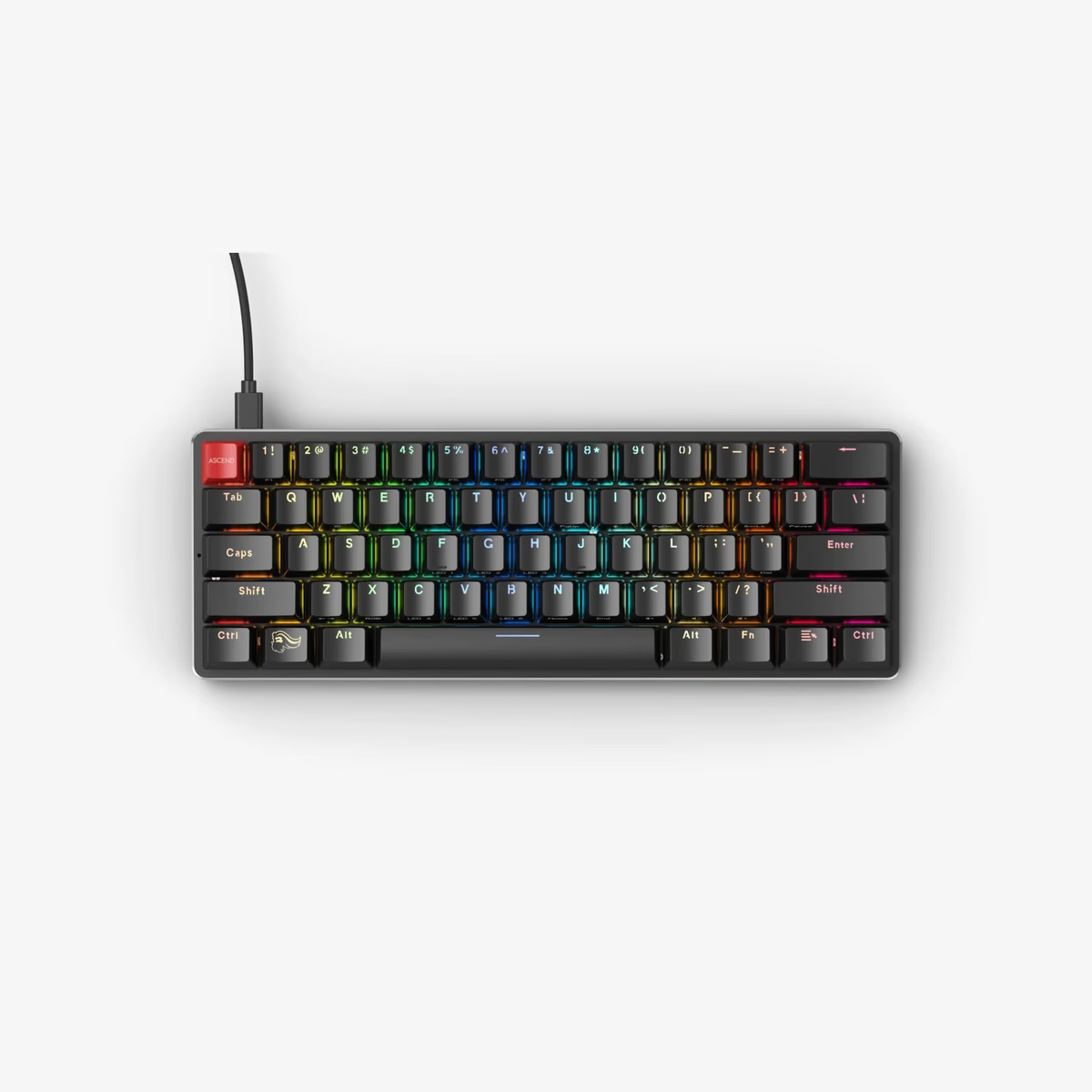
Glorious
Glorious GMMK 1 Prebuilt
from—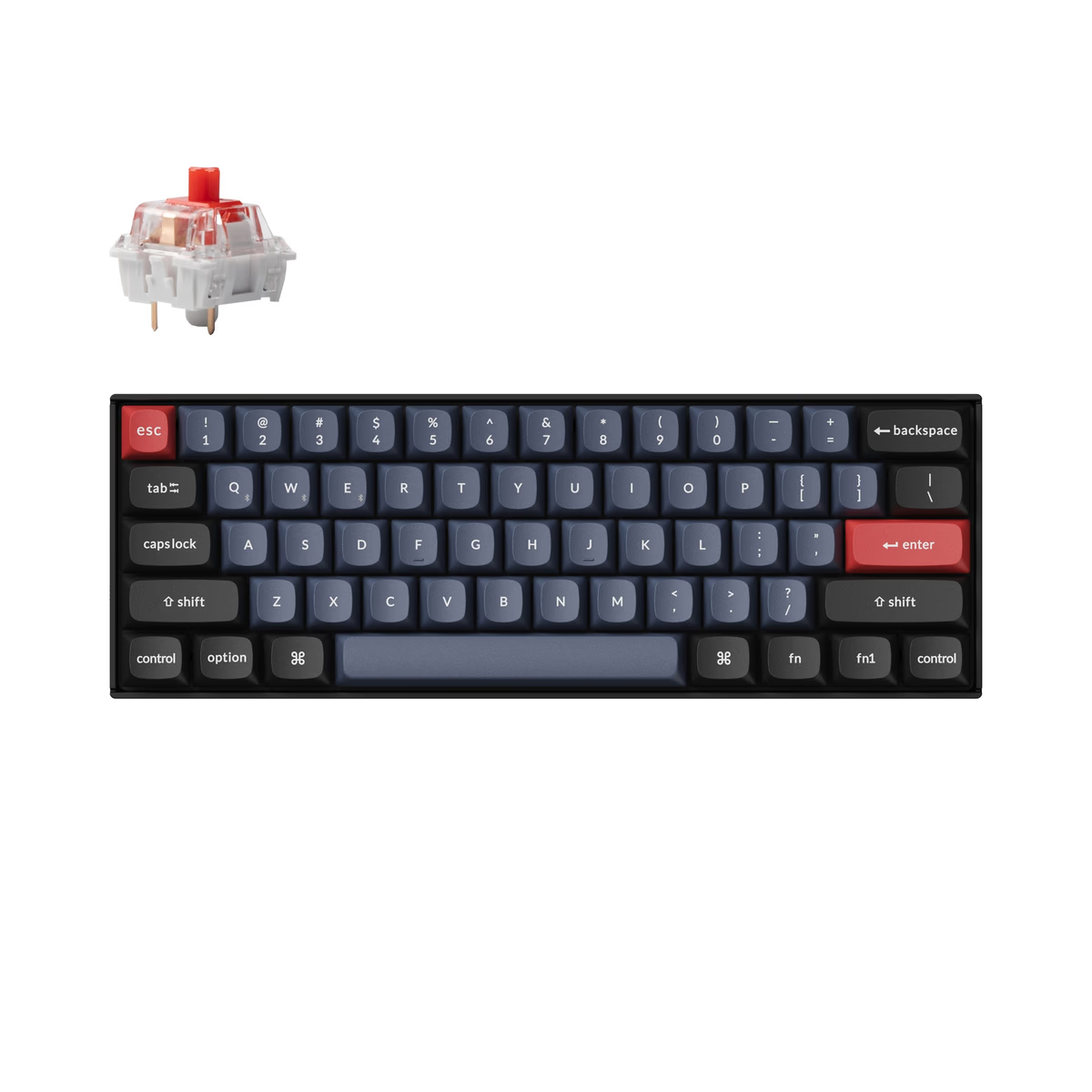
Keychron
Keychron K12 Pro
from—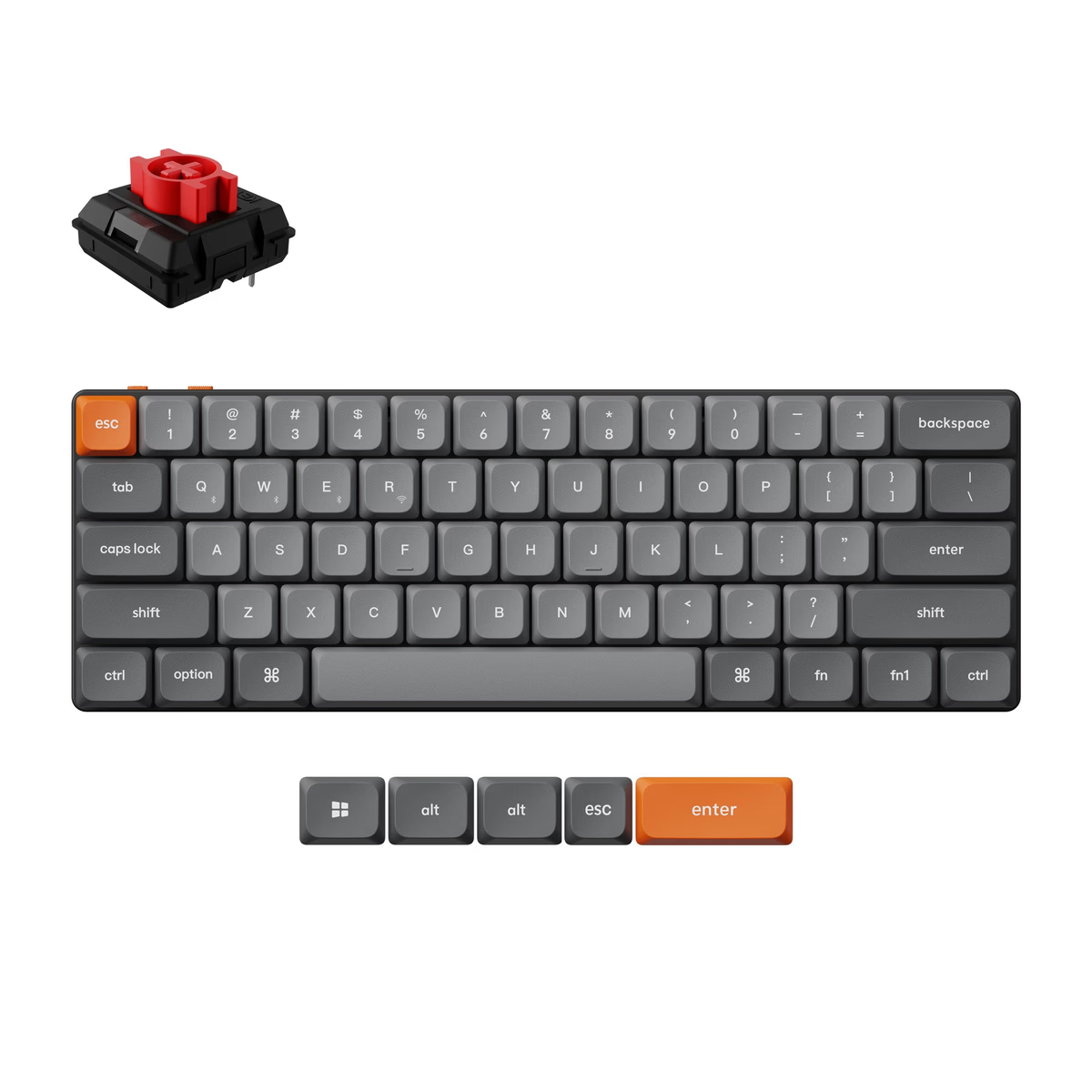
Keychron
Keychron K9 Max
from$99.99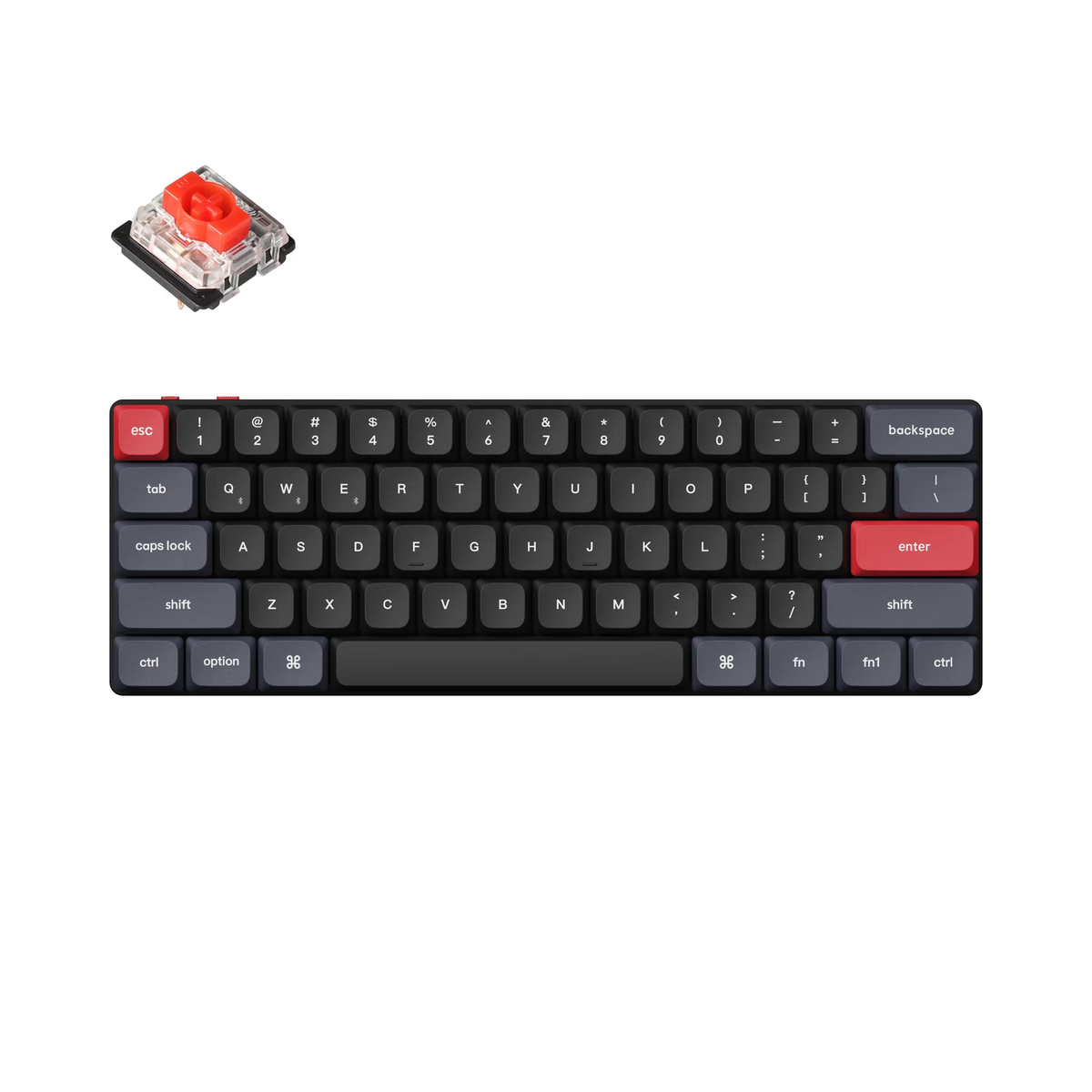
Keychron
Keychron K9 Pro
from$104.99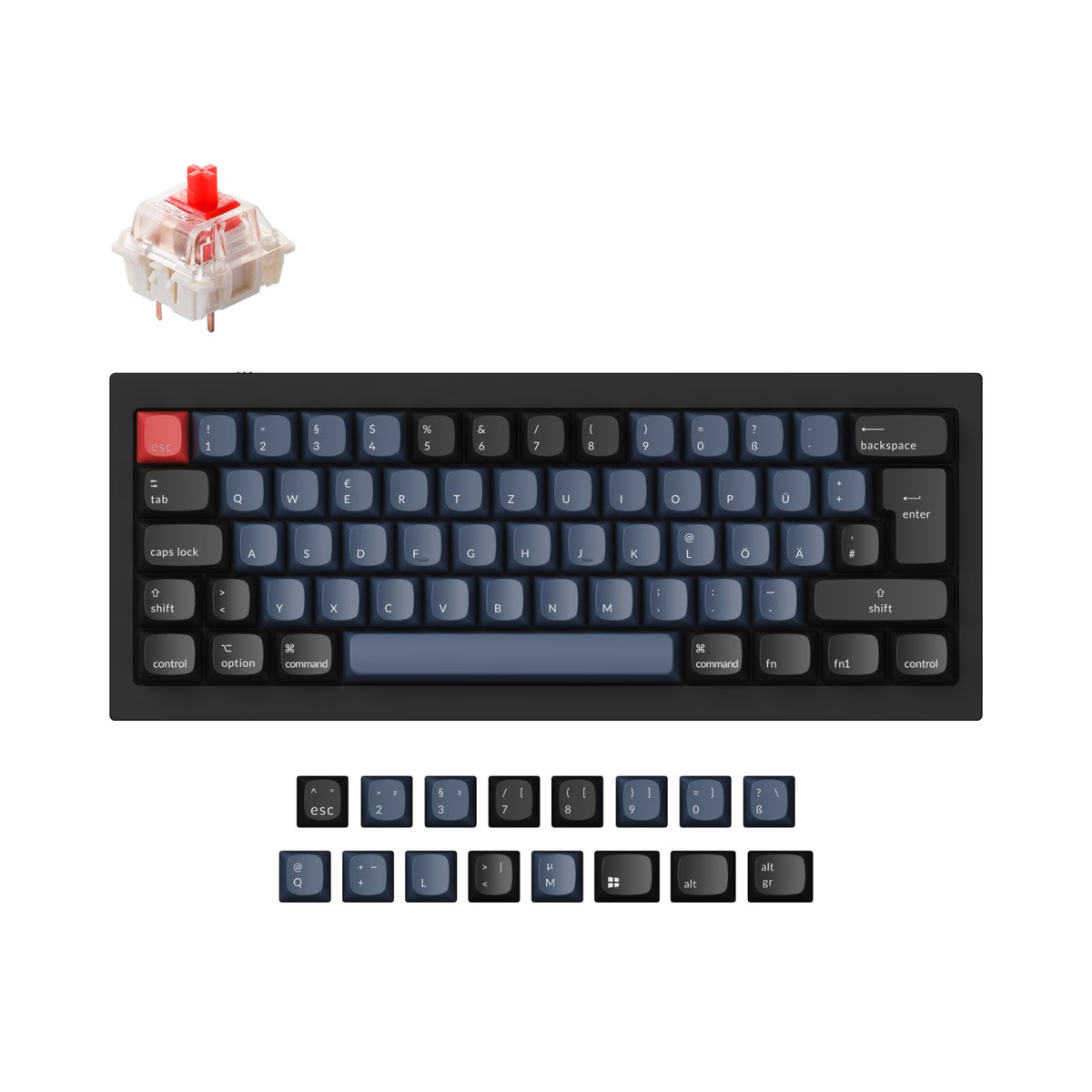
Keychron
Keychron Q4
from$79.99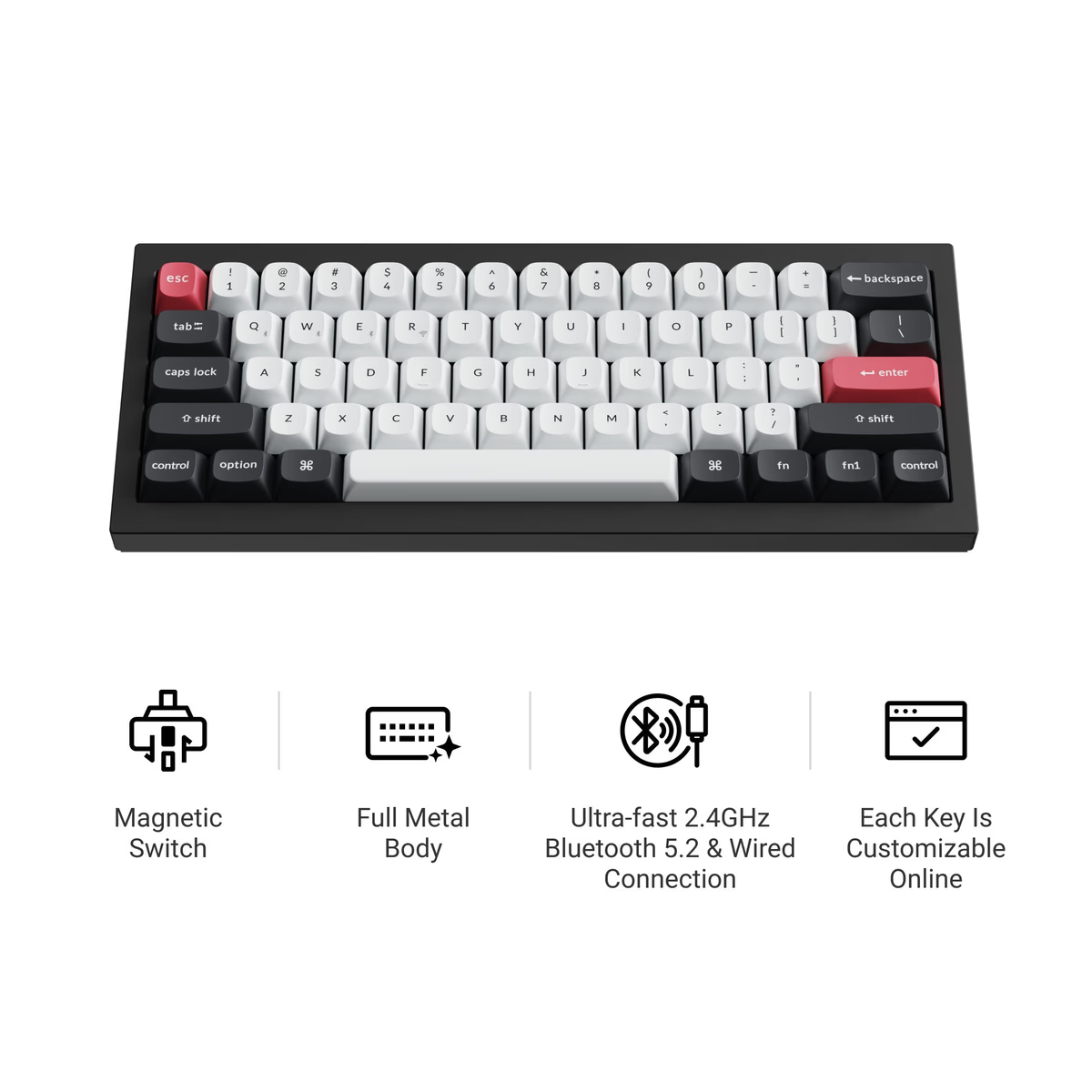
Keychron
Keychron Q4 HE
from—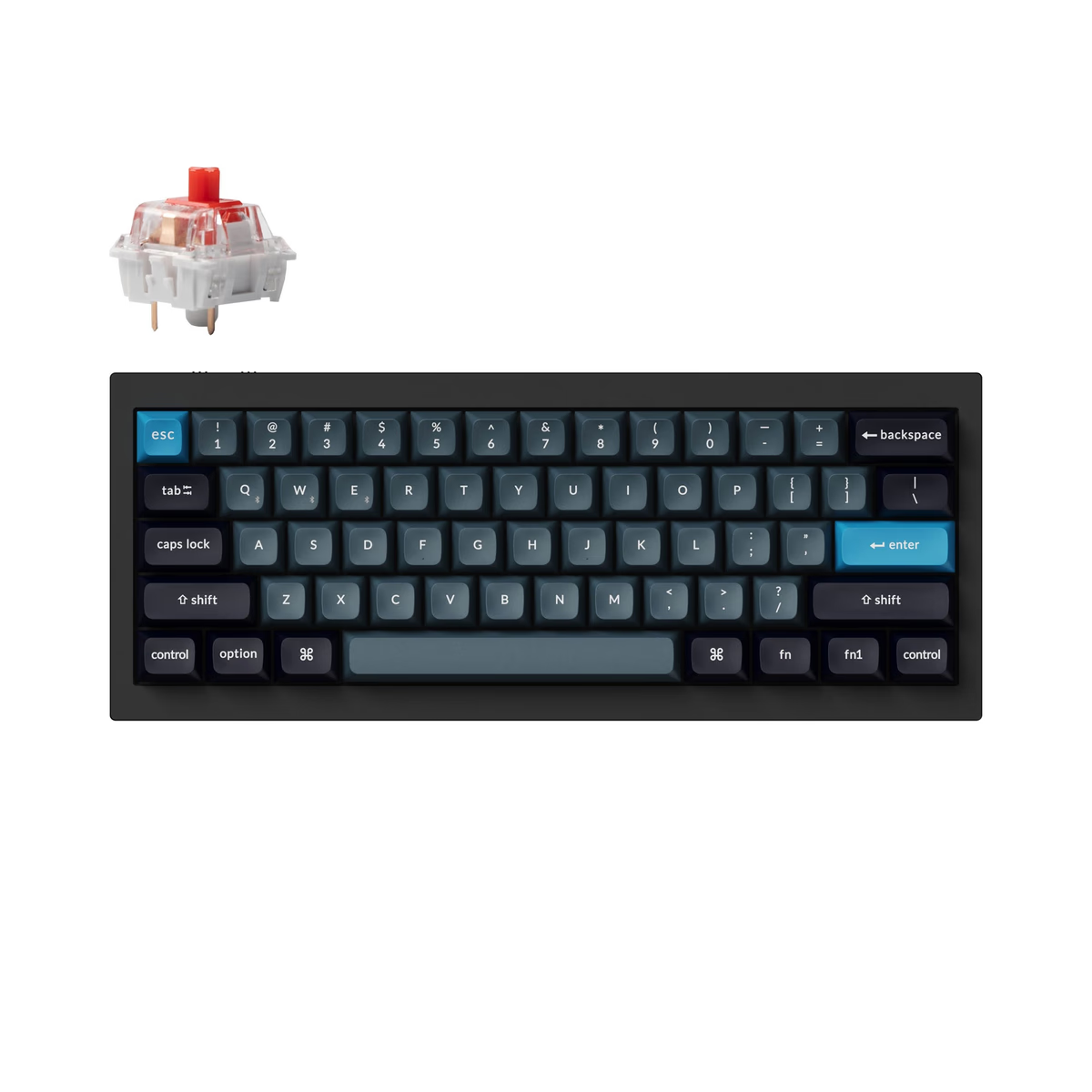
Keychron
Keychron Q4 Pro
from—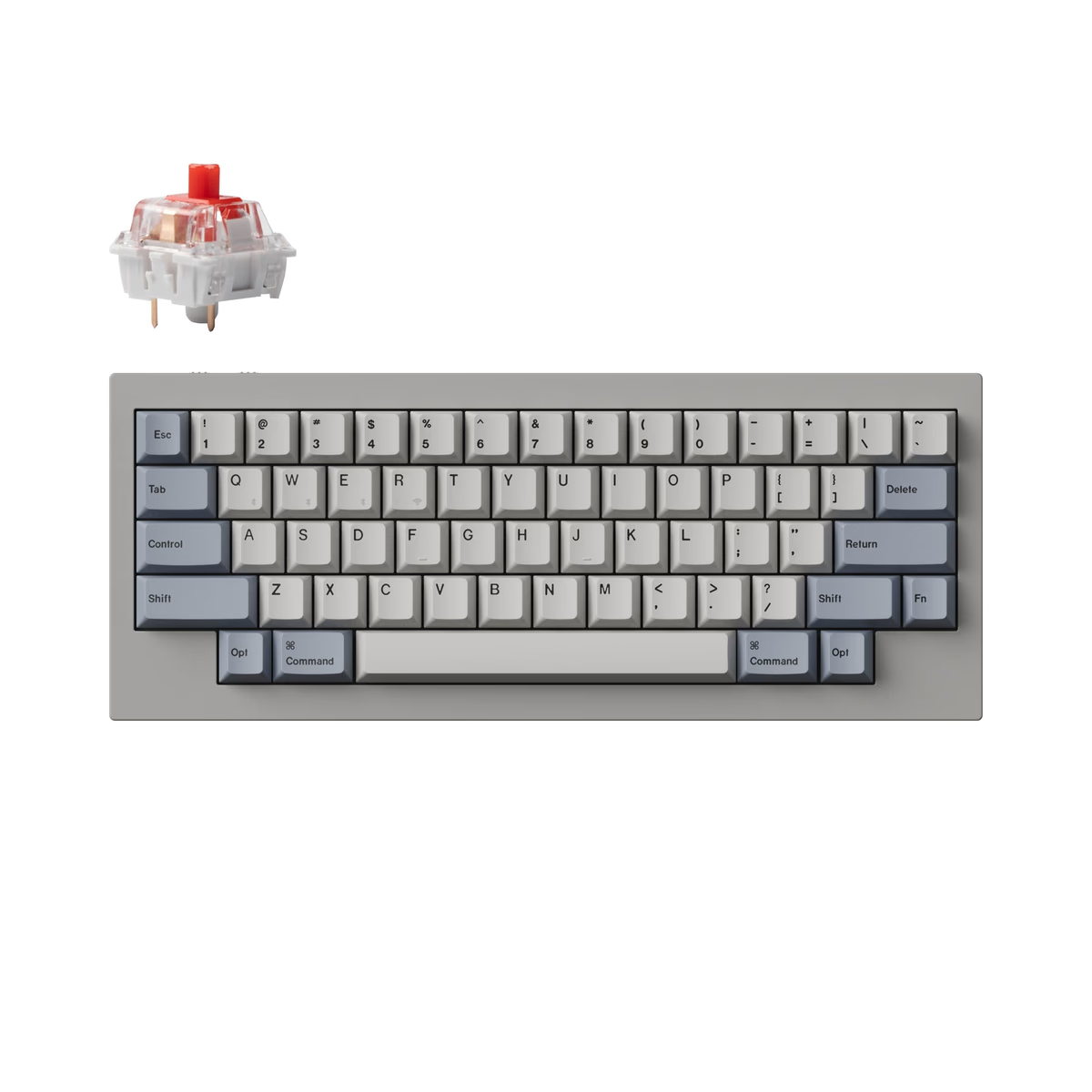
Keychron
Keychron Q60 Max
from—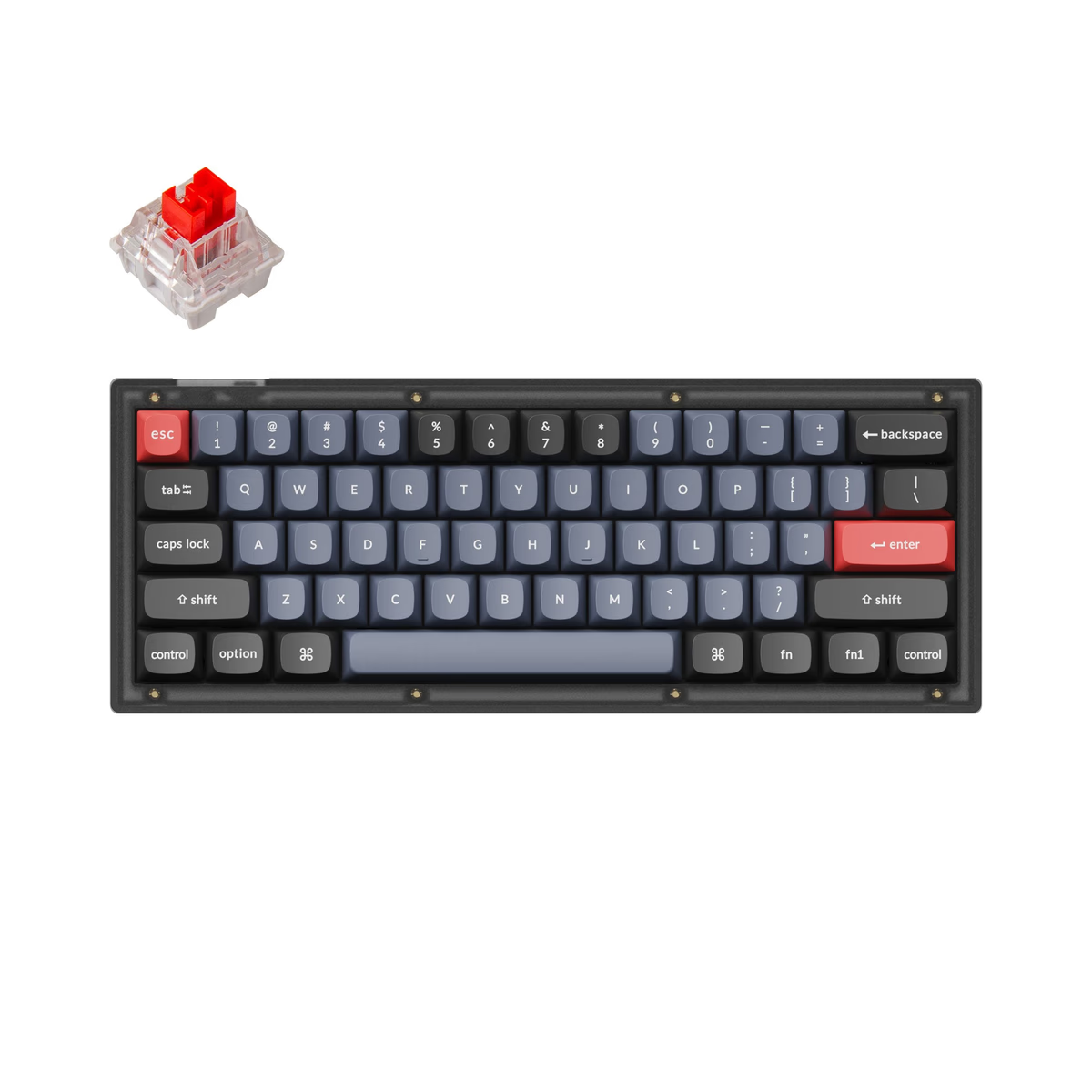
Keychron
Keychron V4
from$59.99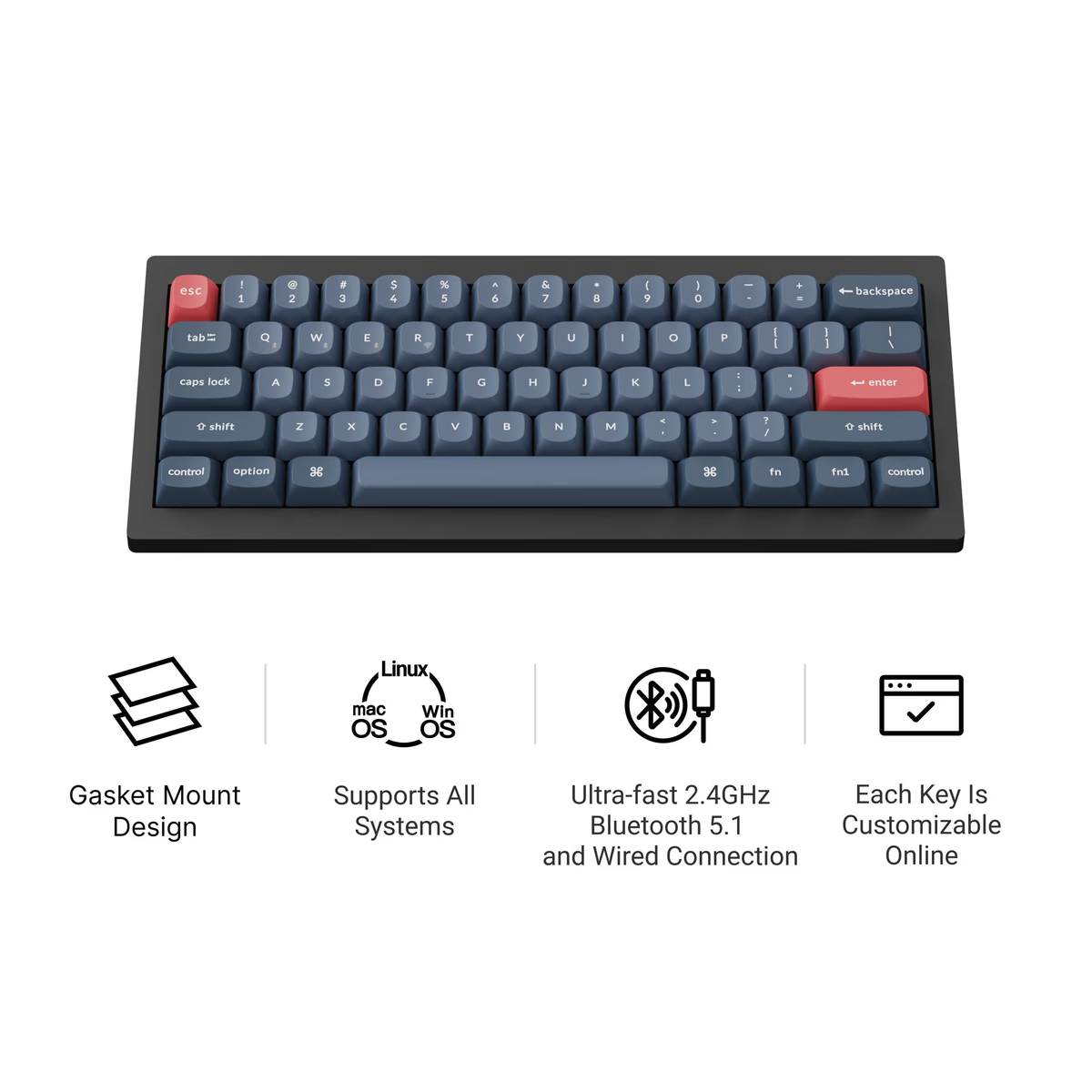
Keychron
Keychron V4 Max
from$104.99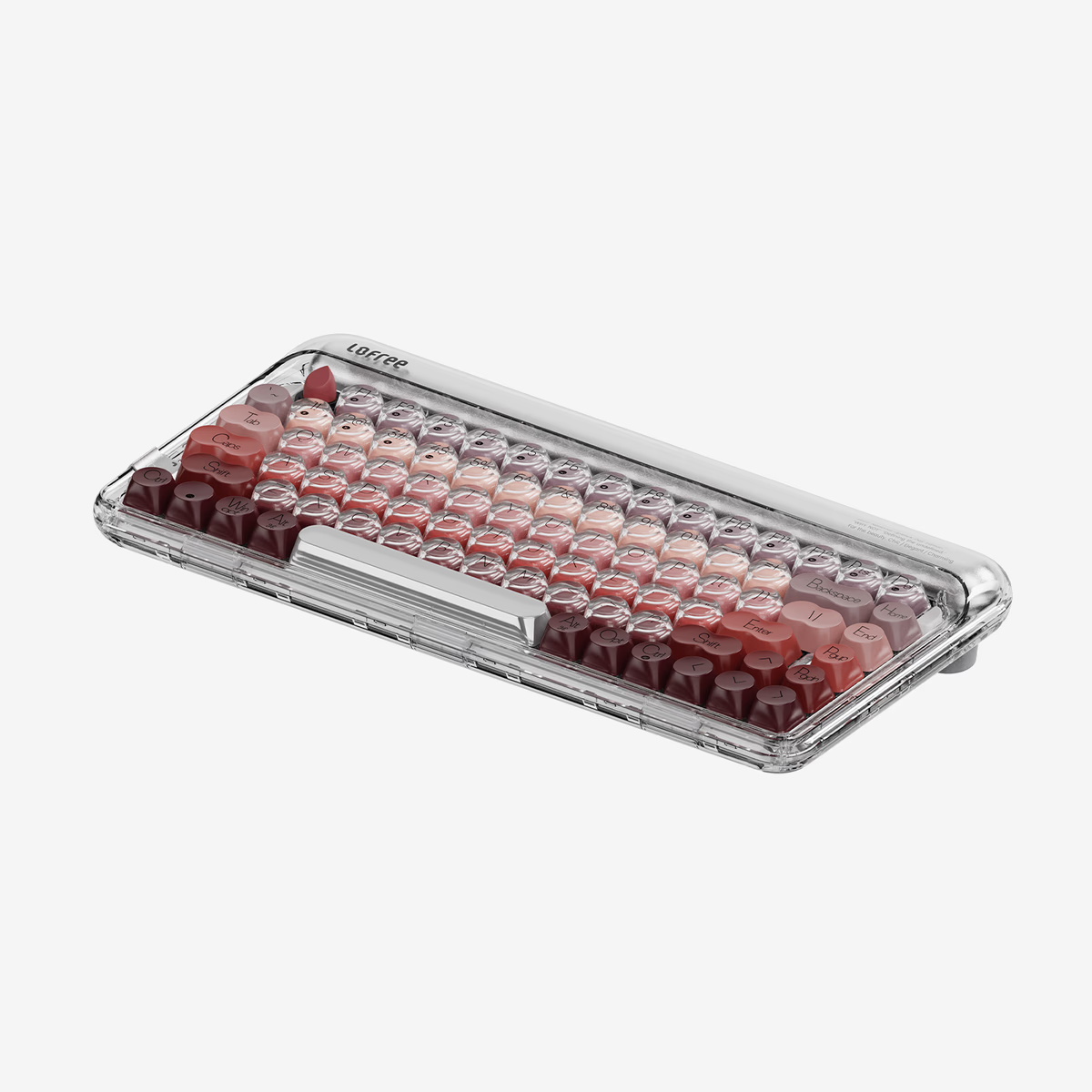
Lofree
Lipstick Mechanical Keyboard
from$199.00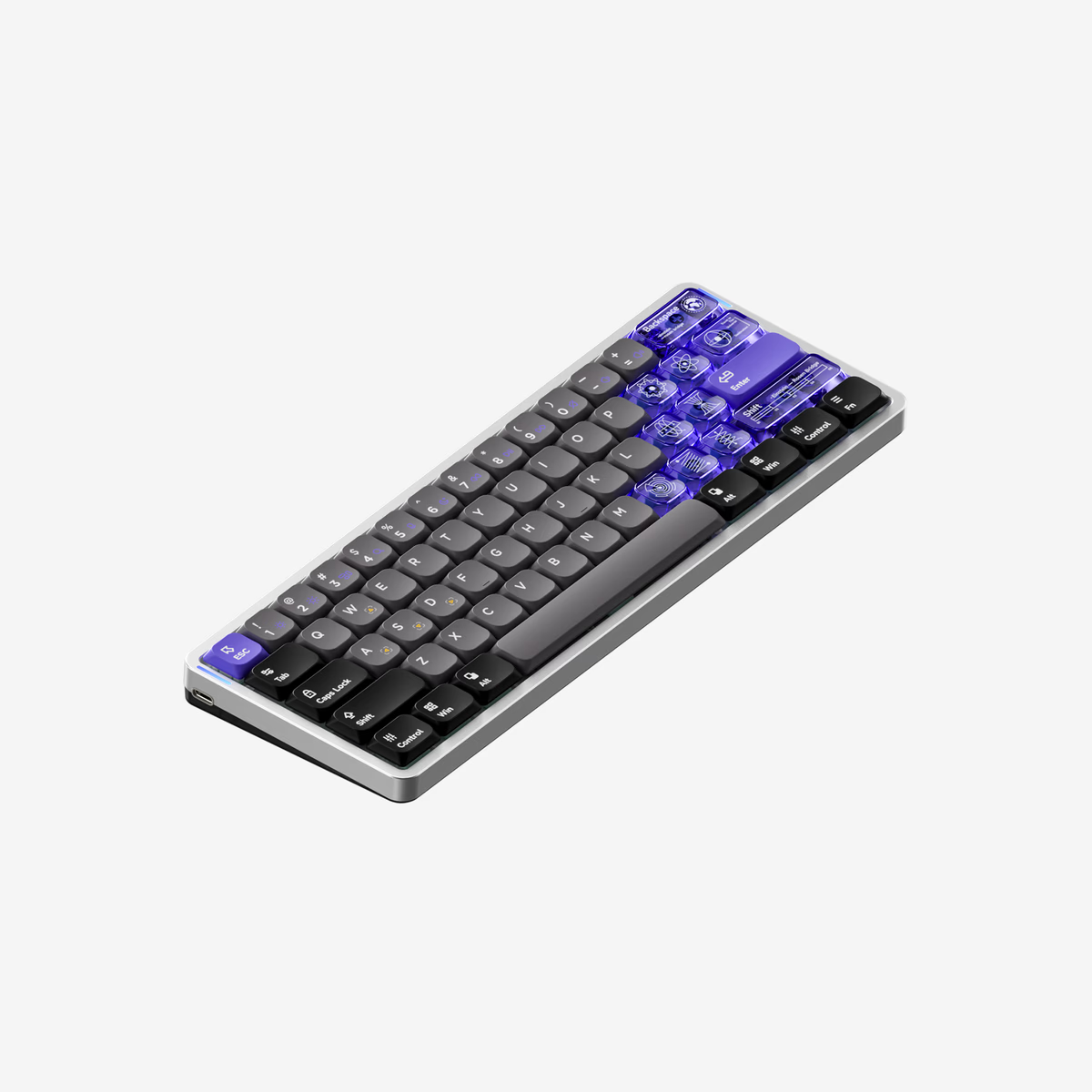
Nuphy
NuPhy Air60 HE
from—
What the 60% catalog actually looks like
We track 29 sixty-percent boards from 8 brands, and two numbers stand out.
Every single one is hot-swap. 100%, with no exceptions — the only other layout that manages this is Alice-split. Nobody is still soldering switches into a 60%, because nobody buys one by accident. It is a deliberate second or third keyboard, and the people buying it expect to change the switches.
Only 45% are wireless — the lowest share of any size we track, and the number most people guess wrong. The smallest, most portable layout is the most likely to need a cable. Full-size boards, which nobody carries anywhere, are wireless 73% of the time. The reason is who buys what: 60% is enthusiast territory, and enthusiast builds prioritise a solid wired connection and a coiled cable over battery management. Wireless full-size boards are office purchases.
The price floor is $69 and the median $100 — the highest median of any mainstream layout except TKL, and higher than the full-size boards at $85 that are physically twice the size. Small is not cheap here. You are paying for a niche.
Living with layers
The part nobody explains before you buy: a 60% is not harder to type on, it is harder to navigate on. Letters are unchanged. What changes is everything you do between typing — jumping to the end of a line, tabbing through a form, hitting F2 to rename a file.
Most 60% boards map arrows to Fn plus IJKL or the right-hand modifier cluster, and most are QMK or VIA programmable so you can move them. Give it two weeks before deciding. The people who bounce off 60% usually bounce in the first three days.
Frequently asked
Do 60% keyboards have arrow keys?
Is a 60% good for gaming?
60% or 65%?
Why are 60% boards more expensive than bigger ones?
Keep exploring
Related guides
More keyboards categories