Wireless keyboards
Wireless mechanical keyboards: Bluetooth 5.0, 2.4GHz dongle and tri-mode. Battery life, hot-swap, RGB, layout. Keychron K2, Lofree Flow, Akko 5108B Plus and more.
251 keyboards · $34–$250
Every keyboard here has a radio: Bluetooth, a 2.4 GHz dongle, or both. Most also keep a USB-C port, so "wireless" in practice means "wireless when you want it".
Which radio you want is the real decision, and it is not close. Bluetooth is for desks and multiple devices; 2.4 GHz is for anything where latency is measurable. Boards that do both let you stop choosing.
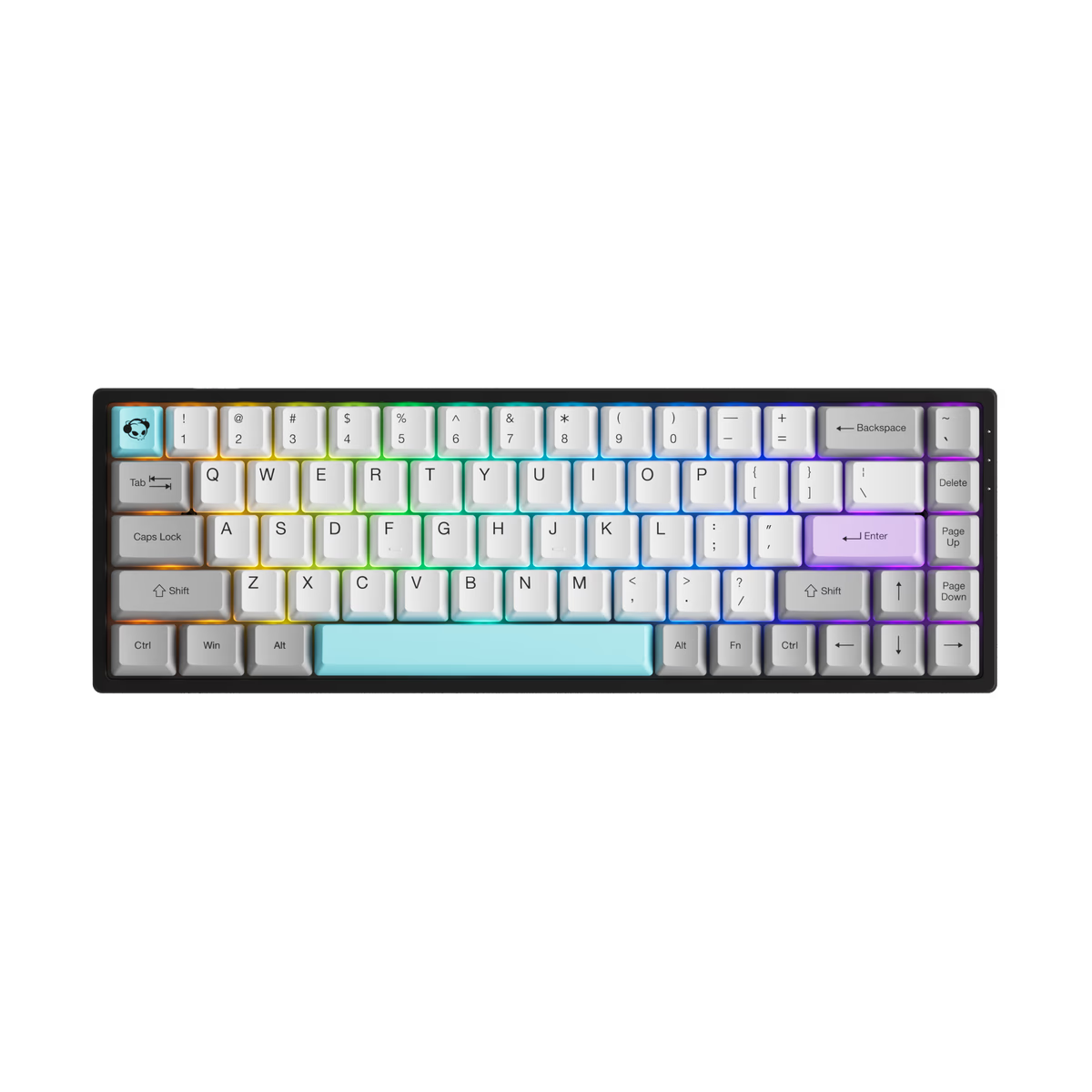
Akko
Akko 3068
from—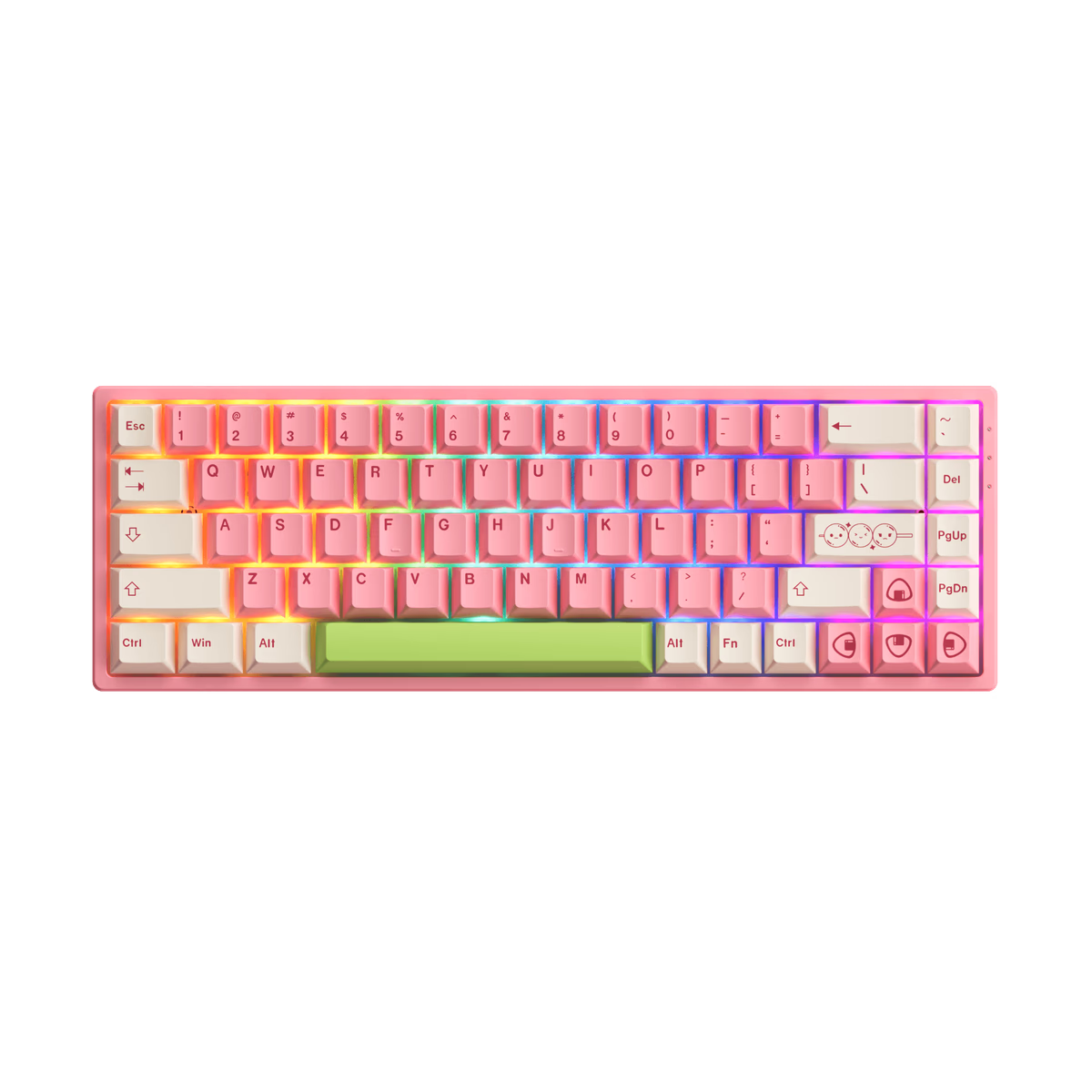
Akko
Akko 3068B Plus
from—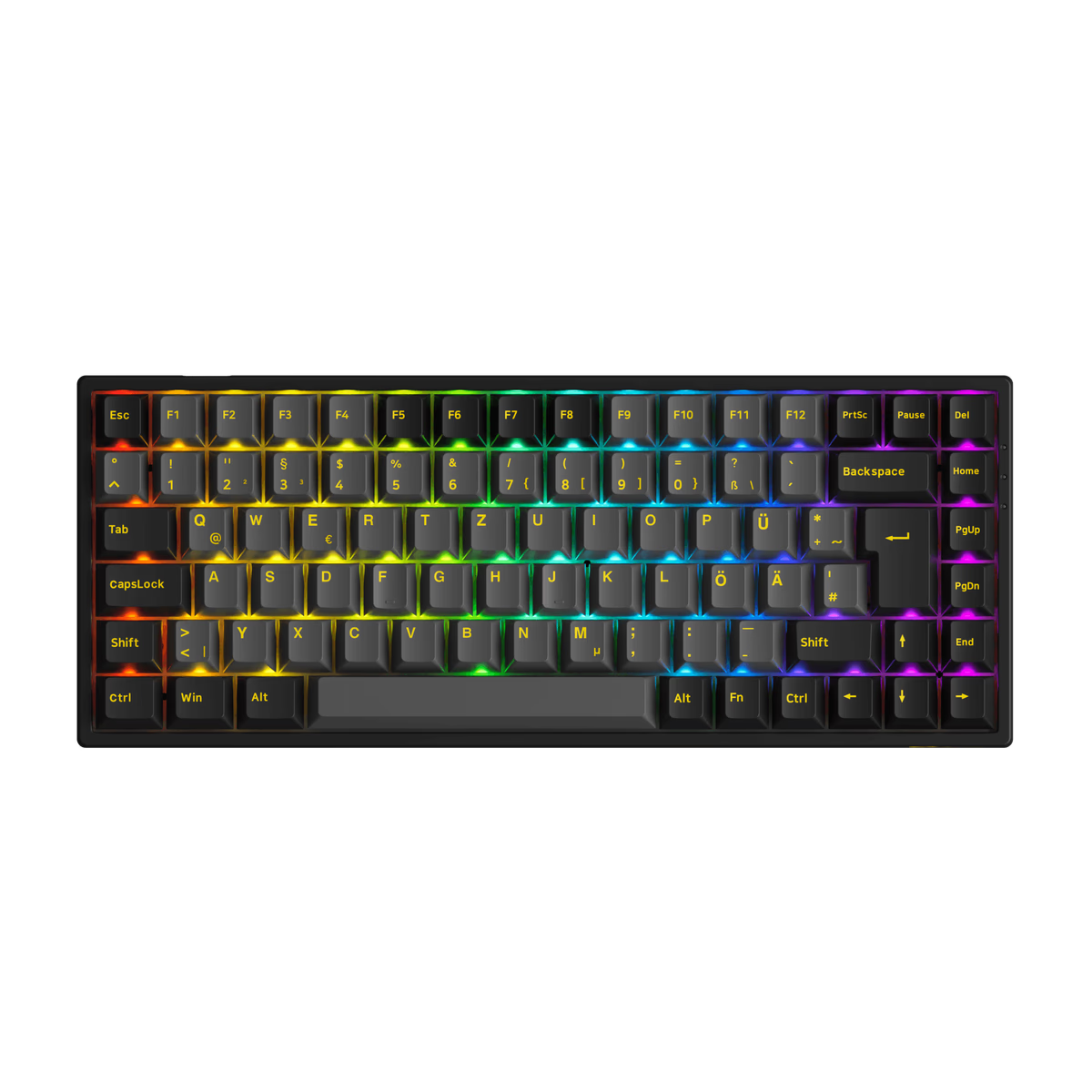
Akko
Akko 3084B Plus
from—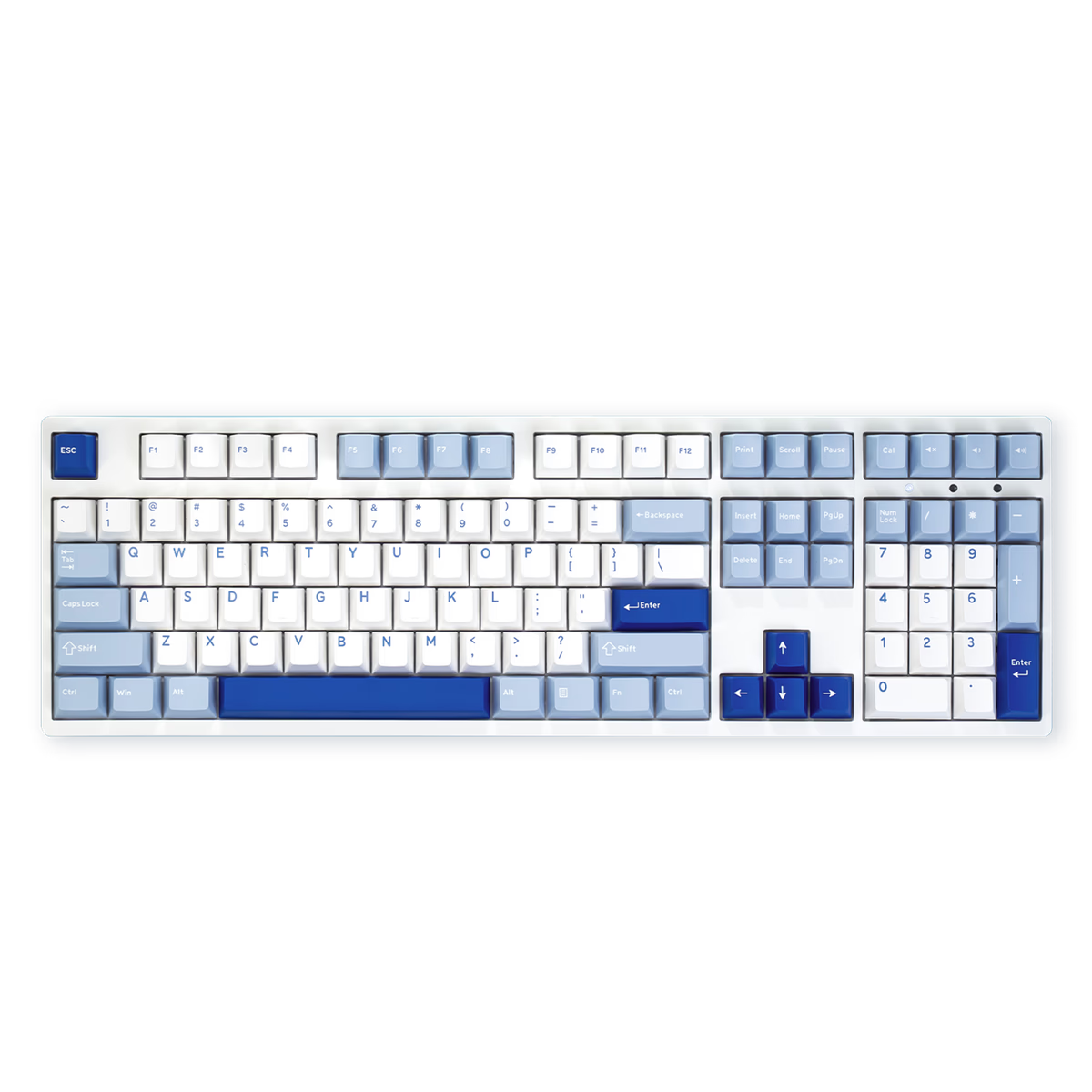
Akko
Akko 3108RF
from—Akko
Akko 3108v3
from$49.99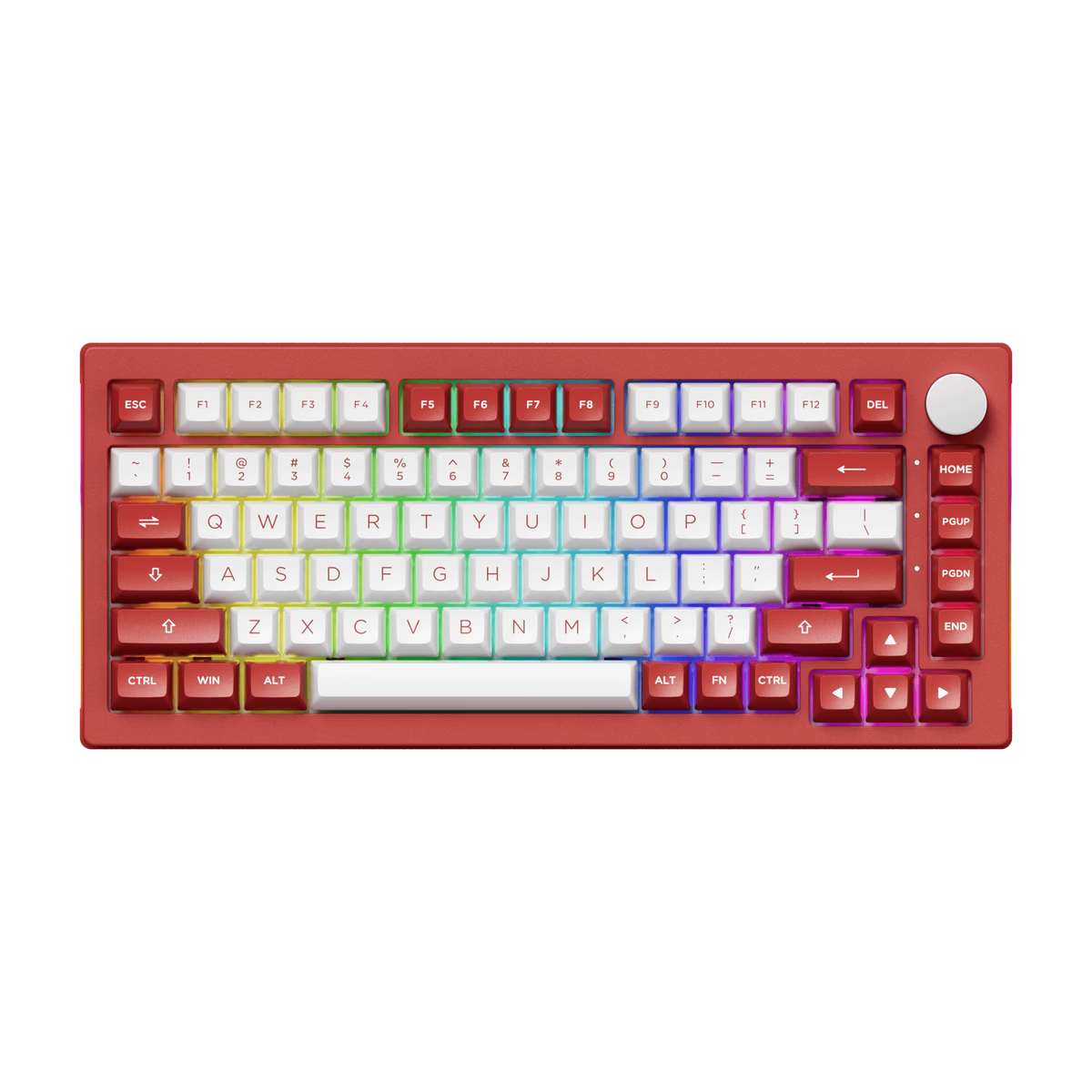
Akko
Akko 5075B Plus
from$62.99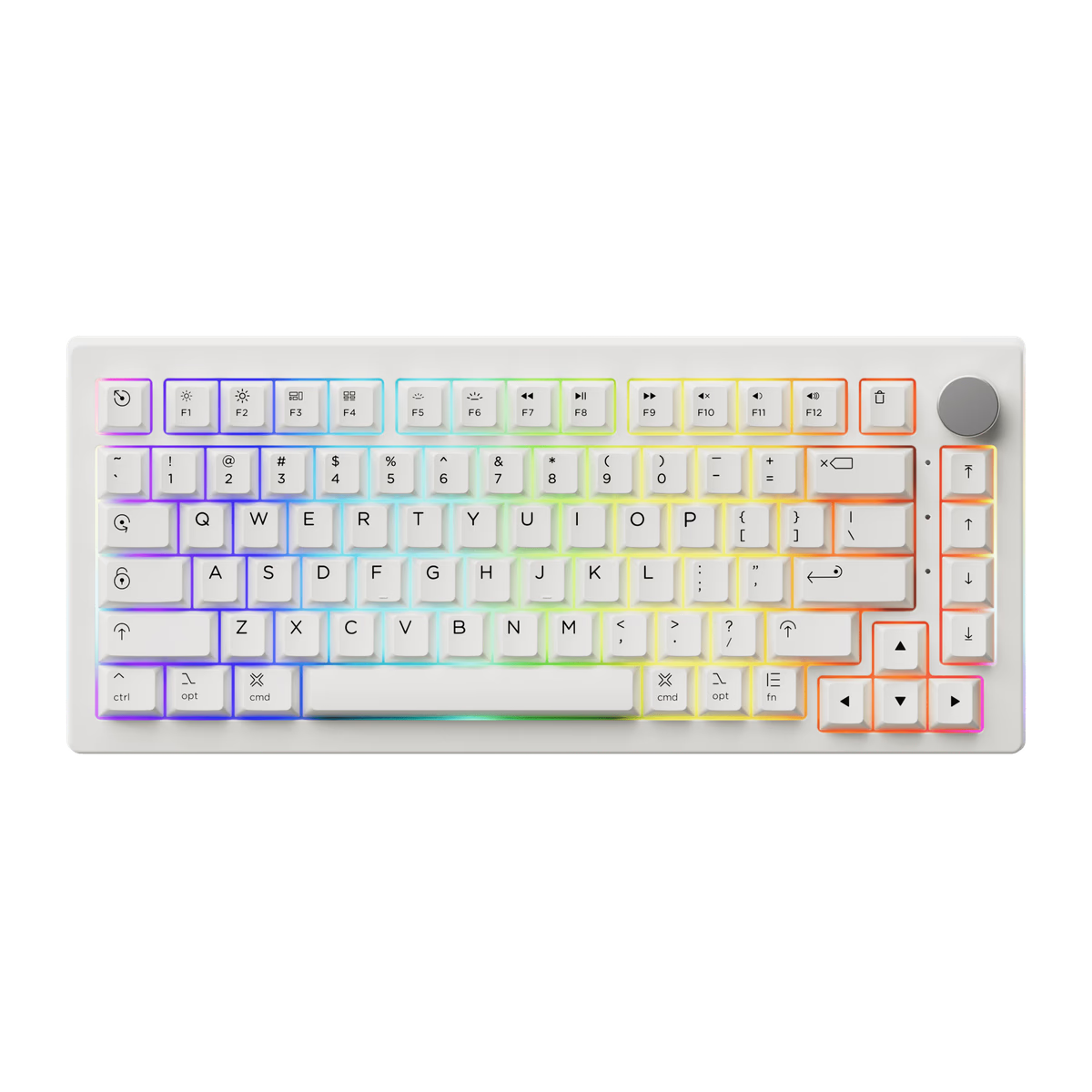
Akko
Akko 5075B Plus Air
from—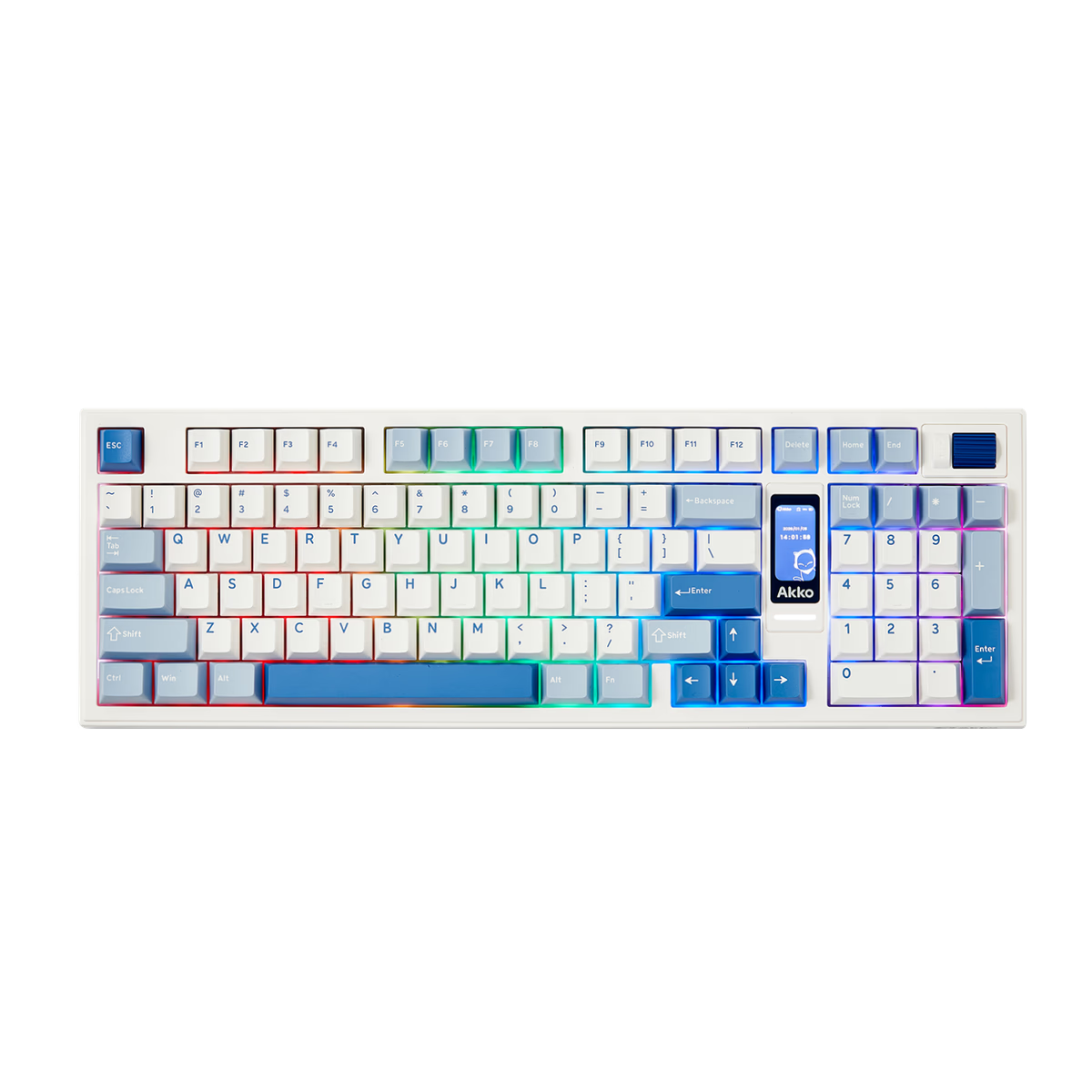
Akko
Akko 5098B
from$82.49Akko
Akko 5098B S
from—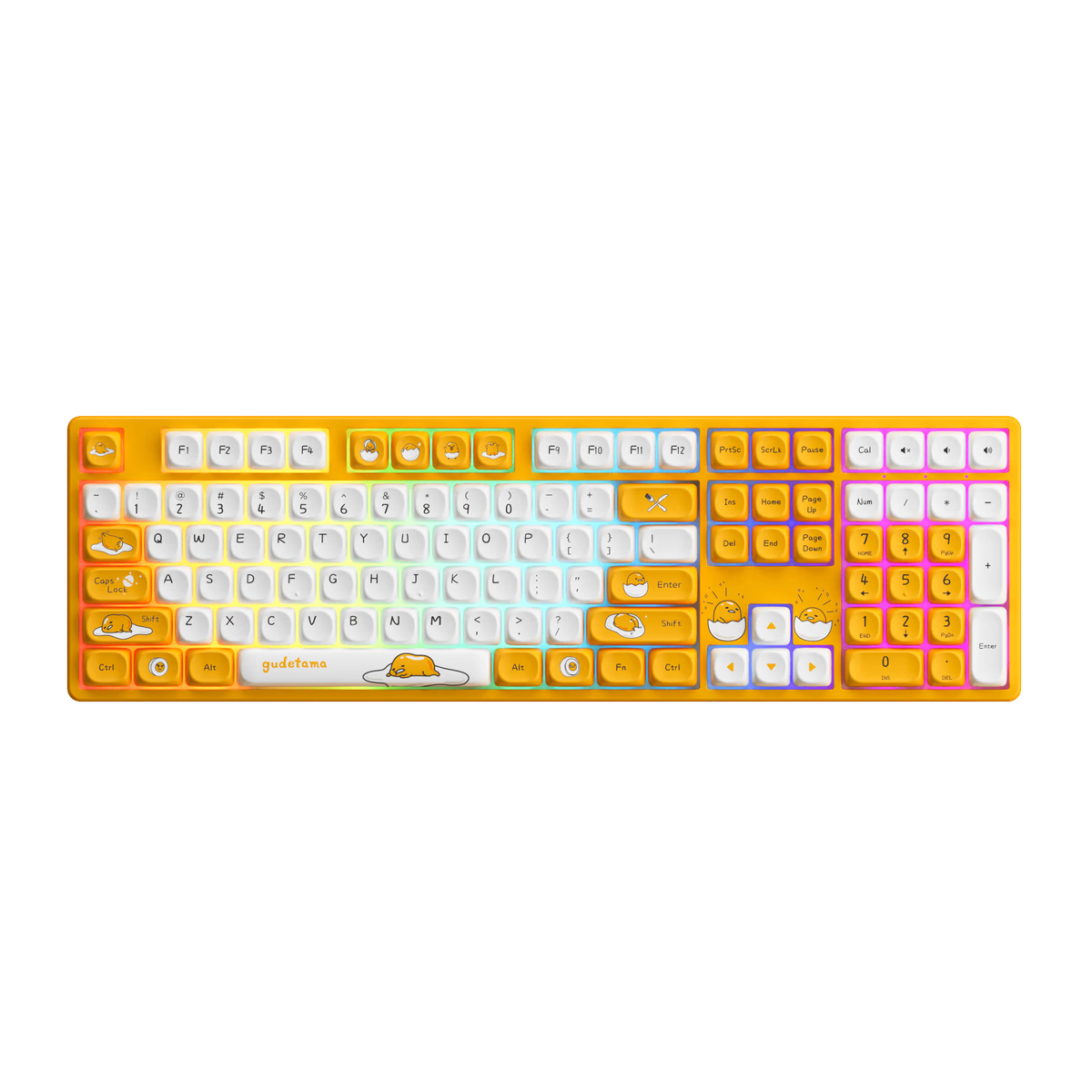
Akko
Akko 5108
from—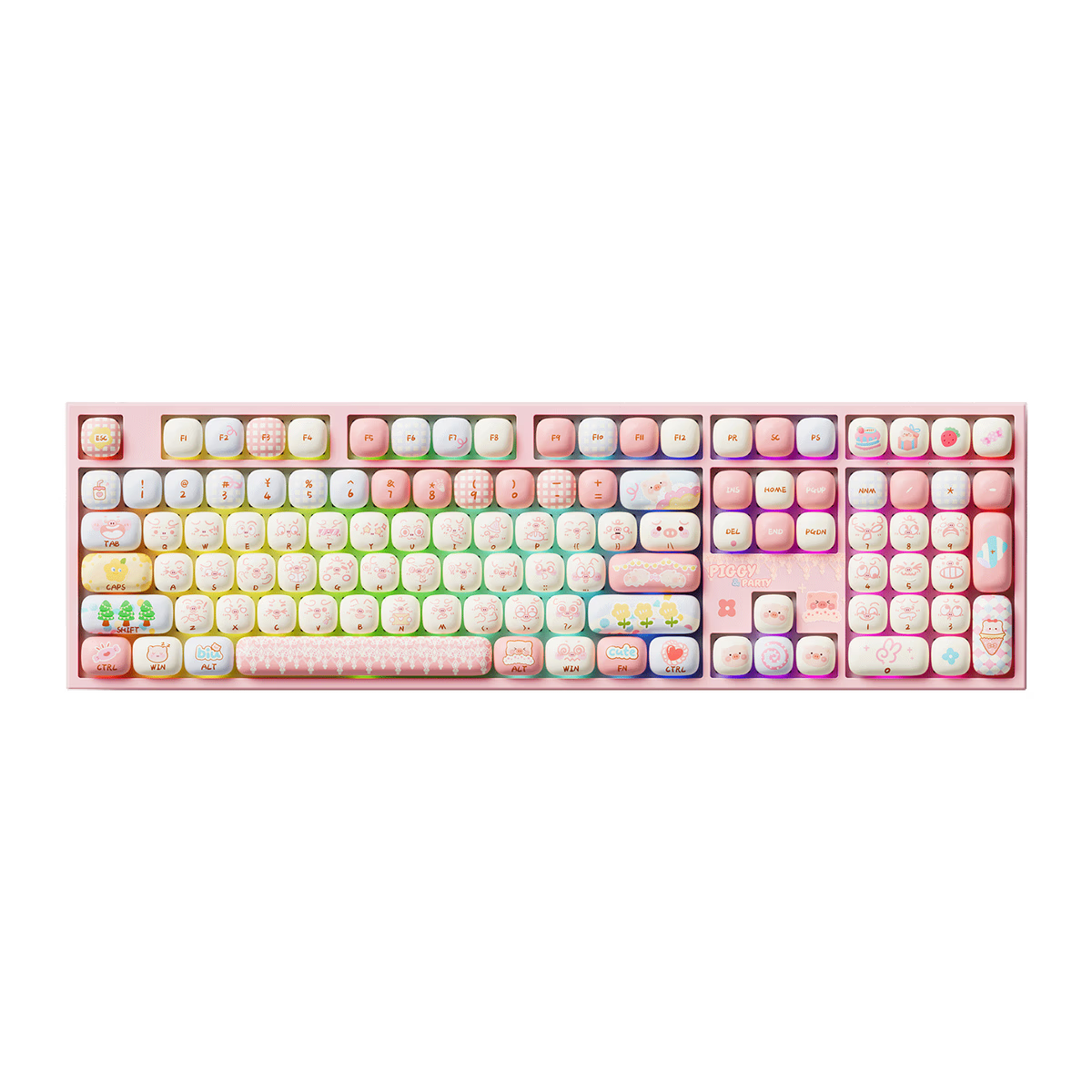
Akko
Akko 5108 V5
from—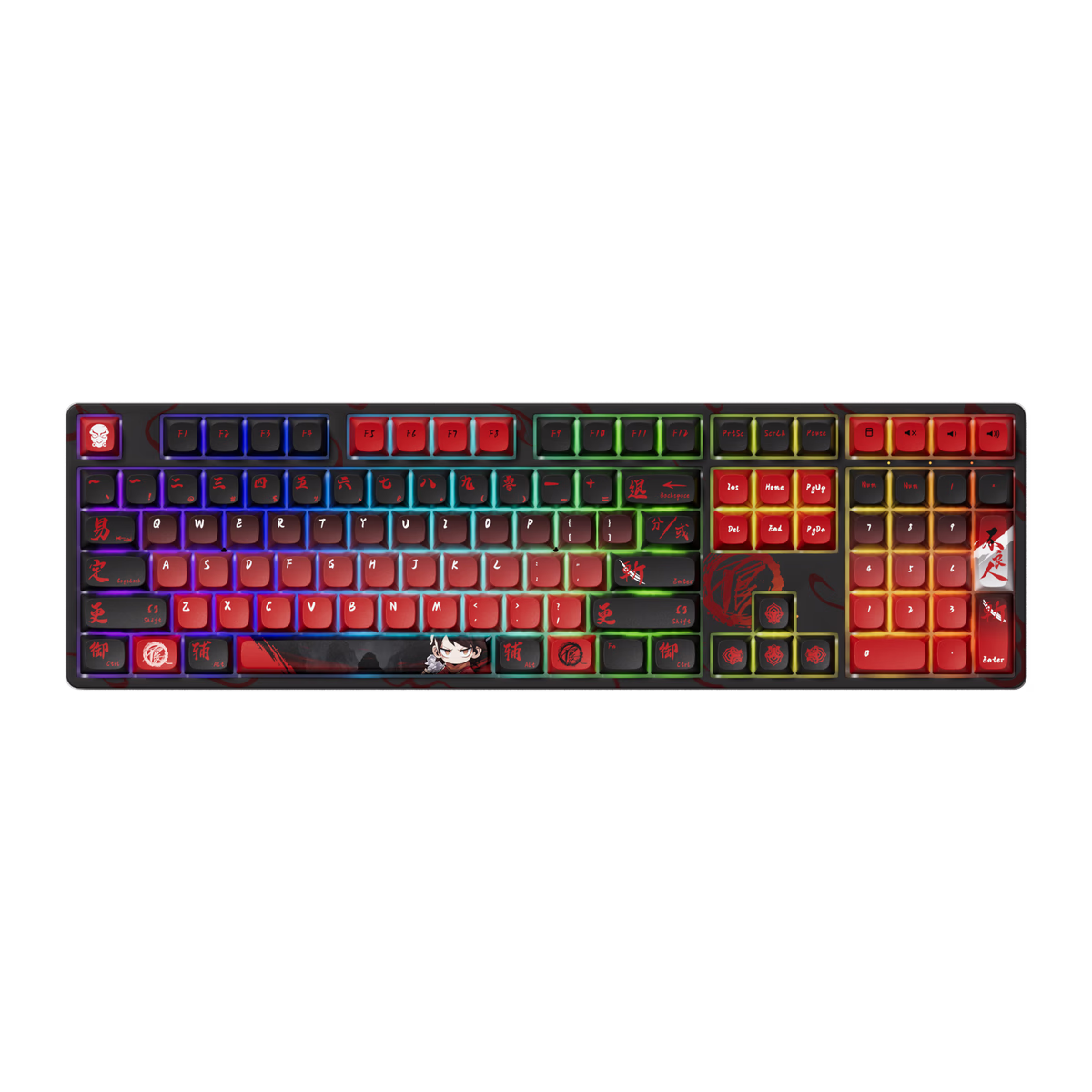
Akko
Akko 5108B Plus
from$50.60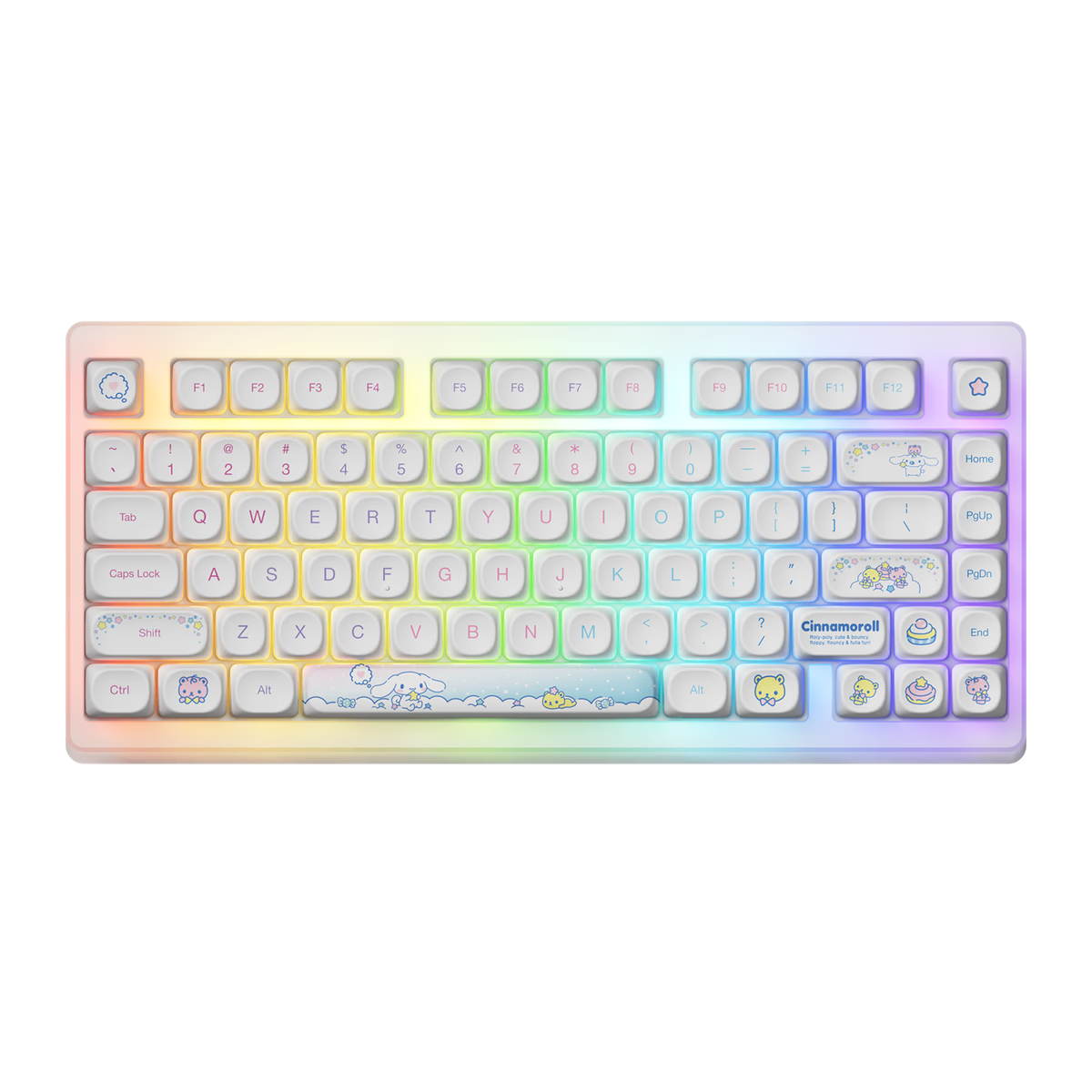
Akko
Akko ACR TOP 75B
from—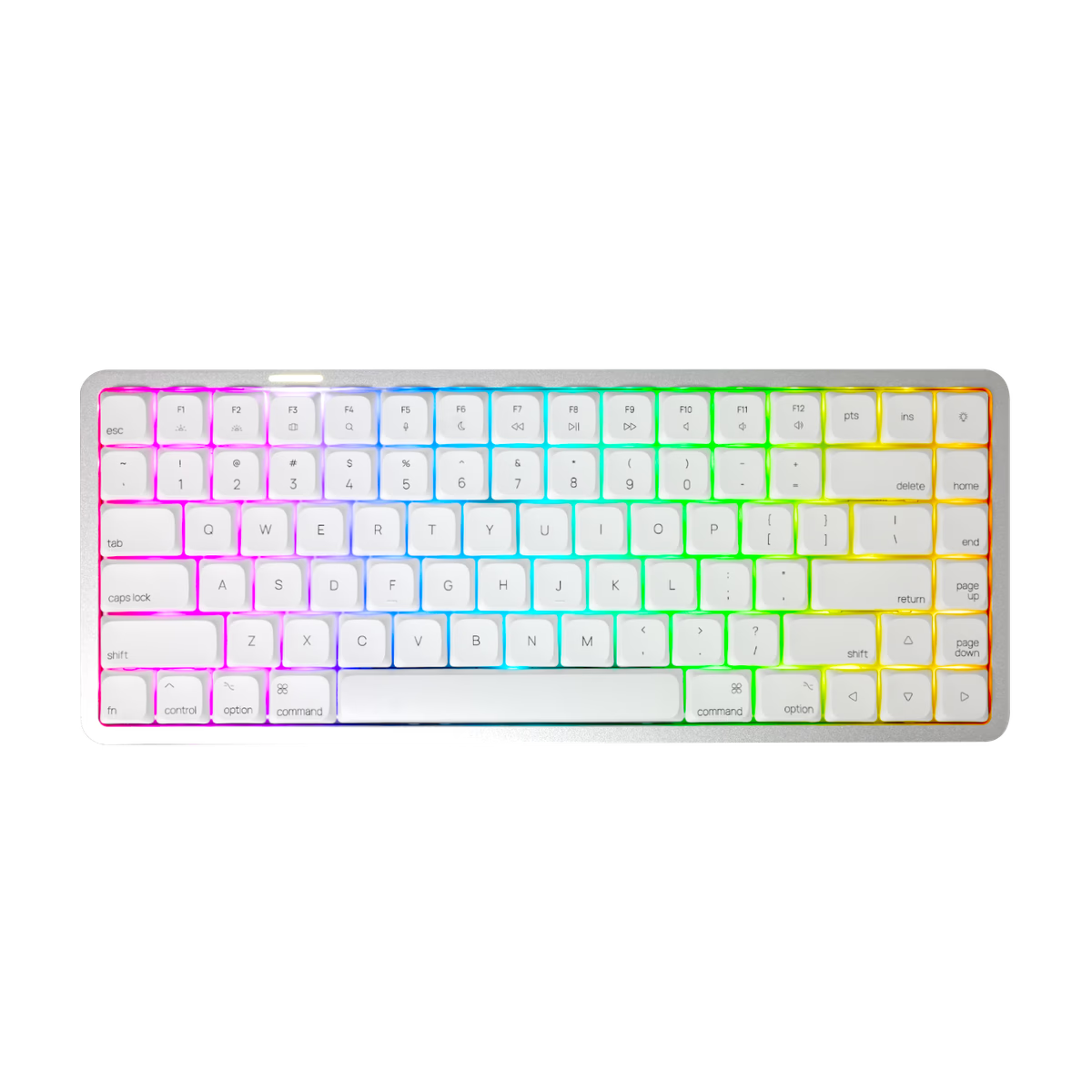
Akko
Akko AIR01
from$99.99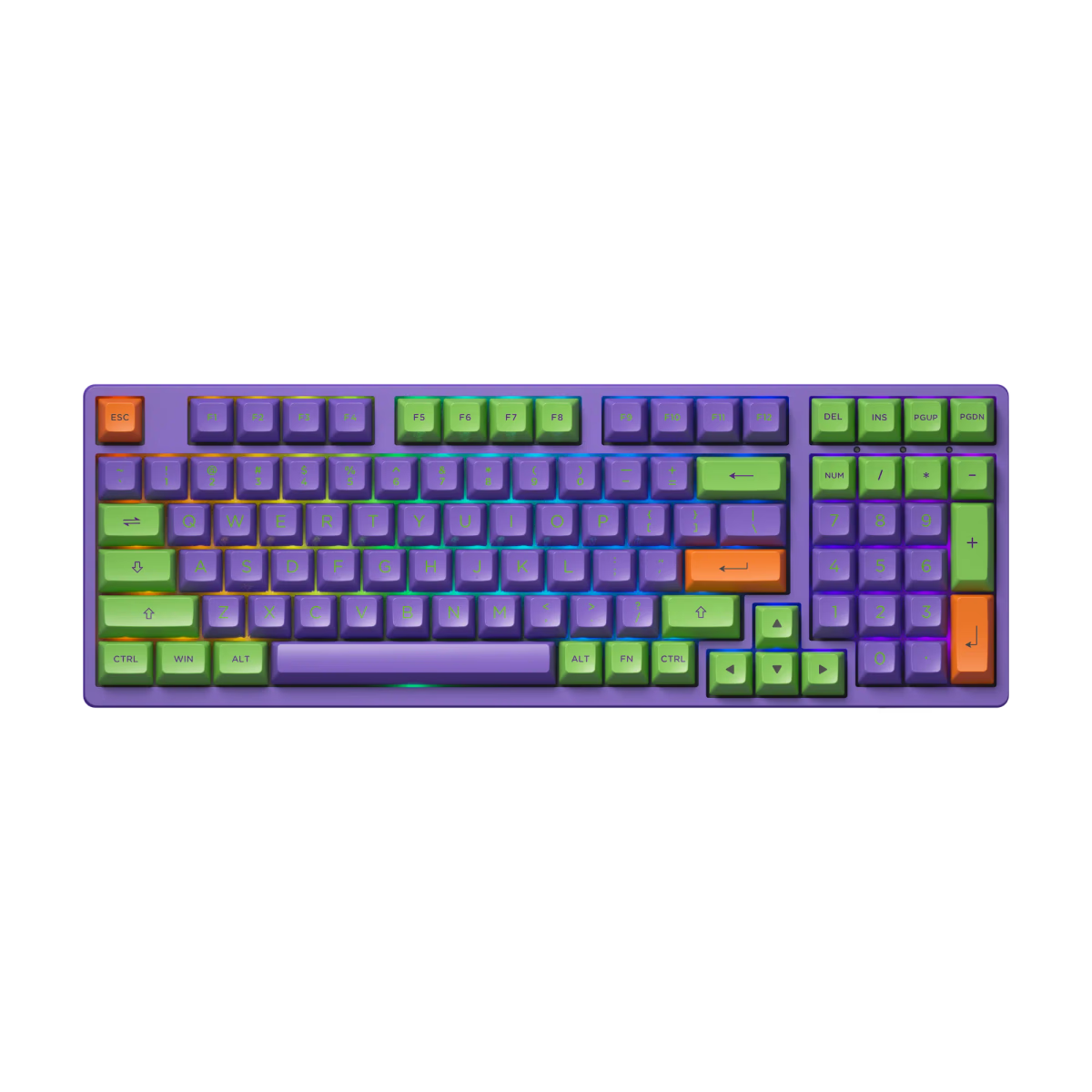
Akko
Akko EVA 01
from—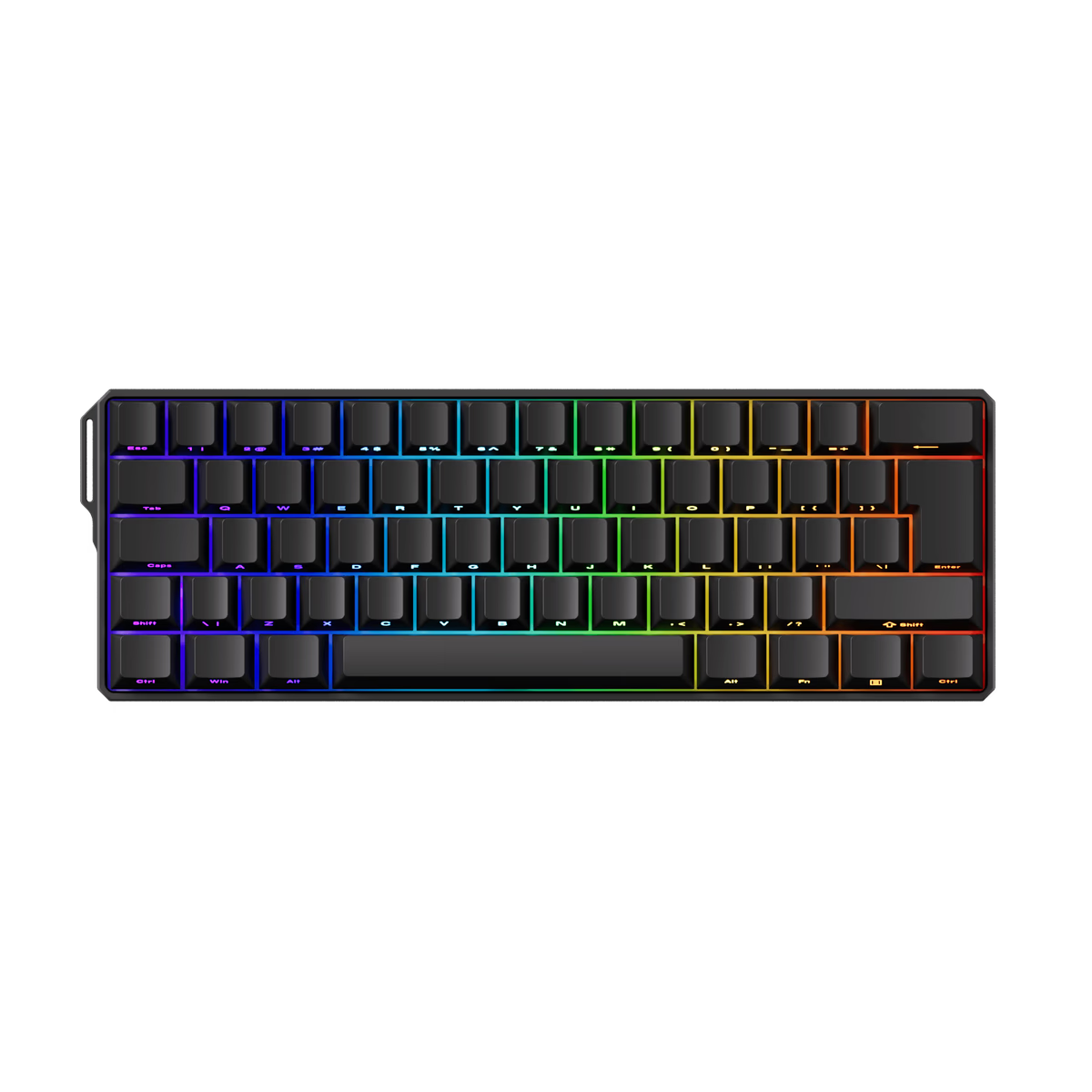
Akko
Akko FUN60 HE
from—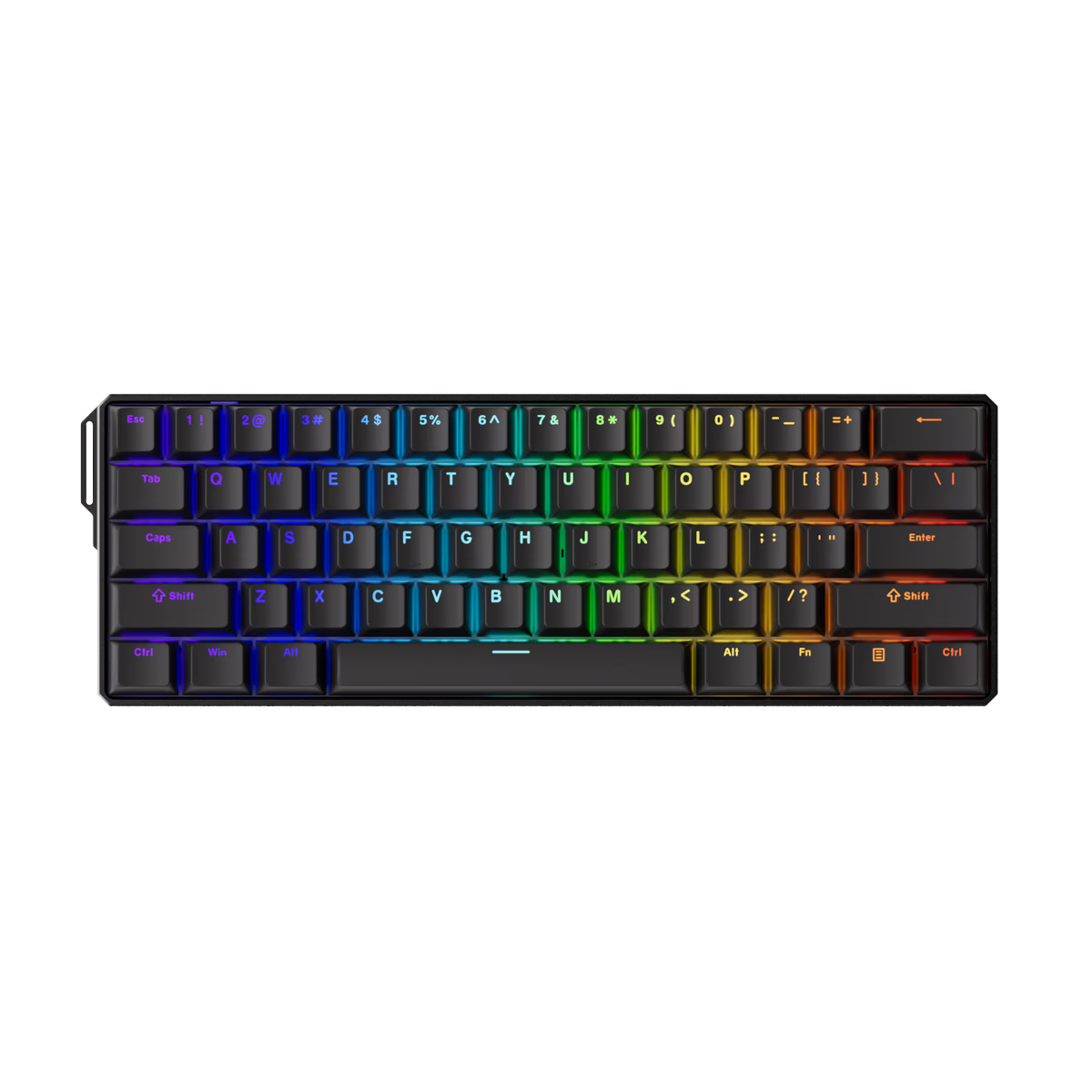
Akko
Akko FUN60 Ultra TMR
from—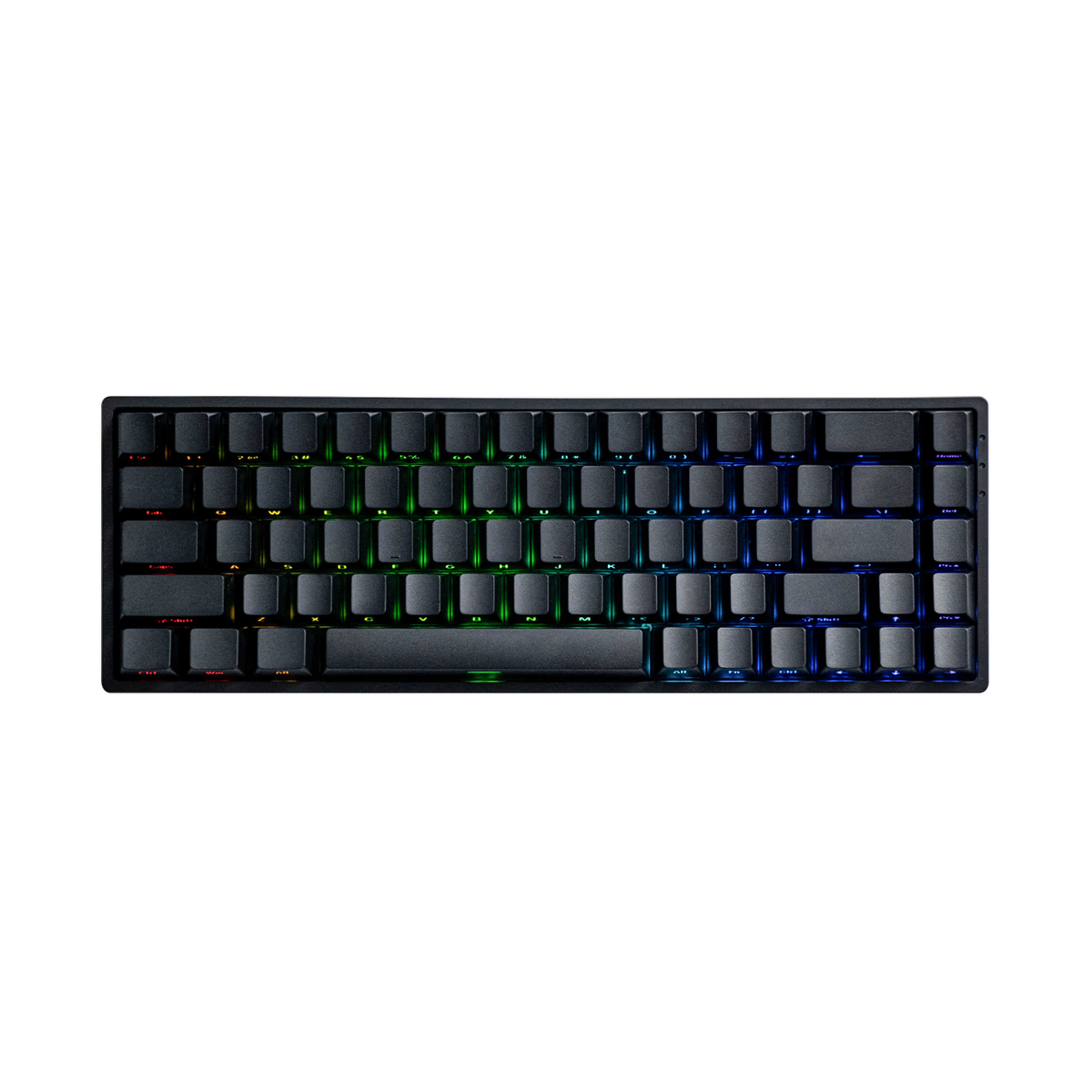
Akko
Akko FUN68 HE
from—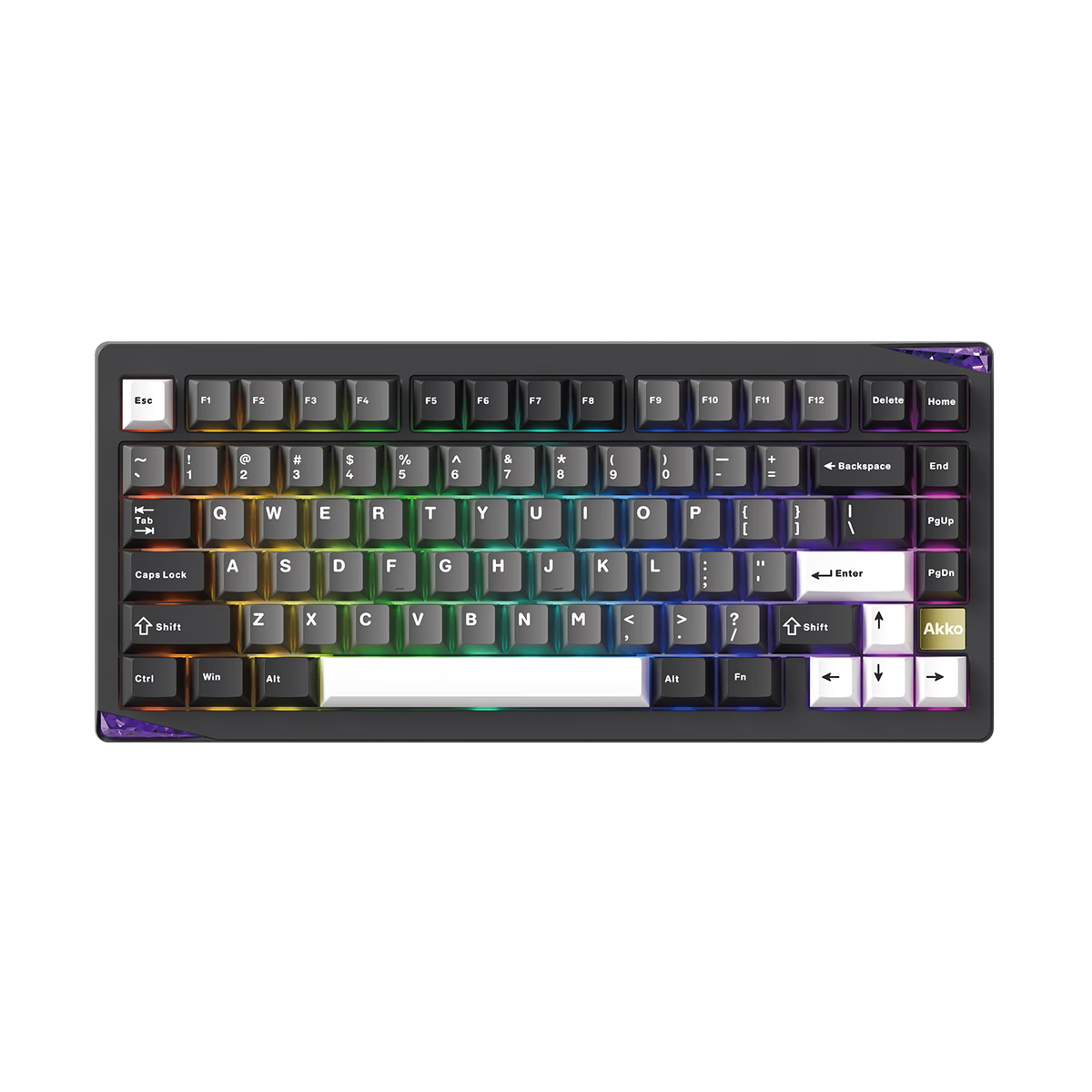
Akko
Akko Gem 01
from$87.99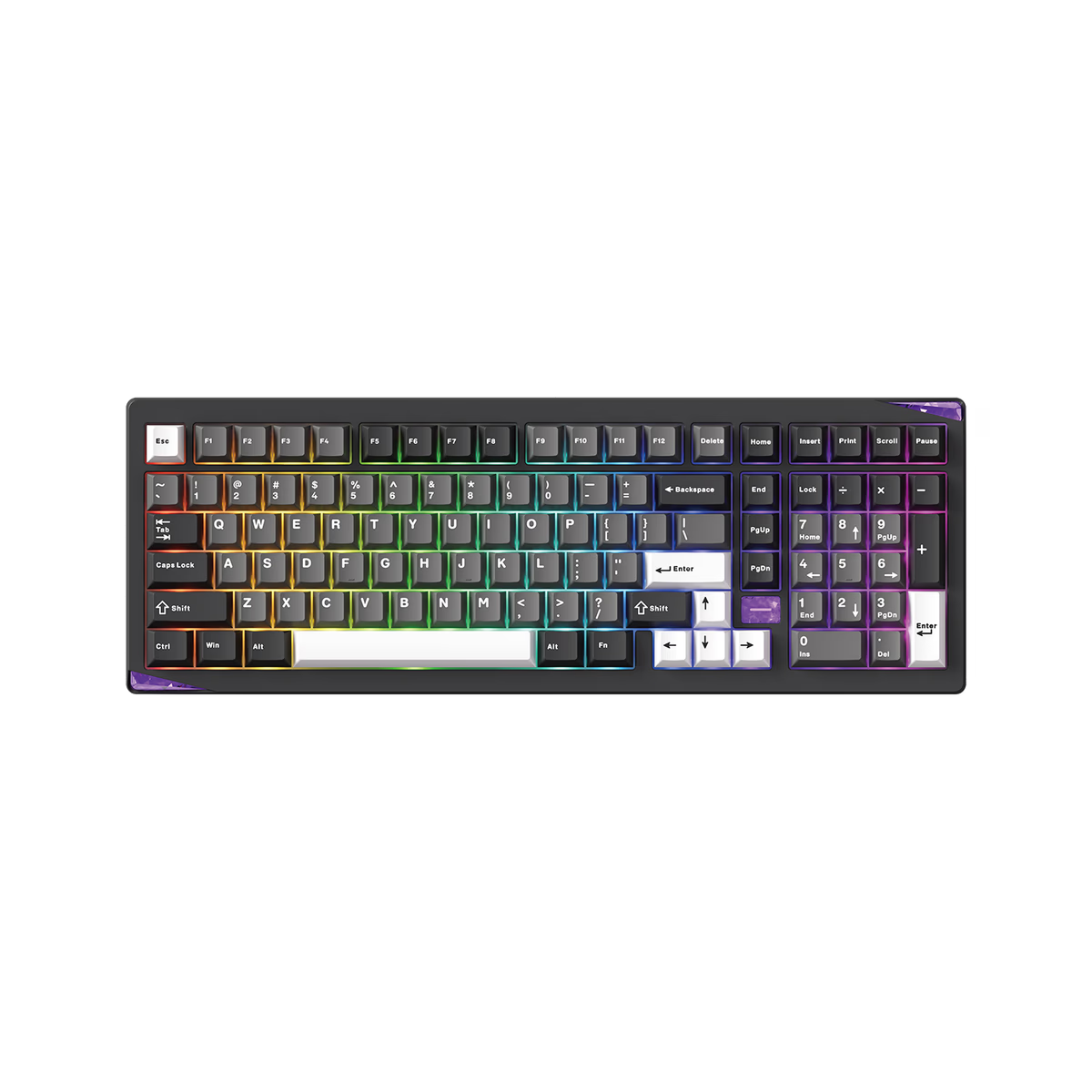
Akko
Akko Gem 02
from$125.99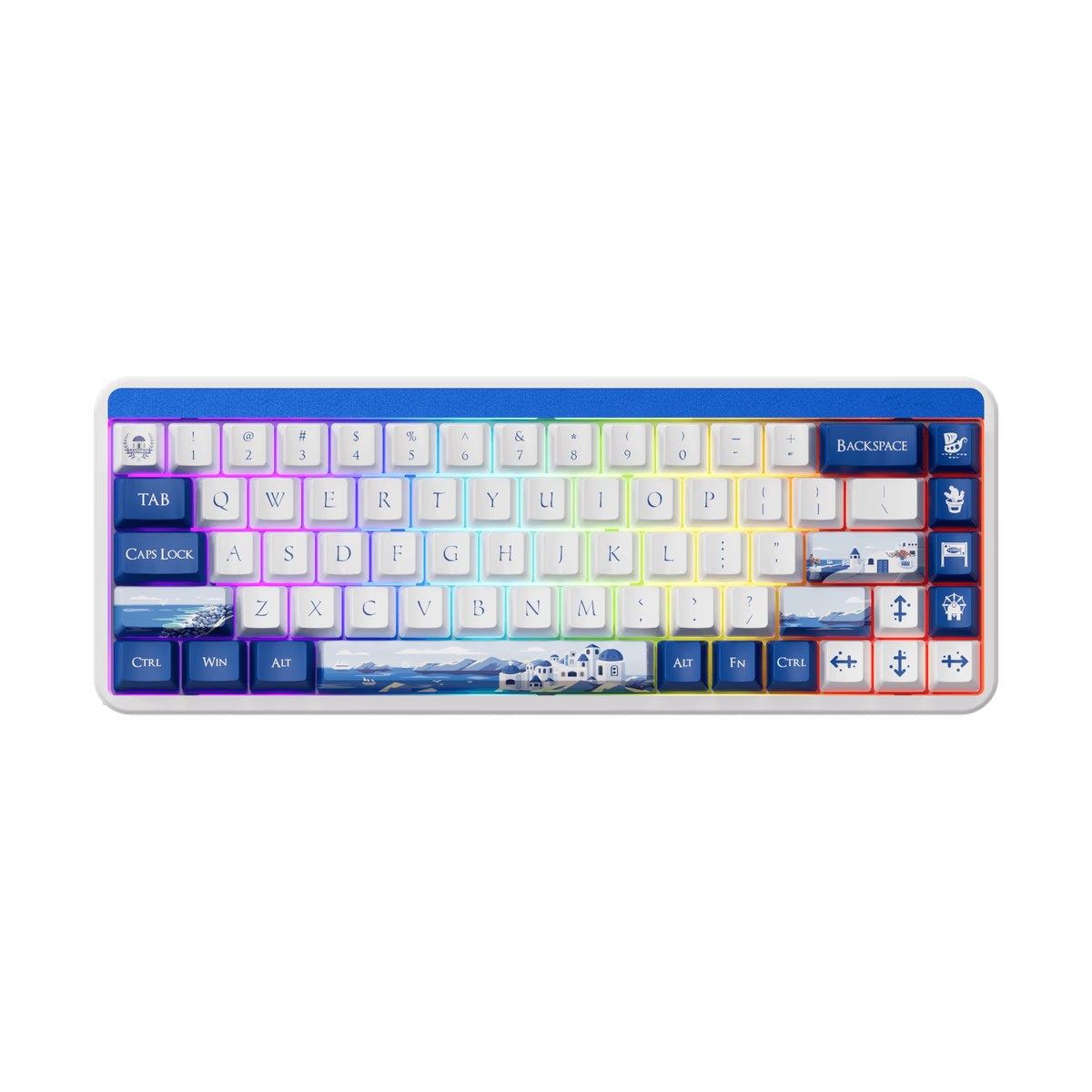
Akko
Akko JIN01
from—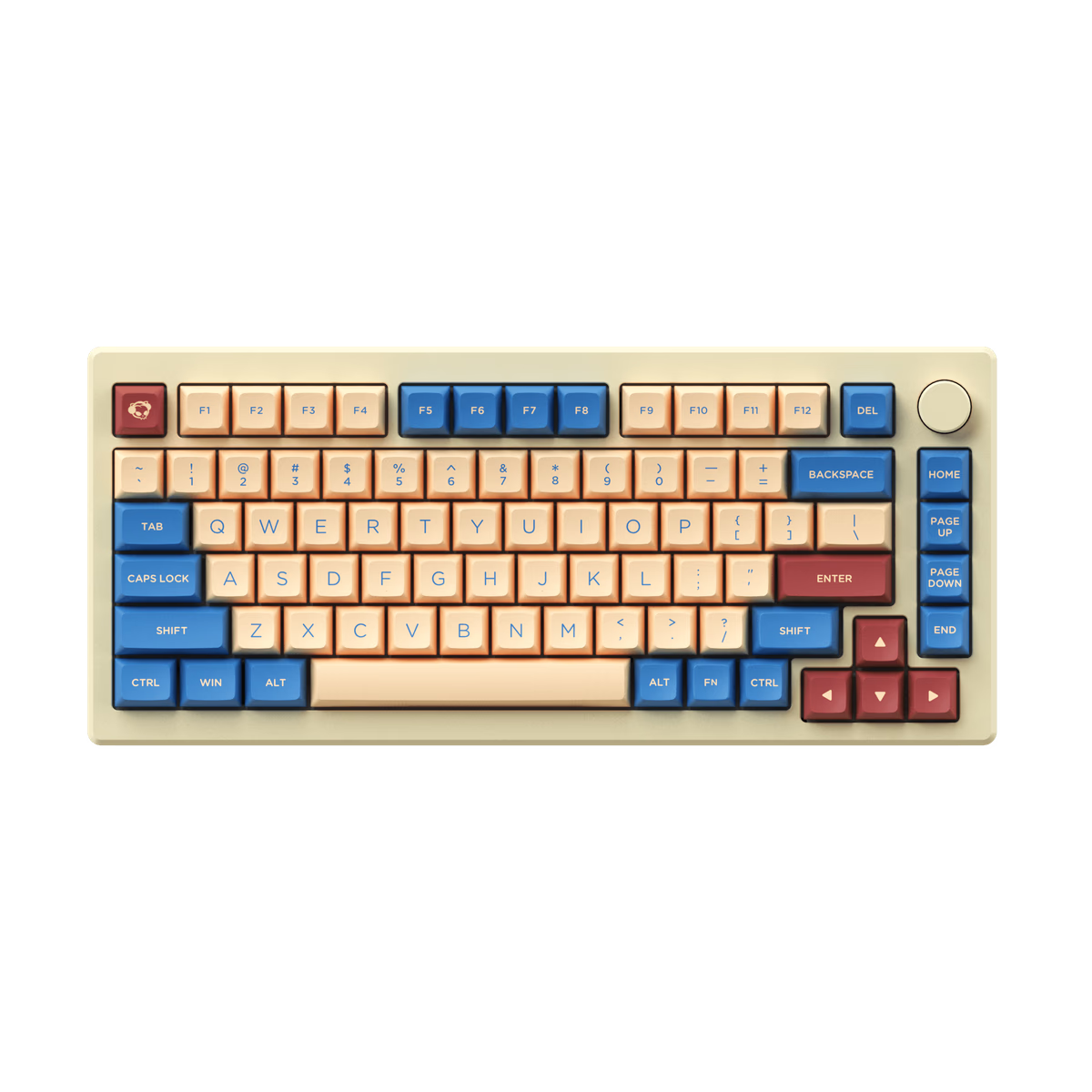
Akko
Akko MOD007B HE
from—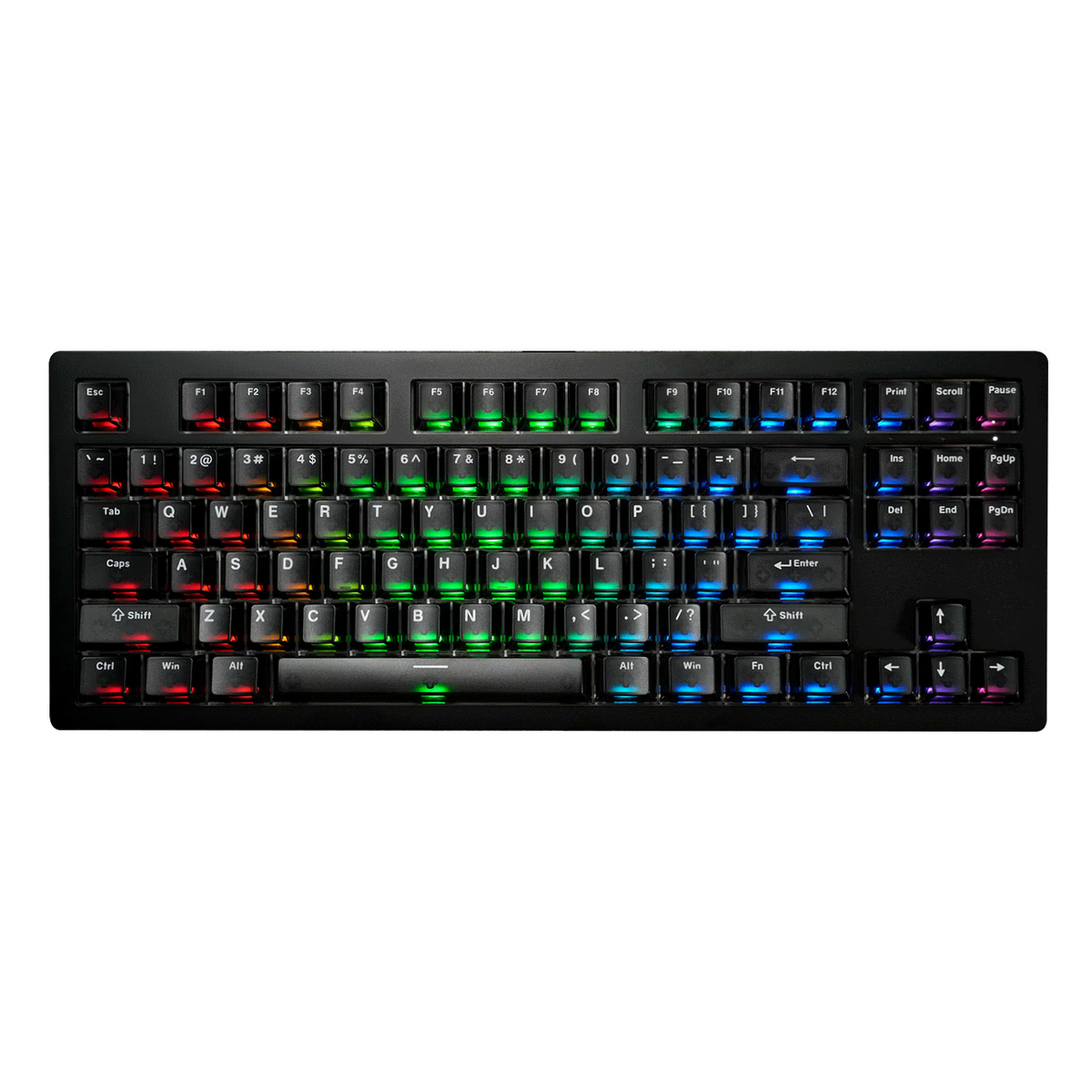
Akko
Akko MOD007B V5 HE
from$135.99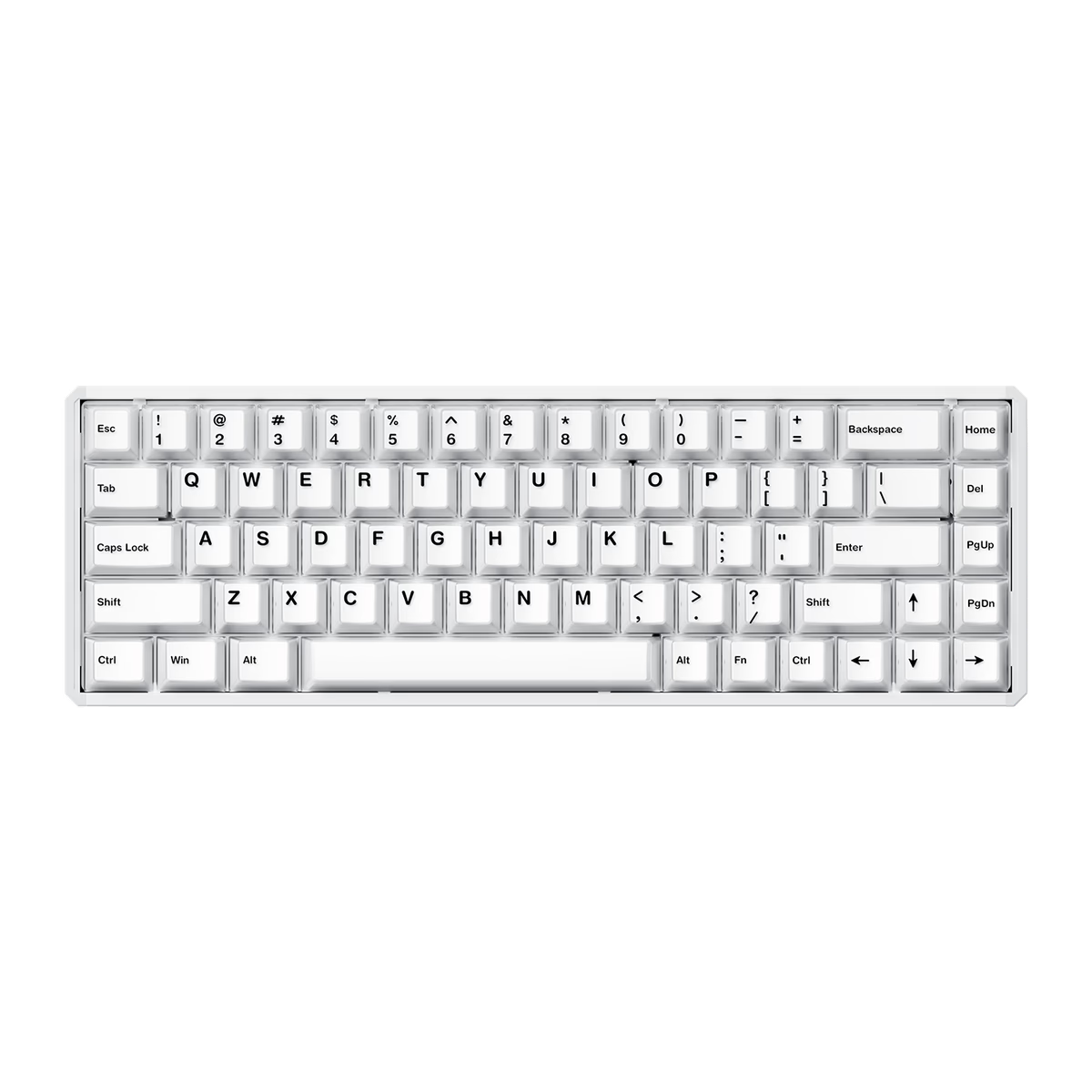
Akko
Akko MOD68 HE
from$71.99
Bluetooth or 2.4 GHz
Bluetooth is a standard radio built into every laptop, phone and tablet you own. Pair once, and any of them can talk to the board — most models hold three or more hosts and switch with a key combination. It costs power and speed: latency is fine for typing and noticeably worse than wired for aiming.
2.4 GHz is a private link between the board and a USB dongle. No shared protocol, no negotiation, and latency close enough to wired that it is not the thing losing you the round. The cost is the dongle: lose it and, on most boards, the wireless mode is gone.
Tri-mode boards carry both radios plus a USB port and switch with a hardware toggle. If you cannot decide, this is the answer, and it is common enough now that it rarely costs extra.
What wireless costs you
A battery has to go somewhere. On compact boards that usually means a thicker case, a heavier board, or a smaller cell — and battery life claims are quoted with the backlight off, which is not how most people use an RGB keyboard.
There is also a pattern in our catalogue worth knowing: full-size boards are wireless 73% of the time, while 60% boards manage only 45%. The smallest, most portable layout is the least likely to have a radio, because compact boards are enthusiast builds and enthusiast builds tend to be wired by choice. If portability is why you want small and wireless, the selection is thinner than you would guess.
Our wireless keyboard guide covers pairing, multi-device switching and firmware caveats in more detail.
Frequently asked
Is Bluetooth good enough for gaming?
How long does the battery actually last?
Can I still use it wired?
Does wireless add input lag?
Keep exploring
Related guides
More keyboards categories