On this page
- TL;DR — at a glance
- Are budget mechanicals worth it in 2026?
- How to choose a budget mechanical
- How we picked
- Best overall: Keychron V1
- Best compact: Akko 3068 V2
- Best for wireless: Keychron K2 Pro
- Best gasket mount under $100: Leobog Hi75
- Best if you just need a numpad: Keychron Q0
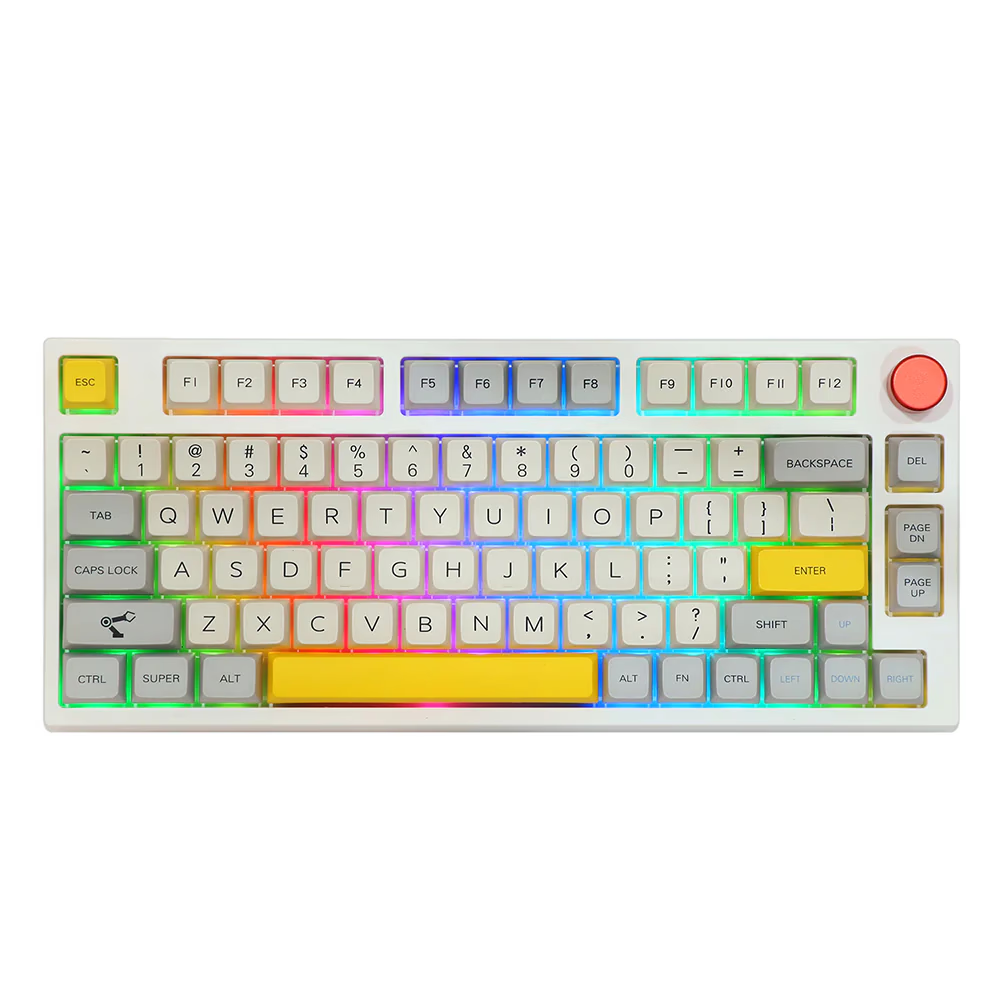
- Best bundled experience: Epomaker TH80 Pro
- Quick comparison table
- Two you should NOT buy
- If you can stretch to $150
- Common pitfalls
- Final pick — if you can only buy one
- Where to go from here
"Budget mechanical keyboard" used to mean loud, hollow, and a disappointment waiting to happen. Not anymore. In 2026 you can get hot-swap, gasket mount, and decent factory-lubed switches for under $100 — features that cost $300+ just a few years ago. Here's a curated shortlist of options that genuinely deserve the "best under $100" label, organized by who each is for.
TL;DR — at a glance
| Board | Best for | Layout | Mount | Wireless | Hot-swap | Street |
|---|---|---|---|---|---|---|
| Keychron V1 | First mech / mod platform | 75% | Gasket | No | Yes | ~$84 |
| Akko 3068 V2 | Compact desks | 65% | Tray | BT only | Yes | ~$85 |
| Keychron K2 Pro | Wireless multi-device | 75% | Tray | Tri-mode | Yes | ~$100 |
| Leobog Hi75 | Gasket aluminum, low cost | 75% | Gasket | No | Yes | ~$88 |
| Keychron Q0 | Add-on numpad | Numpad | Tray | No | Yes | ~$99 |
| Epomaker TH80 Pro | Plug-and-play wireless | 75% | Tray + foam | Tri-mode | Yes | ~$110 |
Are budget mechanicals worth it in 2026?
Short answer: yes, more than ever. Three years ago a sub-$100 mechanical typically meant a stiff tray-mount plastic case, knockoff stabs, no factory lube, and zero firmware support. Today's budget tier ships hot-swap PCBs, factory-lubed switches, gasket mount on aluminum cases (Leobog Hi75 at ~$80 was unthinkable in 2022), and QMK/VIA firmware on most options. The floor has risen so much that a $90 Keychron V1 in 2026 feels like a $200 custom from 2021.
The catch: this only applies to the right $90. The wrong $90 (knockoff Amazon brands, gaming-mass-market boards from Razer / Logitech / Corsair at this price point) gets you a worse keyboard than what was available three years ago — because the enthusiast tier has moved up while the mass-market tier has stagnated. The picks below are the right $90.
How to choose a budget mechanical
What actually separates a good budget board from a bad one:
- Hot-swap PCB. Non-negotiable for a first mechanical. Lets you change switches without soldering for $30 vs buying a whole new board. Look for "Kailh" or "Gateron" sockets explicitly named — generic "hot-swap" can mean knockoff sockets that fail in 50 swaps.
- Mount style. Gasket > tray > nothing. A gasket-mounted budget board often sounds better than a poorly-foamed premium one. Tray with proper foam is fine; tray with no dampening is hollow.
- Case material. Aluminum > ABS for sound and feel, but a tape-modded ABS case can sound surprisingly good. Don't overpay for aluminum if the board has bad stabs.
- Stabilizers. Often the weakest link. Even good budget boards ship mediocre clip-in stabs. Budget another $20 for aftermarket if you keep the board long-term.
- Firmware. QMK/VIA = remappable forever. Vendor software (Akko Cloud, Epomaker Driver) works but limits you to what the vendor supports. For a first board this rarely matters; for a long-term keeper it matters a lot.
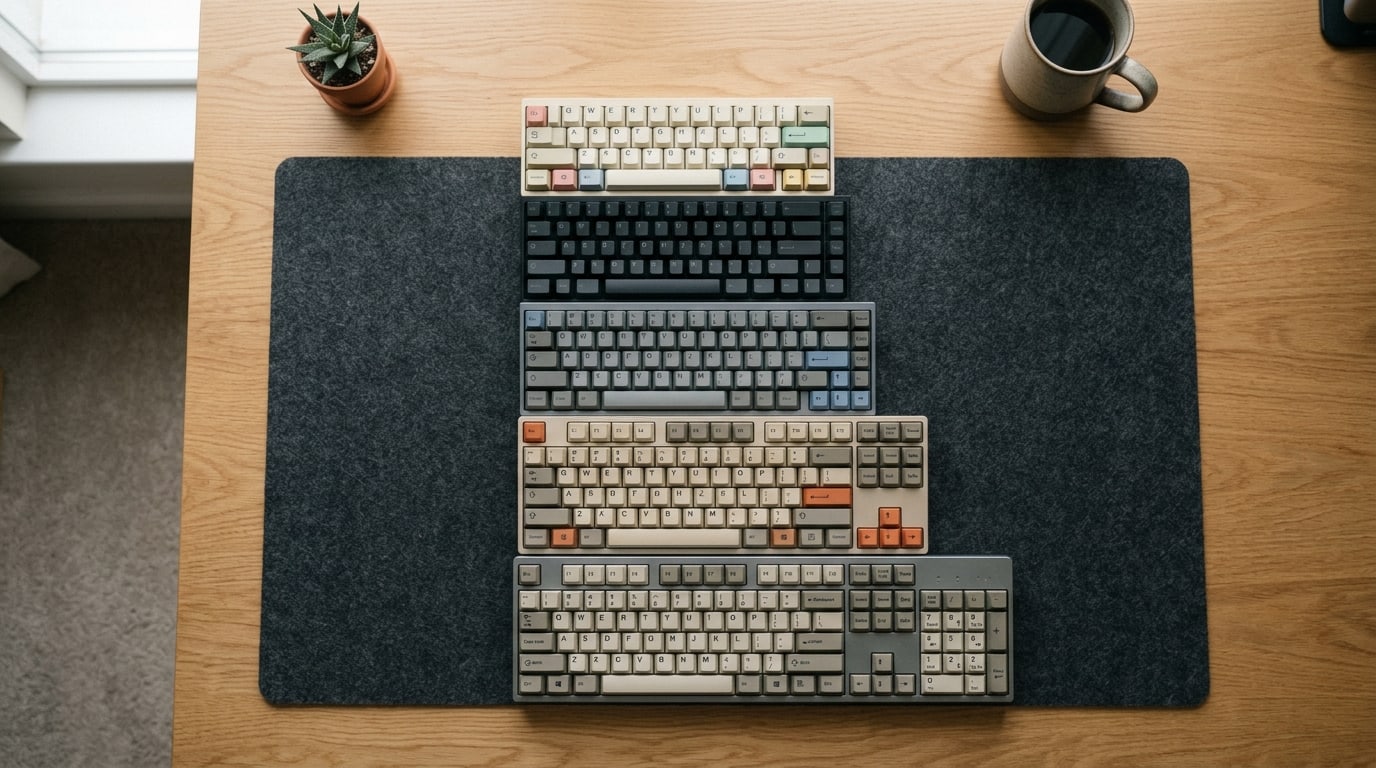
- Layout. 75% is the sweet spot for most people — function row plus arrows, no dead space. 65% / 60% is for tight desks. Numpad is its own purchase.
How we picked
Our criteria for a budget pick:
- Under $100 at MSRP (or reliably findable under $100 on sale).
- Hot-swap PCB — because the whole point of a first mechanical is letting you try different switches cheaply.
- No major sound or feel dealbreakers (no pinging cases, no mushy stabs out of the box, no notorious firmware bugs).
- Solid ecosystem — firmware updates, replacement parts, keycap support.
We skipped boards that barely qualify on price but sacrifice too much (plastic-only cases with zero dampening, obvious QC issues in reviews, no hot-swap).
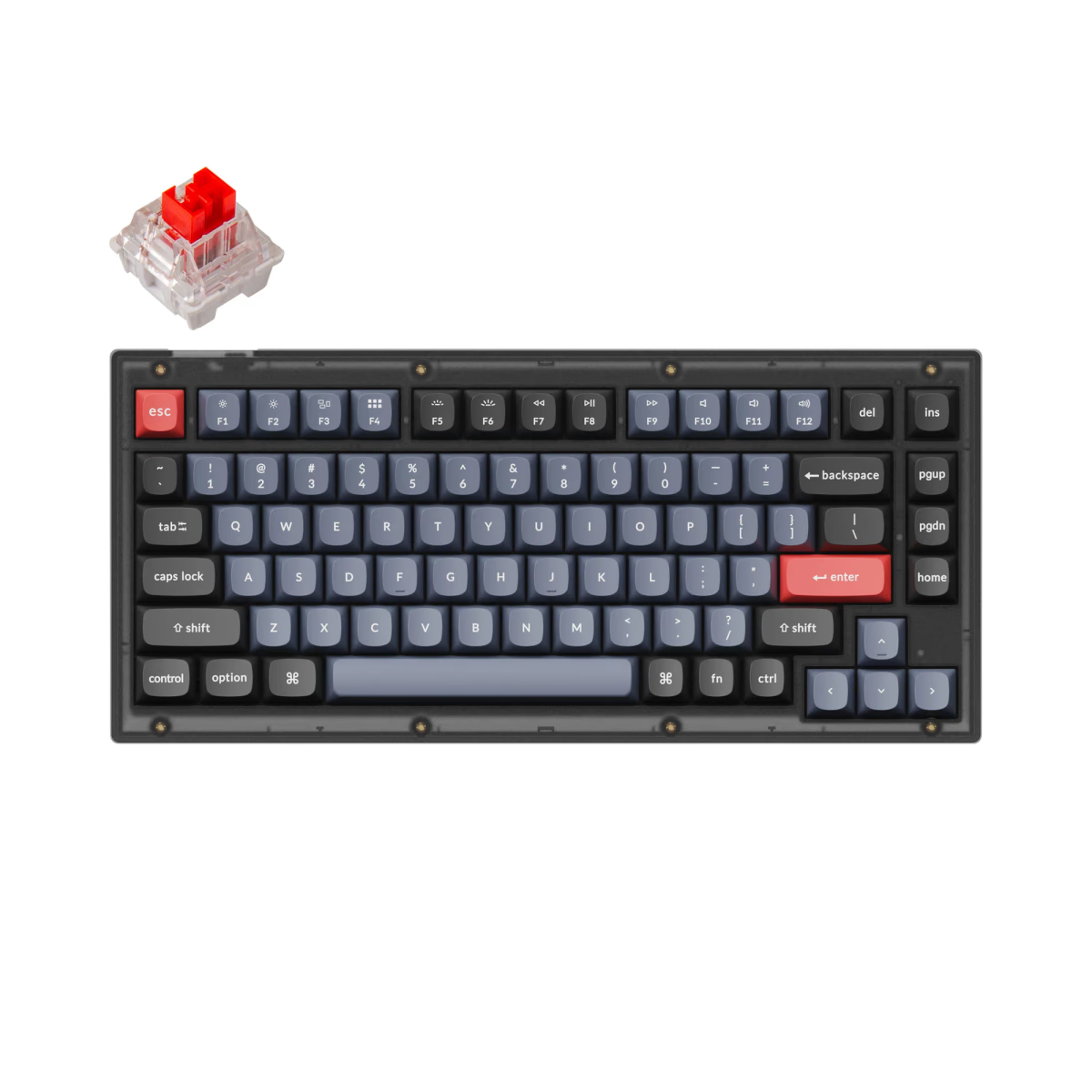
Best overall: Keychron V1
If you can only read one recommendation, it's this one.
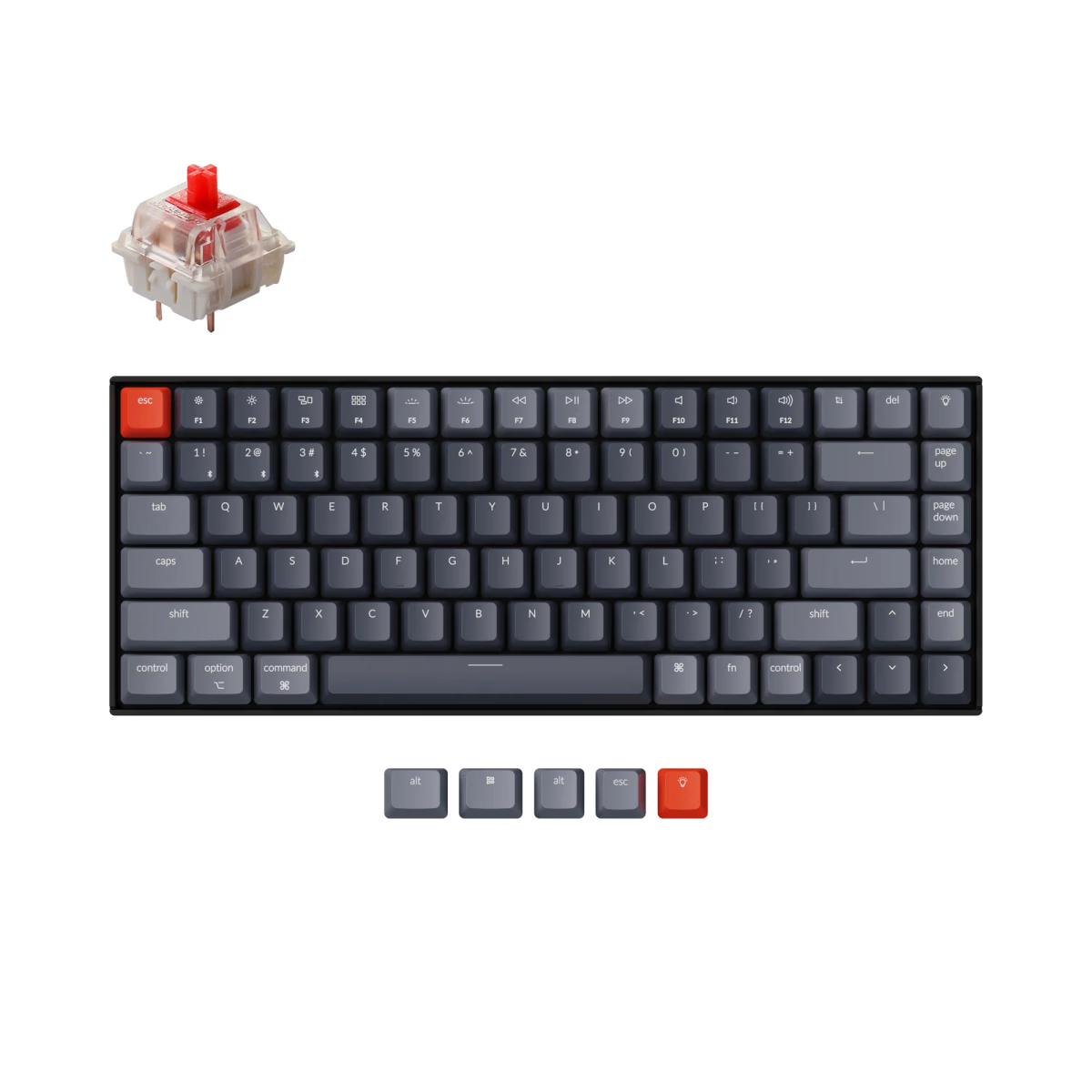
Full 75% layout with dedicated arrows and function row, hot-swap Kailh sockets (3- and 5-pin), gasket mount (double-gasket with PC plate, not tray as some older guides claim), QMK/VIA out of the box, switches and keycaps included. The stock feel is good; the stock keycaps are acceptable PBT, and the included switches are serviceable. Most critically, every component is upgradable — you can buy this board on Monday and slowly mod it into a $300-feeling board over six months.
Best for: First mechanical keyboard, or anyone who wants a platform to tinker on.
Skip if: You need wireless (check the K Pro series instead), or you specifically want a smaller footprint (see Keychron K2 or Akko).
Best compact: Akko 3068 V2
akko-3068-v265% layout (68 keys), compact enough for small desks, comes with factory-lubed Akko switches that are genuinely pleasant. 5-pin hot-swap sockets (except keys 1/2 which are 3-pin due to the USB-C bezel angle), Bluetooth support out of the box. ABS case is the compromise at this price — slightly more hollow than aluminum, but fixable with a sheet of tape-mod on the bottom.
Best for: Tight desks, minimalists, laptop-adjacent users.
Skip if: You need a function row, or you want a full enthusiast aluminum case (the V2's ABS is fine after foam mods but never feels as solid as Leobog Hi75).
Best for wireless: Keychron K2 Pro
75% layout, tri-mode wireless (BT + 2.4GHz + wired), hot-swap, QMK support. Battery life is solid with backlight off (weeks between charges). The K2 Pro sits near the top of the $100 band — often $95–110 depending on specials.
Best for: Home/office hybrid use, multi-device typists, anyone who wants wireless without paying $200+.
Skip if: You need ISO (ANSI-only in many listings), or you want a board with gasket mount (the K2 Pro is tray mount).
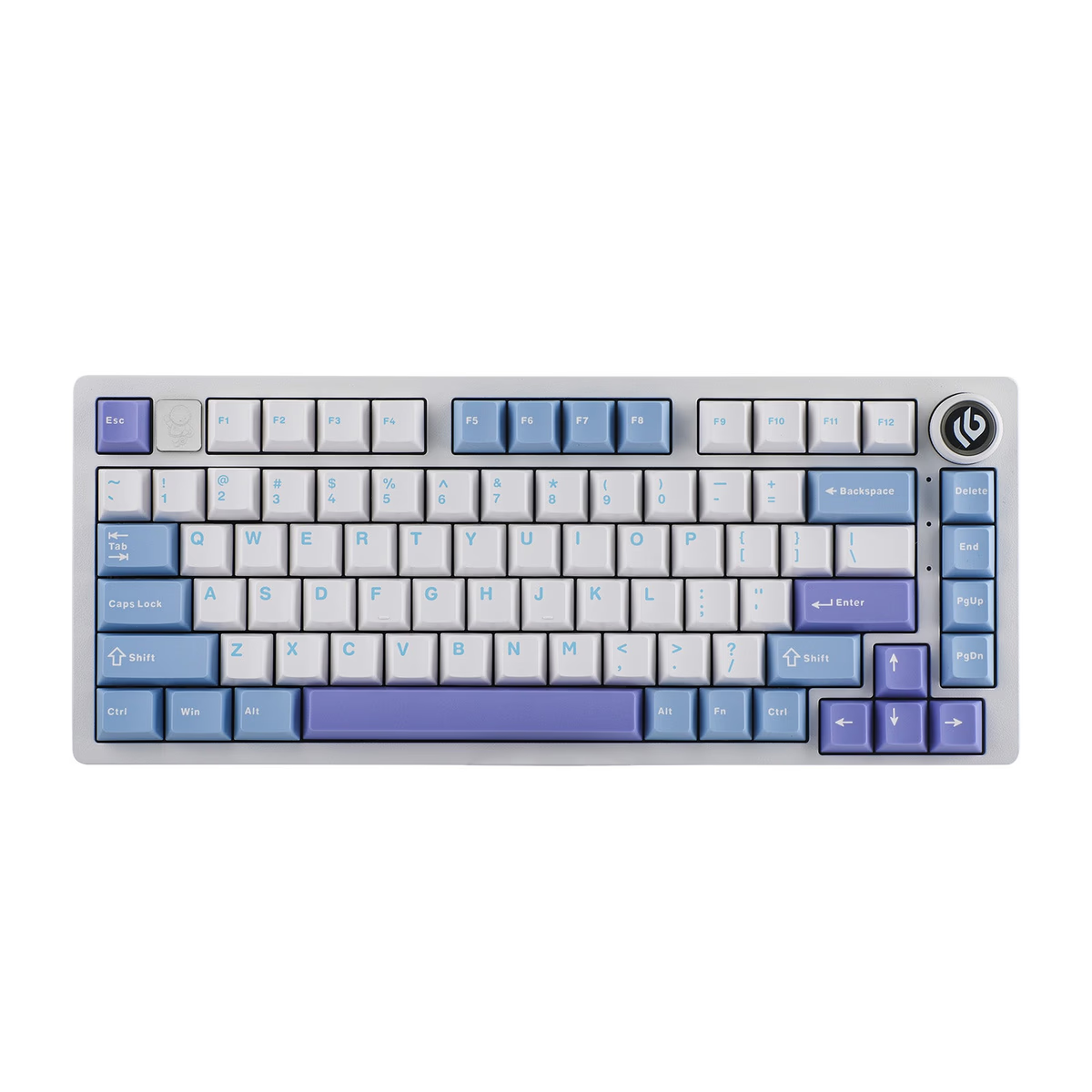
Best gasket mount under $100: Leobog Hi75
This is the budget value play. 75% layout, gasket mount, aluminum case, hot-swap, and usually ~$80–90. The stock switches are middling but factory- lubed; the included keycaps are basic PBT. Sound quality out of the box is surprisingly competent — a gasket-mounted aluminum board at this price is what the market couldn't do three years ago.
Best for: Someone who specifically wants the "modern enthusiast" feel on a budget and is comfortable swapping switches later.
Skip if: You value brand stability and long-term firmware support (Leobog is a smaller player than Keychron or Akko).
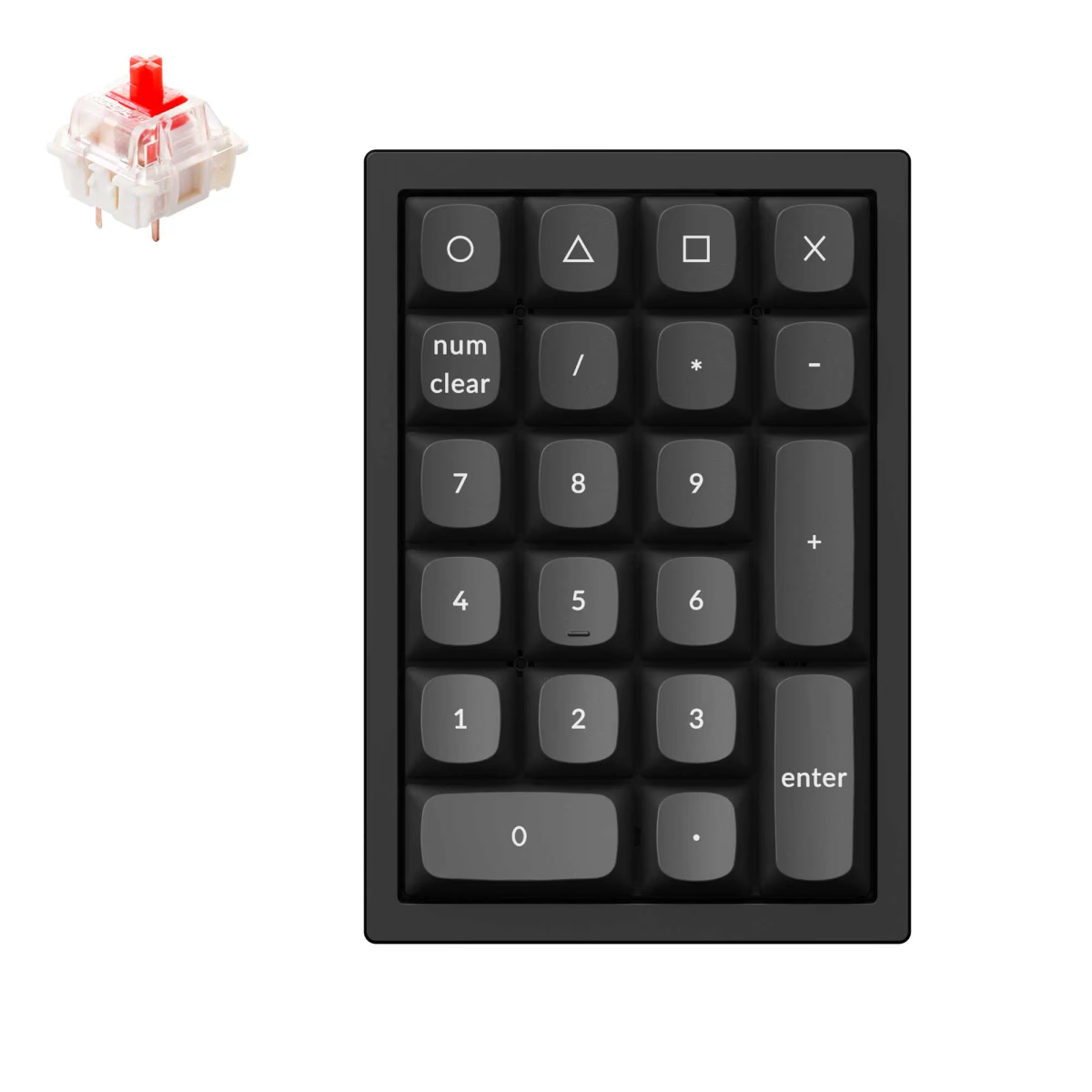
Best if you just need a numpad: Keychron Q0
Not a main keyboard but worth including. If you already have a 65% or 75% and miss the numpad, the base Q0 is a full-aluminum, tray-mounted, hot-swap numpad under $100. Same machined-aluminum philosophy as the Keychron Q main lineup, at a tenth of the price because it's just the numpad slice. If you want gasket mount in this slot, the Q0 Plus and Q0 Max sit at ~$110 and add double-gasket construction with sound dampening.
Best for: Accountants, data-entry folks, anyone who loves a small main board but needs numbers fast.
Skip if: You don't do significant number entry (most people don't — built-in number row is fine).
Best bundled experience: Epomaker TH80 Pro
75% layout, tri-mode wireless, hot-swap, comes with factory-lubed Epomaker switches and decent PBT keycaps. Usually lands right at $100–110 depending on sales. It's a little chunkier than the Keychrons, and the firmware is less mature than QMK, but the out-of-box experience is genuinely high-quality.
Best for: Someone buying their first "real" keyboard who doesn't want to mod anything — just plug in and type.
Skip if: You want mainline QMK/VIA (Epomaker uses their own software, which is fine but less flexible).
Quick comparison table
| Board | Layout | Mount | Wireless | Hot-swap | Case | Street price |
|---|---|---|---|---|---|---|
| Keychron V1 | 75% | Gasket | No | Yes | ABS | ~$84 |
| Akko 3068 V2 | 65% | Tray | BT only | Yes | ABS | ~$85 |
| Keychron K2 Pro | 75% | Tray | Tri-mode | Yes | Aluminum option | ~$100 |
| Leobog Hi75 | 75% | Gasket | No | Yes | Aluminum | ~$88 |
| Keychron Q0 | Numpad | Tray | No | Yes | Aluminum | ~$99 |
| Epomaker TH80 Pro | 75% | Tray + foam | Tri-mode | Yes | ABS | ~$110 |
Two you should NOT buy
- Generic Amazon hot-swap boards under $50. The sockets are often knockoff, the stabs are terrible, and firmware is nonexistent. You'll replace it within 6 months.
- Razer / Logitech mechanical at $80. They're fine gaming keyboards but rarely hot-swap, rarely QMK, and the switches are often proprietary, which means your whole "try different switches" experiment is closed off.
If you can stretch to $150
The next price tier gets you into the Keychron K Pro series (better firmware, south-facing LEDs), GMMK Pro (aluminum gasket at more a premium), and the Keychron V-series with knobs and advanced features. Worth knowing these exist in case you can stretch $40–50 more.
Common pitfalls
- Buying the cheapest thing Amazon shows. Read reviews from the last 6 months specifically — firmware quality changes.
- Assuming all "hot-swap" boards are the same. Socket quality varies. Stick with boards that explicitly list Kailh or Gateron sockets.
- Underestimating how much you'll want to modify. Budget $30–50 extra for aftermarket keycaps and switches within the first 3 months. Almost everyone ends up doing it.
- Ignoring the stabs. Even great budget boards often ship with mediocre clip-in stabs. Plan to swap them if you plan to keep the keyboard a long time. See our stabilizers 101 guide.
Final pick — if you can only buy one
If we had to pick exactly one board for a first-time buyer with $90 to spend and no other context: Keychron V1. It hits the most boxes (gasket mount, hot-swap, QMK/VIA, included switches and caps, broad replacement-part ecosystem, mature firmware) at the lowest reasonable price. It's the board we recommend without hesitation.
If your priority is gasket mount on aluminum specifically, the Leobog Hi75 edges it on case feel for a few dollars less, with the trade-off of less mature firmware support.
If you need wireless first and everything else second, the Keychron K2 Pro.
Everything else on this list is for narrower use-cases (compact, numpad, plug-and-play). Start here if you don't already know what you want.
Where to go from here
If you're starting from zero, pair your first board with:
- Switches 101 — to pick a switch family for your first hot-swap experiment.
- Keycap profiles compared — to pick a keycap upgrade down the line.
- Hot-swap keyboards explained — the what-and-why of hot-swap, so you know what you're getting.
Happy building — your first mechanical under $100 is probably going to become a hobby, not a one-time purchase. Welcome to the pit.
Our 2026 picks
See all 368 keyboards in the database
Compare specs, view history, see stats and vendor prices — the tools back you up past this article.
Keep exploring