On this page
Picking your first switch is the most consequential decision in any build. Everything else — case, keycaps, plate — shapes how the keyboard sounds, but the switch is what your fingers actually touch, thousands of times a day. Get the family right first, then worry about brand.
The three families
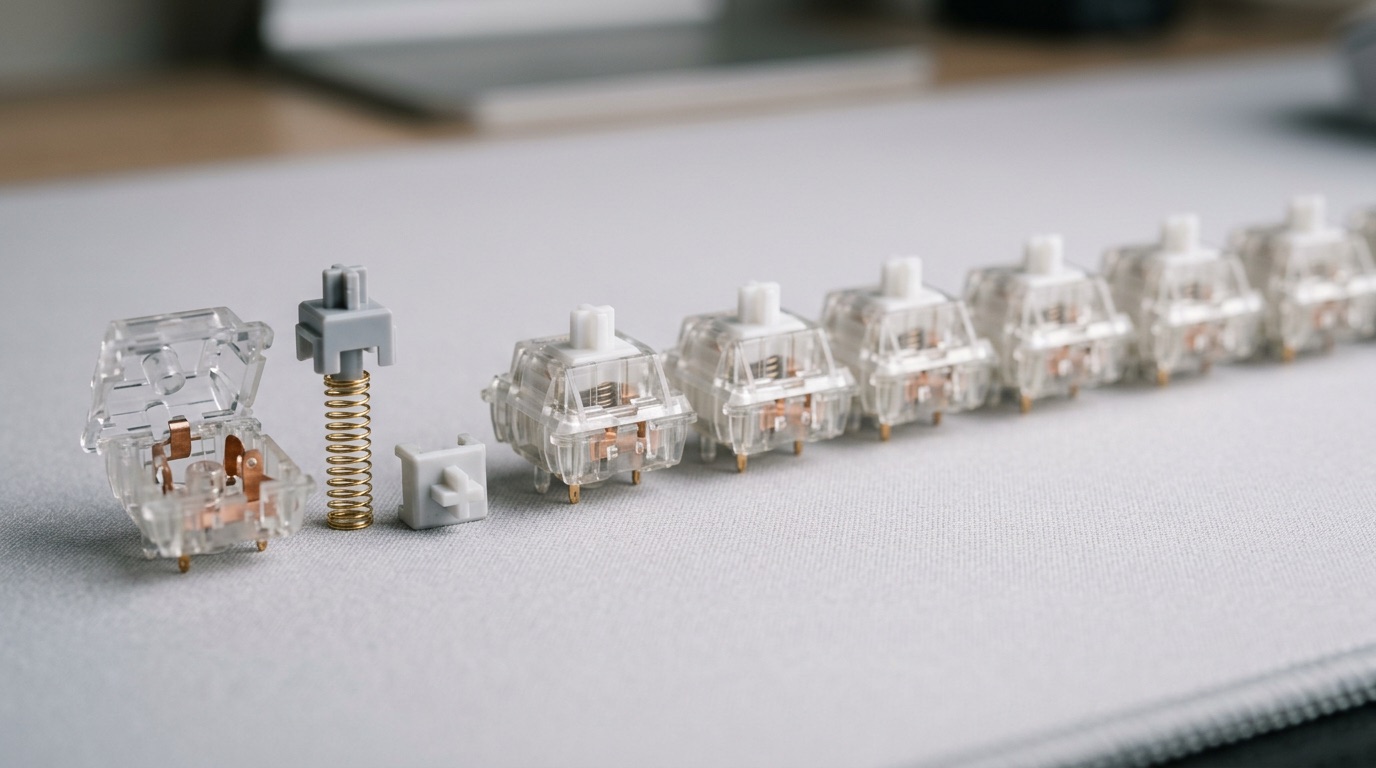
Every MX-style switch fits into one of three categories, defined by what happens as the stem travels from rest to the bottom of its stroke.
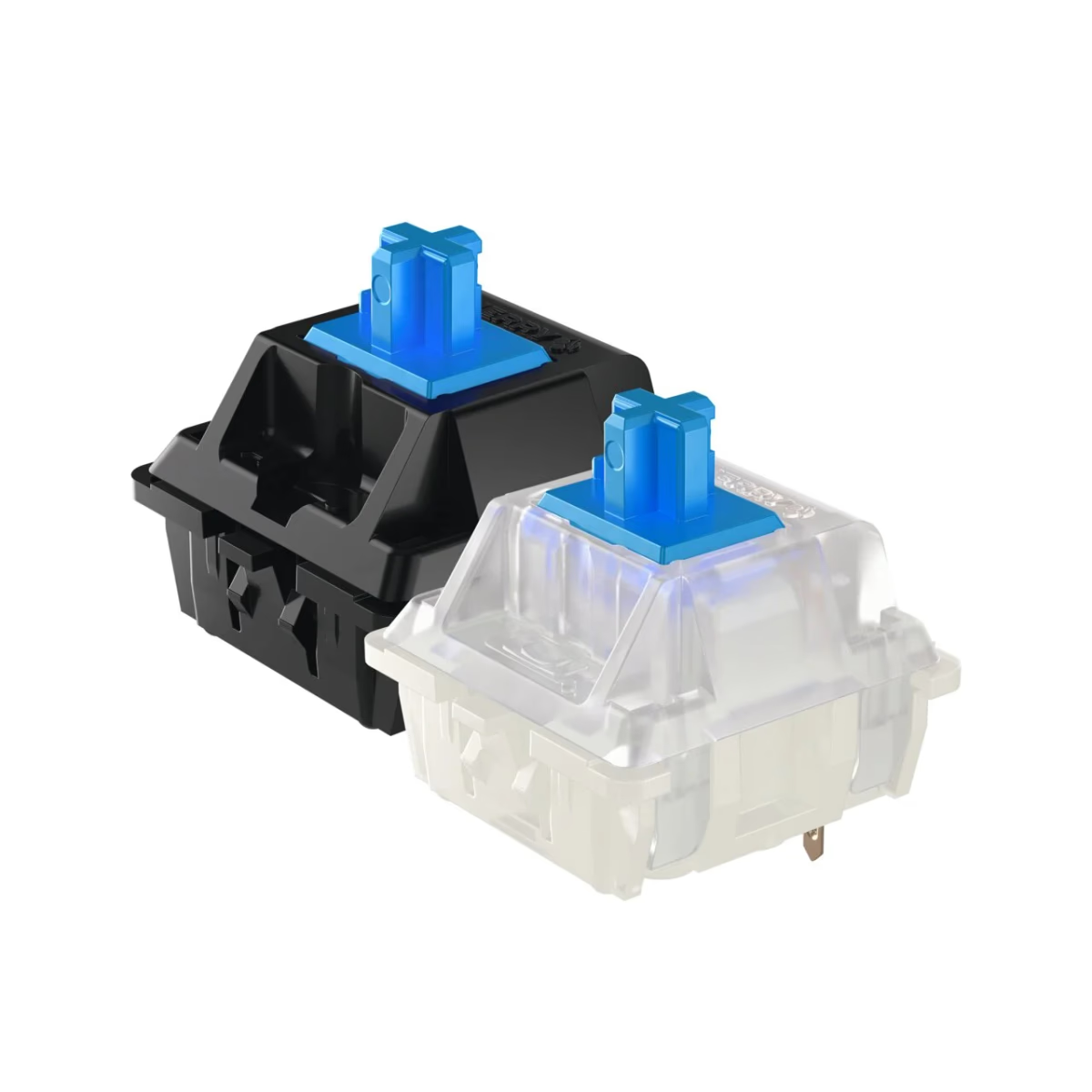
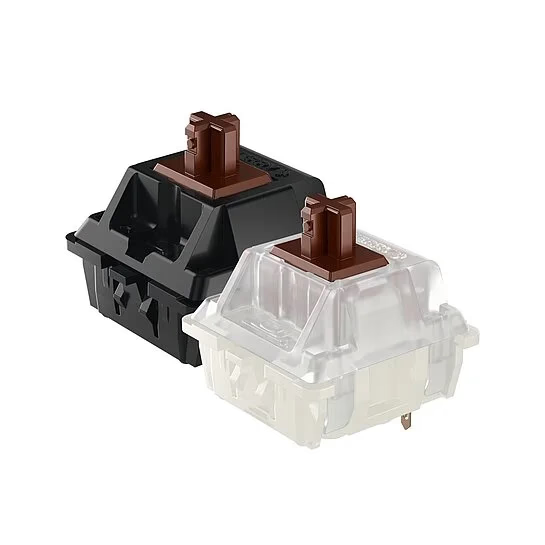
A quick note on color: the mechanical-keyboard world uses Cherry's original color language as shorthand. Red = linear, Brown = tactile, Blue = clicky is the default reading, and most clones (Gateron Reds, Kailh Browns, Akko Blues) follow the same convention. There's no universal standard — Cherry MX Black is also linear, MX Clear is tactile — but if you see "red switches" without other context, assume linear.
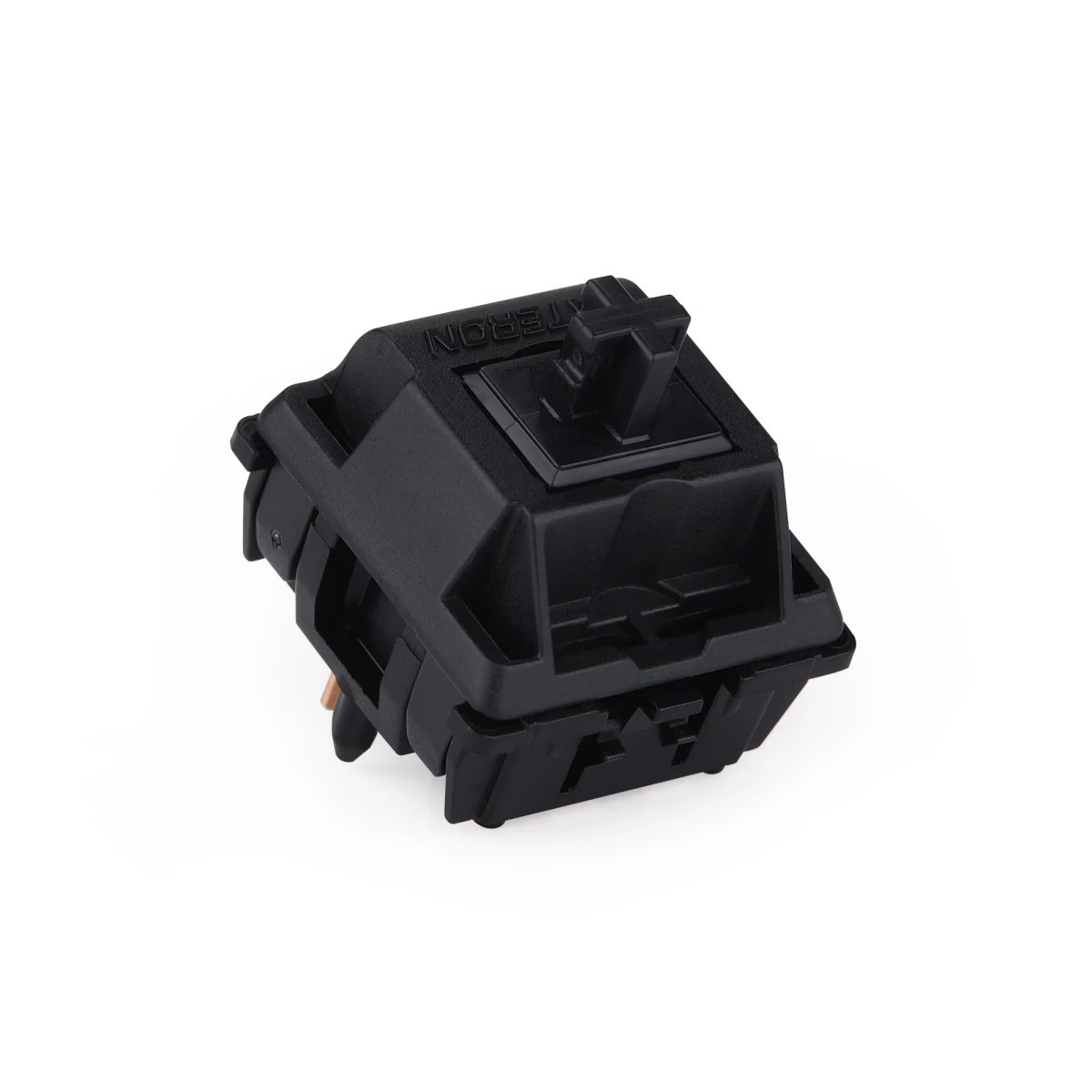
Linear
Smooth all the way down. No bump, no click. The spring's resistance increases with compression, but nothing else happens inside the switch until the stem hits the bottom housing. Fast to type on, quiet by default, forgiving when you're learning. Browse every linear switch in the database to compare actuation force, travel and factory lube side by side.
Tactile
A small bump partway through the stroke. You feel the bump, then the switch "gives" and you bottom out. The bump sits anywhere from near the top (pre-travel tactile) to around the actuation point (mid-travel). Popular for typing-heavy workflows because the bump acknowledges the keypress without needing audible feedback. See the full tactile switch catalog for how bump position and weight differ between them.
Clicky
A tactile bump plus a deliberate audible "click" via a jacketed slider, click-jacket, or click-bar mechanism. The click is mechanical and louder than a normal bottom-out, and it plays on both the press and release. Divisive by design — compare the clicky switches we track before you commit to a full set.
Force curves, in plain English
A switch's force curve is a chart of how many grams of pressure you need at each depth of travel. Two numbers matter most:
- Actuation force (gf) — the force at the point the keypress registers. Usually near the tactile bump on tactiles and anywhere from 35–65 gf on typical linears.
- Bottom-out force (gf) — the force needed to press the switch all the way down.
Lighter (35–45 gf bottom-out) means less finger fatigue but more typos from stray touches. Heavier (65+ gf) feels more deliberate but tires you out faster during long writing sessions. Most enthusiasts land around 55–65 gf bottom-out as a sweet spot.
Spring weight cheat sheet
| Bottom-out (gf) | Feel | Who it's for |
|---|---|---|
| 35–45 | Feather-light, twitchy | Light fingers, fast WPM, gaming |
| 45–55 | Neutral, low effort | Default for most people, all-day typing |
| 55–65 | Confident, deliberate | Sweet spot for typists who like feedback |
| 65–80 | Heavy, intentional | Coders who hate accidental presses |
| 80+ | Workout mode | Niche; tiring after long sessions |
Mass-market gaming switches usually sit at 45–50 gf. Most enthusiast linears land 55–65 gf. Tactile switches are typically rated by their peak bump force, which sits 5–15 gf above the bottom-out — a 65 gf tactile feels heavier than a 65 gf linear because of that bump.
Cherry vs Gateron vs Kailh — picking by brand
Once you've decided on a family, the next question is who makes the switch. Three brands cover ~80% of the market.
| Brand | Reputation | Stock smoothness | Where you'll see them |
|---|---|---|---|
| Cherry MX | The original. Rock-solid QC, no factory lube on most lines, slight scratch out of the box. | Mid-low | OEM keyboards, Filco, classic enthusiast builds |
| Gateron | Smoother stock than Cherry. Premium lines (Oil King, Box Ink) ship pre-lubed and beat Cherry on factory feel. | High | Most Keychron, Glorious, custom builds |
| Kailh | Innovator on novel mechanisms (Box stems, low-profile, click-bar variants). Quality varies by line. | Mid–high | GMMK, low-profile boards, niche switches |
Default recommendation: if you don't have strong opinions, a Gateron Pro or Akko CS line gives you the best stock feel-to-price ratio in 2026. Cherry MX is classic and reliable but feels rougher unless you hand-lube. Kailh is worth hunting for specific innovations (Box water-resistance, Choc low-profile), otherwise their generic lines are skippable.
Picking by use case
| Use case | First-choice family | Why |
|---|---|---|
| Office typing (shared space) | Linear or tactile, silent variant | Won't drive coworkers insane |
| Fiction / long-form writing | Tactile, medium weight | Bump helps pacing; less bottoming-out |
| Competitive gaming | Light linear, 45–50 gf | Fast, consistent actuations |
| Heavy coder who wants feedback | Medium tactile (55–65 gf) | Confirms every keypress |
| Keyboard collector, wants variety | One of each | Honestly, this is where most of us land |
Pre-lubed vs unlubed
Modern enthusiast switches increasingly ship factory-lubed. Good factory lube makes a switch smoother and quieter out of the box, and it saves you hours of hand-lubing work. The trade-off: factory lubing is consistent but conservative — hand-lubing with your preferred grease (Krytox 205g0 is the community favorite) can squeeze out another 10–15% smoothness for linear fans.
See our switch lubing guide for when the extra effort is worth it.
Common mistakes
- Buying clicky because it "sounds cool in videos." Most people regret it after a week. If you think you'll love clicky, borrow a keyboard with them for a day first.
- Going too heavy. 80+ gf switches feel great for the first 200 words. By word 2,000 your hands ache.
- Ignoring stem type. MX is the default. Kailh Box, Topre, and Alps stems don't fit MX keycaps or plates. Check compatibility before you order.
- Buying before you know your socket. If your keyboard is hot-swap, any 3- or 5-pin MX switch will work. If soldered, you'll be desoldering the old set first.
FAQ
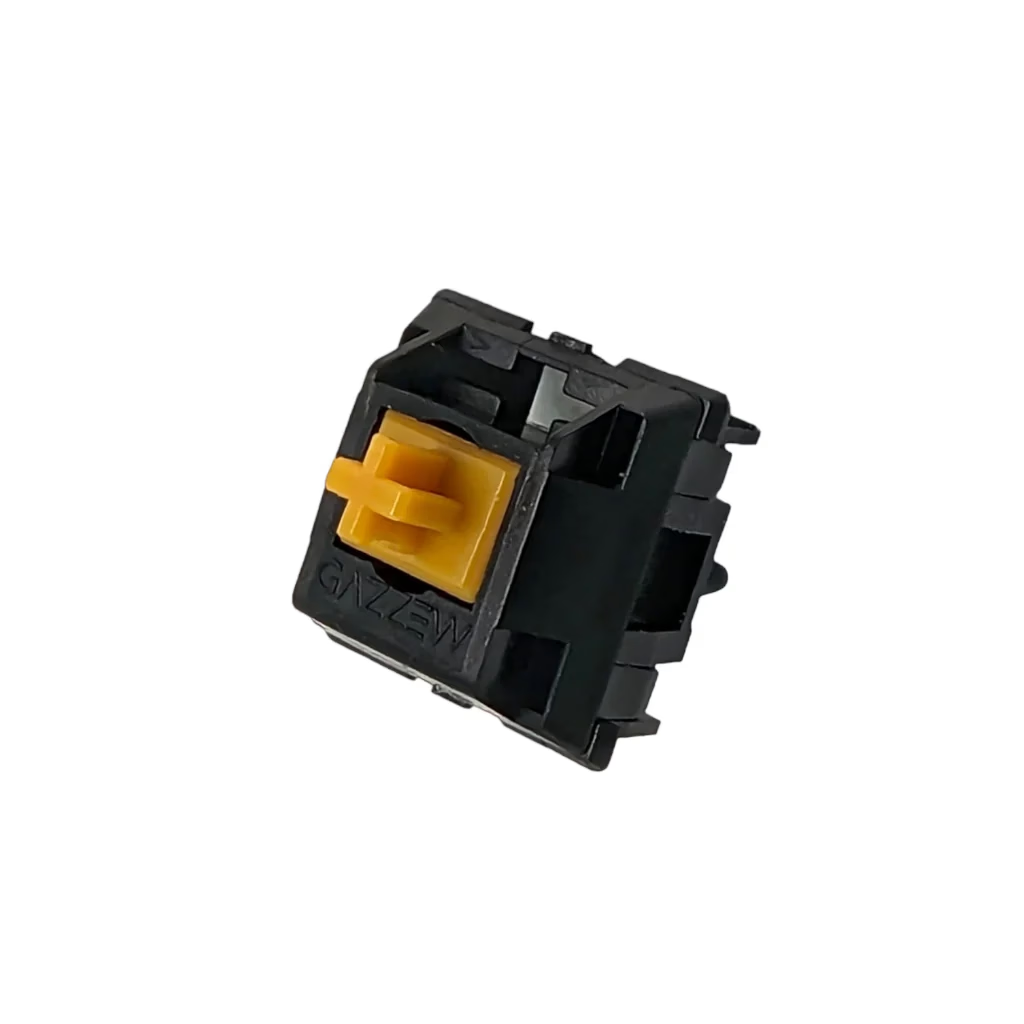
What's the quietest switch type? Silent linears (Gateron Yellow Silent, Cherry MX Silent Red) — they have rubber dampeners on the stem that soften both the bottom-out and the upstroke. Regular linears come second. Tactiles and clicky are louder by design. We list both silent families together under silent switches.
Linear or tactile for typing? Tactile if you want the bump to confirm each keypress (most heavy typists). Linear if you bottom-out anyway and want consistency. Both work for typing — "only tactile is for typing" is a myth.
Which switch color is quietest? Red is usually the quietest non-silent option (linear). Anything labeled "Silent Red" or "Silent Pink" is even quieter. Avoid Blue and Green — those are clicky.
What's the most popular switch type? Linear, by a wide margin in 2026. The shift toward smooth, quieter typing has made linears (Gateron Yellow, Akko CS Silver, Cherry MX Red) the default for both gaming and office.
Best switch for gaming? Light linear (45–50 gf bottom-out) with low actuation force. Speed-rated variants like Cherry MX Speed Silver or Gateron Yellow Pro are designed for this. Avoid heavy or tactile switches for fast-twitch gaming.
Will any switch fit my keyboard? If your board is hot-swap and uses MX-style sockets, any 3- or 5-pin MX switch fits. If it's soldered, you'll be desoldering the old ones first. Topre, Alps, and low-profile (Choc) switches are not MX-compatible.
Where to go next
- Already have a keyboard and just want something different? Start with a 10-pack of whatever family you haven't tried yet.
- Building from scratch? Pair your switch pick with a matching keycap profile — see our keycap profiles guide.
- Want to go deep on a specific switch before committing to 90 of them? Order a switch tester from any major vendor — it'll save you money in the long run.
Happy typing.
Our 2026 picks
See all 199 switches in the database
Compare specs, view history, see stats and vendor prices — the tools back you up past this article.
Keep exploring