Tactile switches
Tactile switches with a bump for typing feedback — Holy Pandas, Boba U4T, Zealios V2, Cherry MX Brown and more. Compare bump position, force and lube state.
41 switches · $0–$1
A tactile switch puts a bump partway down the keypress. You feel the resistance build, break past it, and the key completes — feedback that a press registered without any sound designed in.
Forty-one of the switches we track are tactile, from 12 brands: the second-largest group after linear, and the default for people who type more than they game.
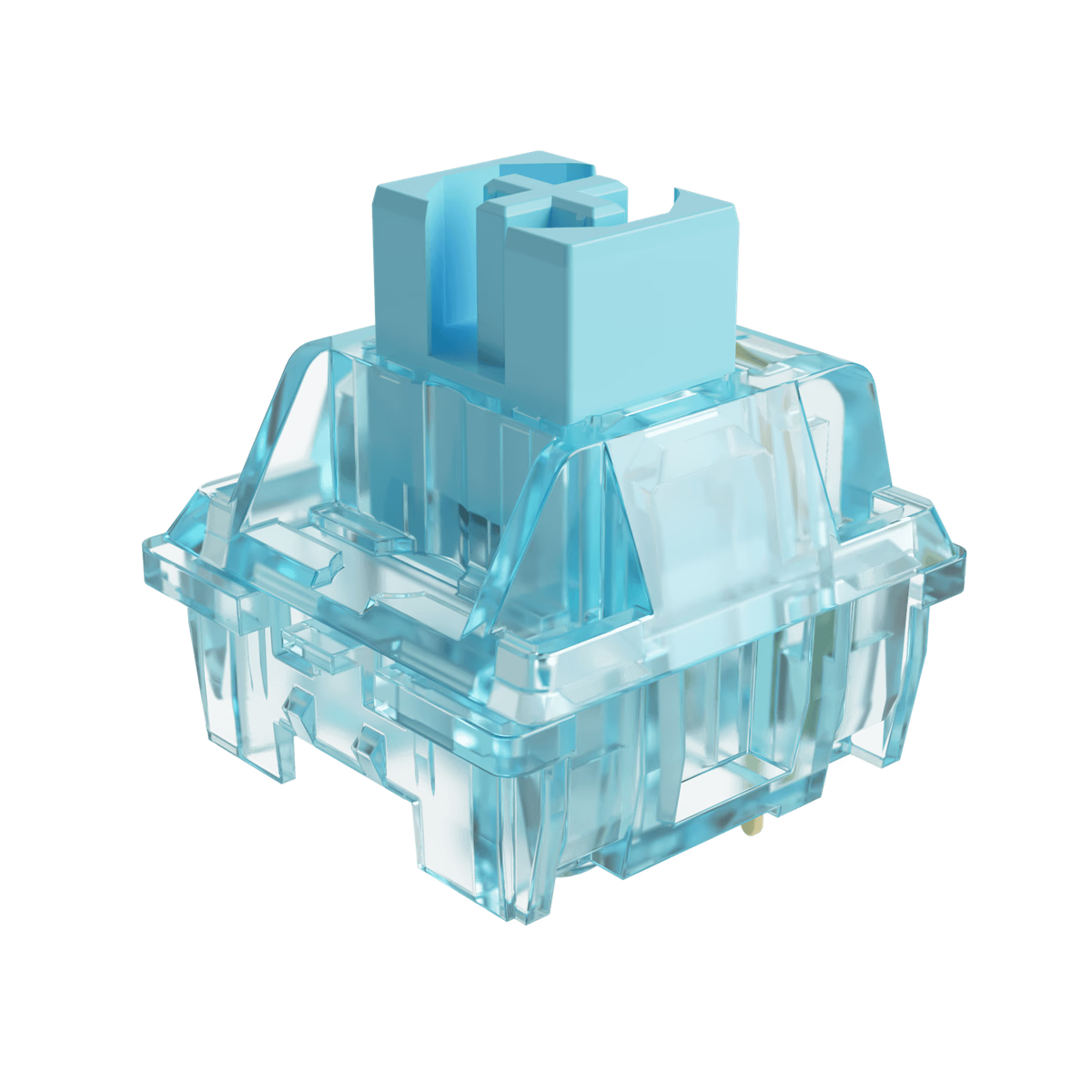
Akko
Akko CS Jelly Blue Switch
from—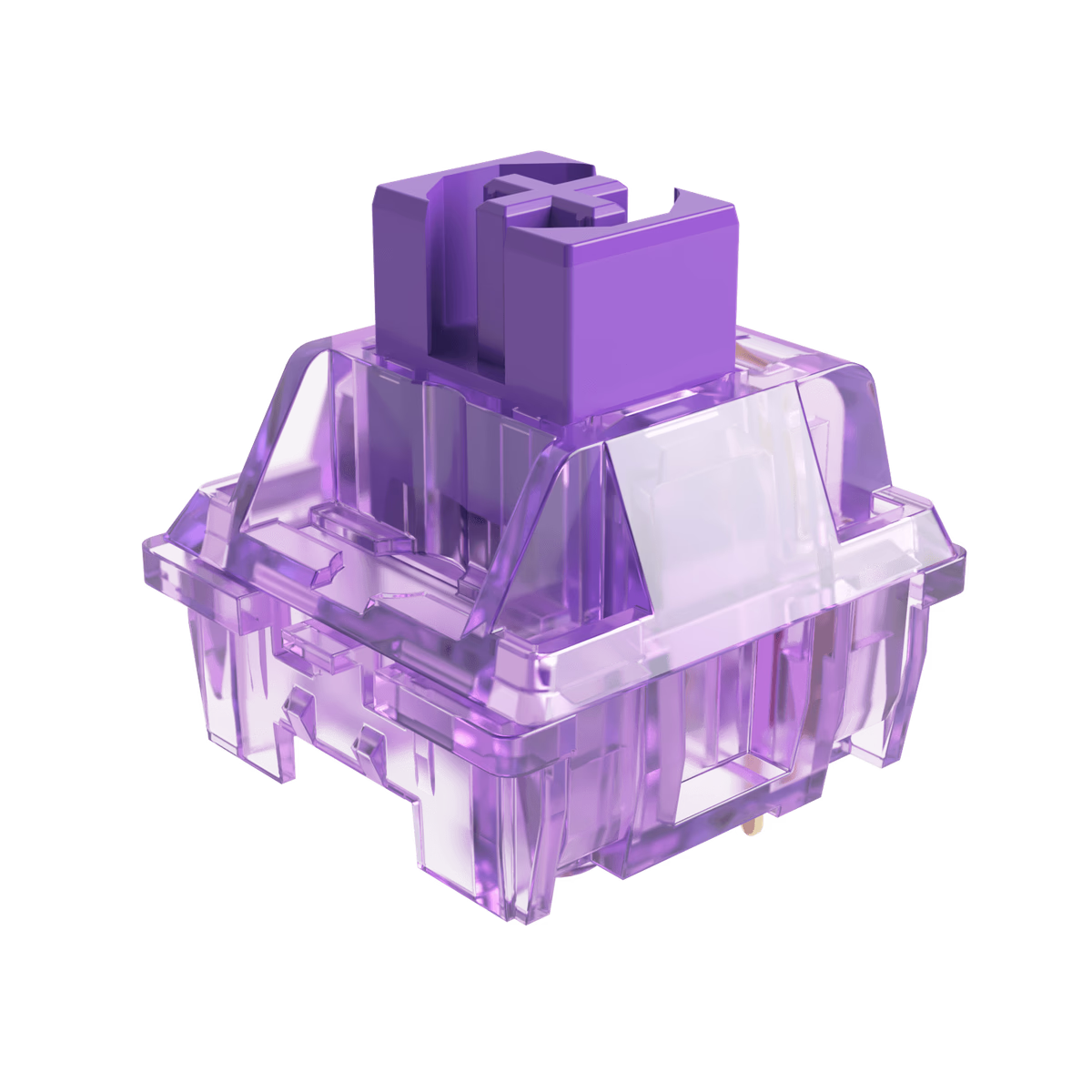
Akko
Akko CS Jelly Purple Switch
from—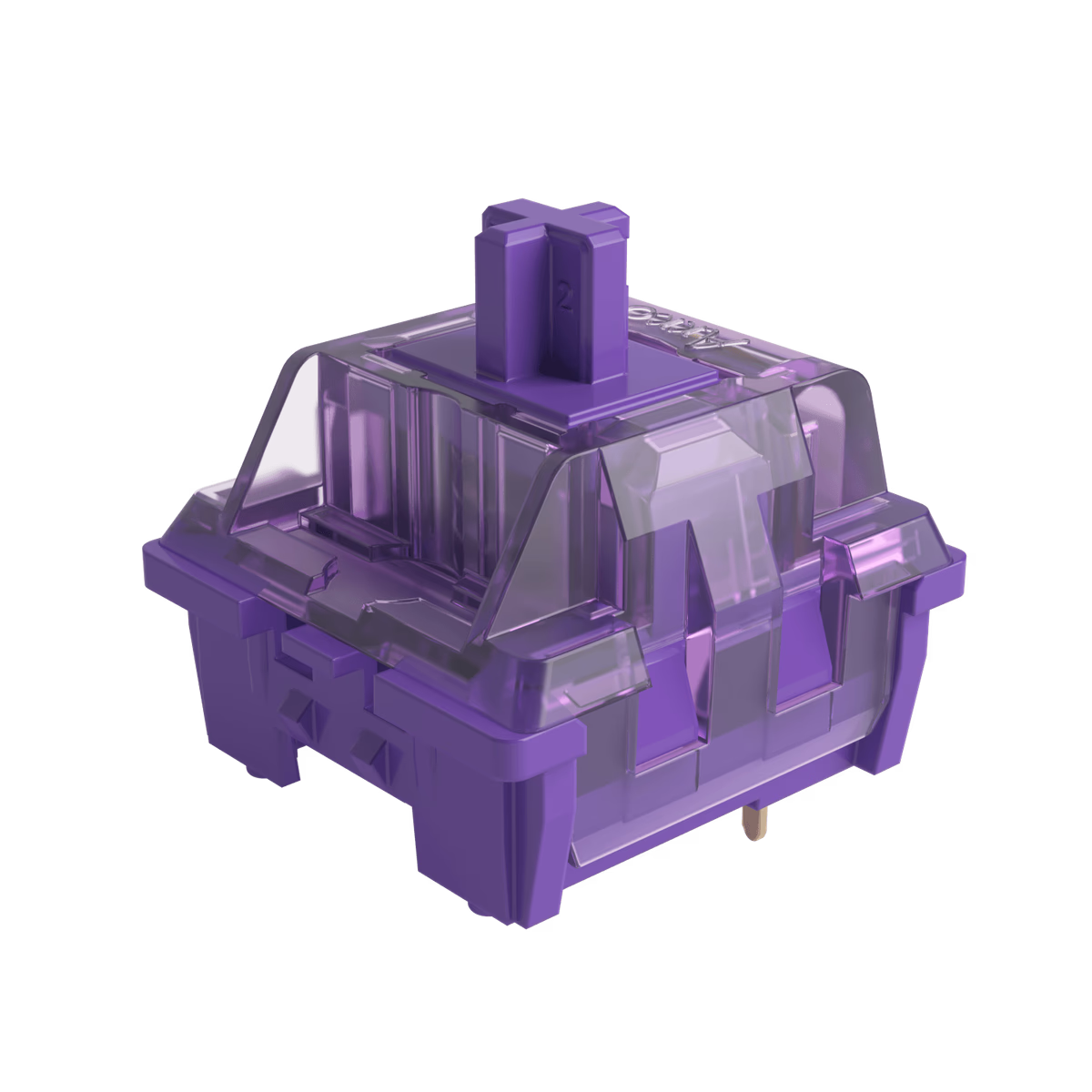
Akko
Akko CS Lavender Purple Switch
from—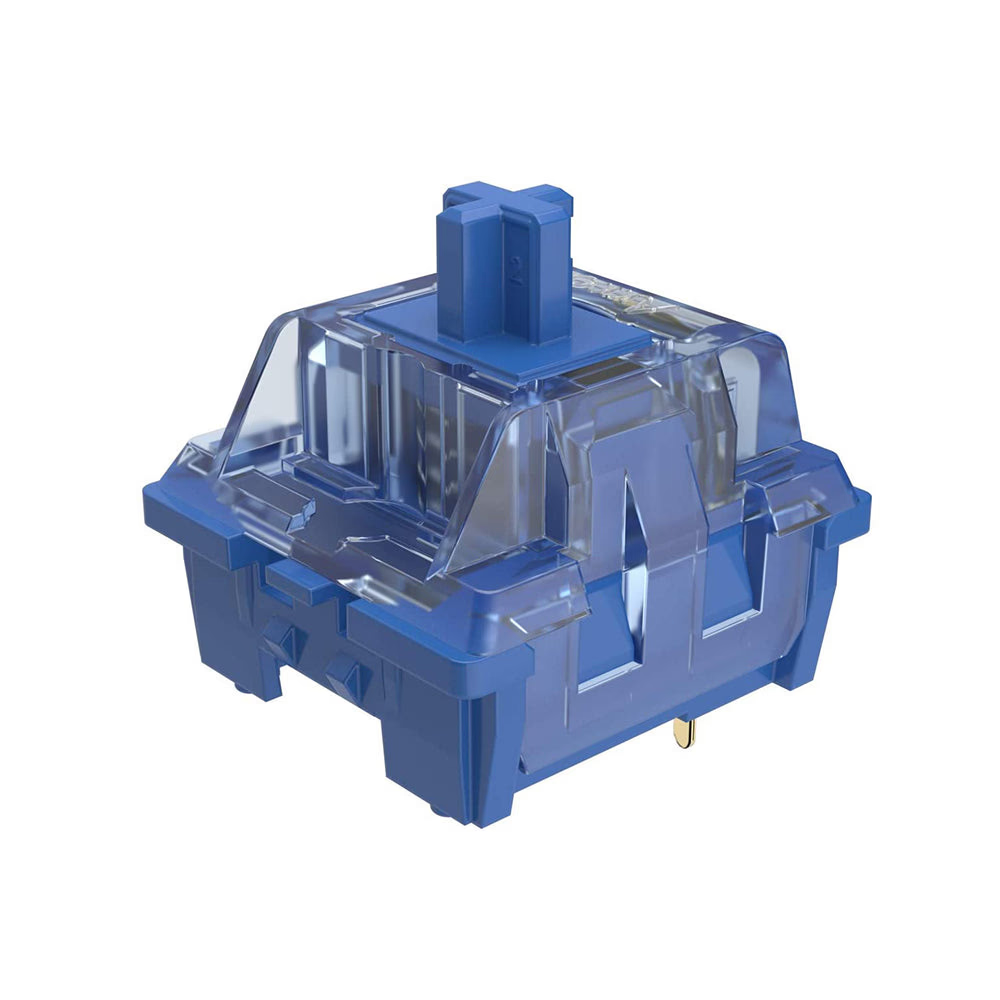
Akko
Akko CS Ocean Blue Switch
from—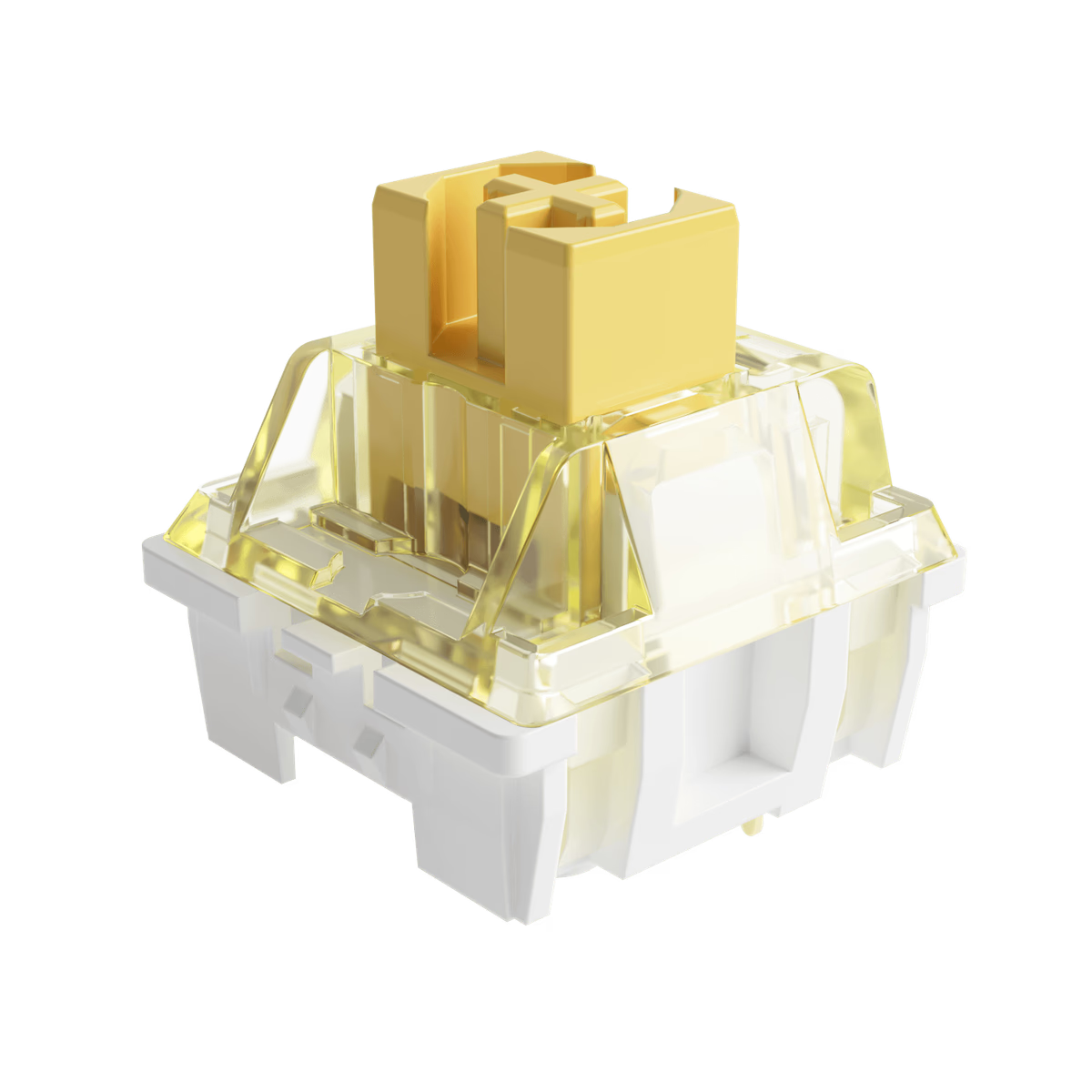
Akko
Akko CS Sponge Switch
from—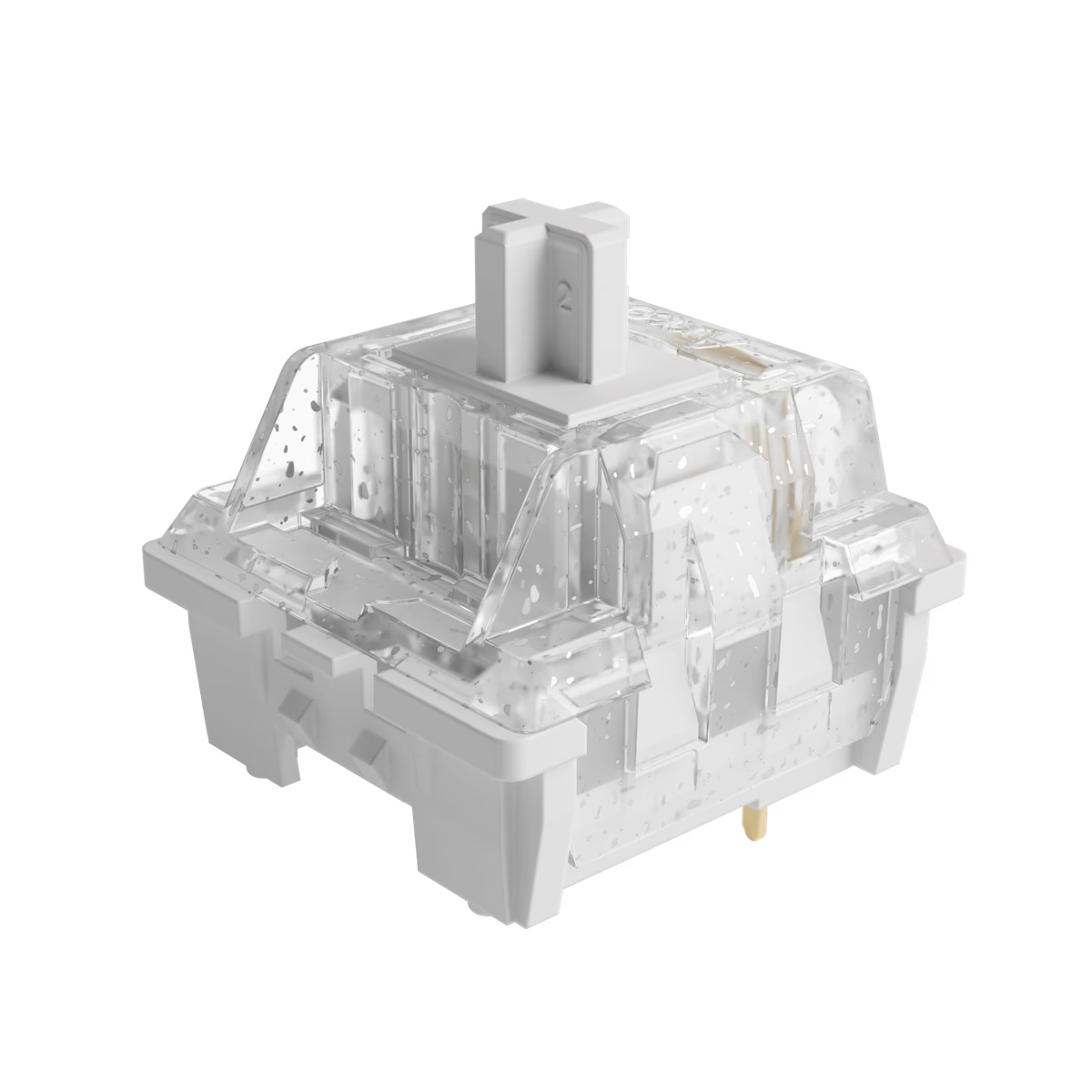
Akko
Akko CS Wine White Switch (Lubed)
from—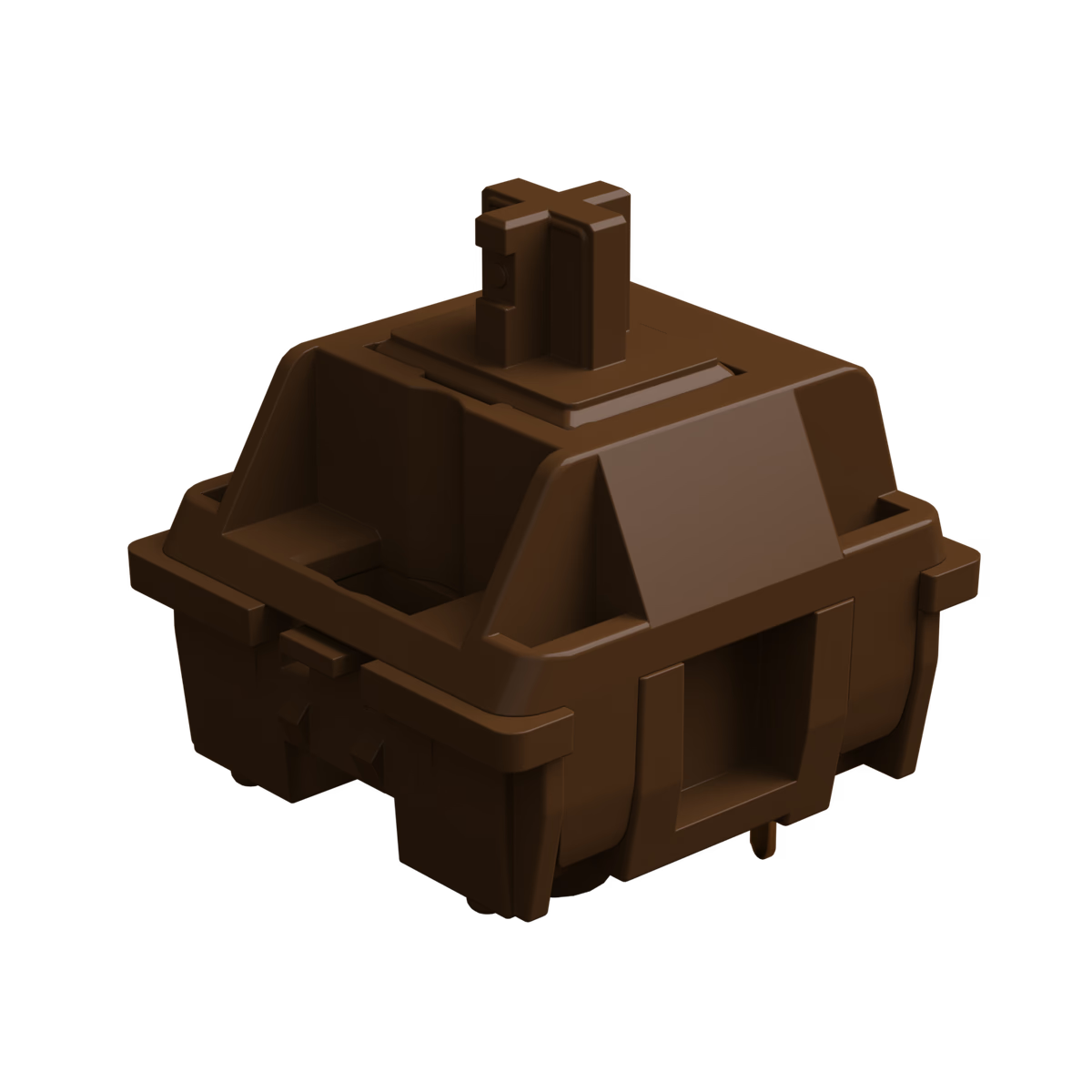
Akko
Akko POM Brown Switch
from—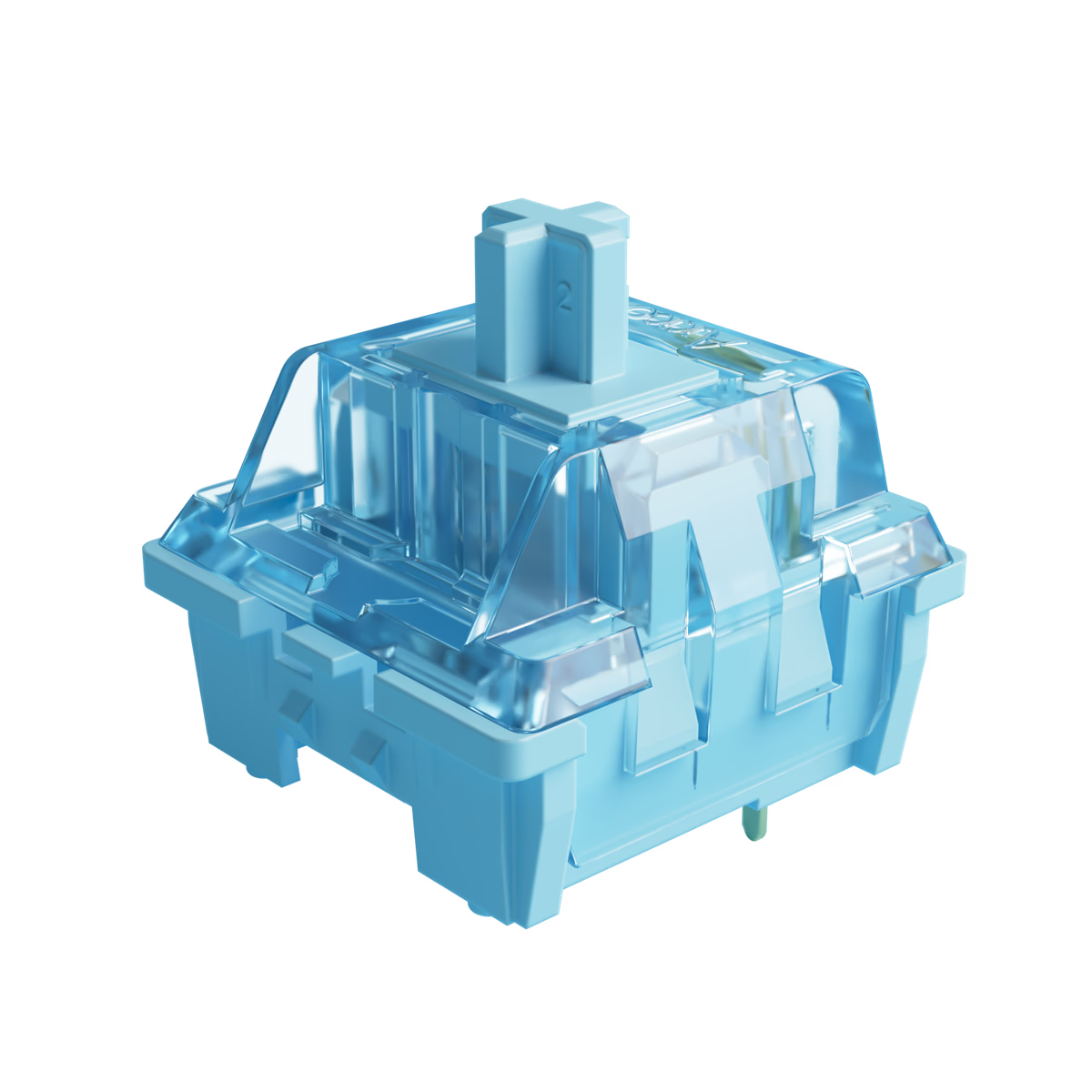
Akko
Akko V3 Creamy Blue Switch
from$0.28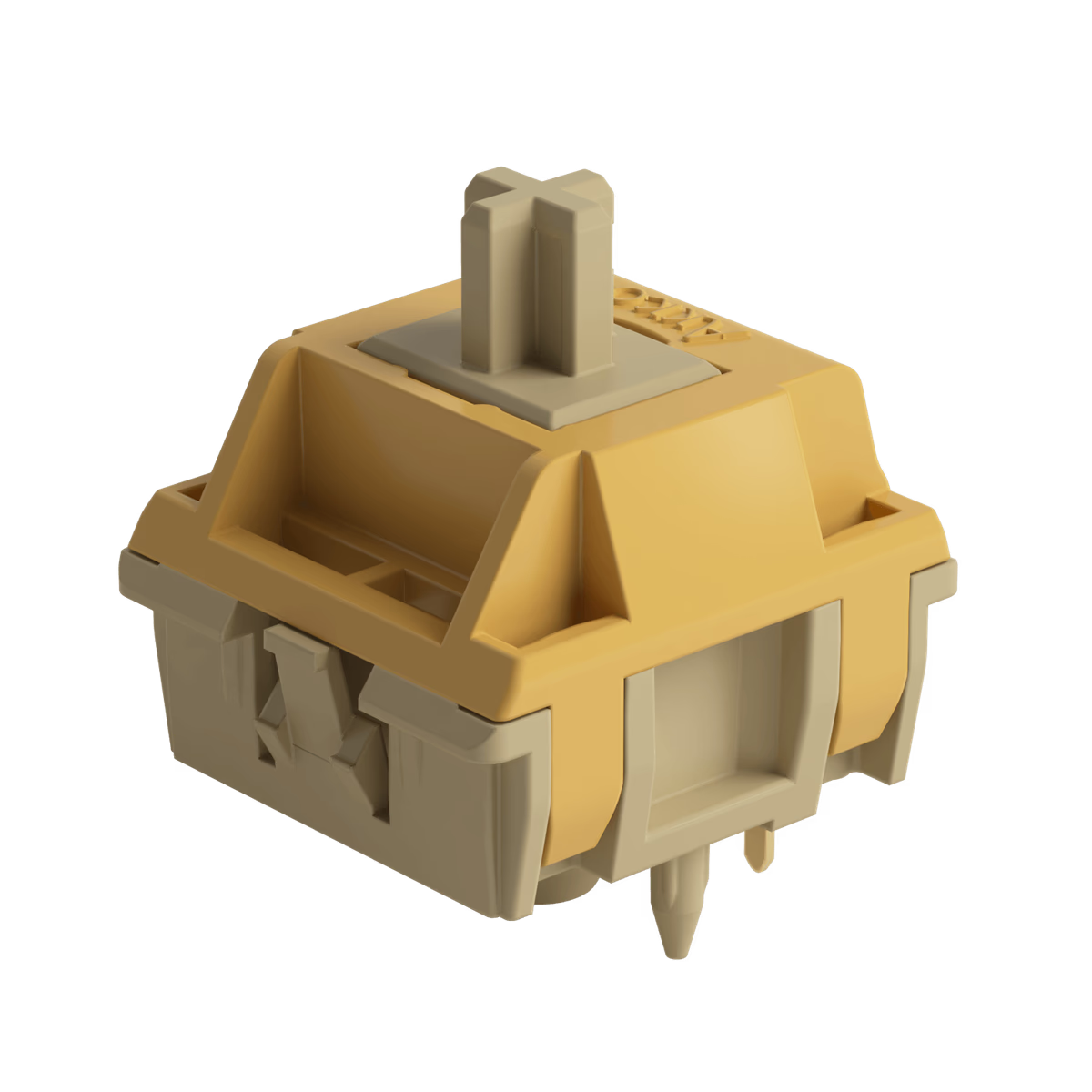
Akko
Bittersweet Switch – Lubed
from$0.42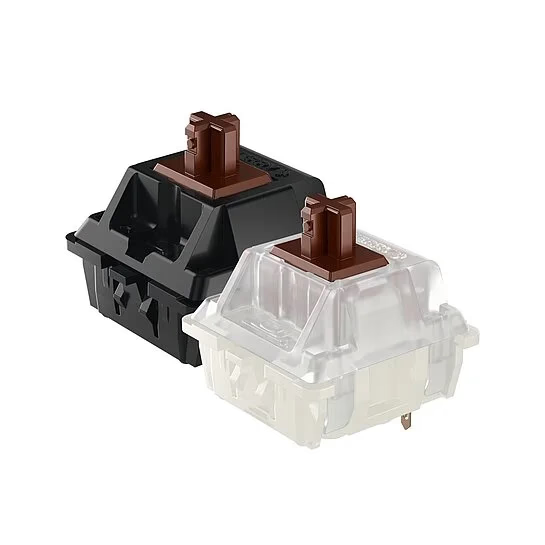
Cherry
Cherry MX Brown
from—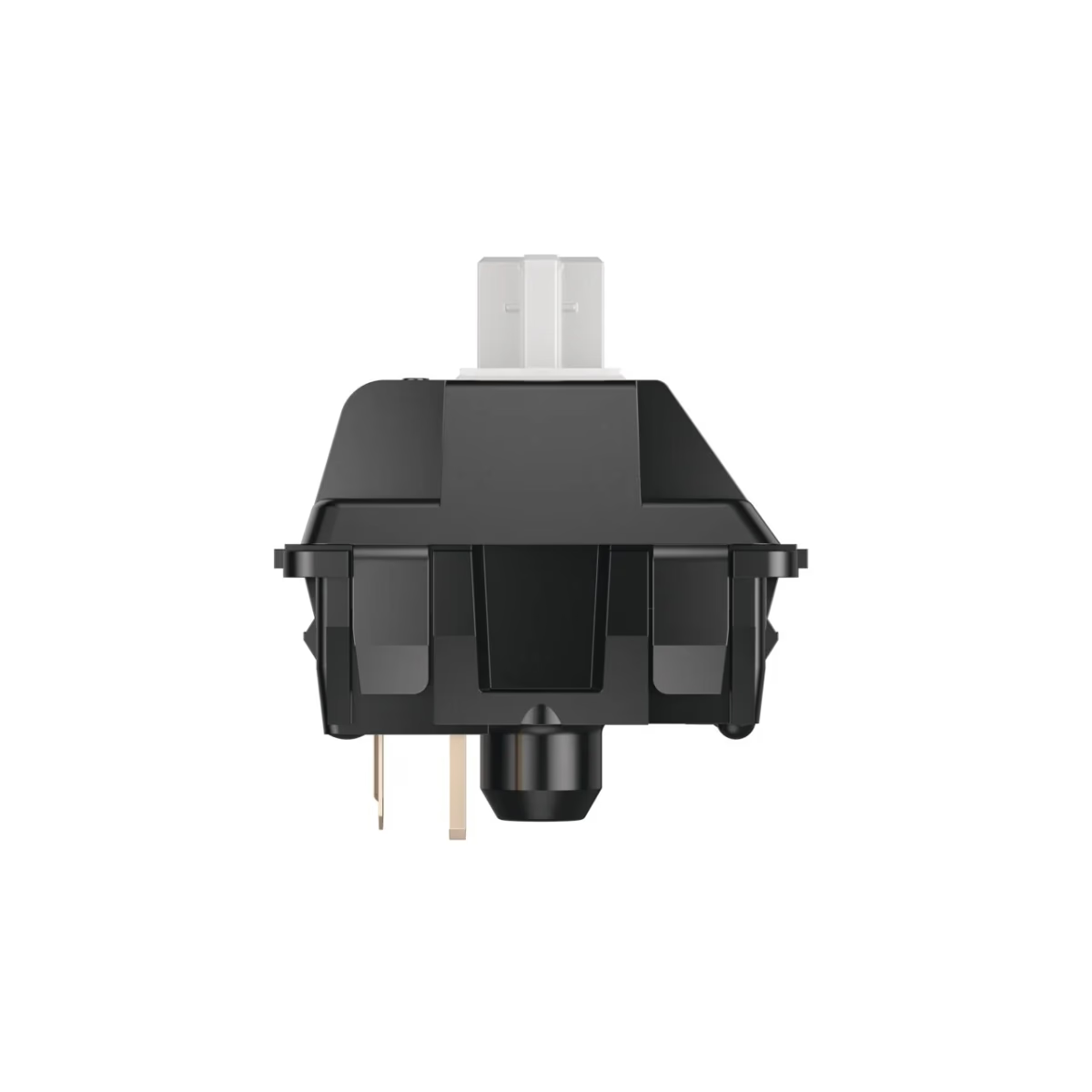
Cherry
Cherry MX Clear
from—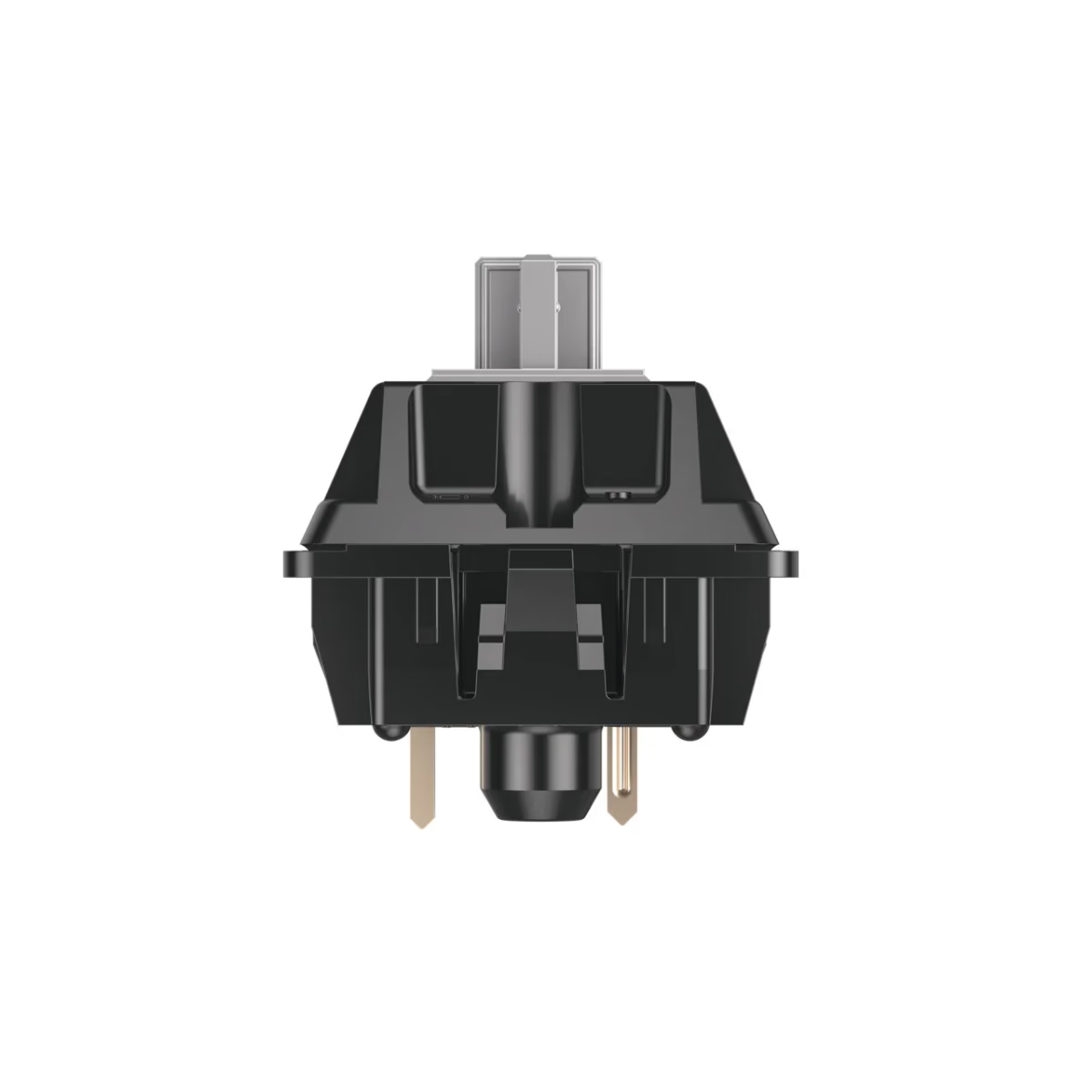
Cherry
Cherry MX Grey Tactile
from—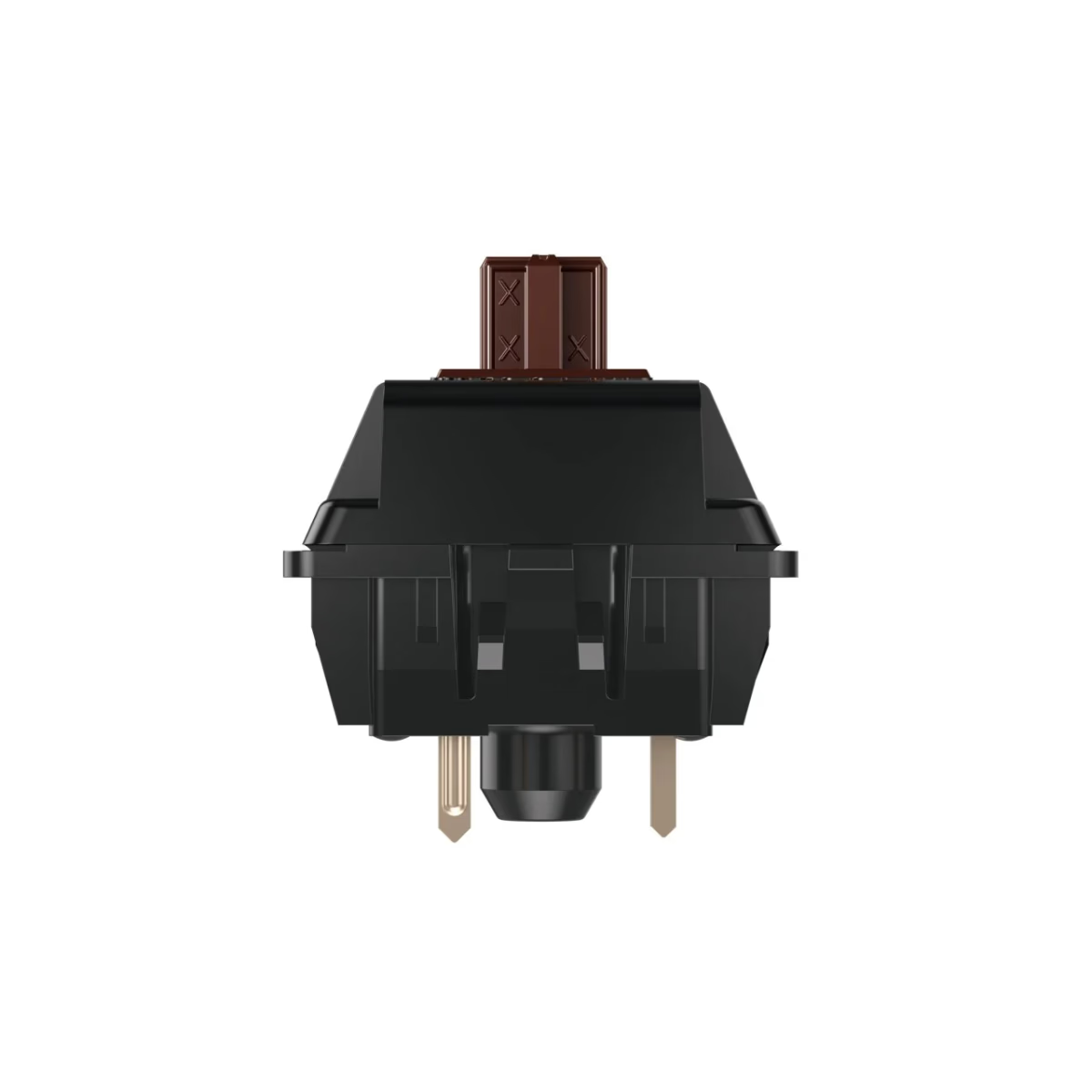
Cherry
Cherry MX2A Brown
from$0.35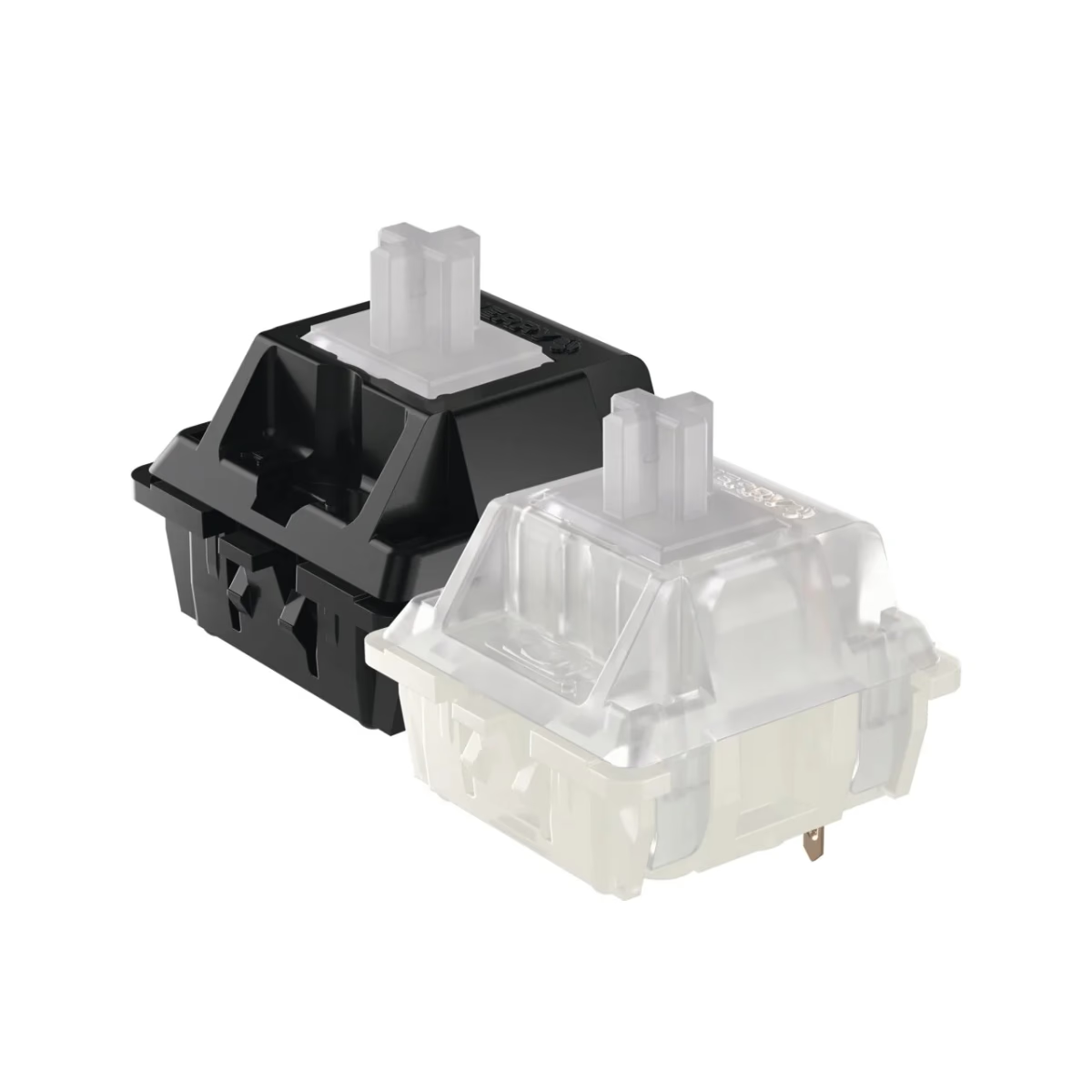
Cherry
Cherry MX2A Ergo Clear
from$0.83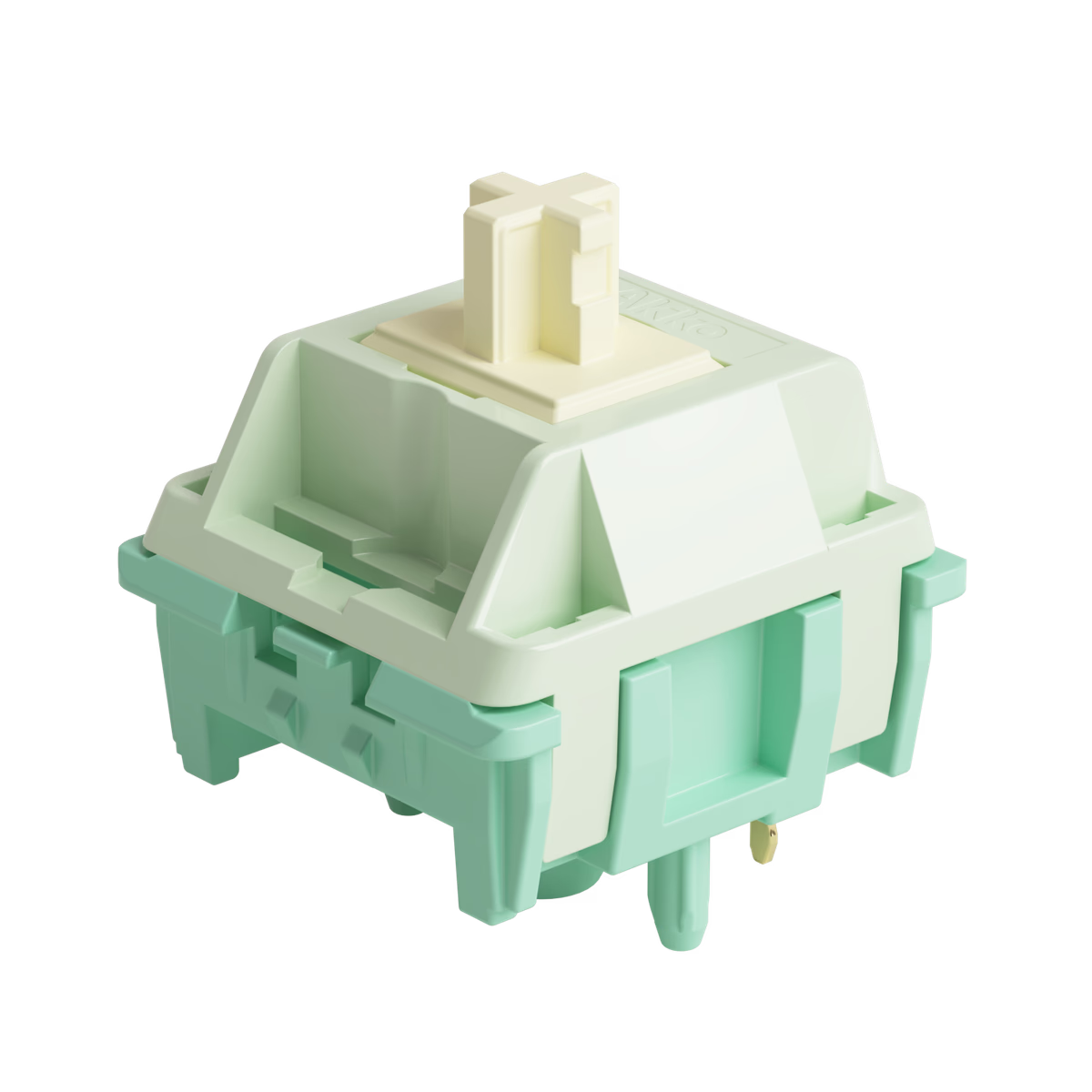
Akko
Cilantro Switch – Lubed
from$0.42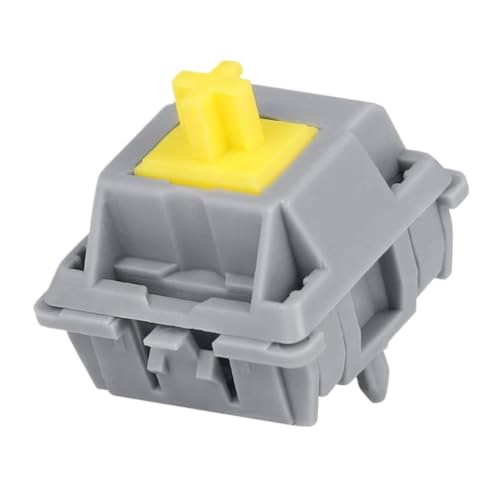
Durock
Durock T1 Tactile Switch
from—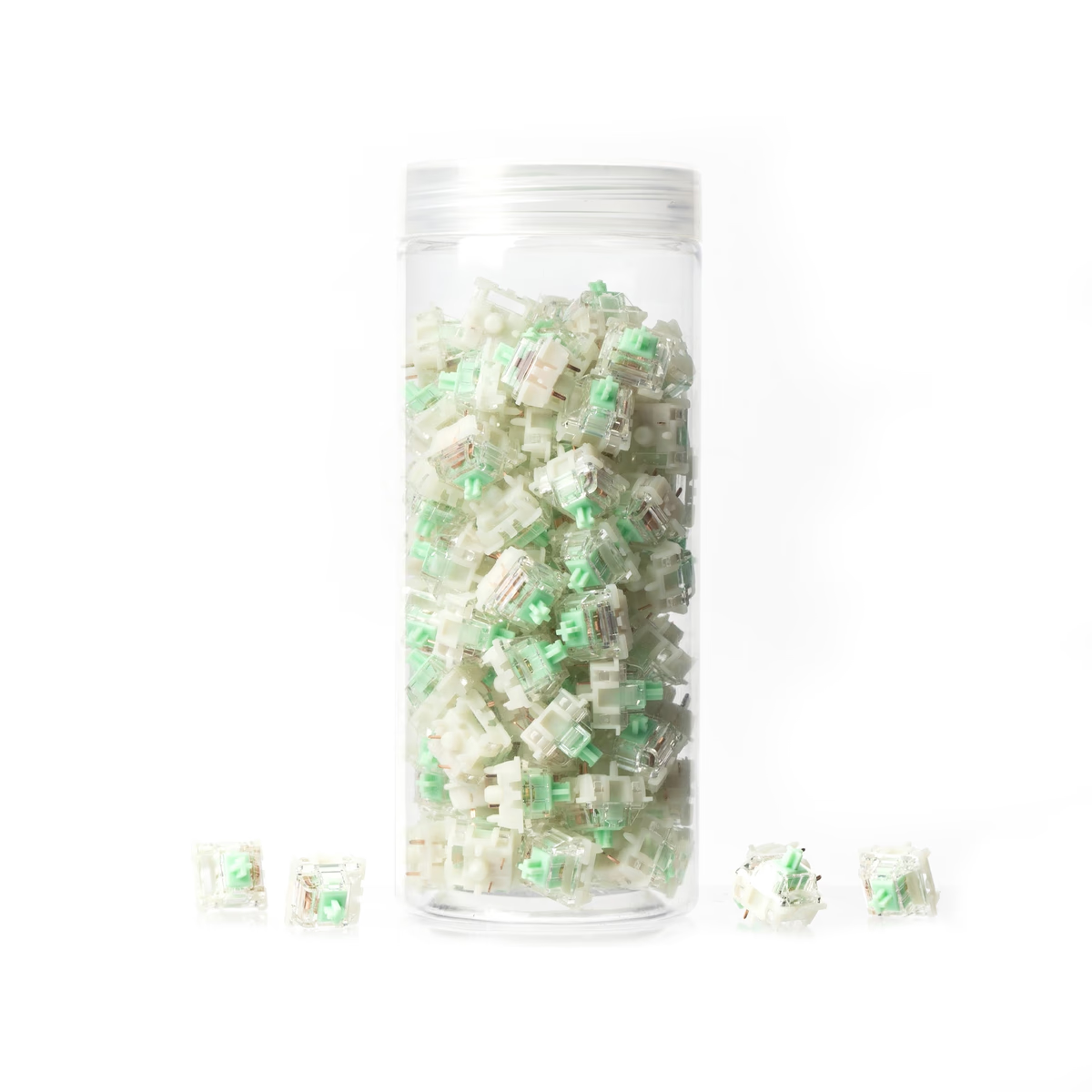
Gateron
Gateron Baby Kangaroo 2.0 Tactile
from$0.12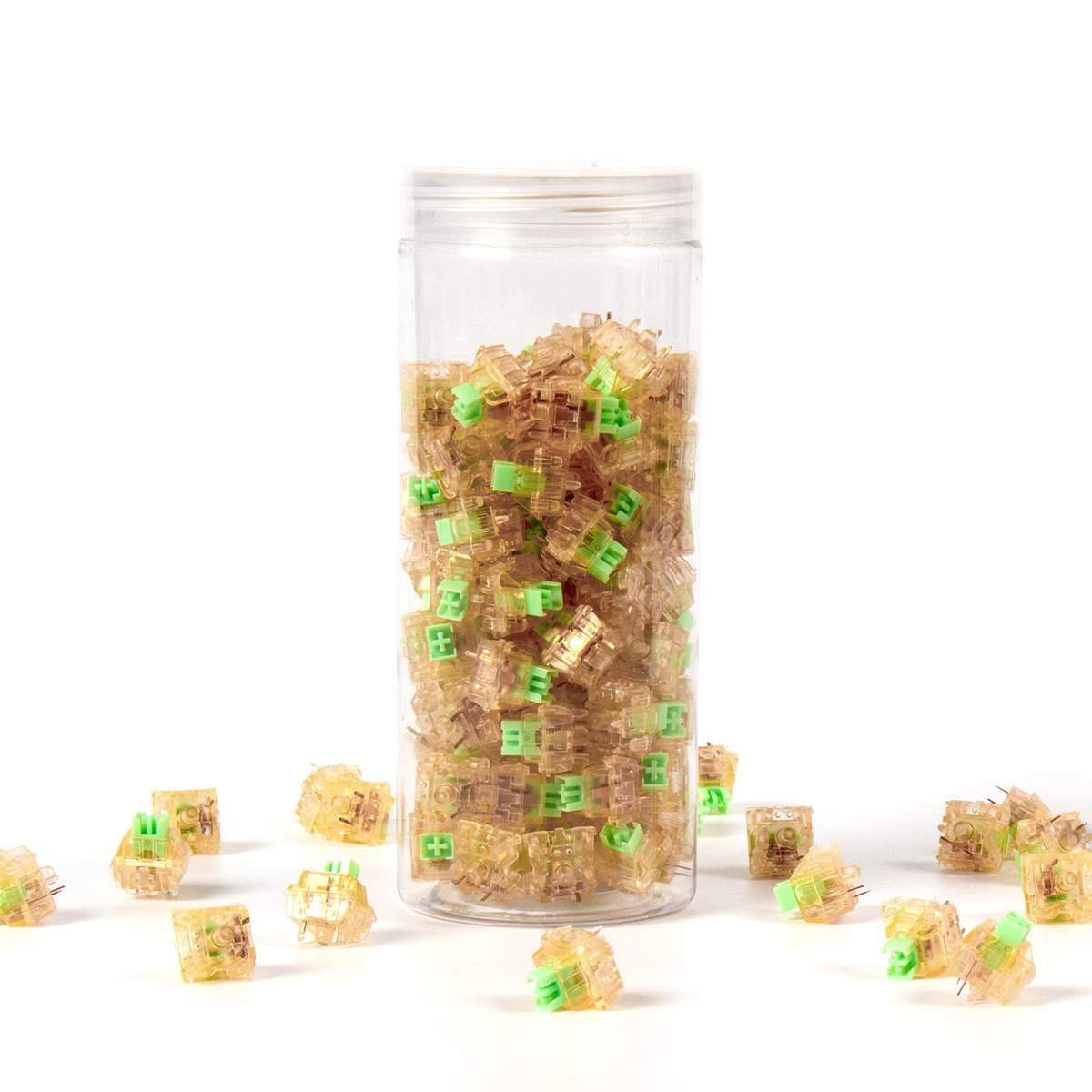
Gateron
Gateron Kangaroo Box Ink
from$0.88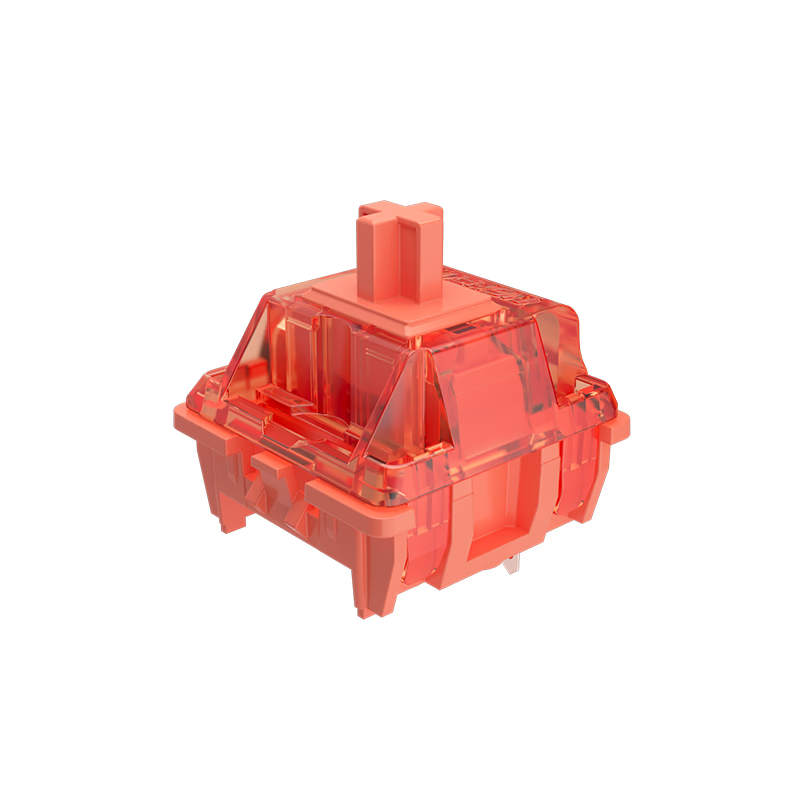
Gateron
Gateron Orange Switch-Lubed
from—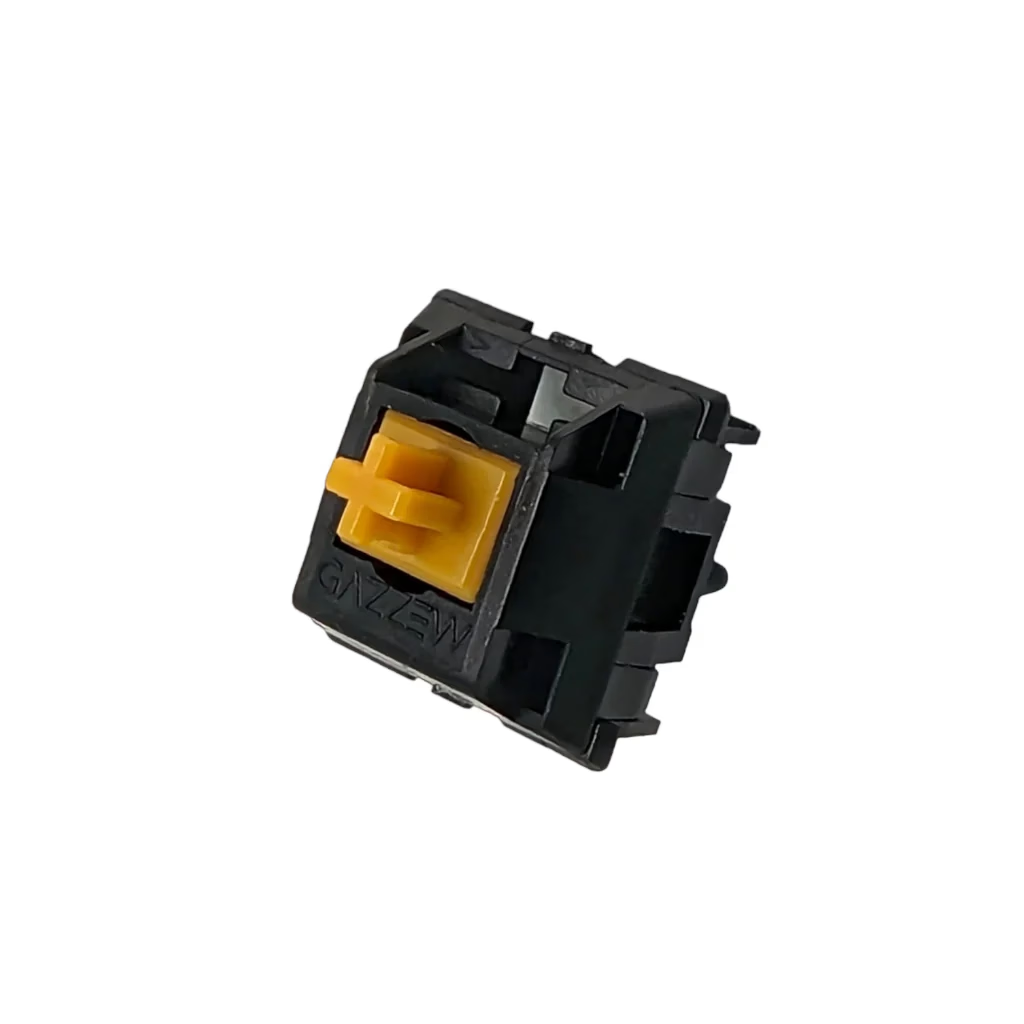
Gazzew
Gazzew Boba U4T
from$0.53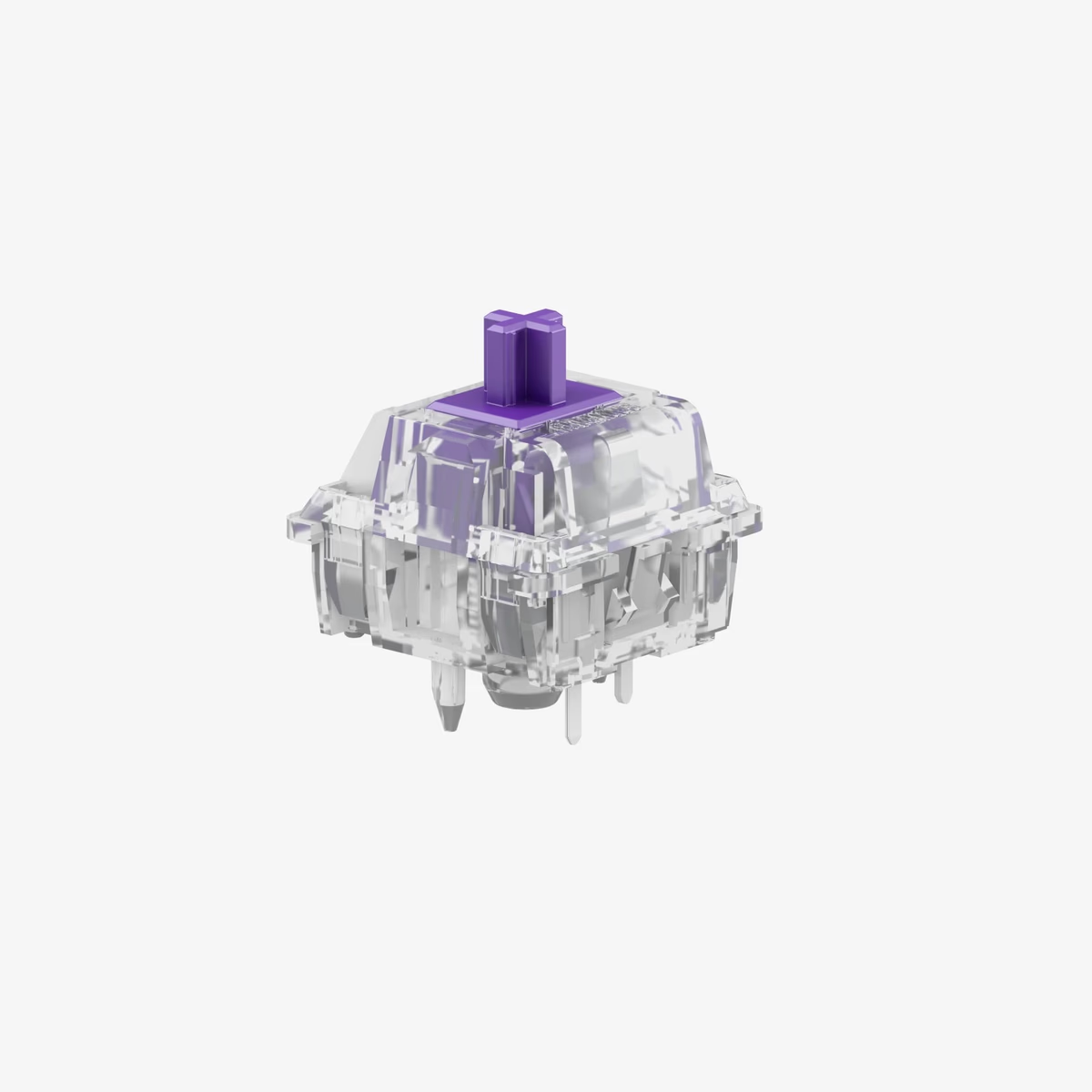
Glorious
Glorious Mako MX Switch
from—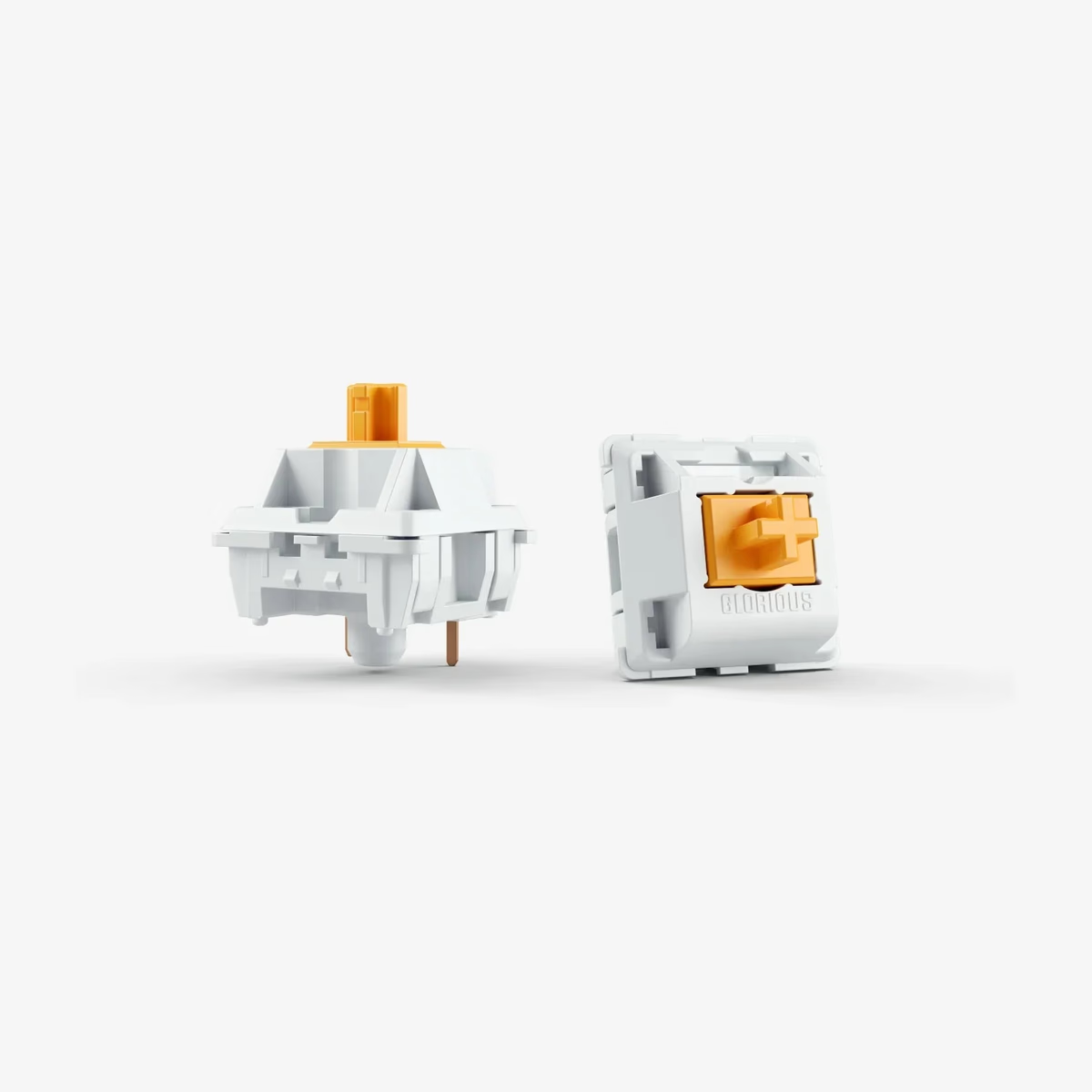
Glorious
Glorious Panda MX Switch
from$0.58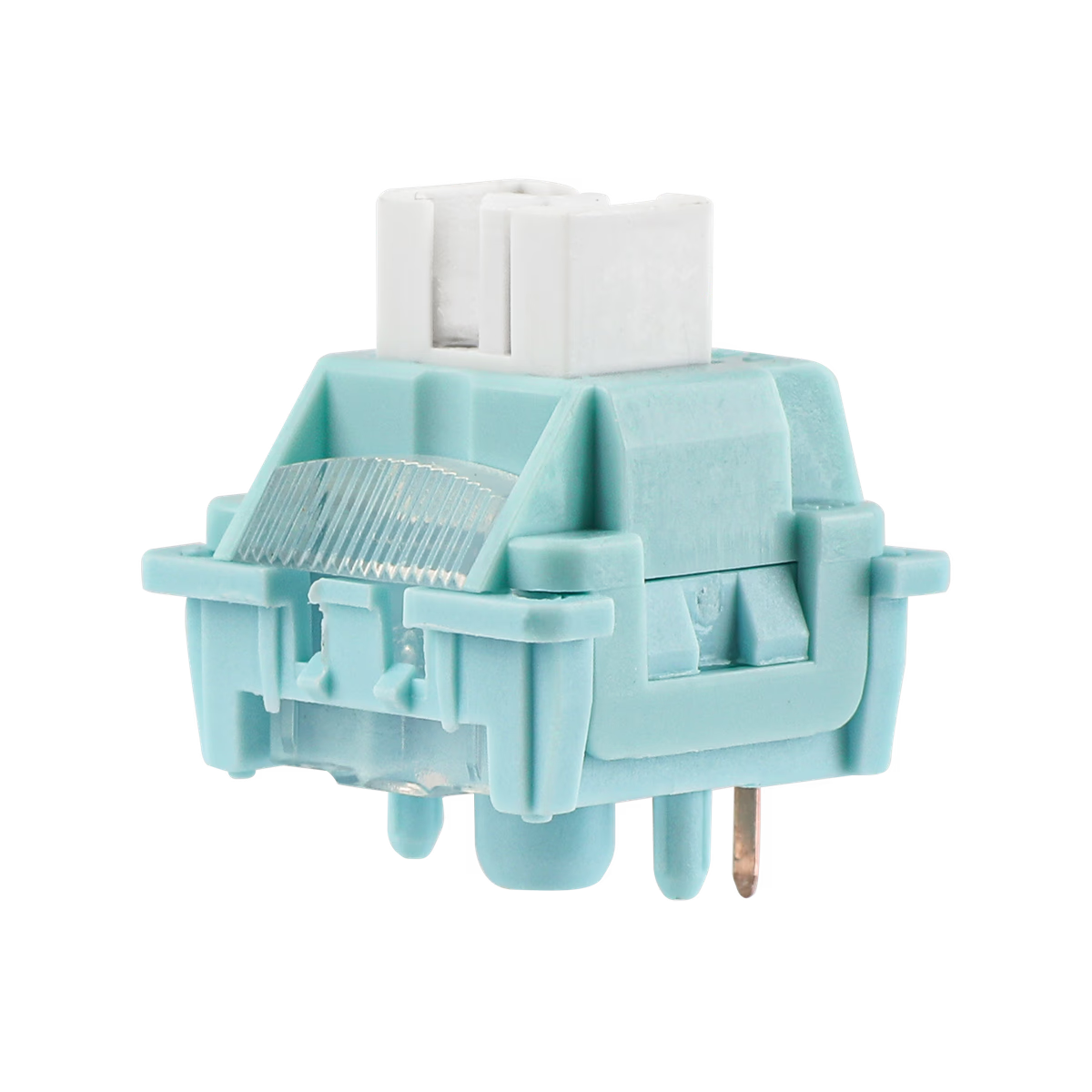
Leobog
Leobog Ice Soul Tactile Switch
from—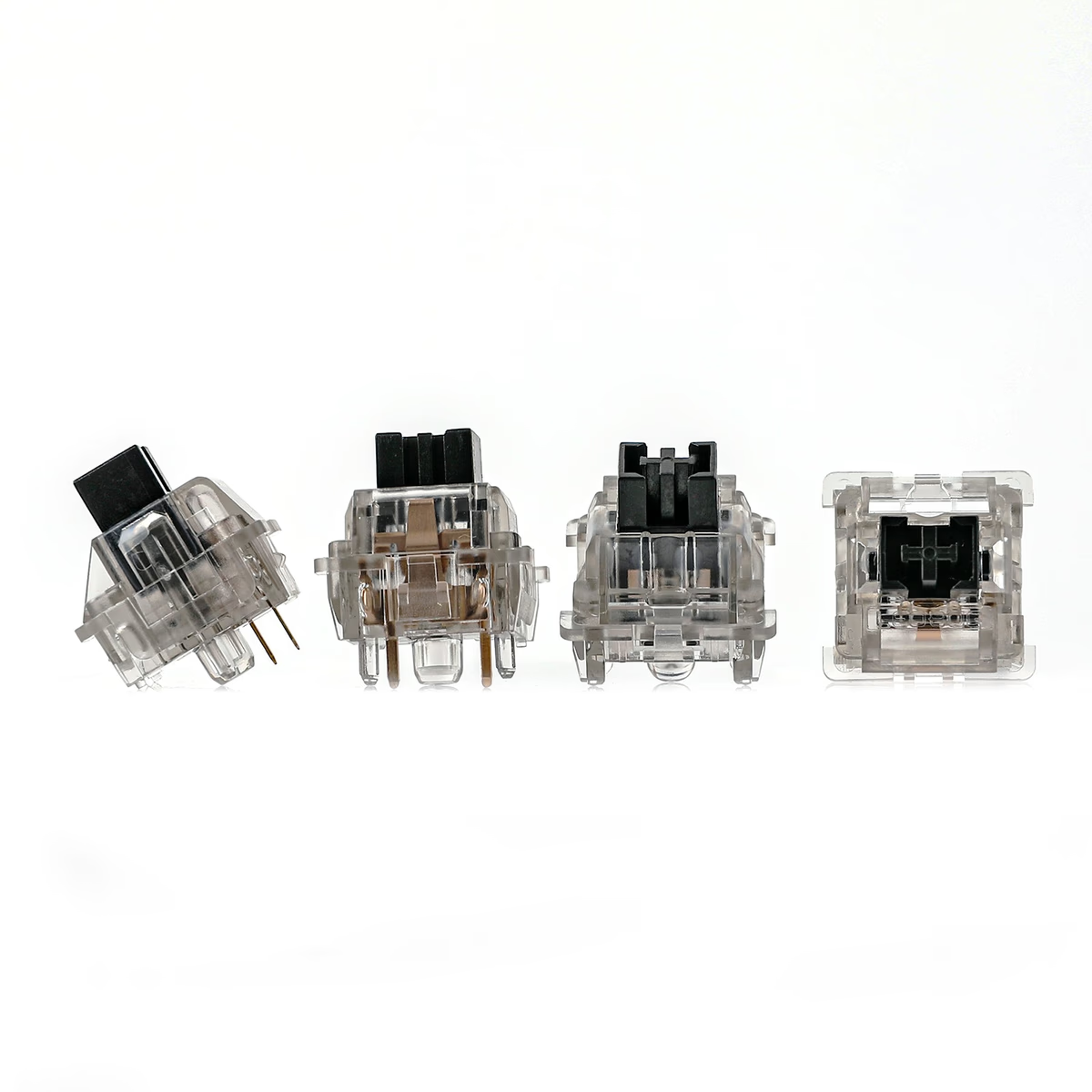
Leobog
Leobog Ink Crystal V3 Switch
from—
What the tactile catalog actually looks like
Forty-one switches from 12 brands — the same brand count as the much larger linear category, which tells you tactile is contested rather than neglected.
The weight range is wider than linear's: 30-70 gf against 34-60, with the same 45 gf median. Tactiles have room at both ends because the bump itself adds perceived weight, so a 40 gf tactile can feel heavier than a 45 gf linear. Judge tactiles against other tactiles, not across the categories.
79% ship factory-lubed, essentially the same as linear. Worth knowing because hand-lubing a tactile is harder to get right: too much on the legs and you round off the bump you paid for.
Price per switch runs $0.17 to $0.83, median $0.35 — a rounding error above linear's $0.34. Tactility does not cost extra.
Bump position is the spec nobody lists
The number that decides how a tactile feels is where the bump sits in the travel, and almost no vendor publishes it. Broadly there are two families.
Early bump switches put the tactile event near the top of the stroke, so you feel it almost immediately and the rest of the press is smooth. They feel sharp and are popular for typing.
Mid-travel bump switches place it around the actuation point, closer to how a classic Cherry MX Brown behaves. Rounder, softer, less divisive.
Since the spec is rarely published, the practical route is a switch tester or a 10-pack before committing to 90. Switches 101 covers what to listen and feel for.
Frequently asked
Are tactile switches better for typing?
What is the difference between tactile and clicky?
Are tactile switches loud?
What is a good first tactile switch?
Keep exploring
Related guides
More switches categories