Keyboards
Every pre-built, barebones, and custom mechanical keyboard we could verify — indexed by form factor, mounting, connectivity, and hot-swap support. Start from what you need and narrow from there.
342 keyboardsShowing 1-24
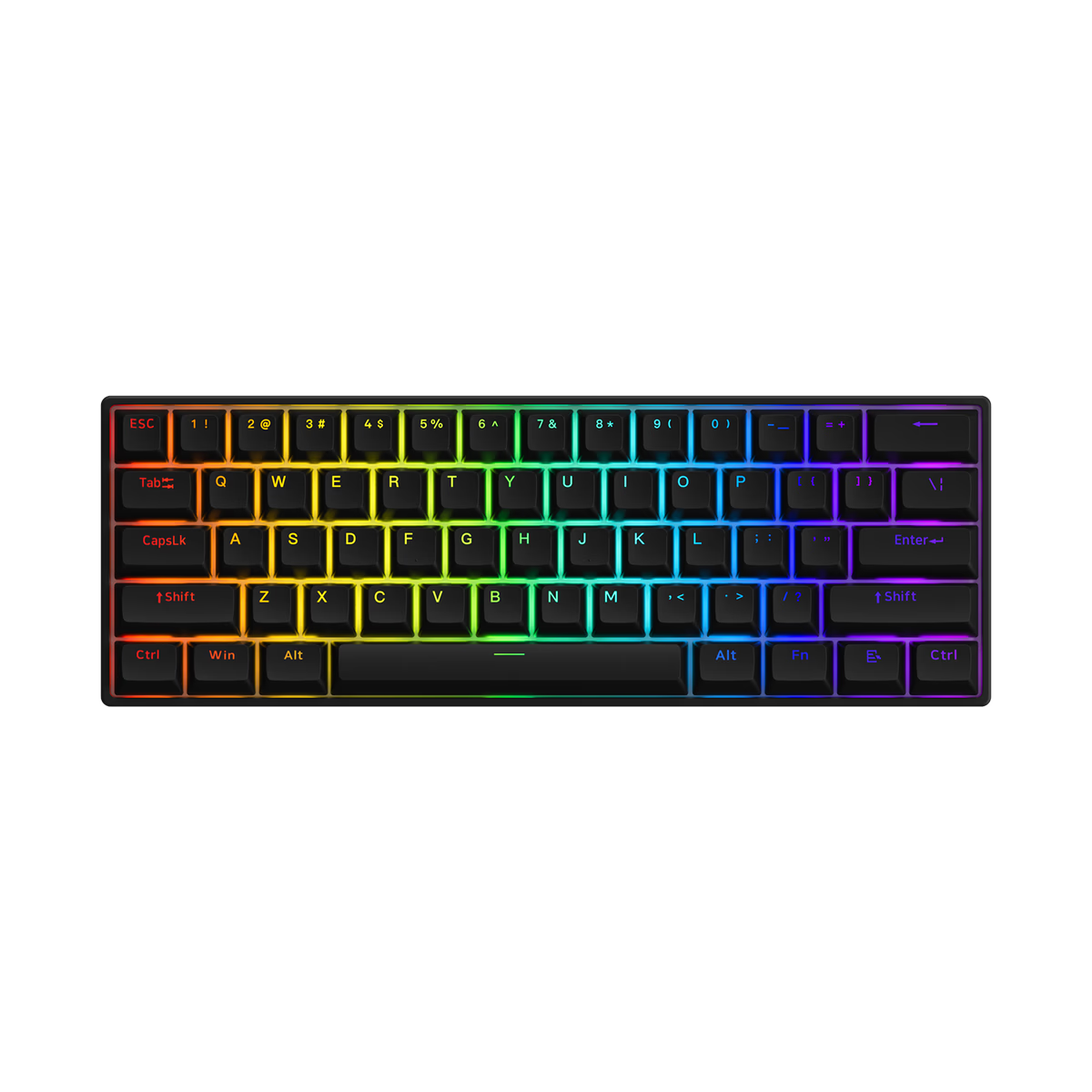
Akko
Akko 3061S
from—Akko
Akko 3061S HE
from—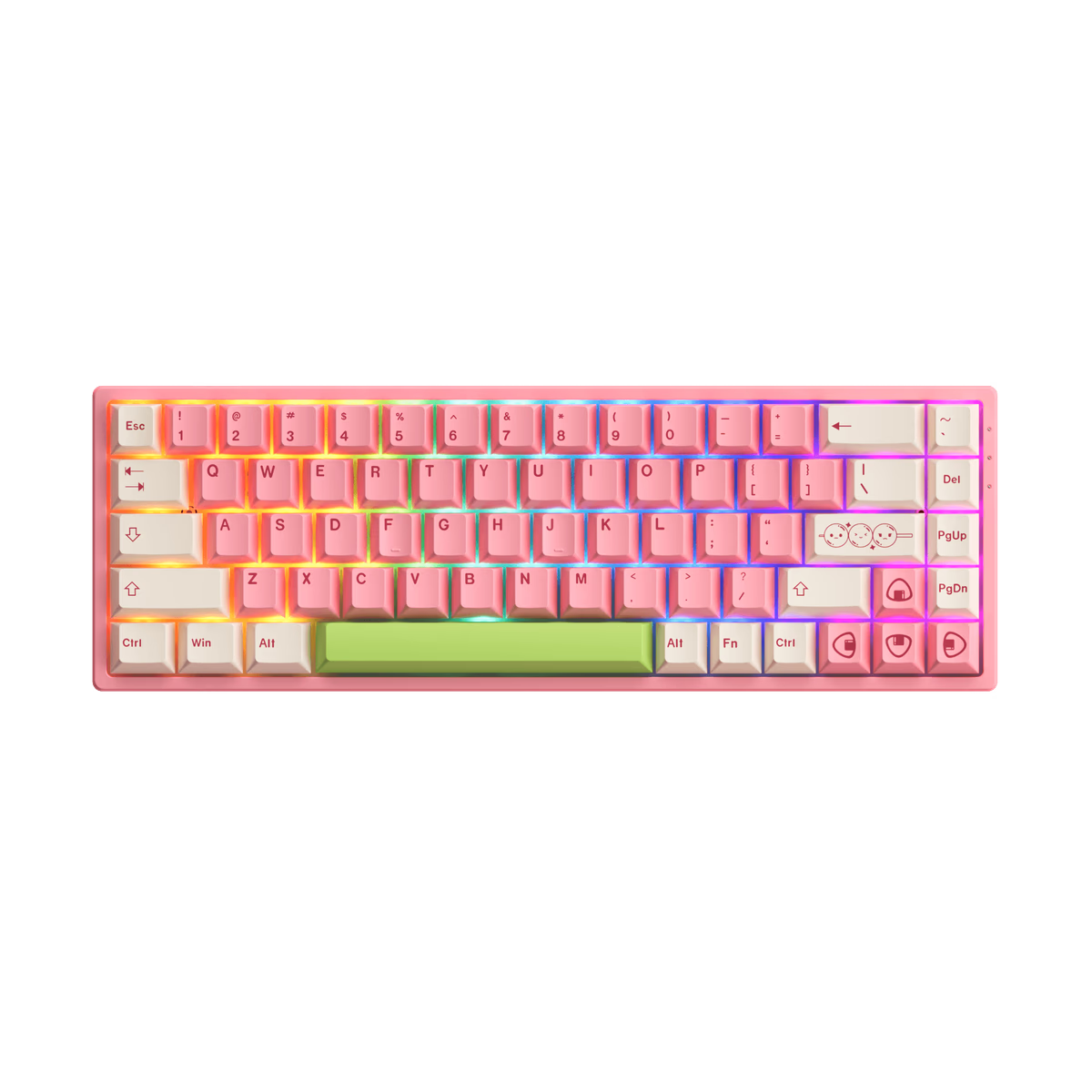
Akko
Akko 3068B
from—Akko
Akko 3068B Plus
from—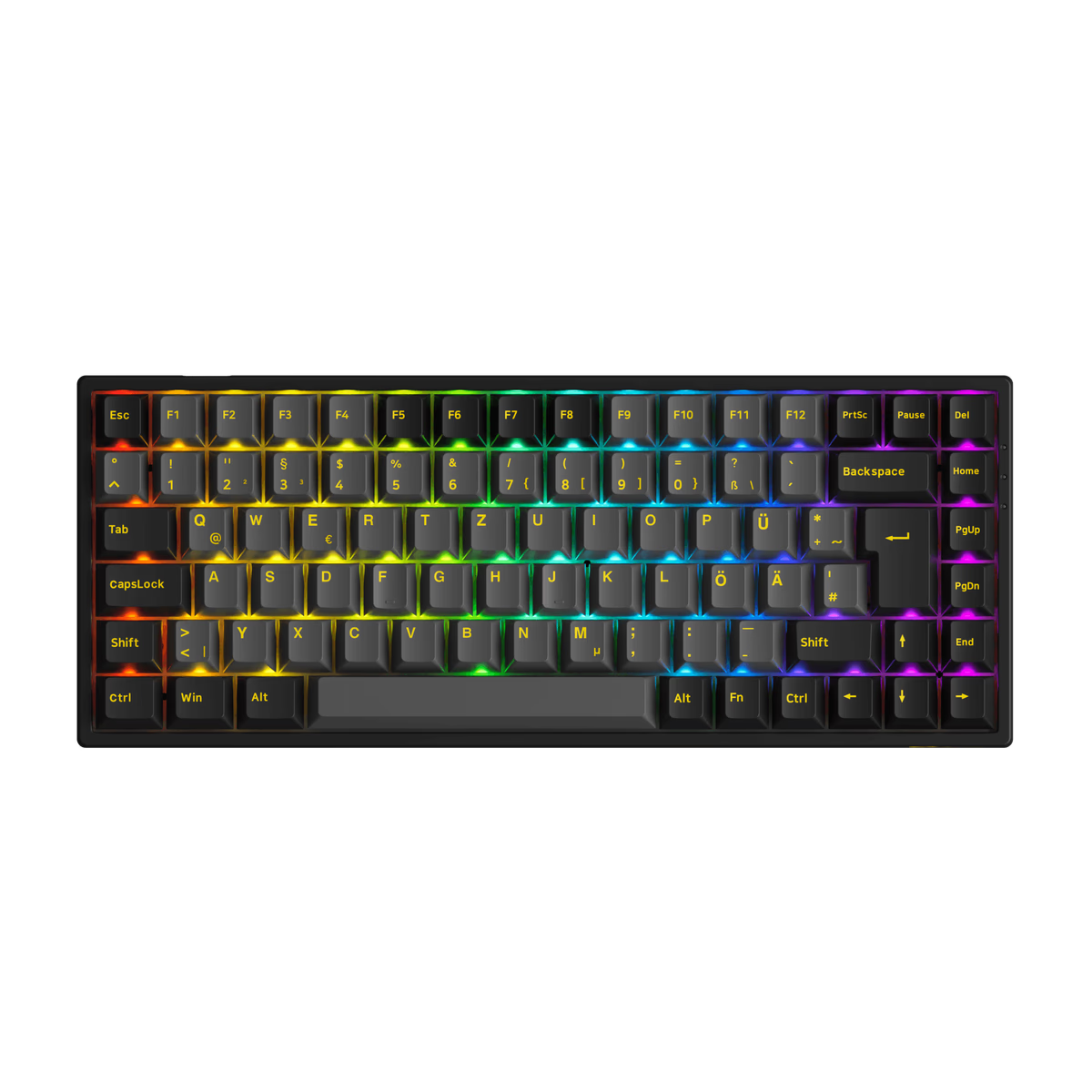
Akko
Akko 3084B Plus
from—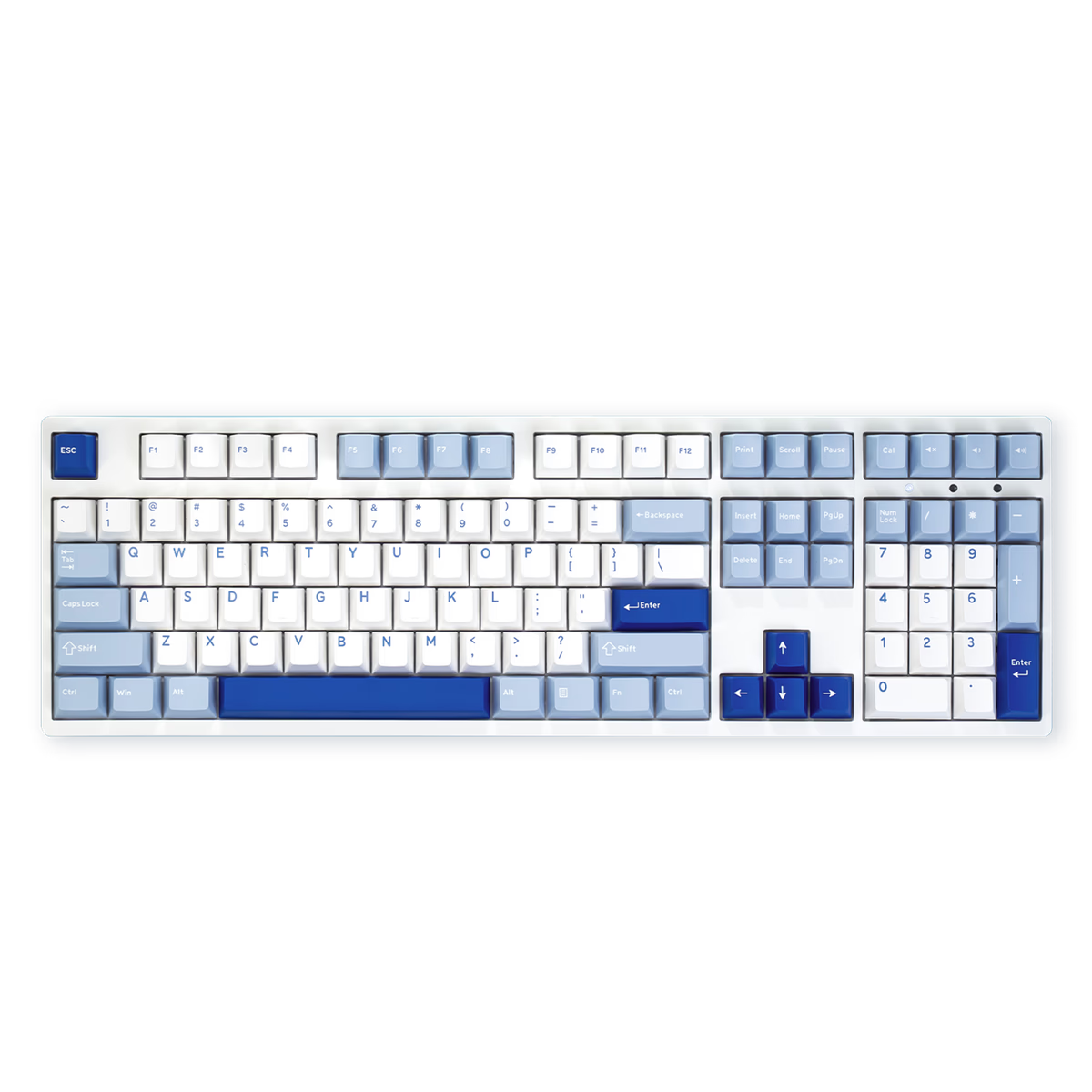
Akko
Akko 3108v3
from$49.99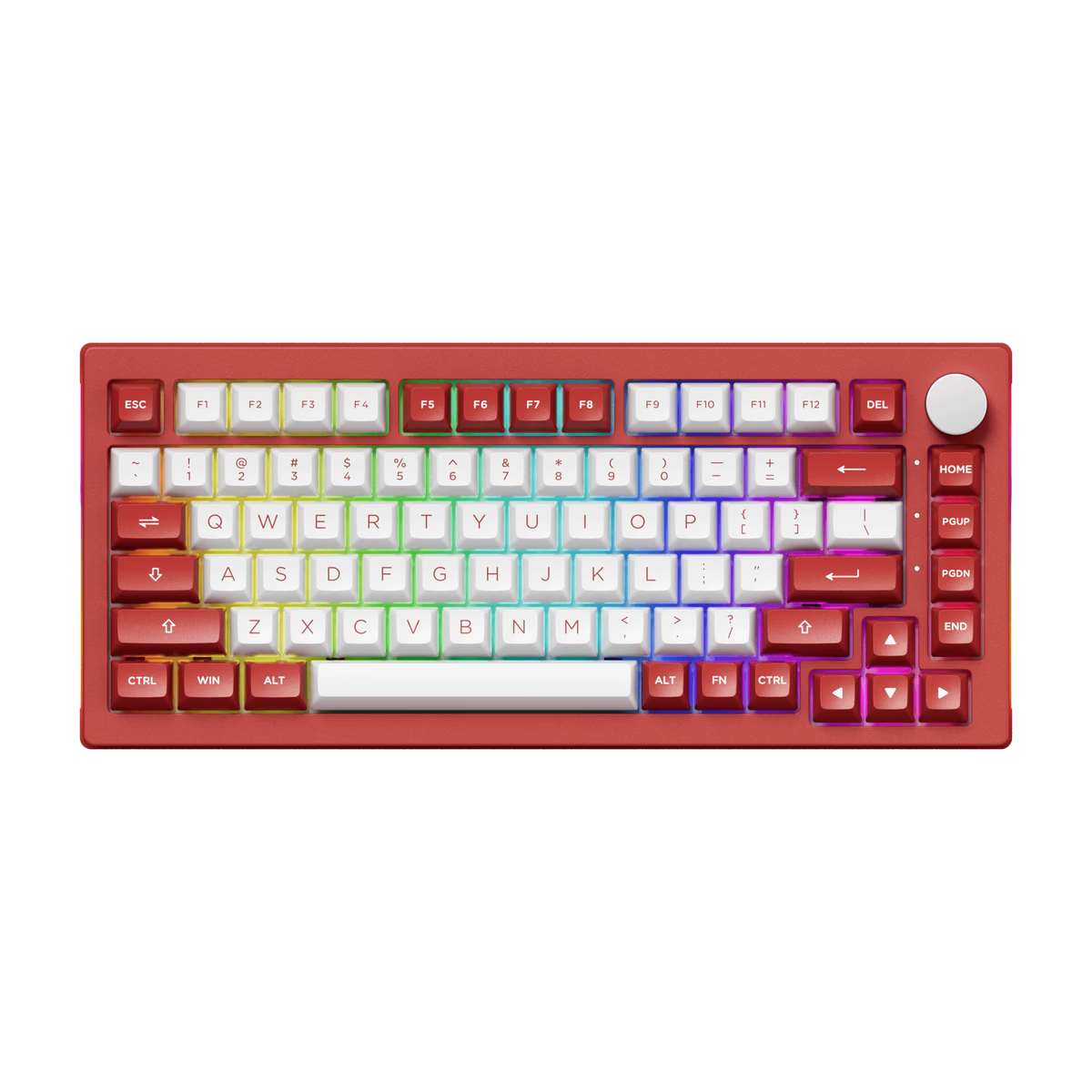
Akko
Akko 5075B Plus
from$62.99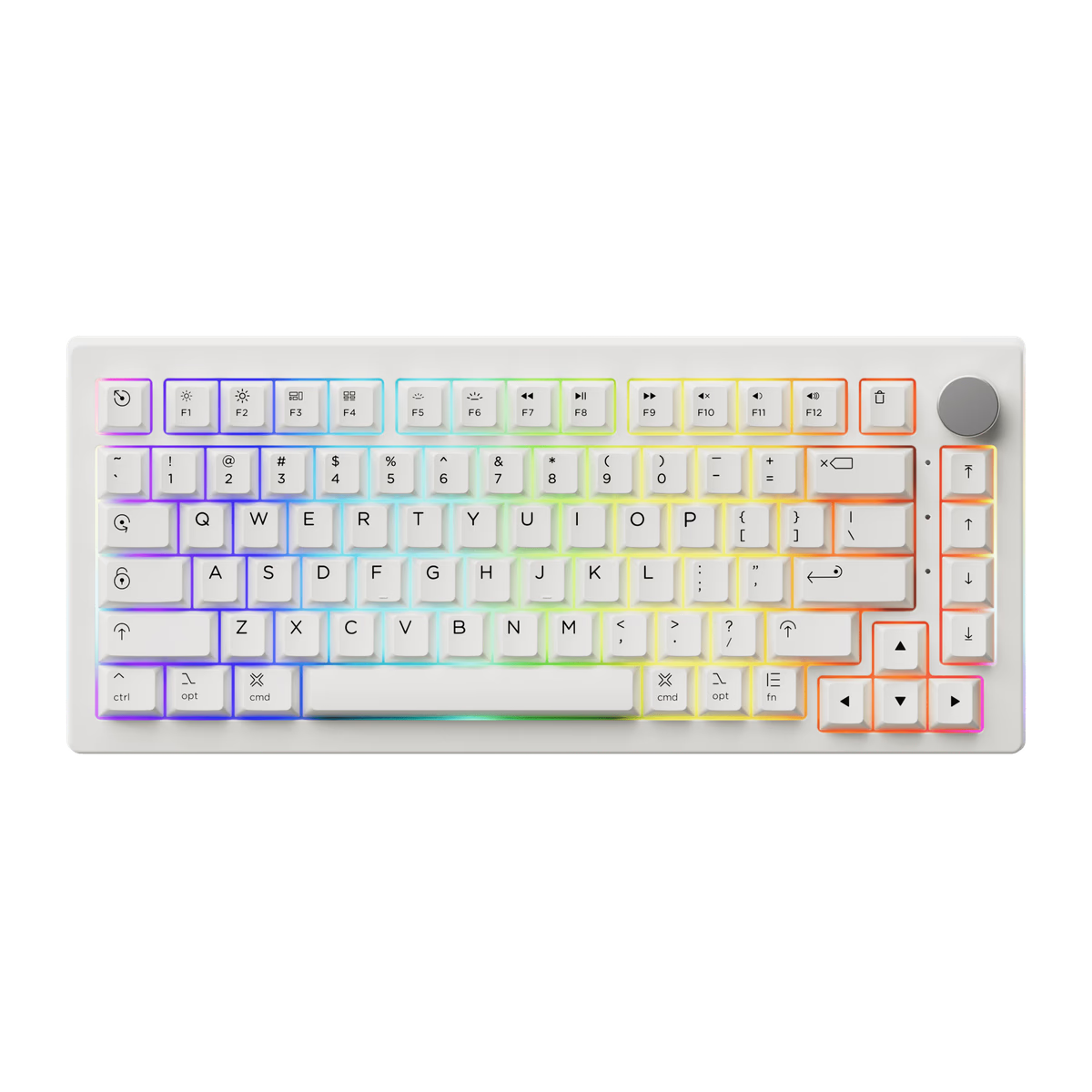
Akko
Akko 5075B Plus Air
from—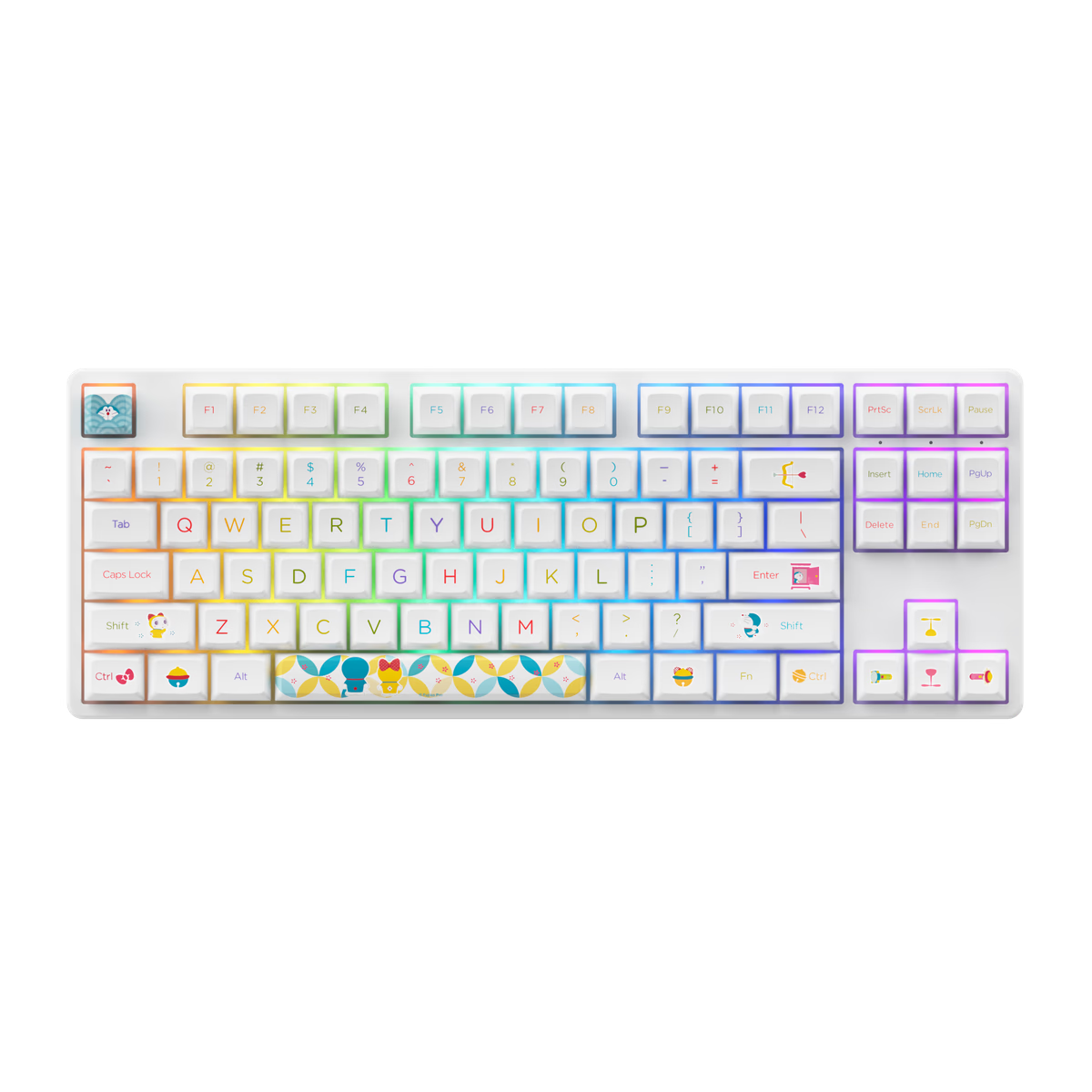
Akko
Akko 5087S
from—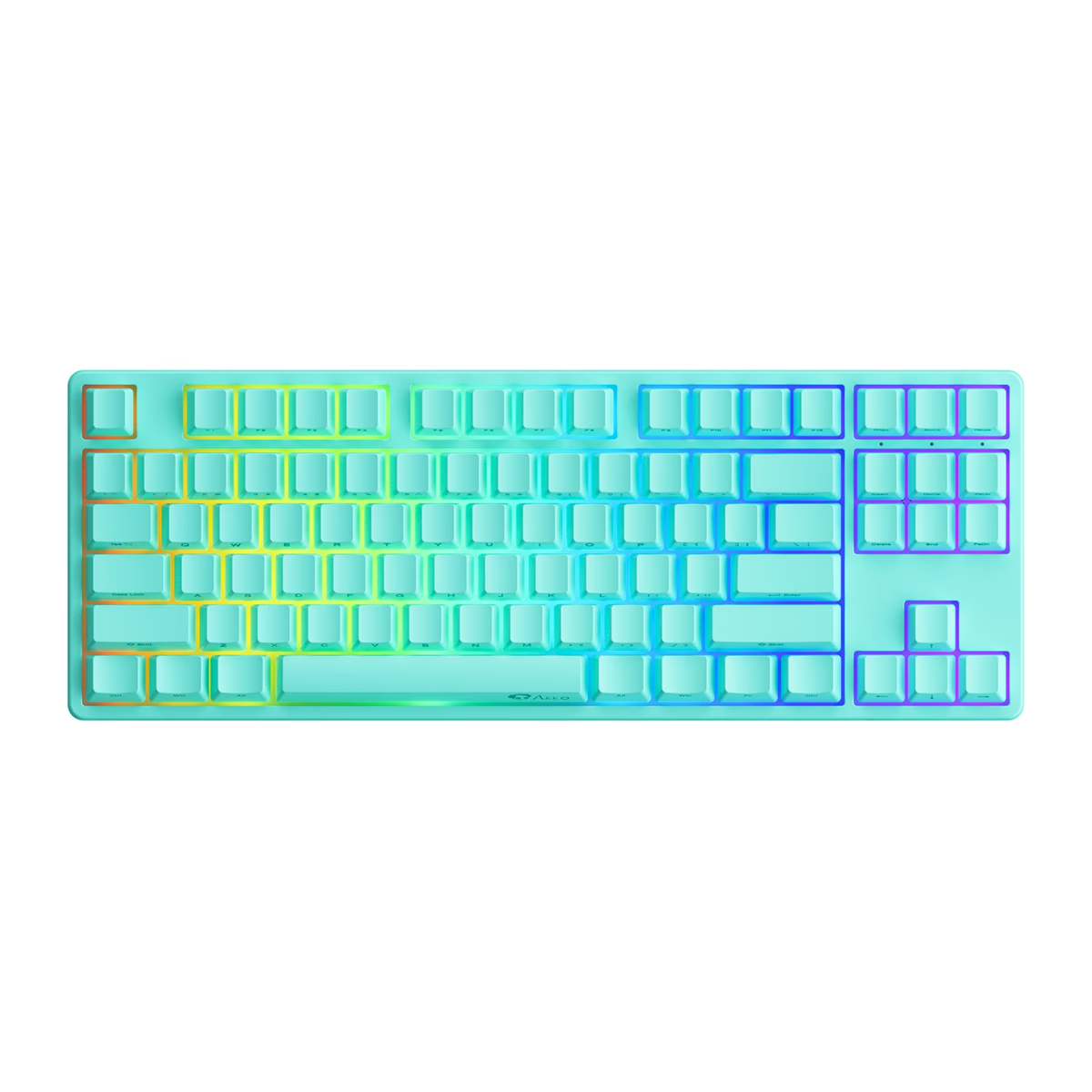
Akko
Akko 5087S QMK
from—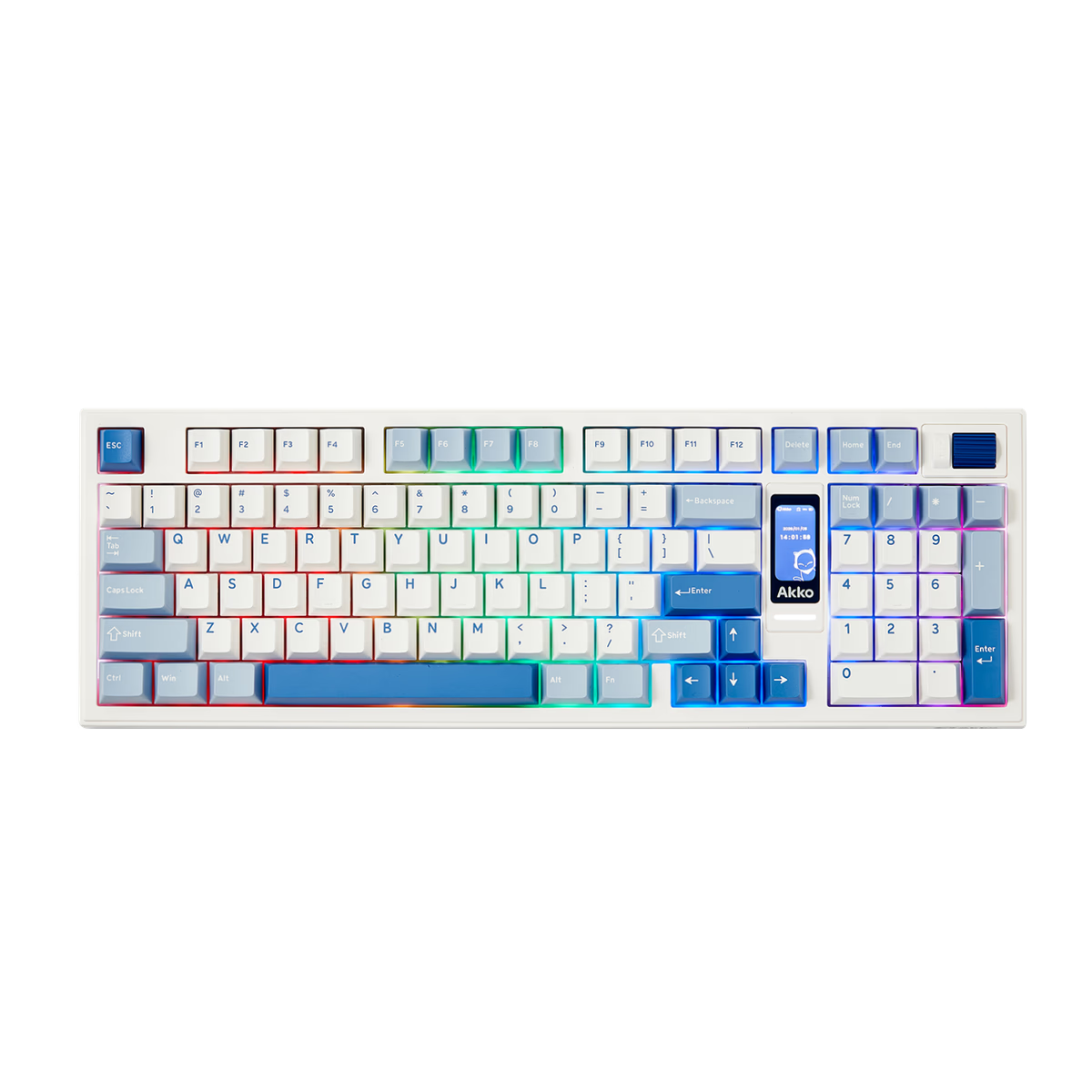
Akko
Akko 5098B
from$82.49Akko
Akko 5098B S
from—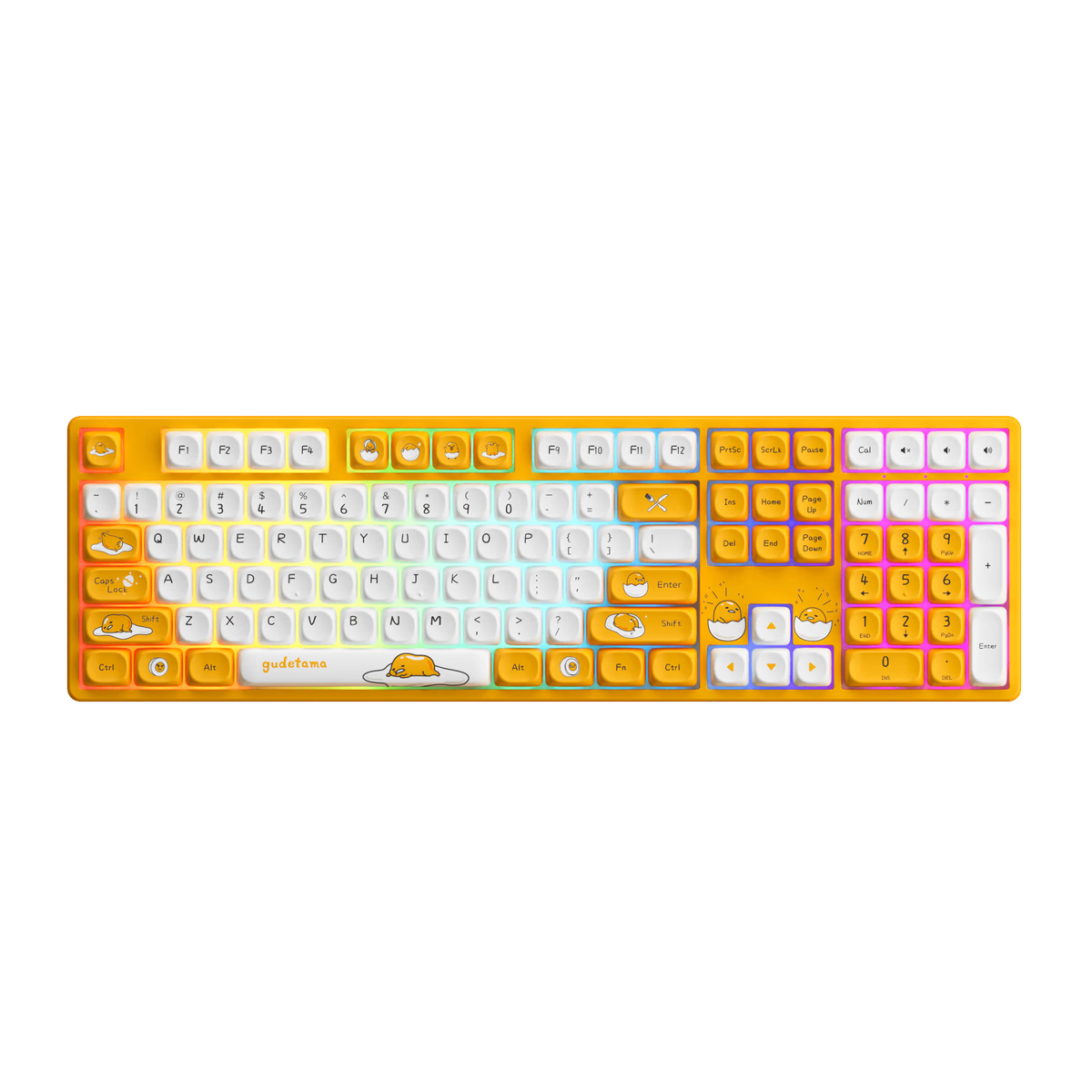
Akko
Akko 5108
from—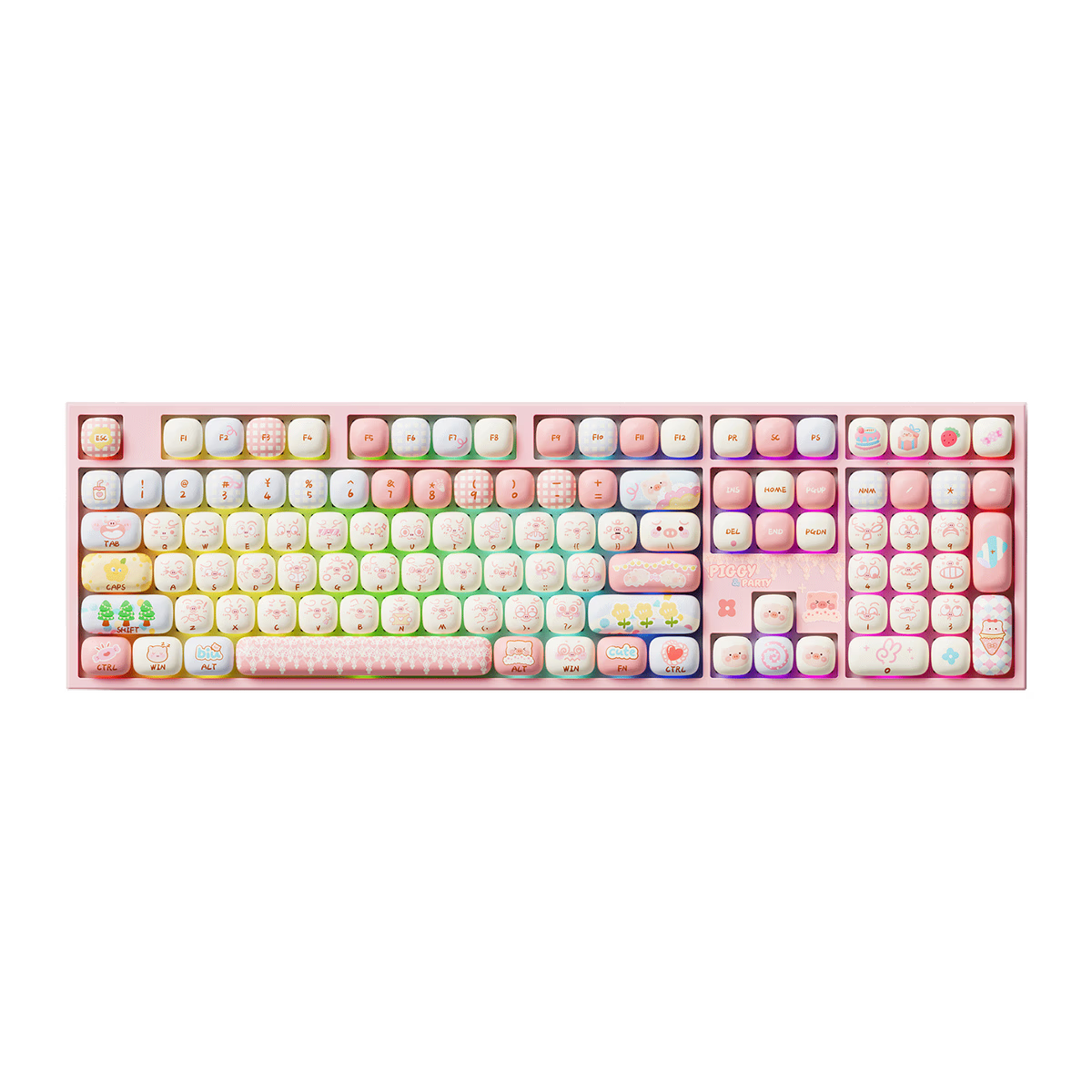
Akko
Akko 5108 V5
from—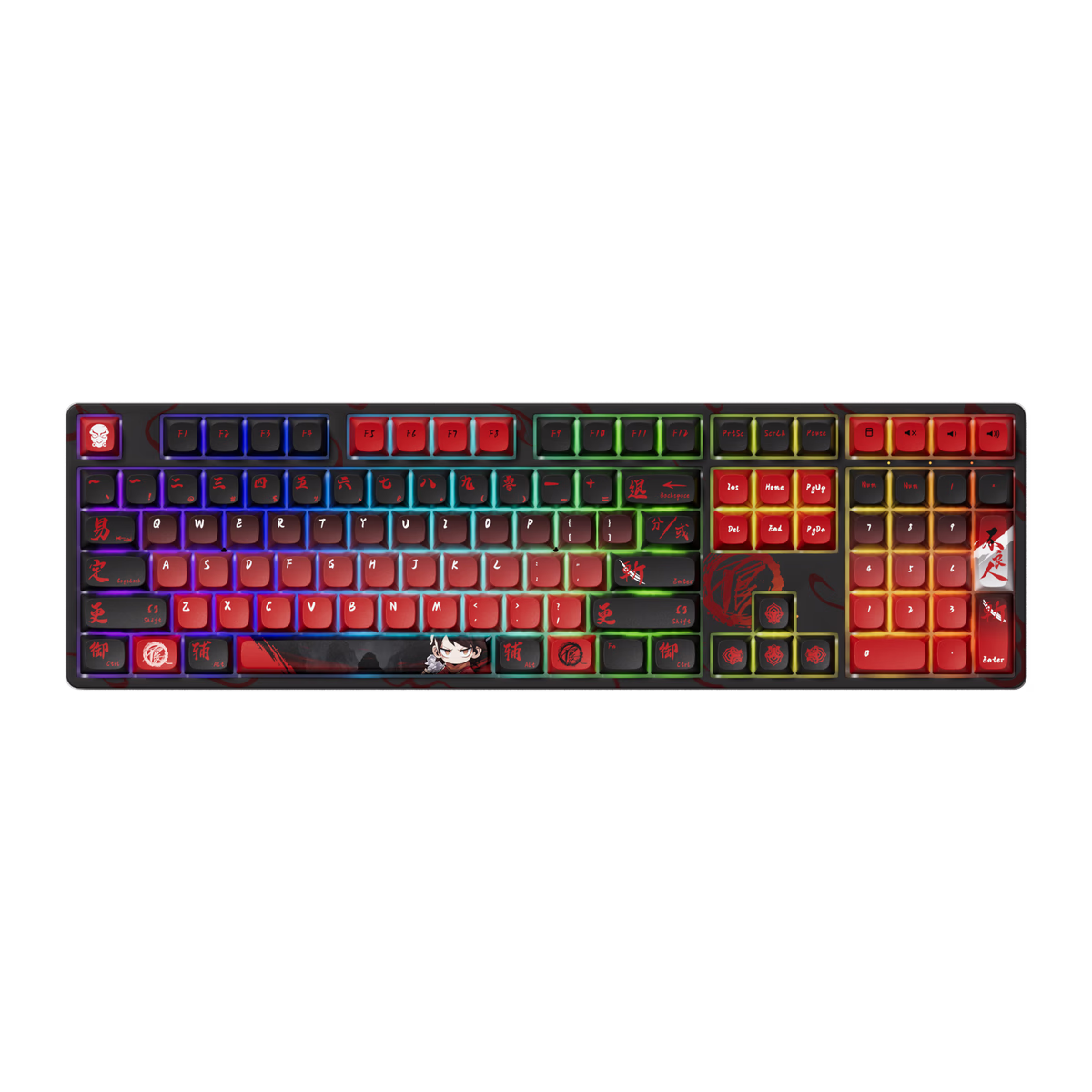
Akko
Akko 5108B Plus
from$50.60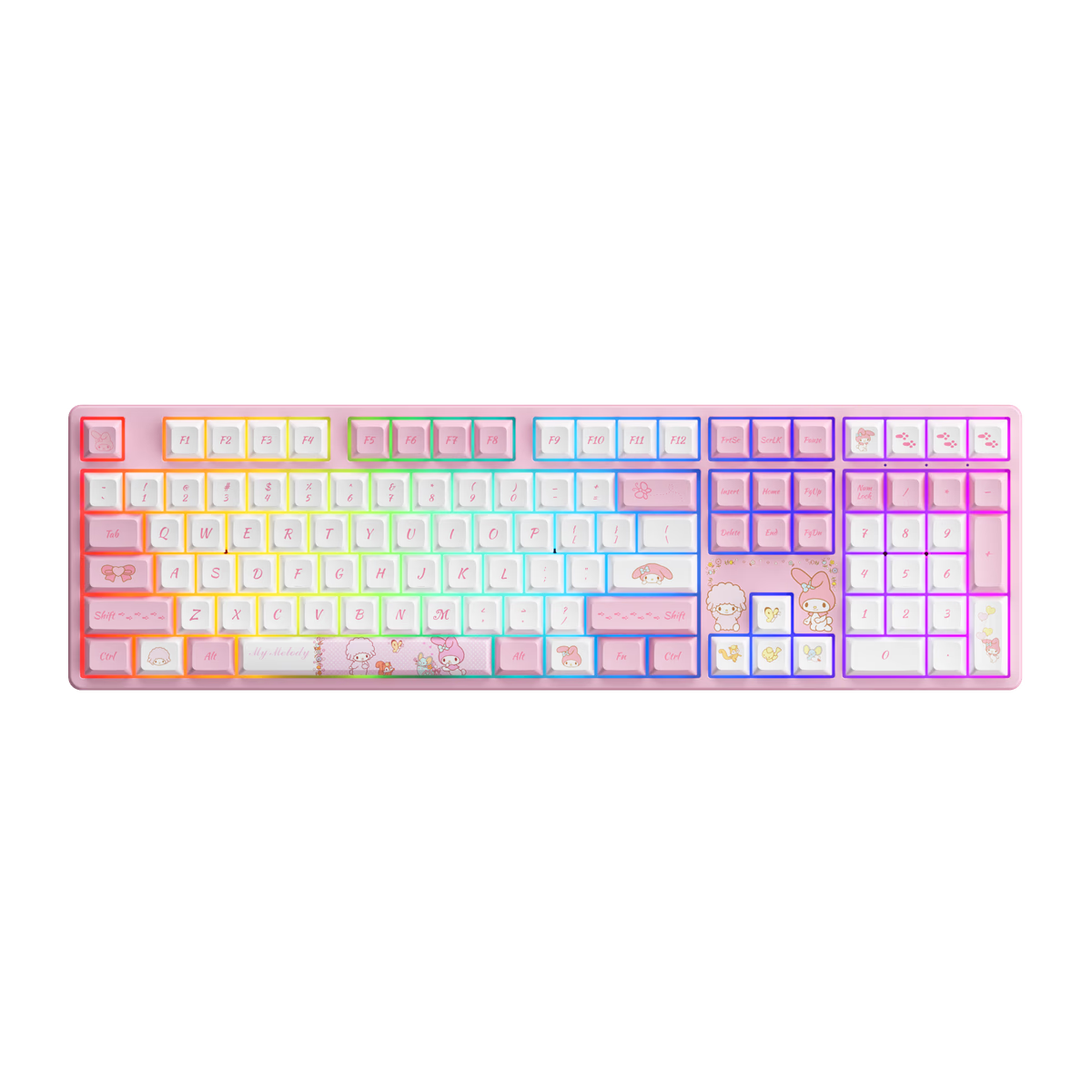
Akko
Akko 5108S
from—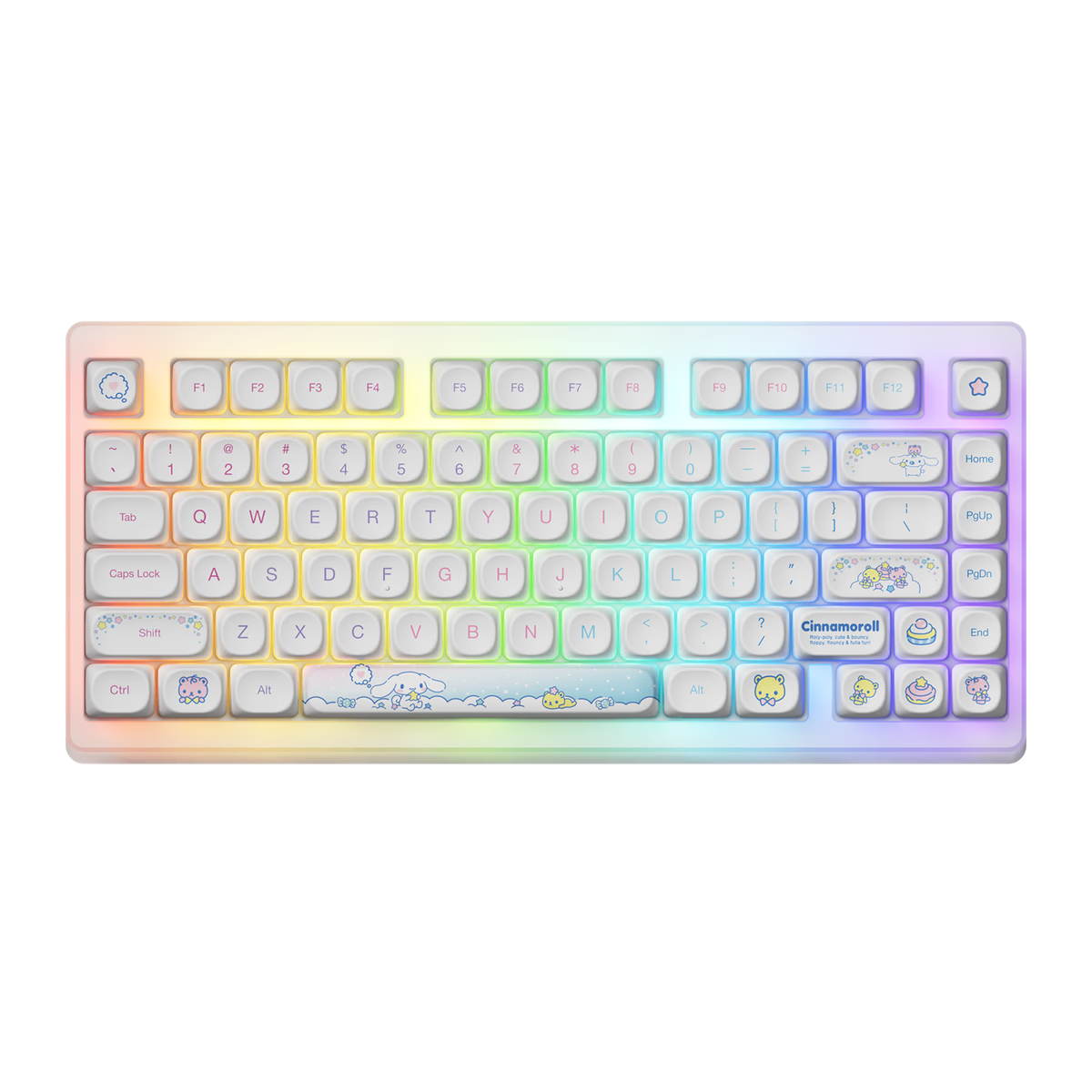
Akko
Akko ACR TOP 75B
from—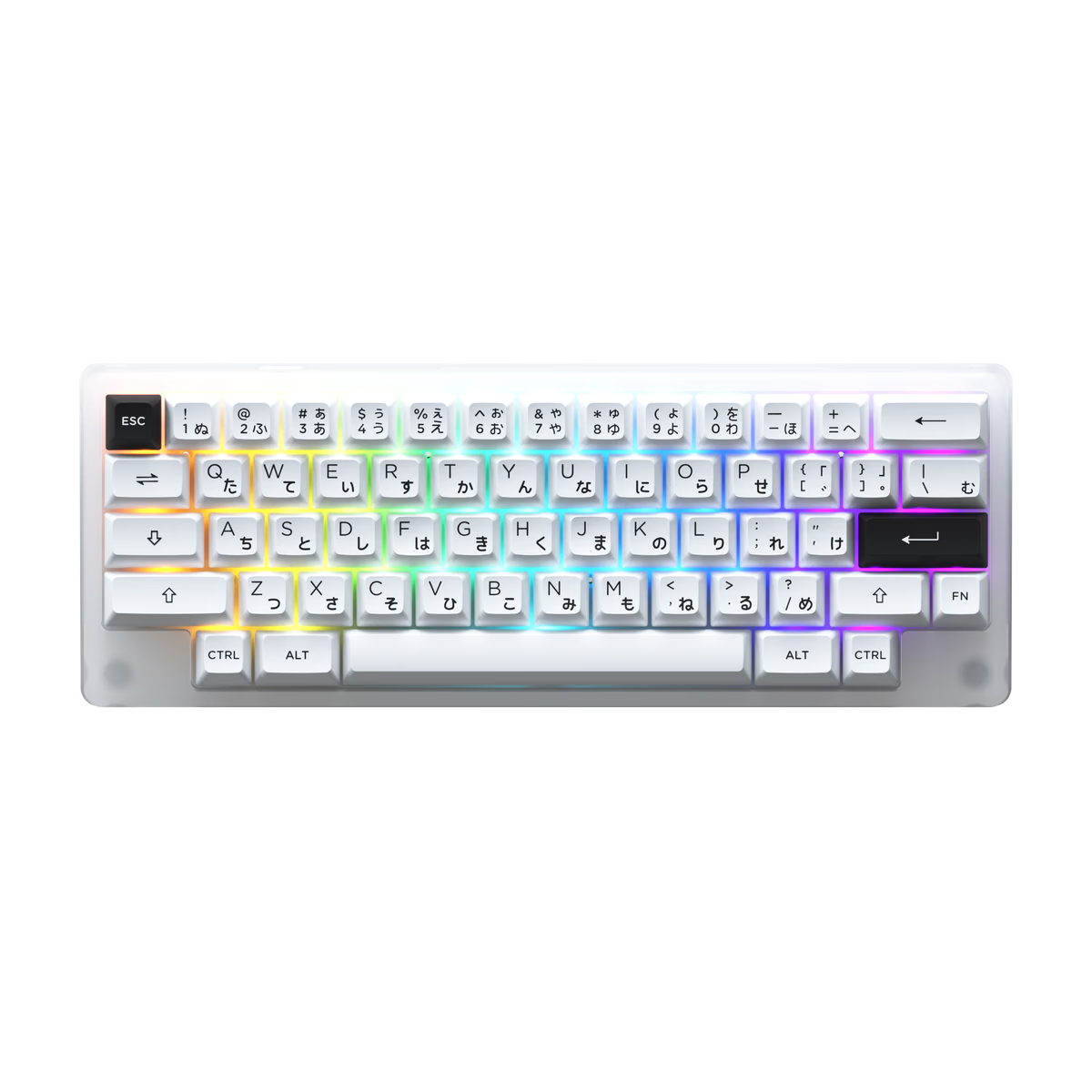
Akko
Akko ACR59
from—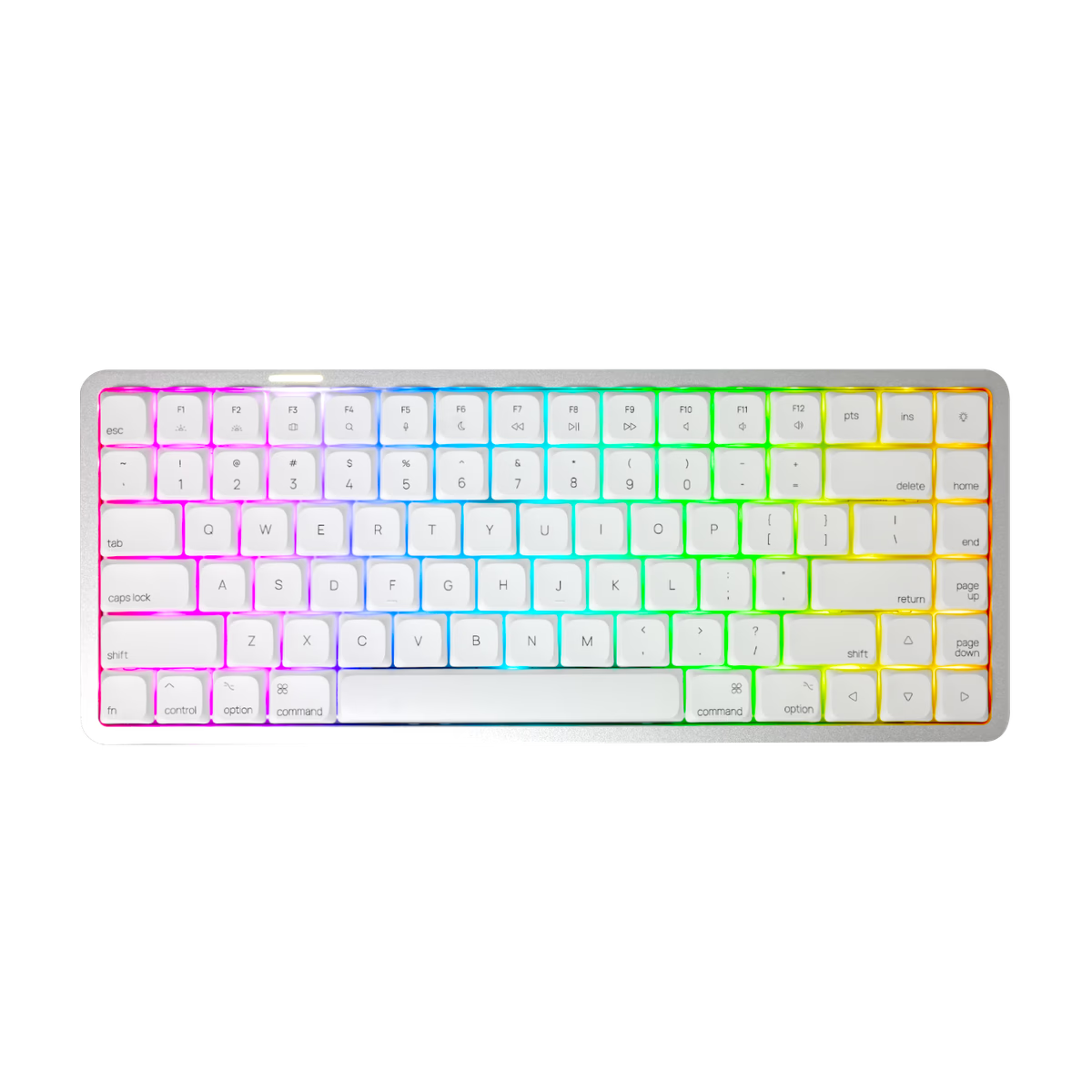
Akko
Akko AIR01
from$99.99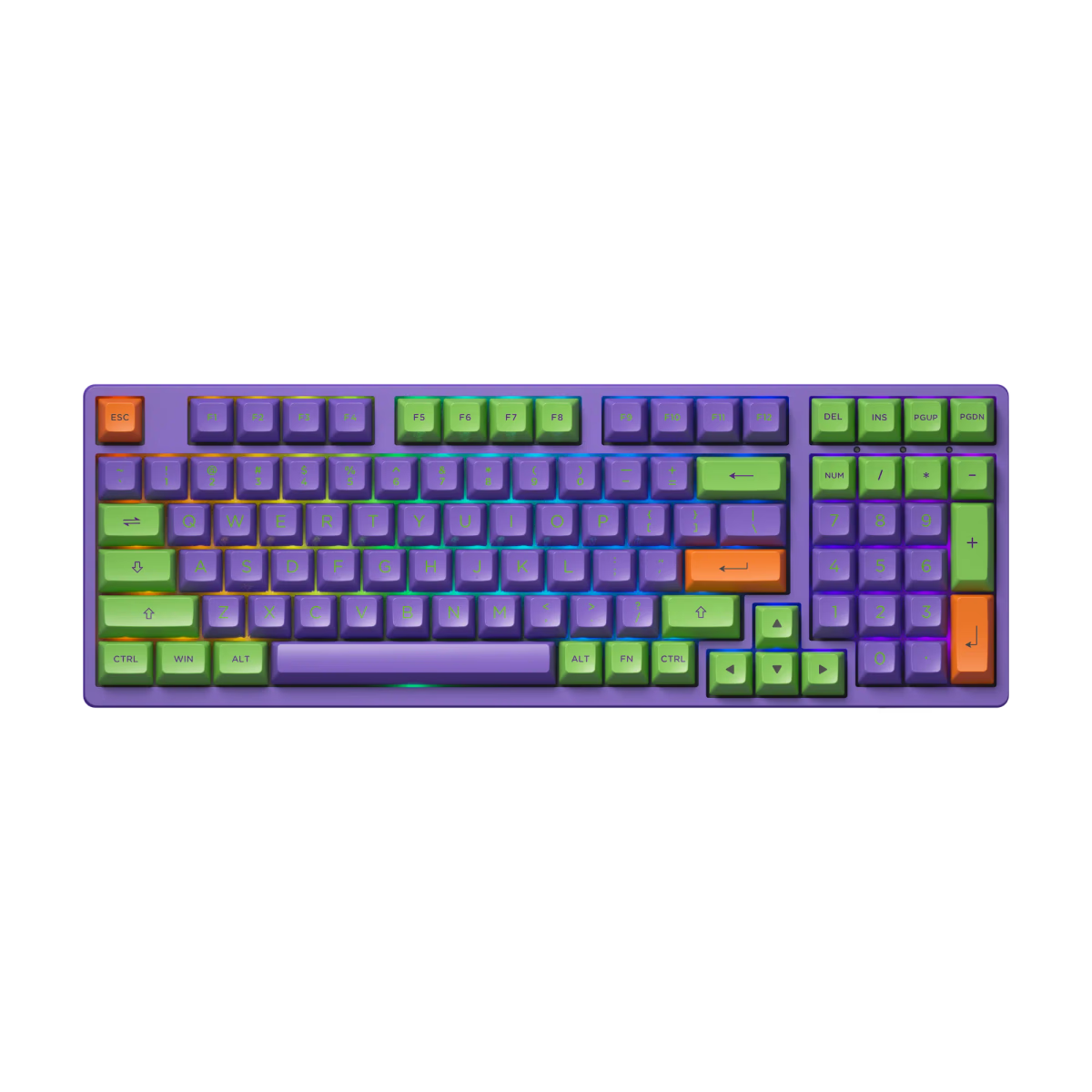
Akko
Akko EVA 01
from—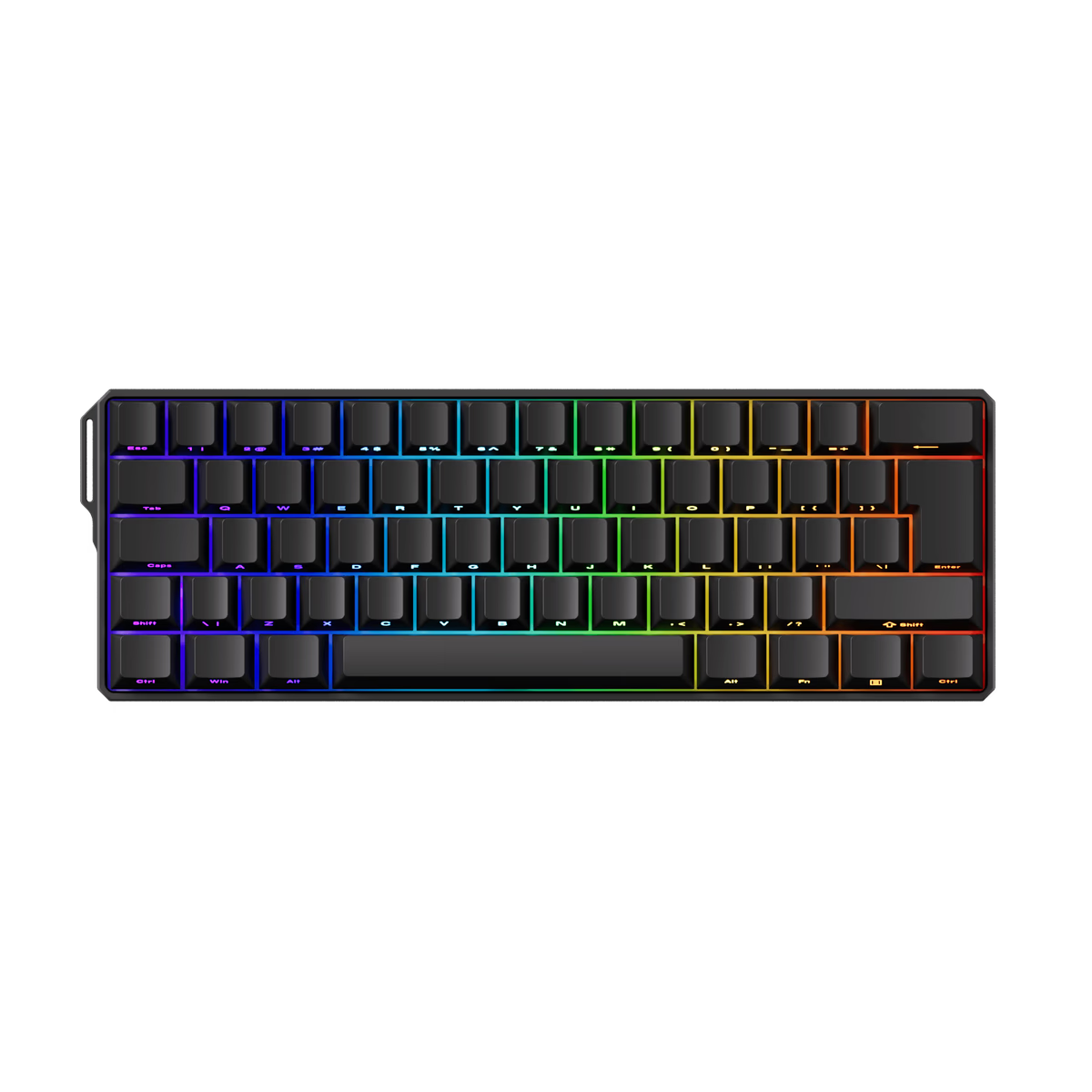
Akko
Akko FUN60 HE
from—Akko
Akko FUN60 Ultra HE
from—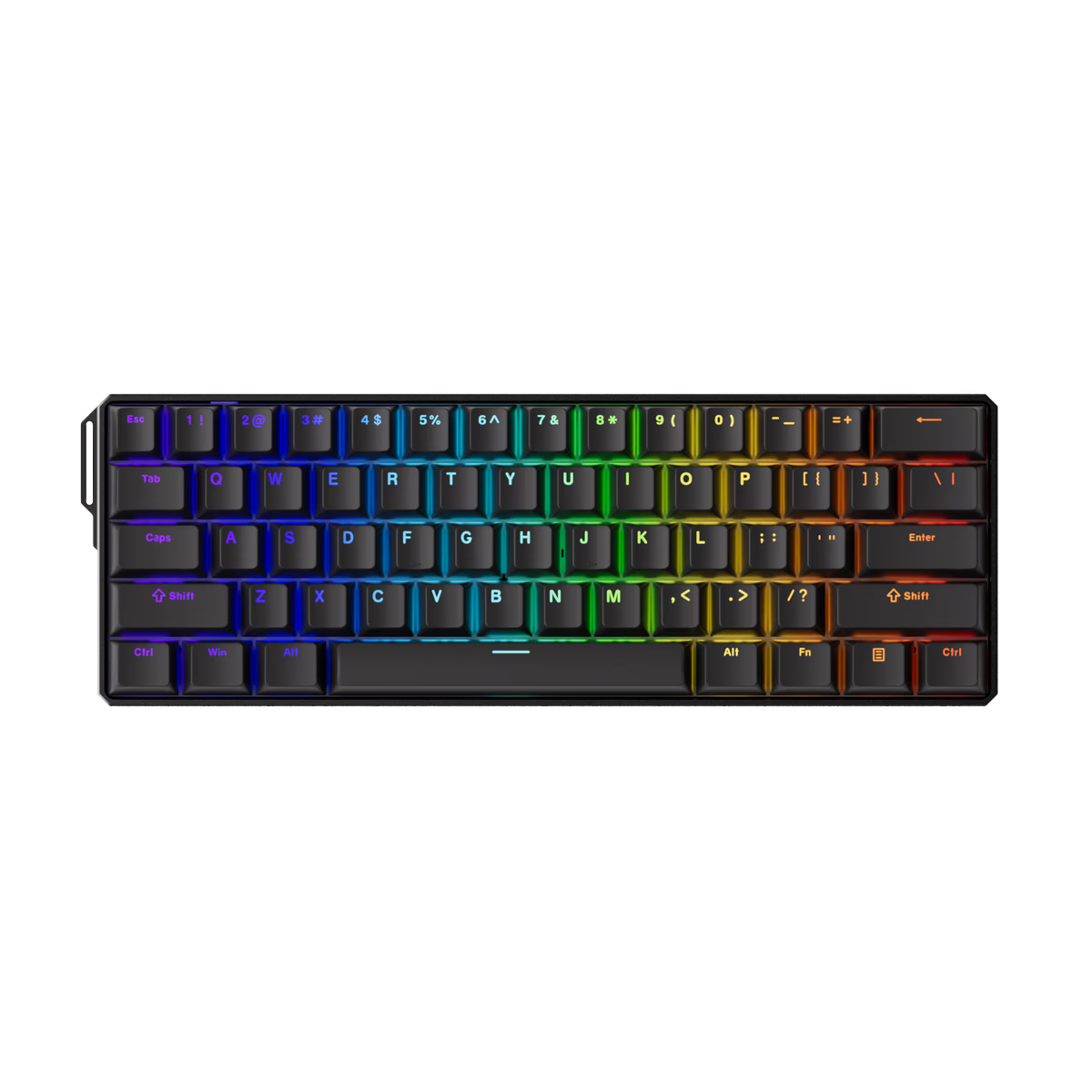
Akko
Akko FUN60 Ultra TMR
from—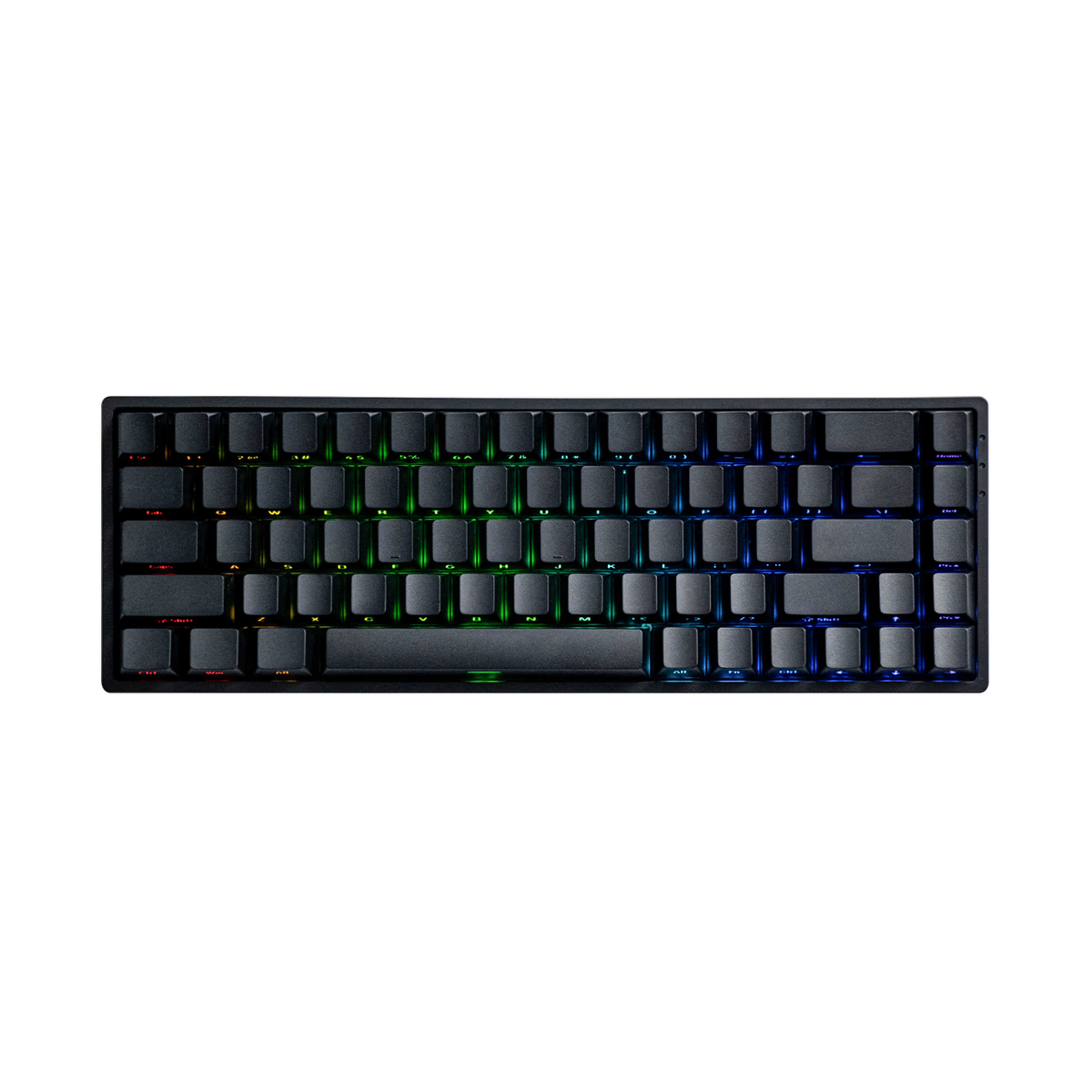
Akko
Akko FUN68 HE
from—
About mechanical keyboards
A mechanical keyboard is a full assembly: case, plate, PCB, stabilizers, switches, and keycaps. The form factor — full-size, TKL, 75%, 65%, 60%, 40% — determines how many keys it carries and how much desk space it consumes.
We index keyboards by form factor, connectivity (wired, wireless, Bluetooth), layout (ANSI, ISO, JIS, ortho), mounting style (tray, top, gasket, leaf-spring, o-ring), and whether the PCB supports hot-swap sockets so you can change switches without a soldering iron.
Filter by what you actually need. Hot-swap plus a 65-75% form factor is the most flexible starting point for enthusiasts; full-size with numpad still dominates productivity workflows.
Frequently asked
What form factor should I buy first?
Is hot-swap actually important?
What mounting style feels best?
Wired vs wireless for typing?
Explore other keyboards
Common facets and sub-categories within the database.
Form factor
60% keyboards
Compact, no arrows or F-row — maximum portability for layer-comfortable typists.
Form factor
TKL keyboards
Full-size minus numpad. The balance point for gamers who keep their mouse close.
Feature
Hot-swap boards
Switch sockets instead of solder. Experiment with switches without a soldering iron.
Connectivity
Wireless
Battery-powered boards with 2.4GHz or Bluetooth. Cable-free desks, days of battery life.